
This page is not an official page of the app or its developer, but an independent editorial publication created for informational and commentary purposes. Unless expressly stated otherwise, neither the app nor its developer is affiliated with, endorsed by, sponsored by, authorized by, or otherwise officially connected with MWM, Apple, Google Play, the app publisher, or the app's developer, and nothing on this page implies that the app was developed using MWM's services. Any trademarks, logos, screenshots, and other content remain the property of their respective owners.

RoomPlan - Interior 3D Scanner
Instantly transform any space into a detailed 3D model using your iPhone's LiDAR scanner. Scan, edit, and export to professional software with a one-time purchase—no subscriptions, no hidden fees.
Downloads
15K+User Rating
Total Ratings
200Publisher
Category
UtilitiesLocales
4Latest Version
1.3.3Size
49.7 MBFirst Released
Dec 13, 2022Transform Your Space into 3D in Seconds
Harness the power of LiDAR technology to capture every detail of your room. Whether you are a professional designer or a DIY enthusiast, create accurate 3D models and floor plans with just your camera.
Instant AI-Powered Scanning
Walk through your room and watch as our app magically generates a detailed 3D model in real-time. No manual measurements or tape measures required.
Pro Export & Editing Tools
Fine-tune your scans and export them as USDZ or USD files. Seamlessly integrate your models into professional software like AutoCAD, SketchUp, or Blender.
The following screenshots and description are sourced directly from the app's official store listing and are the property of the app developer.
App Store
Screenshots
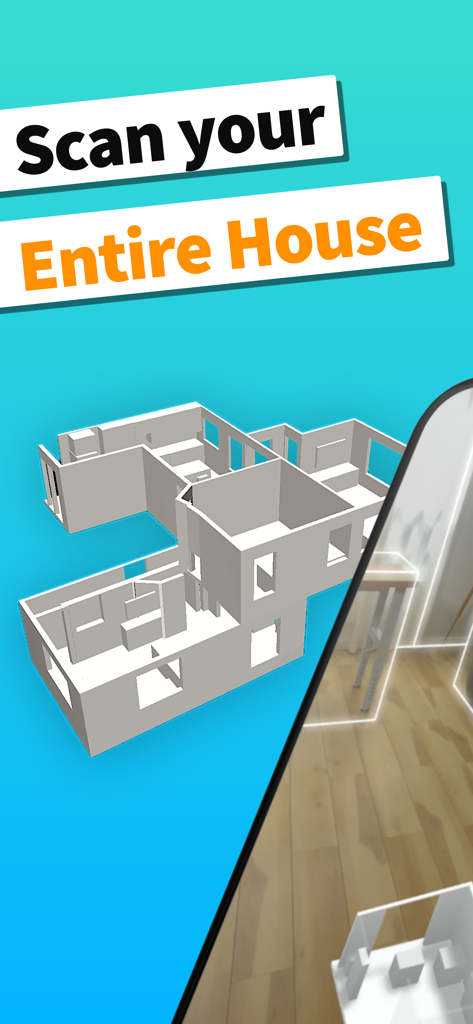
3D model of a house floor plan generated by the RoomPlan interior scanner app
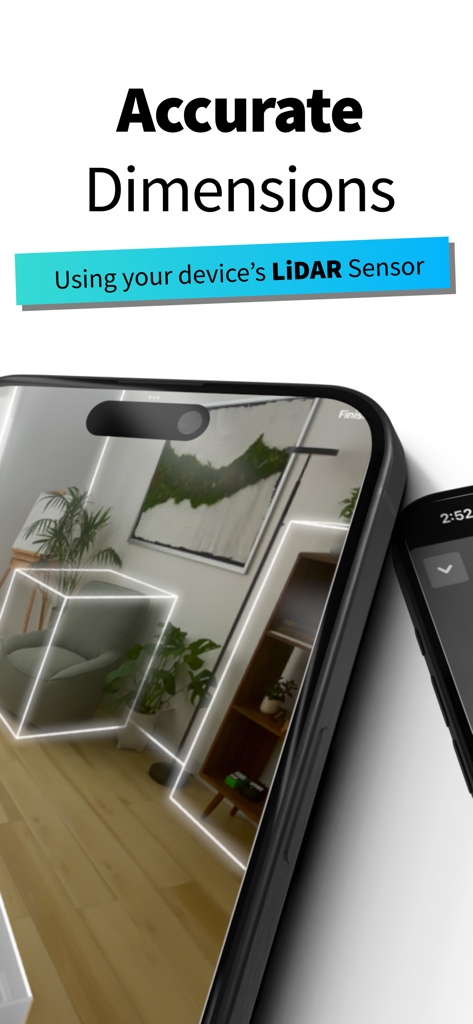
Smartphone using LiDAR sensor for accurate 3D room dimension scanning
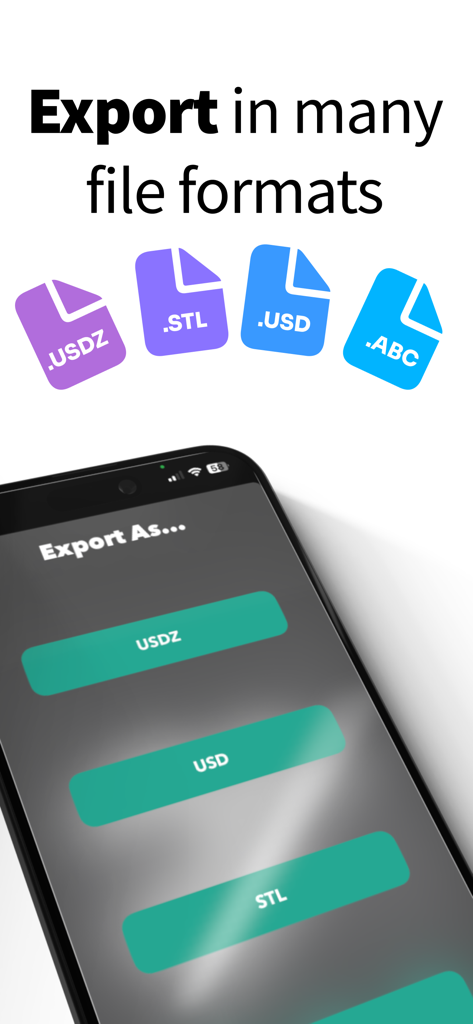
Interface of RoomPlan app showing 3D export file formats like USDZ, STL, and USD.
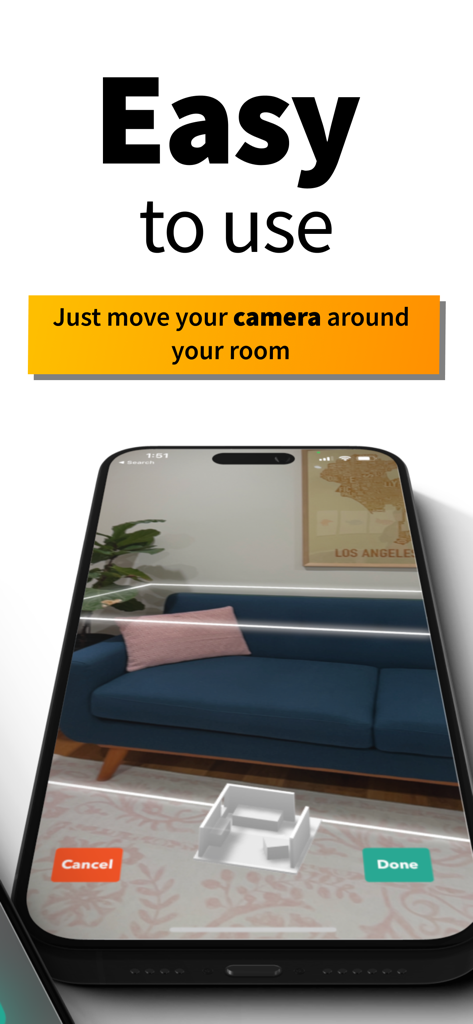
A smartphone displaying the RoomPlan app interface as it scans a living room with a blue sofa in real-time.
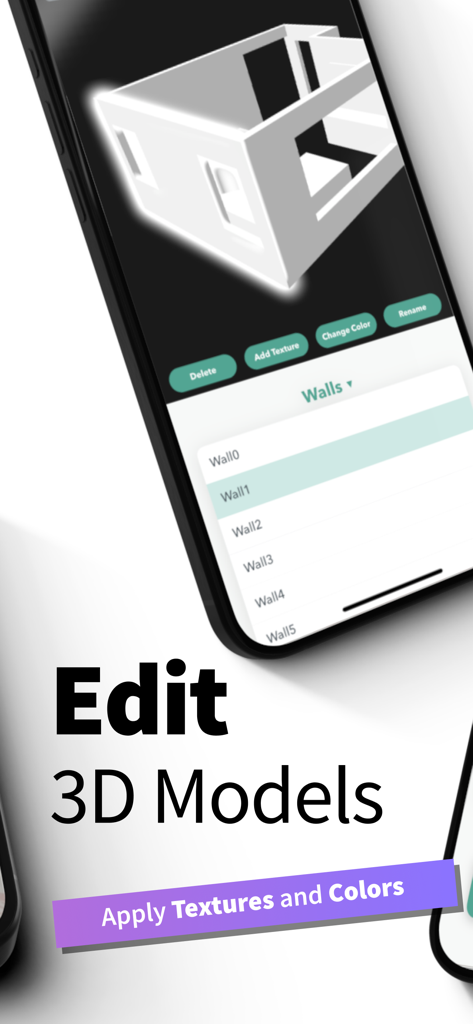
Smartphone screen showing the editing interface of a 3D room model with options to apply textures and colors
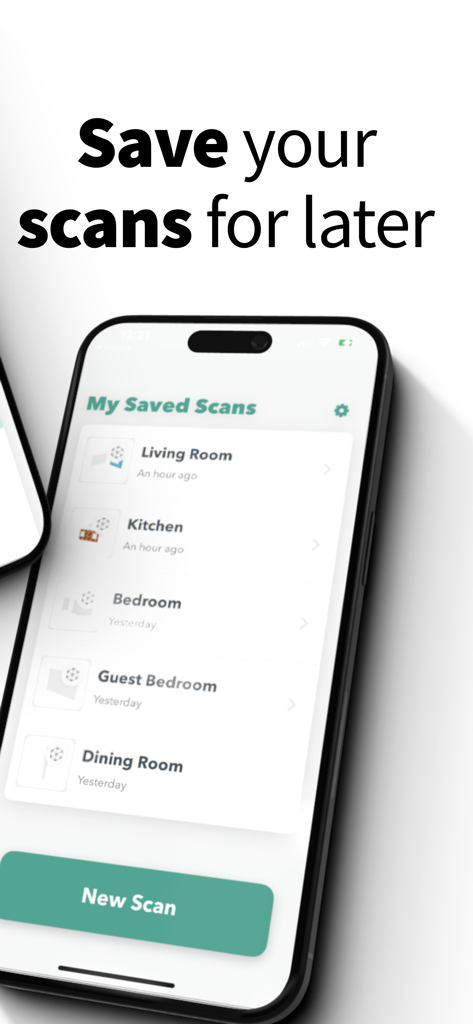
A list of saved 3D room scans including living room and kitchen in the RoomPlan app
Description
Download
More Like This
Top-ranked apps in the same category

Google LLC

Google Chrome
Google LLC

中国移动(手机营业厅)
China Mobile Online Services Co., Ltd.

Google Authenticator
Google LLC

CNH do Brasil
Servicos e Informacoes do Brasil

Cleanup: Phone Storage Cleaner
DEEP FLOW SOFTWARE SERVICES - FZCO

gov.br
Servicos e Informacoes do Brasil

Microsoft Edge: AI Browser
Microsoft Corporation

Super VPN Fly 2026
YUNFAN TECHNOLOGY CO., LIMITED
This page is not an official page of the app or its developer, but an independent editorial publication created for informational and commentary purposes. Unless expressly stated otherwise, neither the app nor its developer is affiliated with, endorsed by, sponsored by, authorized by, or otherwise officially connected with MWM, Apple, Google Play, the app publisher, or the app's developer, and nothing on this page implies that the app was developed using MWM's services. Any trademarks, logos, screenshots, and other content remain the property of their respective owners.