
This page is not an official page of the app or its developer, but an independent editorial publication created for informational and commentary purposes. Unless expressly stated otherwise, neither the app nor its developer is affiliated with, endorsed by, sponsored by, authorized by, or otherwise officially connected with MWM, Apple, Google Play, the app publisher, or the app's developer, and nothing on this page implies that the app was developed using MWM's services. Any trademarks, logos, screenshots, and other content remain the property of their respective owners.


RustDesk Remote Desktop
Take command of your remote servers and workstations with a privacy-first, subscription-free alternative built for power users and IT professionals.
Downloads
127K+User Rating
Total Ratings
100Publisher
Category
UtilitiesLocales
1Latest Version
1.4.5Size
59.9 MBFirst Released
Aug 21, 2021Empower Your Remote Workflow
The premier open-source remote desktop client. Securely manage your servers and workstations from your iOS device without the subscription traps of big tech.
Self-Hosted Sovereignty
Eliminate third-party risks. Host your own relay server for a fully private infrastructure that you control from start to finish.
Open-Source Transparency
Trust through auditability. Benefit from a security-first architecture and a community-driven codebase that puts your privacy above profits.
Frequently Asked Questions
Everything you need to know about RustDesk Remote Desktop
What is RustDesk Remote Desktop?
RustDesk Remote Desktop is an open-source application that enables remote control of other devices. It functions as an alternative to TeamViewer, offering a robust solution for accessing computers remotely.
Does RustDesk Remote Desktop allow being controlled?
No, RustDesk Remote Desktop exclusively provides the ability to control other devices. It does not support being controlled or screen sharing from the device where the app is installed.
Is RustDesk Remote Desktop an open-source application?
Yes, RustDesk Remote Desktop is an open-source application. Its complete source code is publicly accessible on GitHub, providing transparency and community contributions.
Is RustDesk Remote Desktop safe to install if requested by an unknown person?
No, the RustDesk Remote Desktop app explicitly warns against installation if prompted by an unknown and untrusted individual. Such requests are highly indicative of scam attempts.
What operating systems can RustDesk Remote Desktop control?
RustDesk Remote Desktop can control devices across various operating systems. These include Apple macOS, Microsoft Windows, and Linux-based systems, as shown by connection icons.
Does RustDesk Remote Desktop offer image quality settings during remote sessions?
Yes, RustDesk Remote Desktop provides customizable image quality settings for remote sessions. Users can choose between "Good image quality", "Balanced", or "Optimize reaction time."
Can RustDesk Remote Desktop display a remote cursor?
Yes, RustDesk Remote Desktop features a specific setting to "Show remote cursor" during active remote control sessions, enhancing user interaction visibility.
Can users set up their own servers for RustDesk?
Yes, RustDesk provides the flexibility for users to establish their own rendezvous/relay servers. This option allows for customized network configurations beyond public servers.
The following screenshots and description are sourced directly from the app's official store listing and are the property of the app developer.
App Store
Screenshots
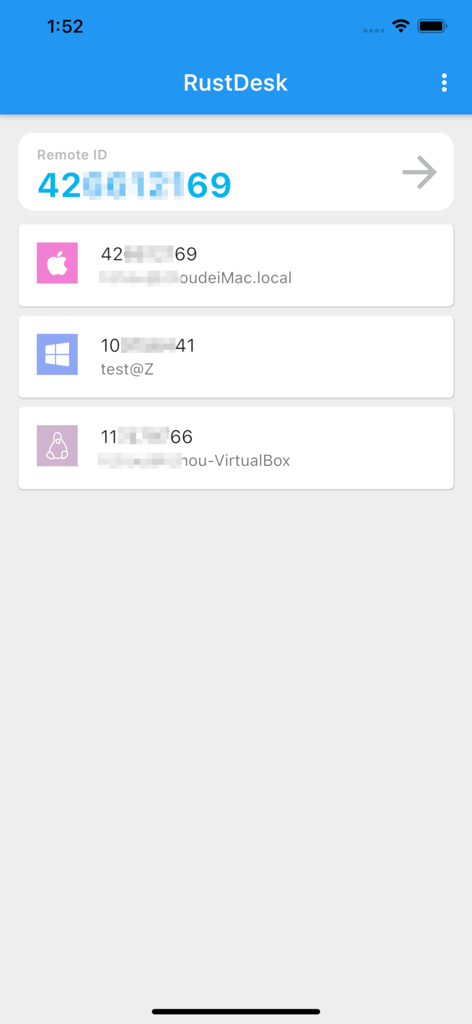
RustDesk app interface showing remote ID input and a list of saved desktop connections for Mac, Windows, and Linux.
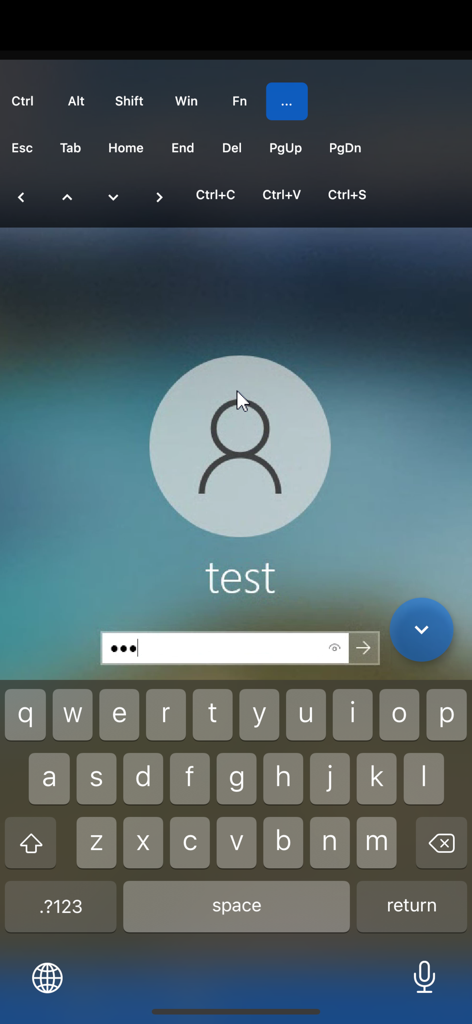
RustDesk mobile app showing a remote computer login screen with a virtual keyboard and desktop shortcuts
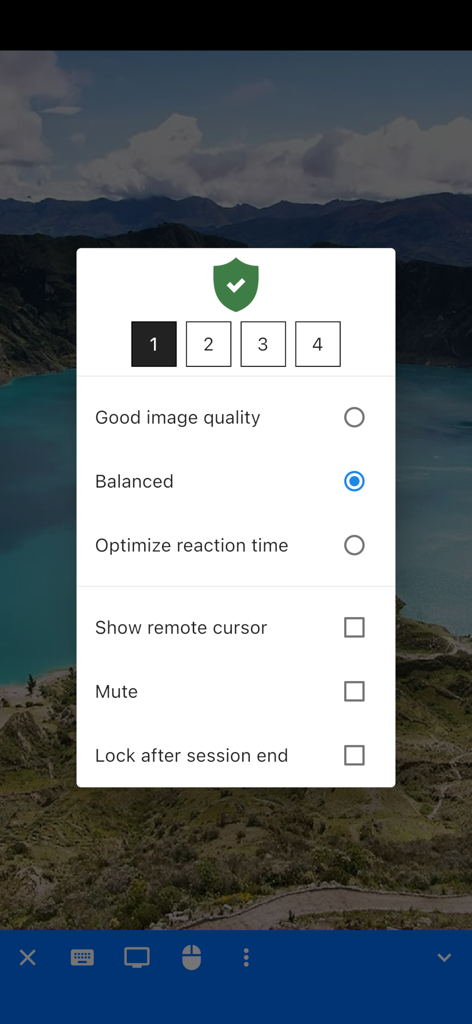
RustDesk iOS remote session settings for image quality and display options
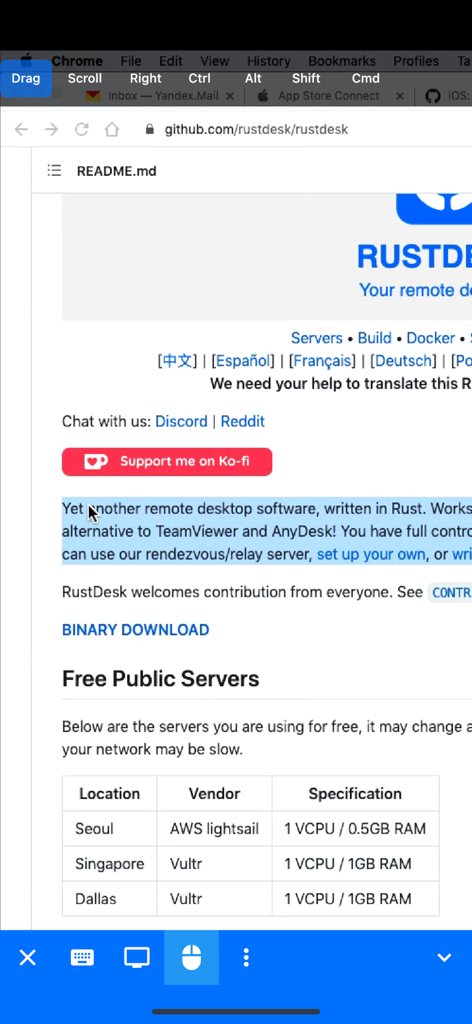
RustDesk GitHub repository README page on a mobile browser
Description
Download
More Like This
Apps with similar features and user experience

向日葵远程控制-Sunlogin remotecontrol
Shanghai best oray information s&t co.,ltd

UU远程-远程办公/游戏串流
Guangzhou NetEase Computer System Co.Ltd

AweSun Remote Desktop
AWERAY PTE. LTD.

AnyDesk Remote Desktop
AnyDesk Software GmbH

TeamViewer Remote Control
TeamViewer Germany GmbH

ToDesk远程控制
Hainan Youqu Technology Co., Ltd.

DeskIn Remote Desktop
ZULER TECHNOLOGY PTE. LTD.

Termius - Modern SSH Client
Termius Corporation

RealVNC Viewer: Remote Desktop
RealVNC Limited
This page is not an official page of the app or its developer, but an independent editorial publication created for informational and commentary purposes. Unless expressly stated otherwise, neither the app nor its developer is affiliated with, endorsed by, sponsored by, authorized by, or otherwise officially connected with MWM, Apple, Google Play, the app publisher, or the app's developer, and nothing on this page implies that the app was developed using MWM's services. Any trademarks, logos, screenshots, and other content remain the property of their respective owners.