
This page is not an official page of the app or its developer, but an independent editorial publication created for informational and commentary purposes. Unless expressly stated otherwise, neither the app nor its developer is affiliated with, endorsed by, sponsored by, authorized by, or otherwise officially connected with MWM, Apple, Google Play, the app publisher, or the app's developer, and nothing on this page implies that the app was developed using MWM's services. Any trademarks, logos, screenshots, and other content remain the property of their respective owners.


Scanner - Edit PDF & documents
It eradicates paper chaos, delivering instant document mastery.
Downloads
2.5M+User Rating
Total Ratings
11.7KPublisher
Category
BusinessLocales
15Latest Version
1.13.02Size
23.8 MBFirst Released
Jan 27, 2019Evaluating essential functionalities for enhanced mobile document management.
Key Features Analysis: Scanner - Edit PDF & Documents
Advanced Document Scanning
The app provides intelligent scanning capabilities with auto-detection and an integrated flash tool, enabling users to digitize physical documents efficiently from various sources and formats.
Multi-page PDF Creation & Merging
It allows users to convert scanned documents or imported images into high-quality PDF files and merge multiple individual files into a single, cohesive PDF document.
Digital Document Signing & Annotation
This tool features electronic signature (E-sign) and paragraphing functions, allowing professionals and students to sign and annotate official and business documents directly from their mobile device.
Comprehensive Document Editing Tools
It offers extensive editing options such as trimming, rotation, contrast, luminosity adjustments, and filters, ensuring optimal readability and professional appearance of scanned documents.
Flexible Sharing & Cloud Integration
It supports easy sharing of documents via text messages, email, and direct saving to cloud services like iCloud, Dropbox, and Google Drive, facilitating seamless collaboration and backup.
Integrated File Organization & Search
The app enables robust management of scanned and imported files through folder creation, renaming, and powerful search and organization functions, simplifying document retrieval.
The following screenshots and description are sourced directly from the app's official store listing and are the property of the app developer.
App Store
Screenshots
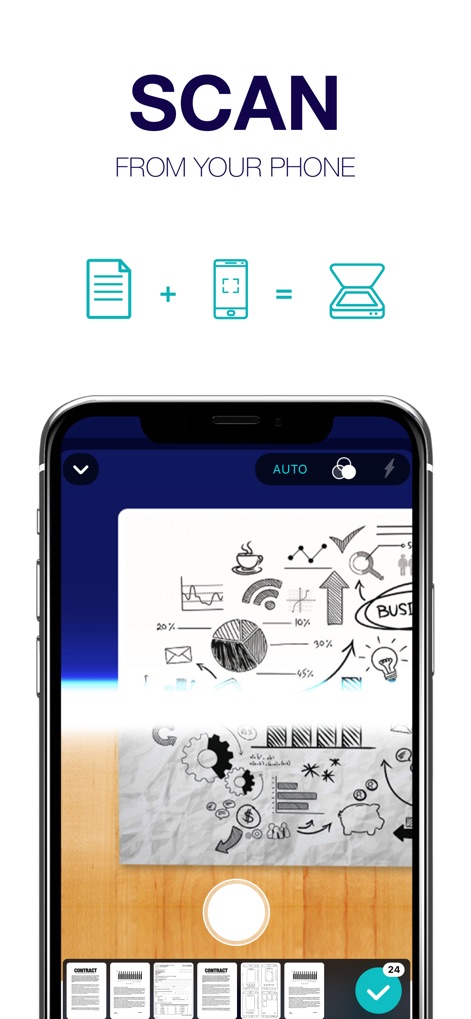
Users can efficiently scan documents using the app's auto-detection feature and integrated flash tool for optimal image clarity.
Mobile Document Capture
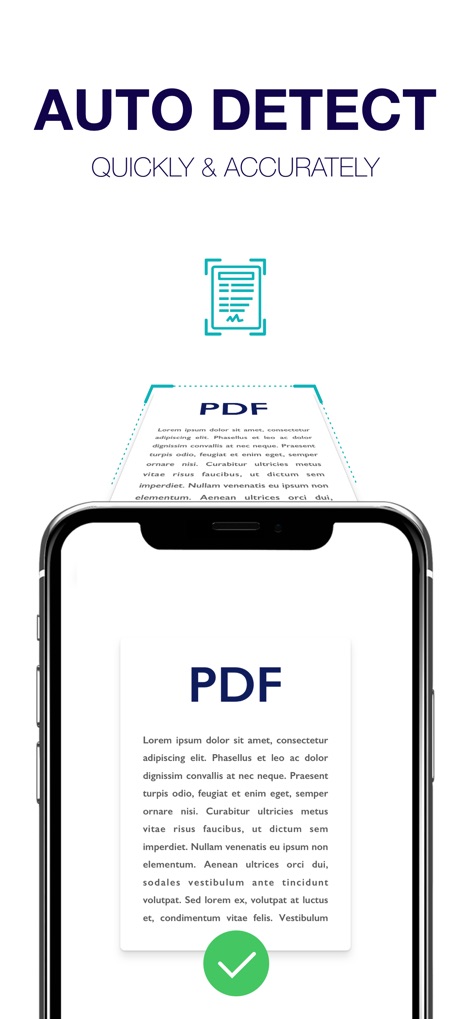
Observe the app's precise auto-detection converting scanned documents into high-quality PDF format with a quick confirmation.
Swift Document Processing
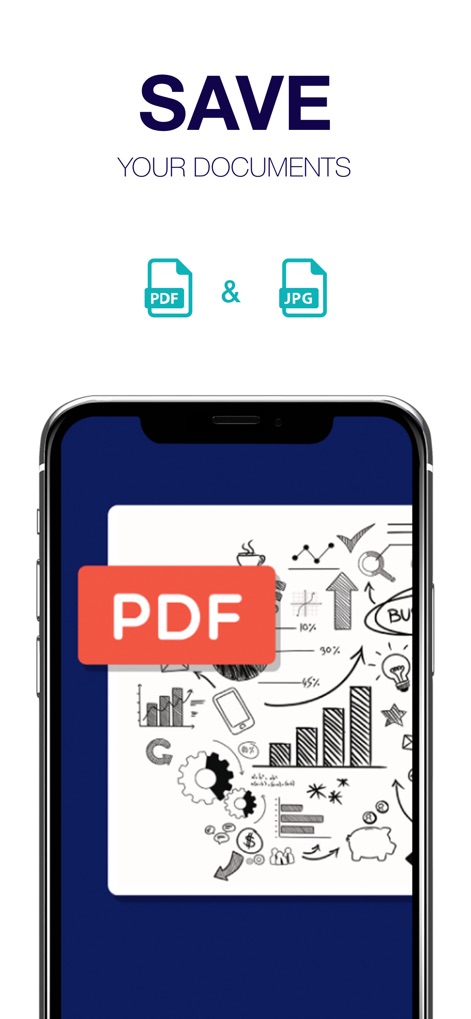
The app enables users to save scanned documents in popular formats such as high-resolution PDF and versatile JPEG files.
Flexible Export Formats
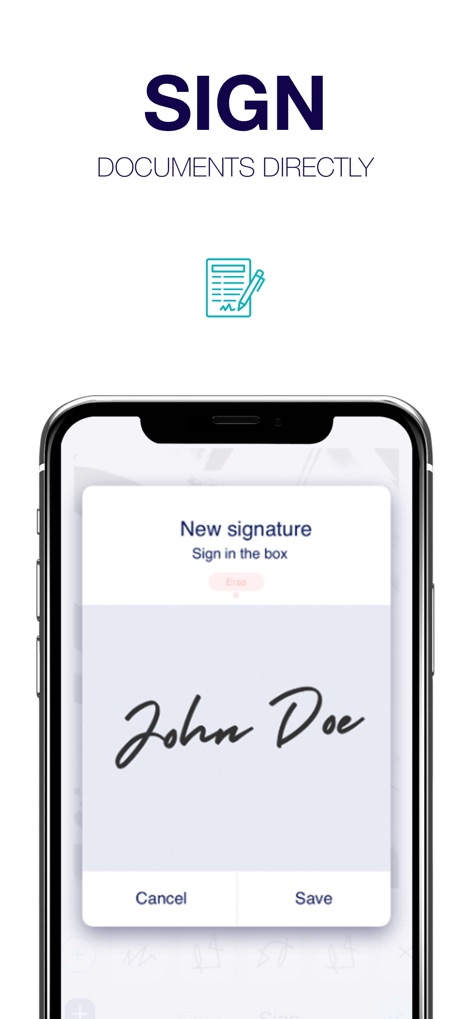
This tool allows users to easily create and save their e-signatures directly on documents for official and business needs.
Secure Digital Signatures
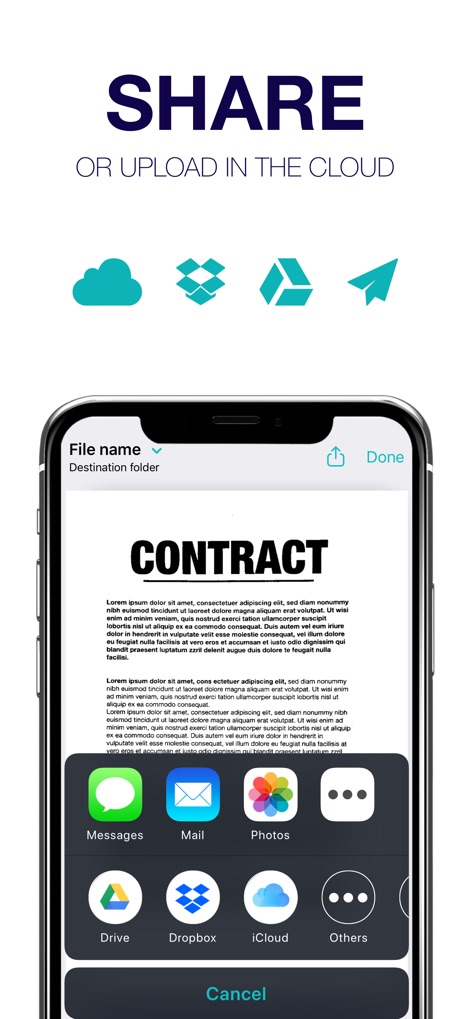
Explore the app's diverse sharing capabilities, including direct messaging and seamless integration with cloud services like Dropbox and iCloud.
Integrated Sharing Options
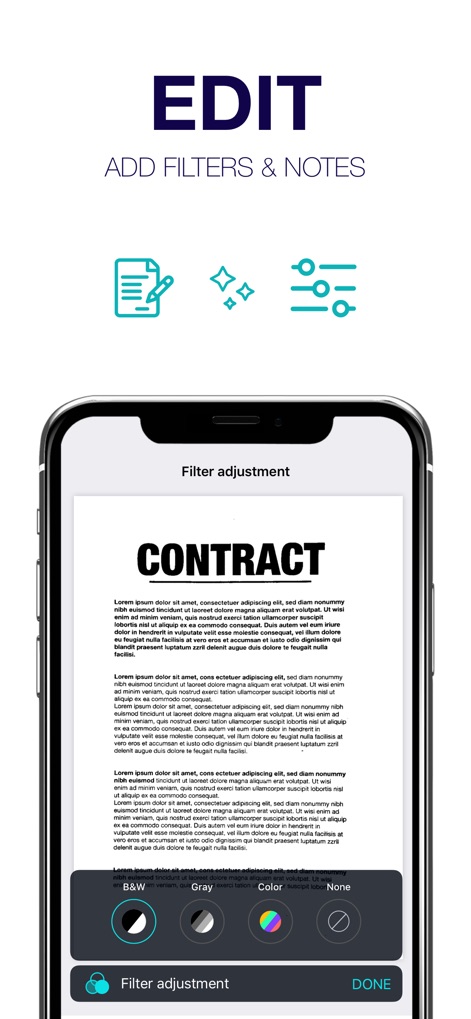
The app provides robust editing features, allowing users to apply various filters like B&W and adjust contrast or luminosity.
Refined Document Enhancement
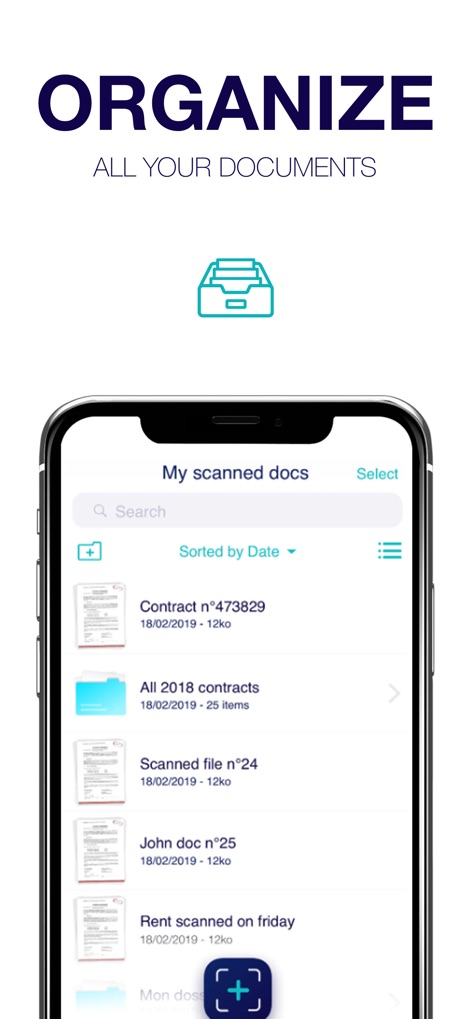
A comprehensive local library empowers users with efficient folder organization and quick search functionalities for all their scanned files.
Centralized Document Management
Description
Download
More Like This
Apps with similar features and user experience

PDF PRO Scan Image & Documents
Balzo srl

The PDF Scanner, PDF editor HQ
NEXT K.U.M. LTD

CamScanner - PDF Scanner App
INTSIG Information Co., Ltd

Adobe Scan: PDF & OCR Scanner
Adobe Inc.

WPS Office: PDF, Docs, Sheets
KINGSOFT OFFICE SOFTWARE CORPORATION LIMITED

iLovePDF - PDF Editor & Scan
ILOVEPDF S.L.

Scanner App: Genius Scan
The Grizzly Labs

Microsoft Lens: PDF Scanner
Microsoft Corporation

Clear Scan: Doc Scanner App
INDY MOBILE APP COMPANY LIMITED
This page is not an official page of the app or its developer, but an independent editorial publication created for informational and commentary purposes. Unless expressly stated otherwise, neither the app nor its developer is affiliated with, endorsed by, sponsored by, authorized by, or otherwise officially connected with MWM, Apple, Google Play, the app publisher, or the app's developer, and nothing on this page implies that the app was developed using MWM's services. Any trademarks, logos, screenshots, and other content remain the property of their respective owners.