
This page is not an official page of the app or its developer, but an independent editorial publication created for informational and commentary purposes. Unless expressly stated otherwise, neither the app nor its developer is affiliated with, endorsed by, sponsored by, authorized by, or otherwise officially connected with MWM, Apple, Google Play, the app publisher, or the app's developer, and nothing on this page implies that the app was developed using MWM's services. Any trademarks, logos, screenshots, and other content remain the property of their respective owners.


Scanner Pro・Scan PDF Documents
Paperwork disappears. The app grants users effortless document control, transforming physical clutter into digital order.
Downloads
2.5M+User Rating
Total Ratings
804.8KPublisher
Category
BusinessLocales
10Latest Version
8.36.0Size
354.3 MBFirst Released
Oct 9, 2009An Analytical Overview for Professionals and Efficient Document Management
Scanner Pro・Scan PDF Documents: Key Capabilities
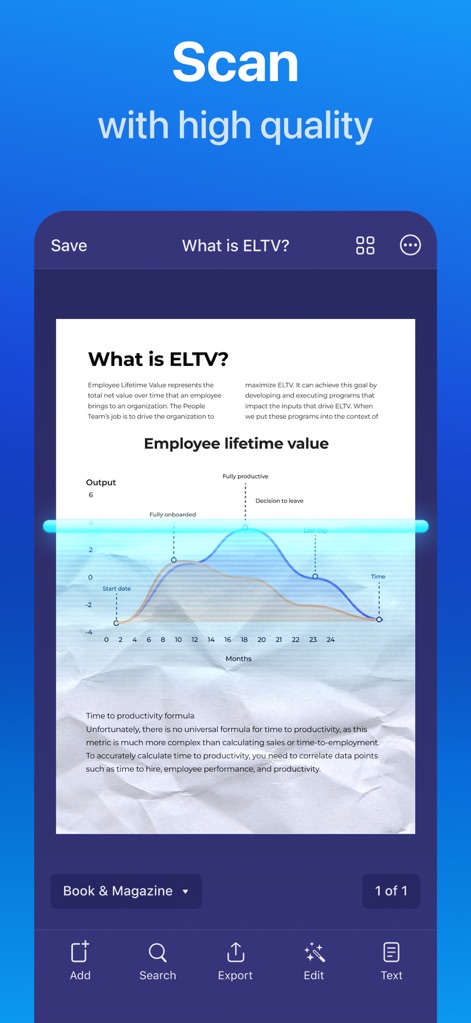
High-Quality Scanning with Auto-Correction
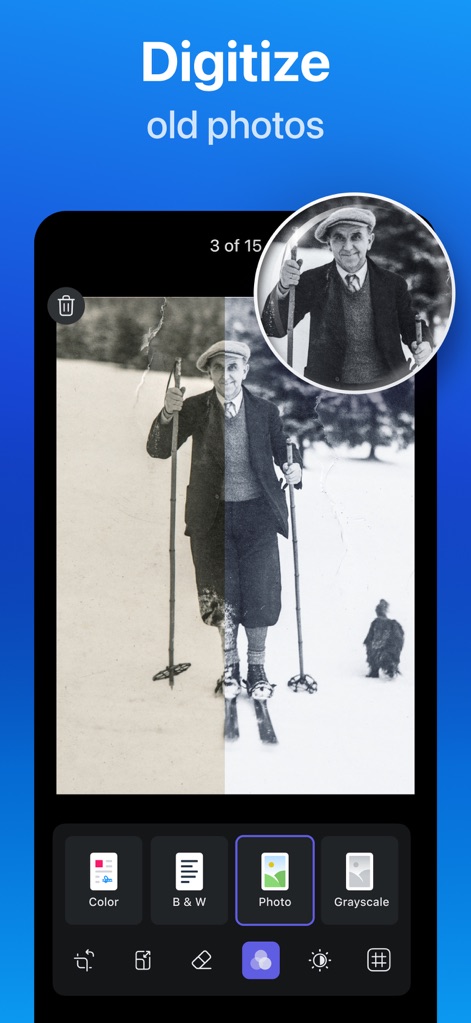
The app provides advanced image processing that automatically detects borders, corrects perspective, removes shadows, and enhances scans to produce high-quality digital documents suitable for professional use.
OCR & Full-Text Search
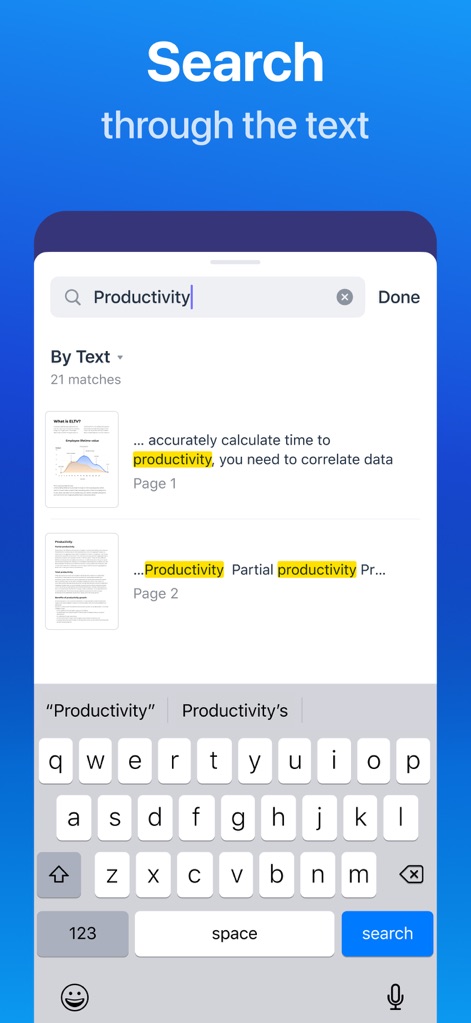
It features powerful OCR technology that converts scanned documents into searchable and editable text, enabling users to easily find information and export content to other applications.
Extensive Cloud Integration
The tool offers extensive cloud integration, allowing users to automatically upload and sync scans to popular services like Dropbox, Google Drive, OneDrive, and iCloud, ensuring documents are accessible across all devices.
Smart Organization & Workflow Automation
It includes smart organizational features such as folder creation and one-tap workflow automation for renaming, sending, and uploading scans, significantly streamlining document management.
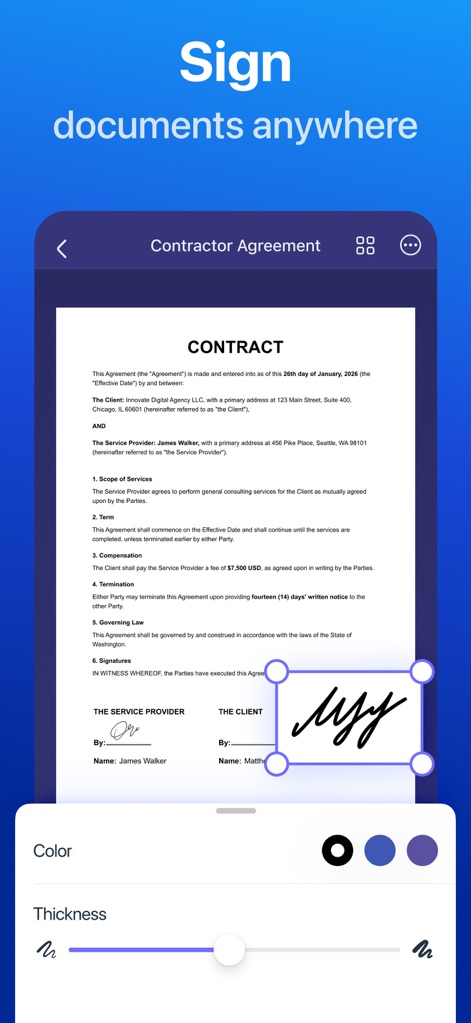
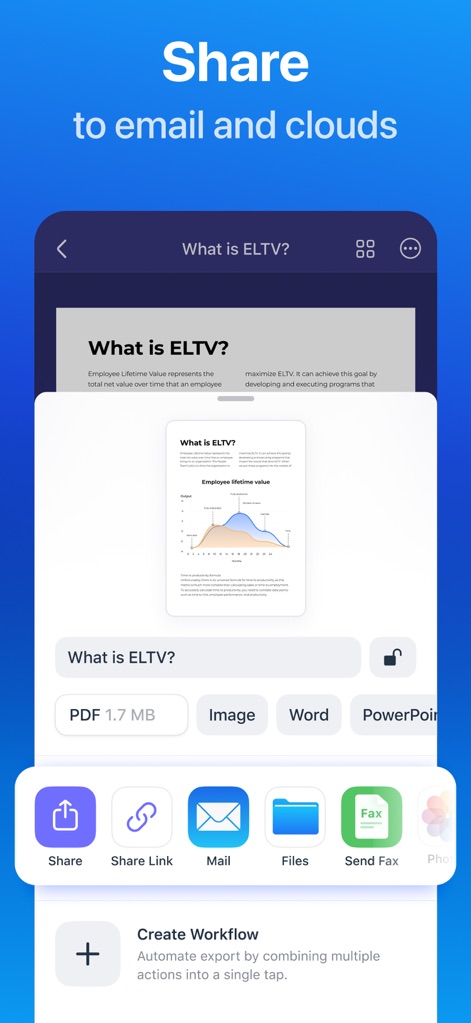
Secure & Unlimited Document Sharing
Users can securely share an unlimited number of scanned documents through email, direct uploads, or integration with third-party applications, facilitating collaboration and distribution.
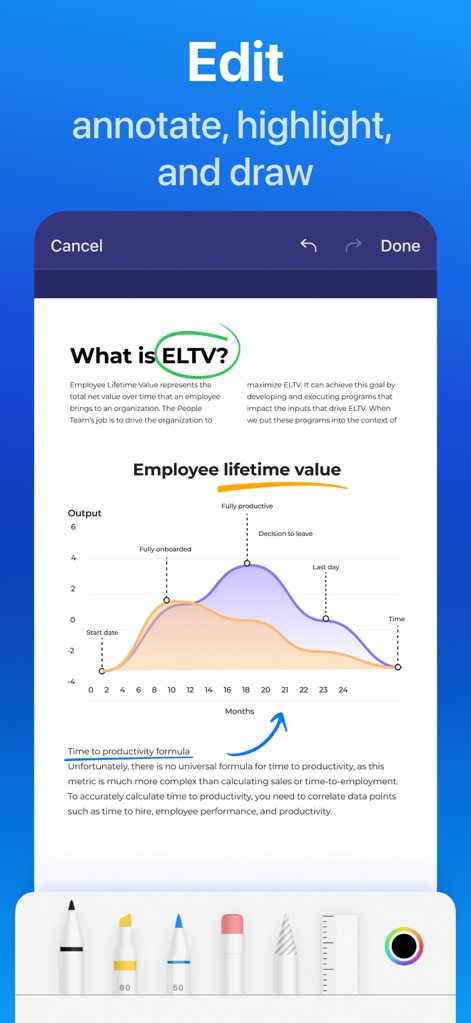
In-App Editing & Annotation
The app allows users to conveniently edit scans directly within the application, offering tools for highlighting, writing, and drawing to annotate documents as needed.
Frequently Asked Questions
Everything you need to know about Scanner Pro・Scan PDF Documents
Is Scanner Pro free to use?
Yes, Scanner Pro is completely free to download. Users can enjoy professional scans and convenient document sharing, including unlimited file sharing, without any charge.
What types of documents can Scanner Pro scan?
Scanner Pro supports scanning various document types including agreements, receipts, IDs, books, and pictures. It converts these into high-quality PDFs using advanced image processing.
Does Scanner Pro have OCR and full-text search?
Yes, Scanner Pro offers OCR and full-text search capabilities. This allows users to highlight important sections, convert scans into text, and then read, copy, or export that text to other applications.
How can I share documents using Scanner Pro?
Scanner Pro enables sharing of unlimited scans for free. Users can share via email, upload to photos, use third-party apps, or export directly to cloud services like Dropbox, Google Drive, and iCloud with sync functionality.
Can I edit scanned documents in Scanner Pro?
Yes, Scanner Pro allows direct editing of scanned documents. Users can highlight, write, and draw on their scans. The app also features advanced image processing for corrections like border detection.
Can Scanner Pro scan QR codes?
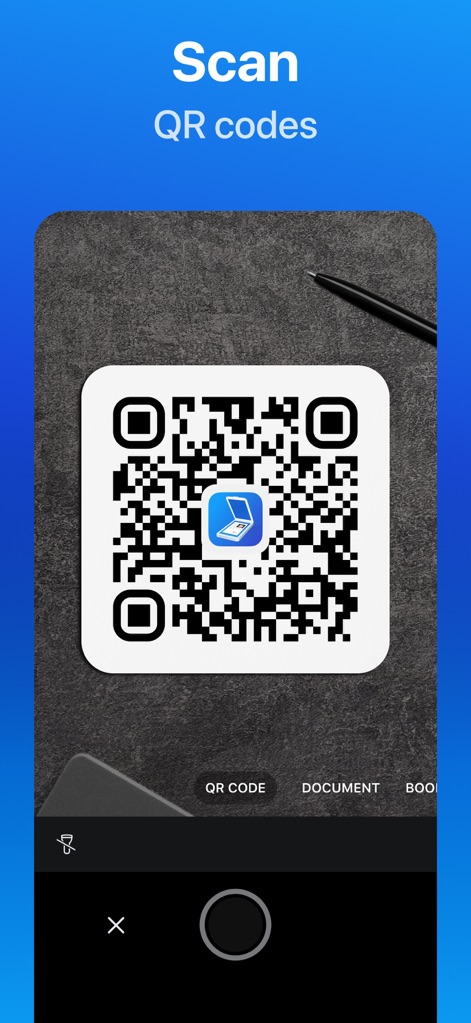
Yes, Scanner Pro includes a dedicated QR Code Mode. Users can scan and decode QR codes effortlessly by pointing their device's camera at the code, without requiring extra steps.
How does Scanner Pro help organize documents?
Scanner Pro helps organize documents by allowing users to create folders and automate workflows. This includes renaming, sending, and uploading scans in one tap, making important documents easy to find.
Can I password protect documents in Scanner Pro?
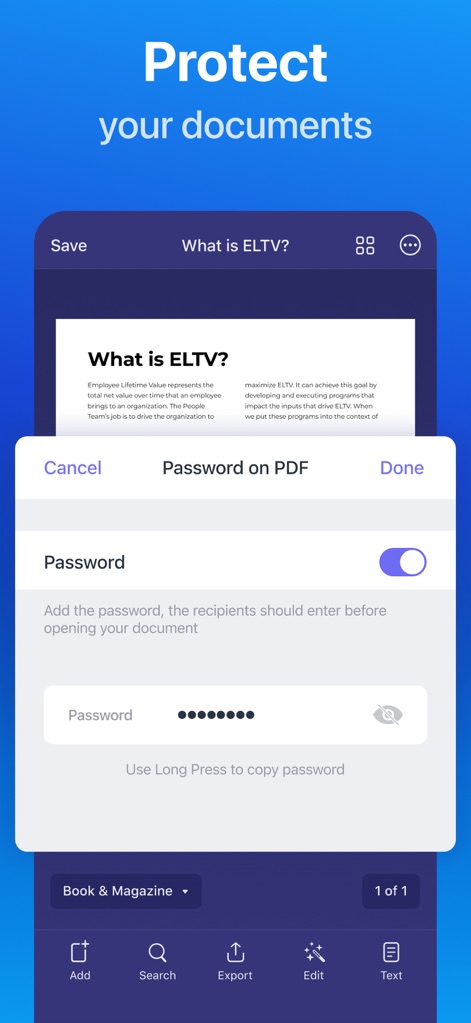
Yes, Scanner Pro offers the ability to protect documents by adding a password to PDF files. This ensures that recipients must enter the password before they can open and view the document.
What file formats does Scanner Pro support for conversion?
Scanner Pro supports converting and sharing documents in multiple formats including PDF, Image (JPG), Word, PowerPoint, and plain Text files. This provides versatility for various needs.
The following screenshots and description are sourced directly from the app's official store listing and are the property of the app developer.
App Store
Screenshots

Description
Download
More Like This
Apps with similar features and user experience

PDF PRO Scan Image & Documents
Balzo srl

The PDF Scanner, PDF editor HQ
NEXT K.U.M. LTD

CamScanner - PDF Scanner App
INTSIG Information Co., Ltd

Adobe Scan: PDF & OCR Scanner
Adobe Inc.

WPS Office: PDF, Docs, Sheets
KINGSOFT OFFICE SOFTWARE CORPORATION LIMITED

iLovePDF - PDF Editor & Scan
ILOVEPDF S.L.

Scanner App: Genius Scan
The Grizzly Labs

Microsoft Lens: PDF Scanner
Microsoft Corporation

Clear Scan: Doc Scanner App
INDY MOBILE APP COMPANY LIMITED
This page is not an official page of the app or its developer, but an independent editorial publication created for informational and commentary purposes. Unless expressly stated otherwise, neither the app nor its developer is affiliated with, endorsed by, sponsored by, authorized by, or otherwise officially connected with MWM, Apple, Google Play, the app publisher, or the app's developer, and nothing on this page implies that the app was developed using MWM's services. Any trademarks, logos, screenshots, and other content remain the property of their respective owners.