
This page is not an official page of the app or its developer, but an independent editorial publication created for informational and commentary purposes. Unless expressly stated otherwise, neither the app nor its developer is affiliated with, endorsed by, sponsored by, authorized by, or otherwise officially connected with MWM, Apple, Google Play, the app publisher, or the app's developer, and nothing on this page implies that the app was developed using MWM's services. Any trademarks, logos, screenshots, and other content remain the property of their respective owners.

Scanner Translator ترجمه مترجم
Effortlessly scan handwritten notes, translate documents into 120+ languages, and streamline your workflow with advanced AI summarization and secure e-signatures.
Downloads
10M+User Rating
Total Ratings
615K+Publisher
Category
BusinessLocales
34Latest Version
2.5Size
131.4 MBFirst Released
Feb 7, 2019Transform Every Document into Actionable Data
The ultimate AI-powered assistant for students and professionals. Go paperless with intelligent OCR, instant translation, and secure electronic signatures.
Handwriting to Editable Text
Turn scribbled lecture notes and printed pages into searchable, professional documents with high-precision AI OCR technology.
Instant 120+ Language Translation
Break language barriers instantly. Translate PDFs, books, and complex documents while maintaining the original layout and formatting.
Frequently Asked Questions
Everything you need to know about Scanner Translator ترجمه مترجم
What types of documents can the Scanner Translator app scan?
The Scanner Translator app scans documents, images, books, sheets, and PDFs. It offers advanced scanning capabilities for all these types, converting them to text or images.
How many languages does Scanner Translator support for translation?
The Scanner Translator app supports translation into over 120 languages. It translates documents, books, PDFs, and images, accommodating both typed and handwritten text with its AI features.
Can Scanner Translator convert handwritten notes into editable text?
Yes, Scanner Translator converts photos and handwritten notes into fully editable documents. This feature allows users to accurately digitize their physical writings.
What AI features does the Scanner Translator app offer?
Scanner Translator offers advanced AI features including summarizing texts, answering questions, converting files, editing, merging, deleting, searching, replacing, data extraction, and text correction, supporting over 120 languages.
How can users protect their files within the Scanner Translator app?
Users can secure their files in the Scanner Translator app by adding watermarks, managing access, uploading to iCloud or Google Drive, and protecting the app with a passkey.
Does Scanner Translator allow users to sign documents electronically?
Yes, Scanner Translator enables users to sign and send official documents with ease. The app provides full functionality for signing transactions, documents, and PDFs.
What are the subscription options for the Scanner Translator app?
Scanner Translator offers a 12-month subscription for $35.99 (with a 3-day experience), a one-month subscription for $19.99 (with 3 days experience), and a one-week subscription for $3.49 (with a 3-day trial).
How do I cancel a free trial for the Scanner Translator app?
Users can cancel a free trial or subscription anytime by turning off auto-renewal through their iTunes account settings. This must be done 24 hours before the period ends to avoid charges.
How does Scanner Translator manage documents?
Scanner Translator provides Smart Document Management, allowing users to save, export, share, or delete their files anytime. It includes comprehensive file management and storage capabilities.
Can the Scanner Translator app read text aloud?
Yes, the Scanner Translator app can read text aloud. This feature is available for translations, general texts, images, and books, enhancing accessibility.
The following screenshots and description are sourced directly from the app's official store listing and are the property of the app developer.
App Store
Screenshots
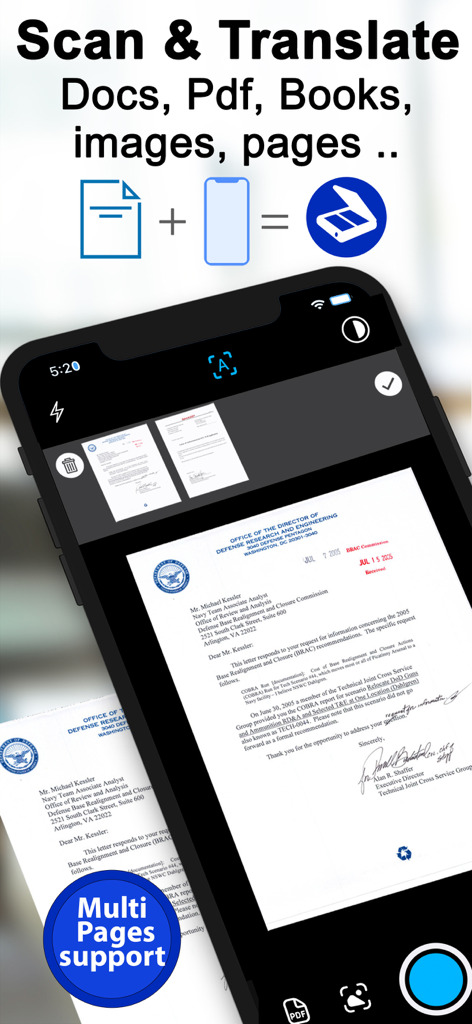
Mobile app interface showing multi page document scanning and translation features
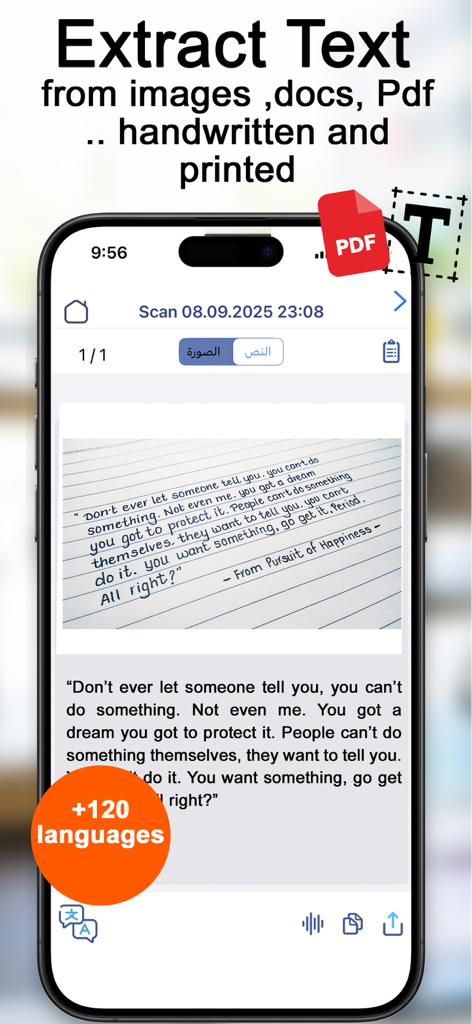
Smartphone app extracting editable digital text from a handwritten note
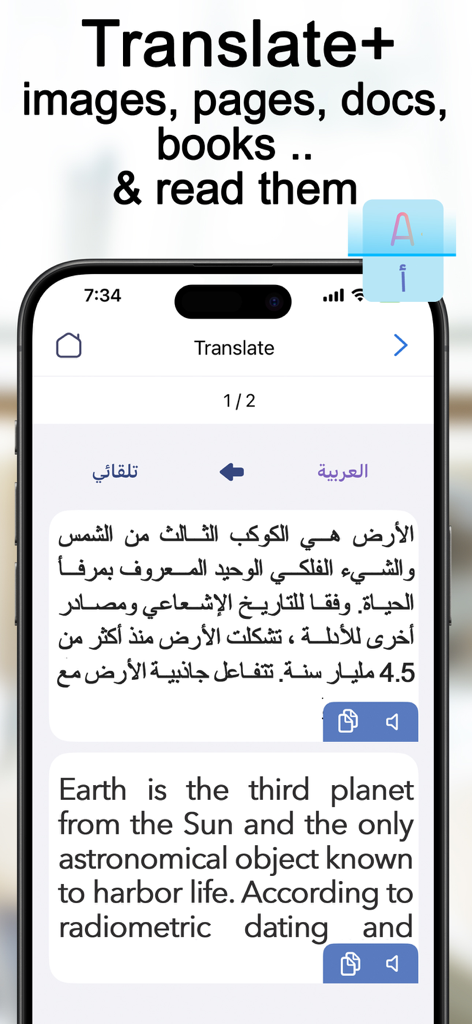
Scanner Translator app showing an Arabic to English text translation on a mobile phone.
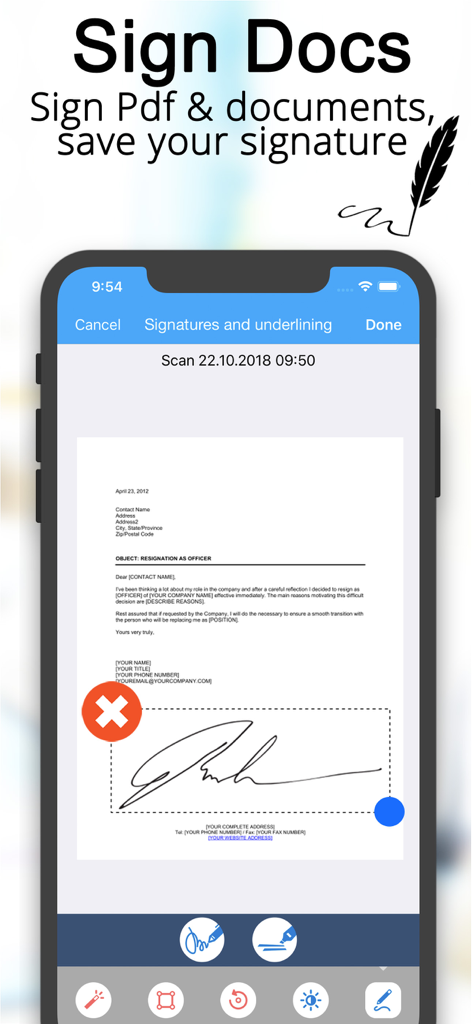
Electronic signature interface in the Scanner Translator app for signing and saving document signatures
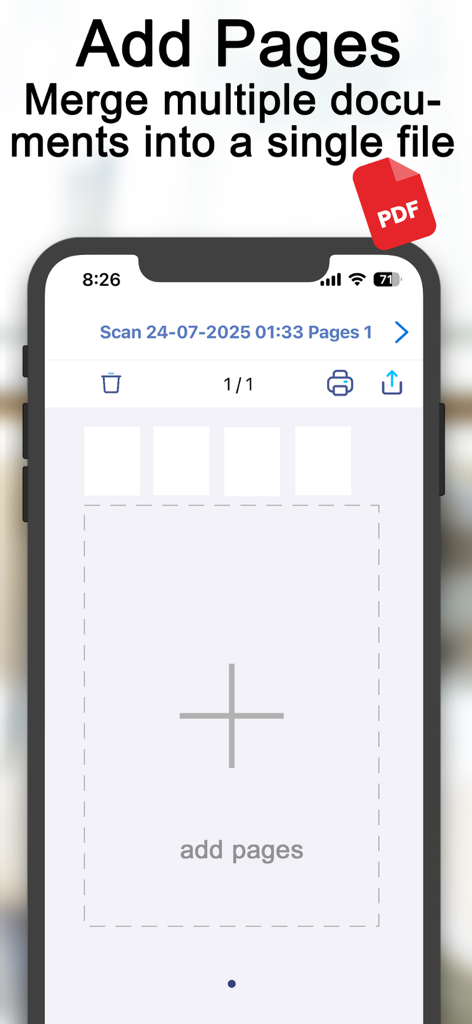
Smartphone interface showing the add pages and merge documents feature in the Scanner Translator app
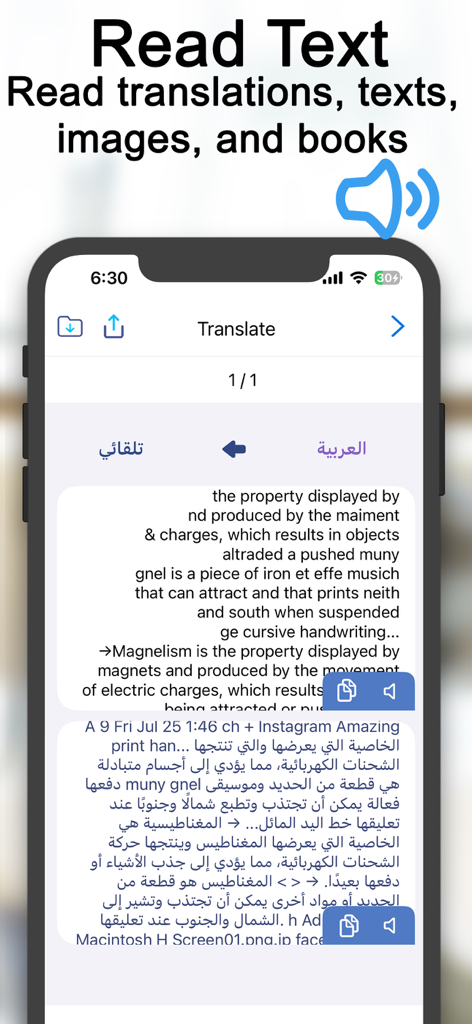
Scanner Translator app interface displaying text to speech functionality for English and Arabic translations
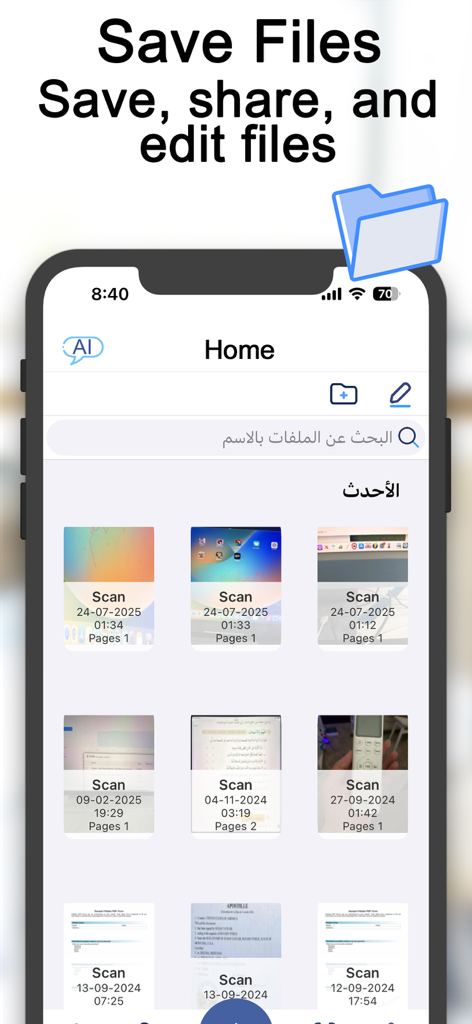
Home screen of the Scanner Translator app showing a grid of saved documents and file management features
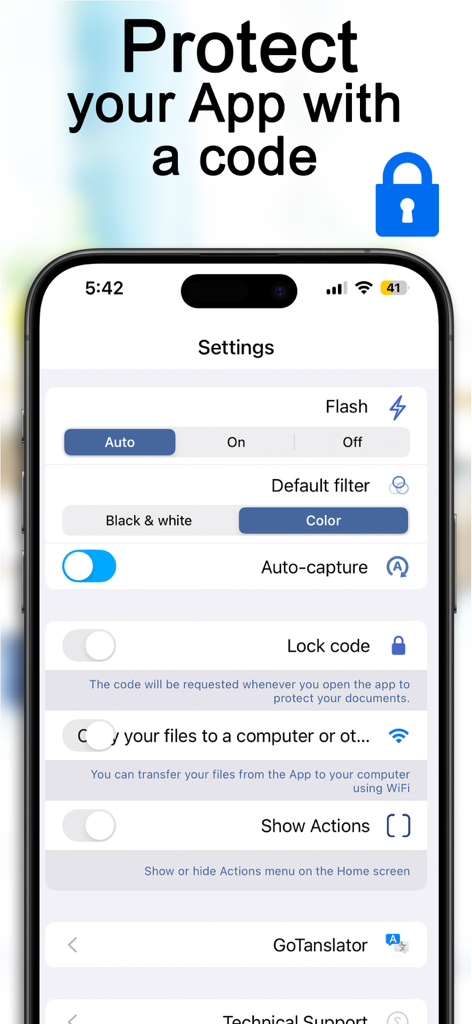
Settings menu of the Scanner Translator app showing the lock code feature and document protection options
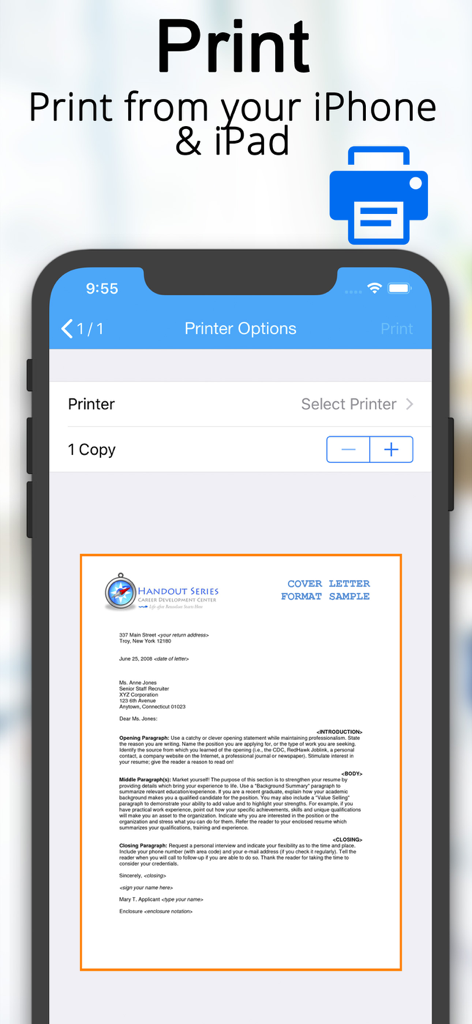
Scanner Translator app interface showing the mobile document printing options and a cover letter preview on an iPhone
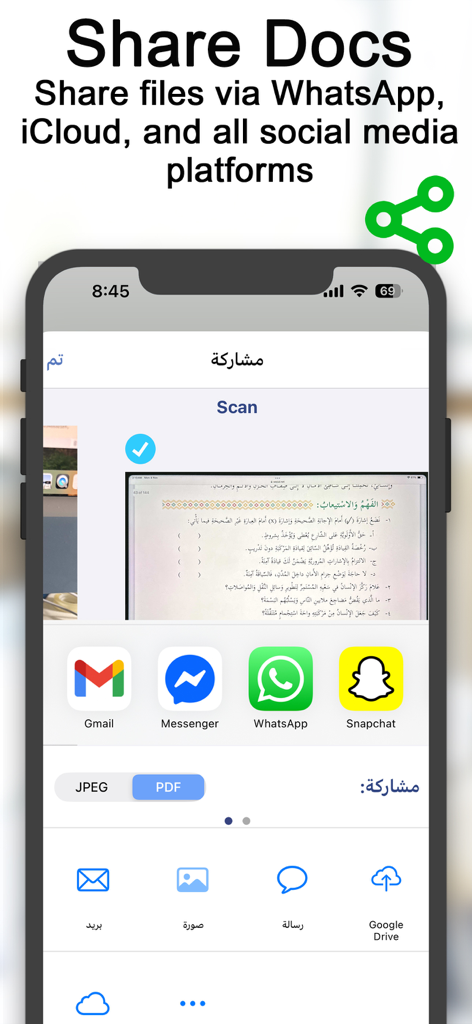
Scanner Translator app screen showing document sharing options for WhatsApp Gmail and cloud storage
Description
Download
More Like This
Apps with similar features and user experience

PDF PRO Scan Image & Documents
Balzo srl

The PDF Scanner, PDF editor HQ
NEXT K.U.M. LTD

CamScanner - PDF Scanner App
INTSIG Information Co., Ltd

Adobe Scan: PDF & OCR Scanner
Adobe Inc.

WPS Office: PDF, Docs, Sheets
KINGSOFT OFFICE SOFTWARE CORPORATION LIMITED

iLovePDF - PDF Editor & Scan
ILOVEPDF S.L.

Scanner App: Genius Scan
The Grizzly Labs

Microsoft Lens: PDF Scanner
Microsoft Corporation

Clear Scan: Doc Scanner App
INDY MOBILE APP COMPANY LIMITED
This page is not an official page of the app or its developer, but an independent editorial publication created for informational and commentary purposes. Unless expressly stated otherwise, neither the app nor its developer is affiliated with, endorsed by, sponsored by, authorized by, or otherwise officially connected with MWM, Apple, Google Play, the app publisher, or the app's developer, and nothing on this page implies that the app was developed using MWM's services. Any trademarks, logos, screenshots, and other content remain the property of their respective owners.