
This page is not an official page of the app or its developer, but an independent editorial publication created for informational and commentary purposes. Unless expressly stated otherwise, neither the app nor its developer is affiliated with, endorsed by, sponsored by, authorized by, or otherwise officially connected with MWM, Apple, Google Play, the app publisher, or the app's developer, and nothing on this page implies that the app was developed using MWM's services. Any trademarks, logos, screenshots, and other content remain the property of their respective owners.


Screen Mirroring: LetsView
Seamlessly cast your phone, tablet, or PC to any screen in HD. Break the ecosystem barrier with free, unlimited mirroring for work, gaming, and entertainment.
Downloads
4M+User Rating
Total Ratings
1K+Publisher
Category
UtilitiesLocales
8Latest Version
1.5.5Size
121.1 MBFirst Released
Oct 15, 2019Break Free from Small Screens
Experience professional-grade mirroring that works across every device you own. No ads, no limits, just seamless high-definition connectivity for work and play.
True Cross-Platform Freedom
Effortlessly mirror your iPhone or iPad to any Windows or Mac computer. Experience zero-lag casting for movies, presentations, or live streams without being locked into a single ecosystem.
Your New Productivity Hack
Boost your workflow by turning your mobile device into a secondary monitor or a remote keyboard for your PC. Perfect for multitasking remote workers and students looking to maximize their digital workspace.
Frequently Asked Questions
Everything you need to know about Screen Mirroring: LetsView
What is Screen Mirroring: LetsView?
LetsView is a screen mirroring application that casts phone, tablet, or computer screens to TV, PC, or Mac. It supports various devices and offers features for communication and entertainment.
Does LetsView support screen mirroring across different devices?
Yes, LetsView enables cross-platform screen mirroring between mobile phones and PCs, mobile phones and TVs, and PCs/tablets and TVs. It also supports PC to PC mirroring.
Can I control my PC using my phone with LetsView?
Yes, LetsView allows users to control their PC from a smartphone. Once connected, the smartphone functions as a makeshift keyboard or mouse for the computer screen.
Does Screen Mirroring: LetsView offer remote screen mirroring?
Yes, LetsView provides remote screen mirroring. This feature allows devices on different networks to share screens by entering a remote cast code.
Can LetsView extend my phone screen as a secondary monitor?
Yes, LetsView includes an "Extend screen" feature. It turns your phone into a secondary monitor for your computer, enhancing productivity by allowing auxiliary tasks on the phone.
What additional features does Screen Mirroring: LetsView provide?
Yes, LetsView offers additional features. These include drawing tools, a whiteboard, document presentation, screen capture, and screen recording capabilities for mobile phone screens.
Is LetsView a free and ad-free screen mirroring app?
Yes, LetsView is ad-free and offers uninterrupted, unlimited usage. It provides high-quality HD screen mirroring and HD screen recording without additional costs.
What are the main uses for Screen Mirroring: LetsView?
LetsView serves primary use cases such as family entertainment, business presentations, online teaching, and live stream gameplay. It enhances visual experiences and facilitates content sharing.
How do I connect my devices using Screen Mirroring: LetsView?
Connecting devices with LetsView is easy. You can use direct connection, QR code connection, or passkey connection. Ensure devices are on the same Wi-Fi network for automatic detection.
The following screenshots and description are sourced directly from the app's official store listing and are the property of the app developer.
App Store
Screenshots
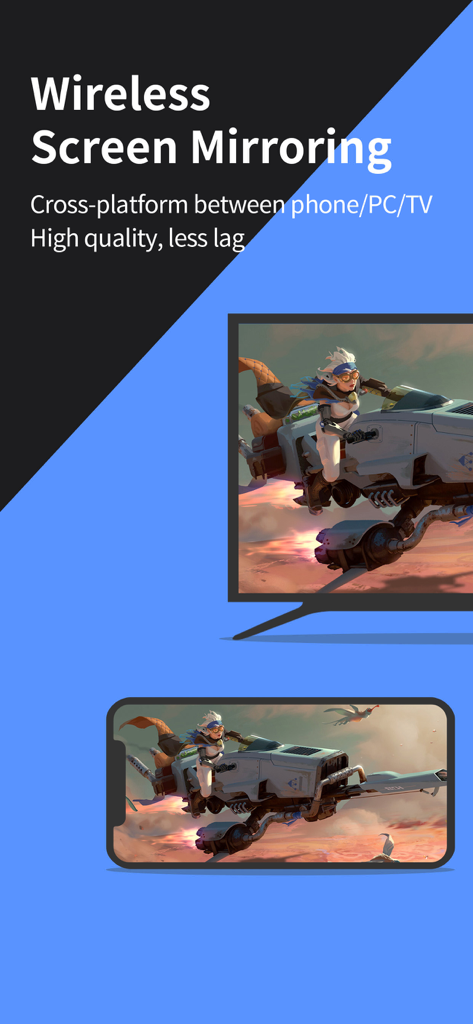
Wireless screen mirroring of a mobile game from a smartphone to a TV using LetsView
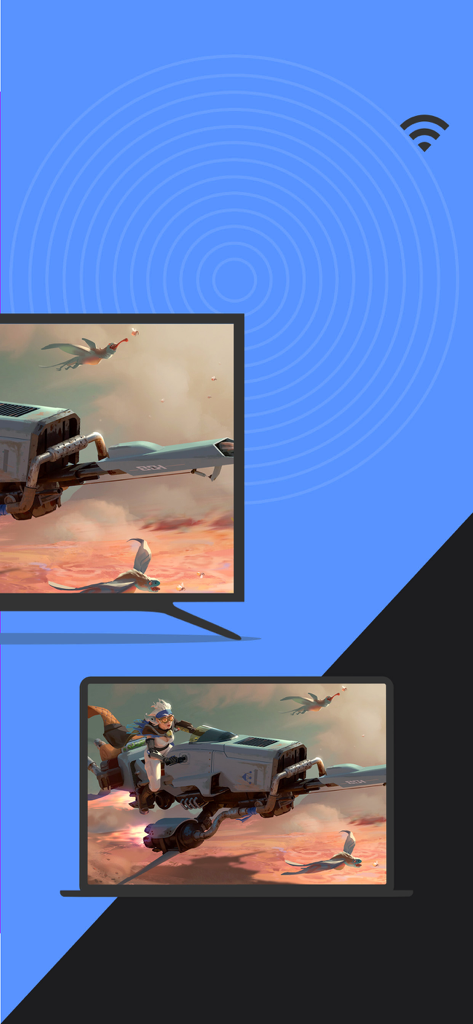
Wireless screen mirroring from a laptop to a TV using the LetsView app
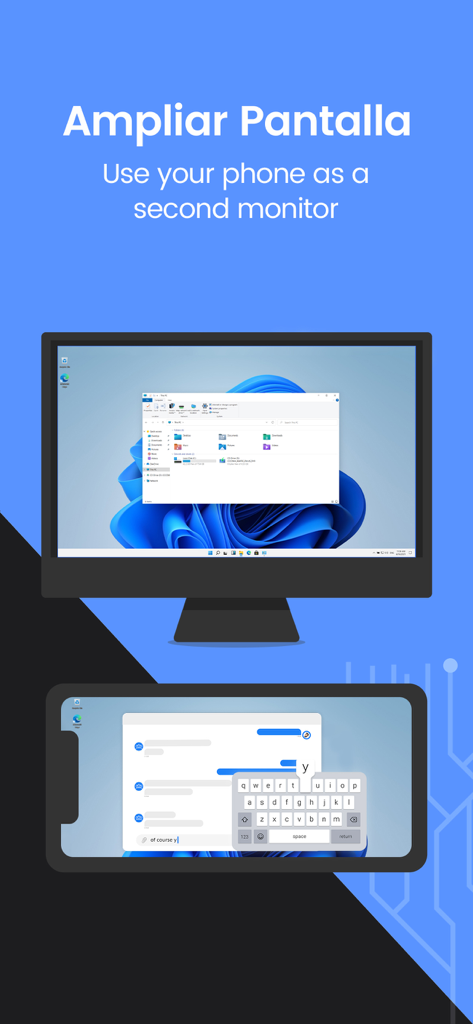
Use your phone as a second monitor for your computer with LetsView
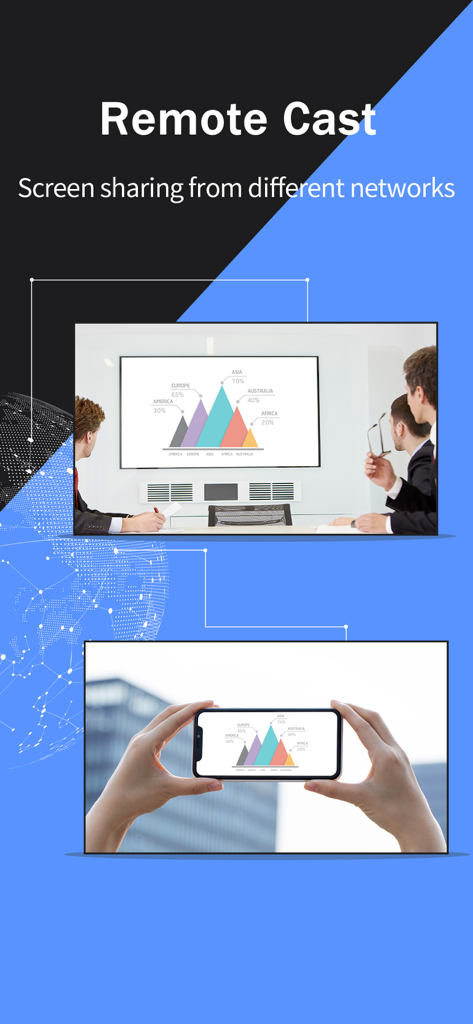
Remote screen casting feature showing a smartphone mirroring a business chart to a large display in a meeting room
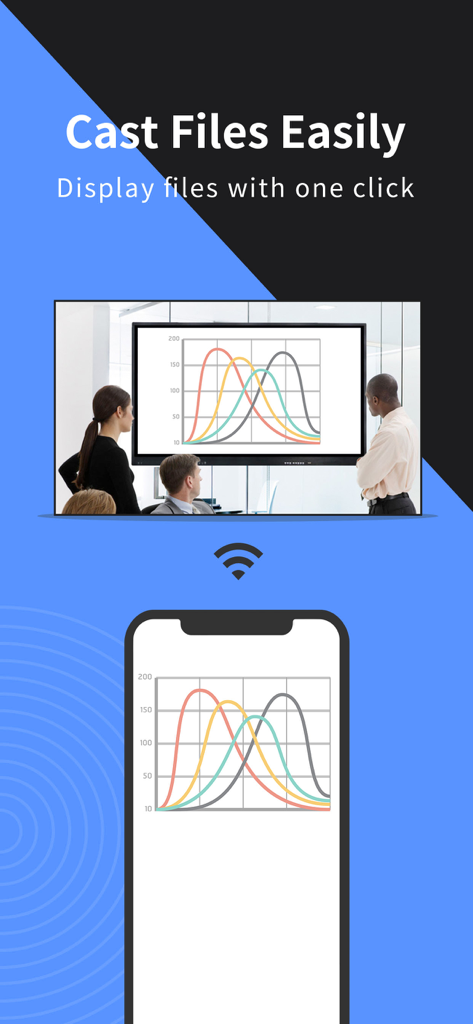
LetsView app mirroring a data chart from a smartphone to a large screen in a business meeting room.
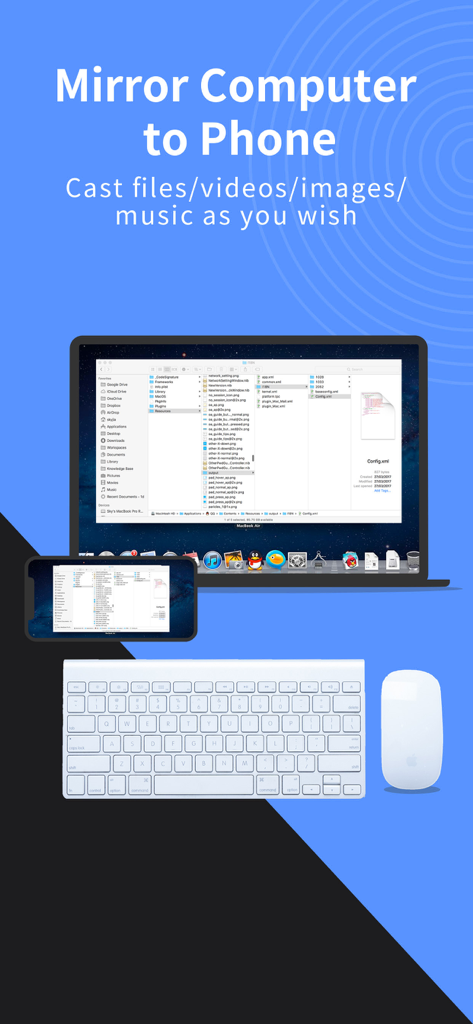
A laptop screen being mirrored onto a smartphone using the LetsView app alongside a wireless keyboard and mouse
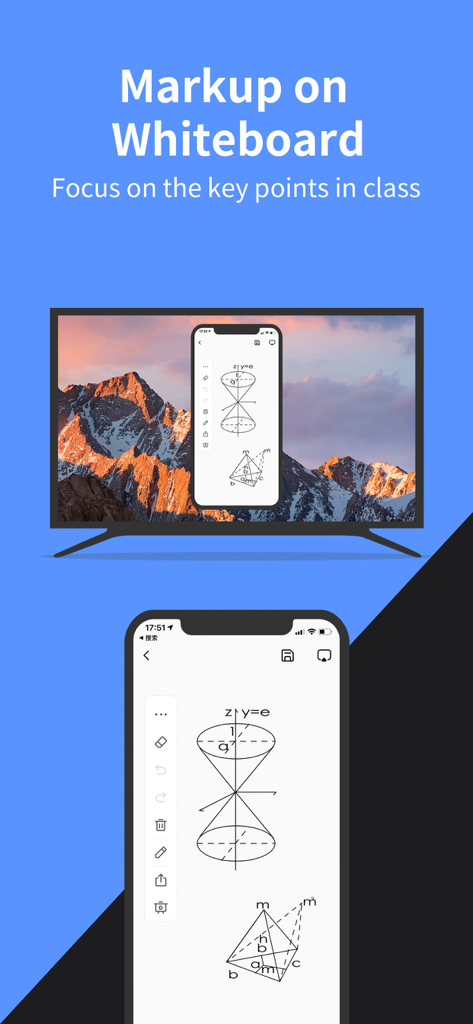
LetsView app mirroring a mobile whiteboard with geometric diagrams onto a TV screen.
Description
Download
More Like This
Apps with similar features and user experience

向日葵远程控制-Sunlogin remotecontrol
Shanghai best oray information s&t co.,ltd

UU远程-远程办公/游戏串流
Guangzhou NetEase Computer System Co.Ltd

AweSun Remote Desktop
AWERAY PTE. LTD.

AnyDesk Remote Desktop
AnyDesk Software GmbH

TeamViewer Remote Control
TeamViewer Germany GmbH

ToDesk远程控制
Hainan Youqu Technology Co., Ltd.

DeskIn Remote Desktop
ZULER TECHNOLOGY PTE. LTD.

Termius - Modern SSH Client
Termius Corporation

RealVNC Viewer: Remote Desktop
RealVNC Limited
This page is not an official page of the app or its developer, but an independent editorial publication created for informational and commentary purposes. Unless expressly stated otherwise, neither the app nor its developer is affiliated with, endorsed by, sponsored by, authorized by, or otherwise officially connected with MWM, Apple, Google Play, the app publisher, or the app's developer, and nothing on this page implies that the app was developed using MWM's services. Any trademarks, logos, screenshots, and other content remain the property of their respective owners.