
This page is not an official page of the app or its developer, but an independent editorial publication created for informational and commentary purposes. Unless expressly stated otherwise, neither the app nor its developer is affiliated with, endorsed by, sponsored by, authorized by, or otherwise officially connected with MWM, Apple, Google Play, the app publisher, or the app's developer, and nothing on this page implies that the app was developed using MWM's services. Any trademarks, logos, screenshots, and other content remain the property of their respective owners.

Screen Mirroring & TV Cast
Instantly stream movies, share family photos, or present documents to any Smart TV. Experience a seamless, high-quality wireless connection designed for your home and office with just one tap.
Downloads
111K+User Rating
Total Ratings
700Publisher
Category
UtilitiesLocales
1Latest Version
1.2.4Size
36.9 MBFirst Released
Nov 1, 2024Unlock the Power of the Big Screen
The ultimate bridge between your iPhone and your Smart TV. Stream movies, share photos, and present documents wirelessly with a single tap.
Seamless Universal Casting
Skip the cables and extra hardware. Connect your iPhone or iPad to any Smart TV or streaming device on your Wi-Fi network instantly.
Cinematic Media Sharing
Bring your memories to life. Enjoy 4K videos, vacation photos, and music in stunning quality using our optimized high-performance players.
Frequently Asked Questions
Everything you need to know about Screen Mirroring & TV Cast
What is the Screen Mirroring & TV Cast app?
Screen Mirroring & TV Cast is an application designed for convenient screen duplication. It allows users to connect to nearby devices on the same Wi-Fi network and display content on a larger screen.
How does Screen Mirroring & TV Cast connect to other devices?
Screen Mirroring & TV Cast connects to devices using the same Wi-Fi network. The app includes device scanning functionality to quickly find and establish connections with supported nearby devices for screen duplication.
What content can Screen Mirroring & TV Cast duplicate?
Screen Mirroring & TV Cast duplicates various content types including photos, videos, music, and files. Users can also share their iPhone screen, live camera feed, or use a drawing board. Access to TV apps like Netflix is also supported.
Can I cast Netflix or Spotify with Screen Mirroring & TV Cast?
Yes, Screen Mirroring & TV Cast provides easy access to popular TV apps like Netflix and Spotify. It also offers specific guides on how to cast services such as HBO Max, Disney+, and Twitch via Chromecast.
What TV brands are supported by Screen Mirroring & TV Cast?
Screen Mirroring & TV Cast supports connection to various TV brands. These include SONY, HTC, Samsung, LG, VIZIO, REALME, TCL, Android, Roku, Hisense, Funai, and Insignia.
How much does a subscription to Screen Mirroring & TV Cast cost?
Screen Mirroring & TV Cast offers auto-renewable subscriptions. A weekly subscription costs $4.99, a monthly subscription is $12.99, and an annual subscription is $39.99.
Can I delete my activity history in the Screen Mirroring & TV Cast app?
Yes, users can easily clear their action history in the Screen Mirroring & TV Cast app. This function helps maintain privacy and keeps the application organized by removing past activities.
Where can I find the Privacy Policy for Screen Mirroring & TV Cast?
The Privacy Policy for Screen Mirroring & TV Cast is accessible through a dedicated link in the app's description. The full URL is https://docs.google.com/document/d/1xi6nqNBpBUqpVB56mUGCVtmcWihonR4QQcUwbdKzzBE/edit?usp=sharing.
Does Screen Mirroring & TV Cast provide guides for screen duplication setup?
Yes, Screen Mirroring & TV Cast provides detailed Screen Duplication Guides. These instructions streamline the process of starting screen duplication for various applications, saving users time.
Can Screen Mirroring & TV Cast play games on a big screen?
Yes, Screen Mirroring & TV Cast allows users to play games on a big screen. The app facilitates mirroring content from your device to a larger display for an enhanced gaming experience.
The following screenshots and description are sourced directly from the app's official store listing and are the property of the app developer.
App Store
Screenshots
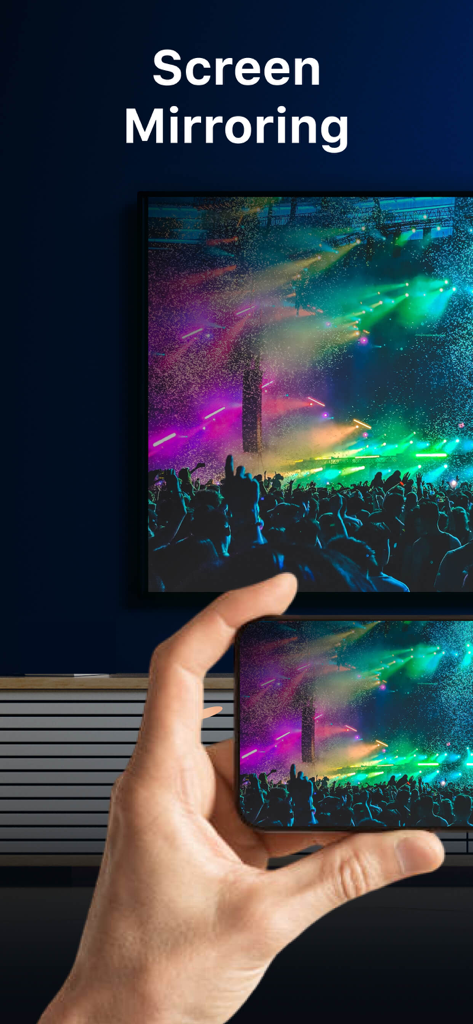
A smartphone screen being mirrored to a large television showing a vibrant concert scene.

An iPhone mirroring a vibrant concert video onto a large smart TV in a living room
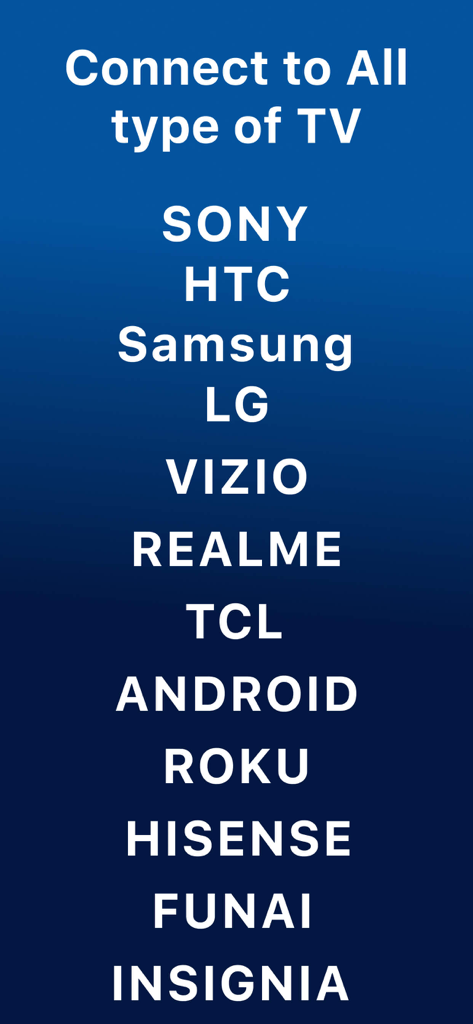
A list of supported TV brands for screen mirroring including Sony Samsung LG and Roku
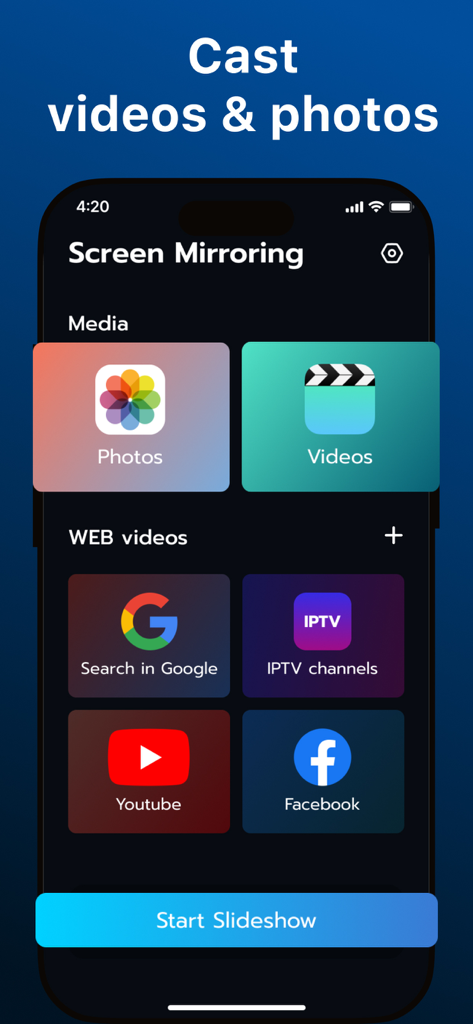
Mobile app interface showing options to cast photos, videos, and web content like YouTube to a TV
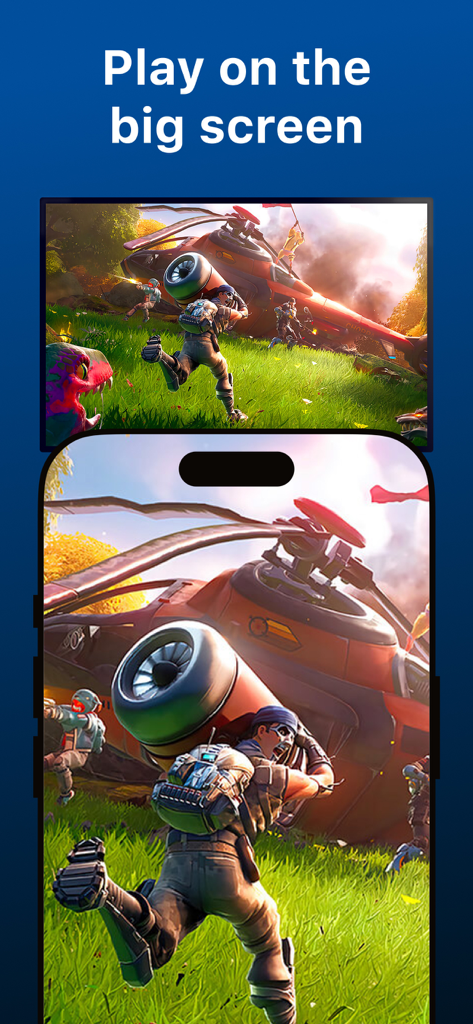
iPhone mirroring a mobile game onto a large television screen
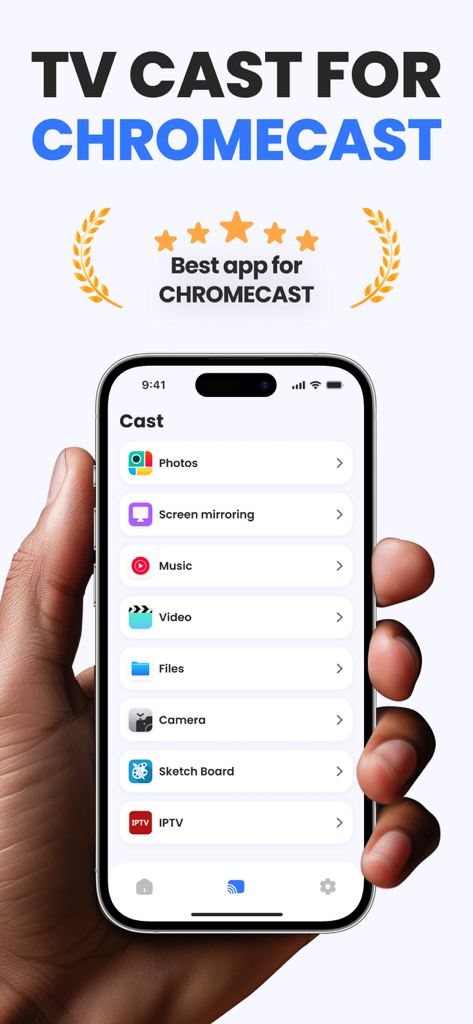
An iPhone screen displaying the Screen Mirroring and TV Cast app interface with options for casting photos, videos, and music
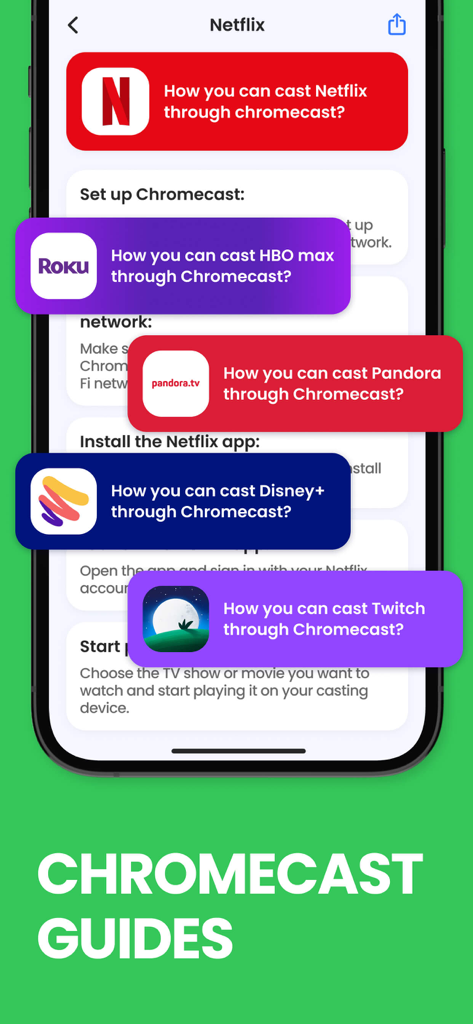
Mobile app interface showing detailed Chromecast guides for casting apps like Netflix HBO Max and Disney Plus
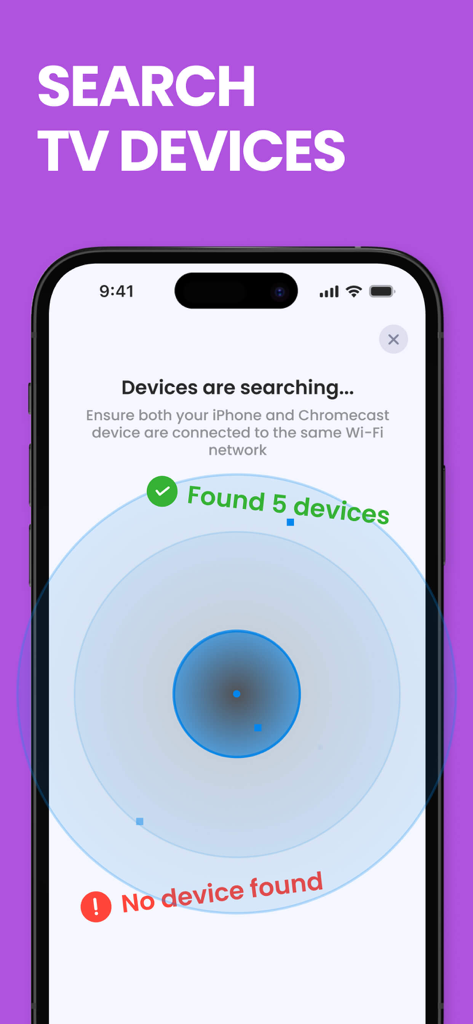
Screen Mirroring app interface searching for nearby TV devices to connect via Wi-Fi
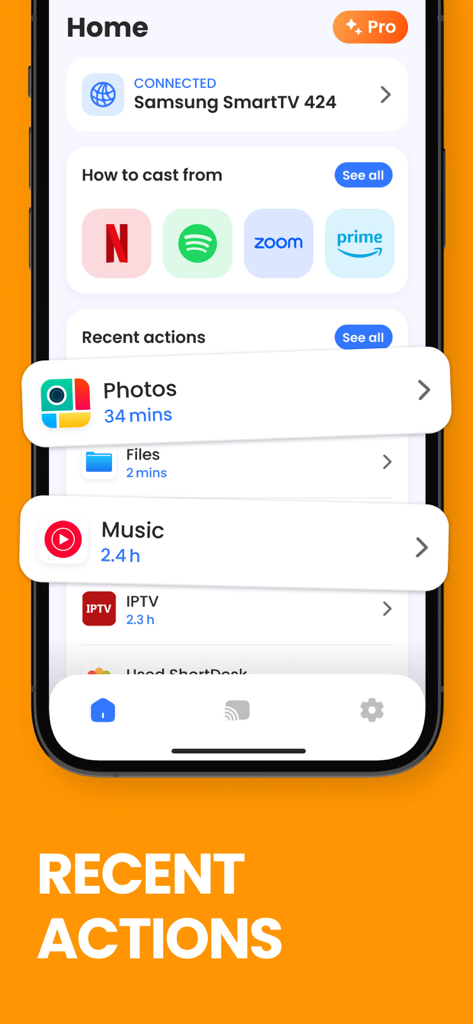
Home screen of a screen mirroring app showing recent cast history and connected smart TV
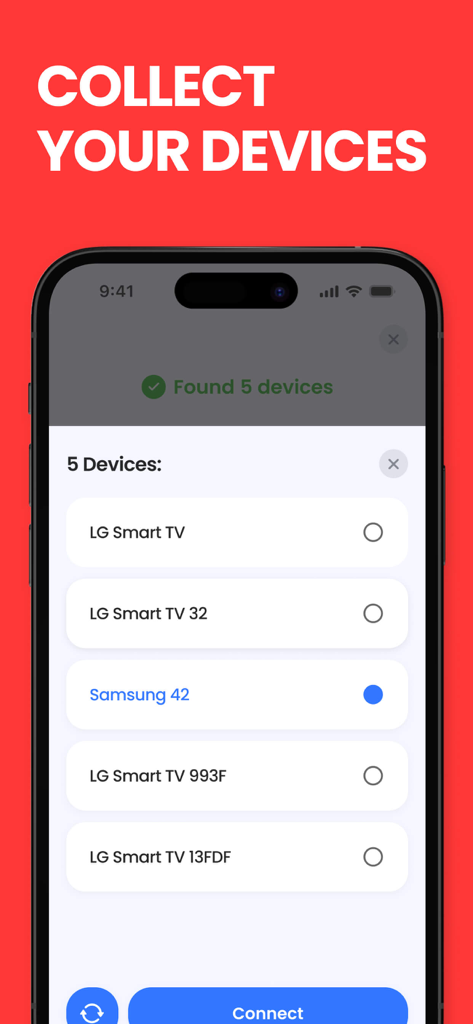
Mobile app interface showing a list of detected smart TVs like LG and Samsung for screen mirroring selection.
Description
Download
More Like This
Top-ranked apps in the same category

Google LLC

Google Chrome
Google LLC

中国移动(手机营业厅)
China Mobile Online Services Co., Ltd.

Google Authenticator
Google LLC

CNH do Brasil
Servicos e Informacoes do Brasil

Cleanup: Phone Storage Cleaner
DEEP FLOW SOFTWARE SERVICES - FZCO

gov.br
Servicos e Informacoes do Brasil

中国电信-全国统一官方服务平台
CHINA TELECOM Corporation Ltd.

Microsoft Edge: AI Browser
Microsoft Corporation
This page is not an official page of the app or its developer, but an independent editorial publication created for informational and commentary purposes. Unless expressly stated otherwise, neither the app nor its developer is affiliated with, endorsed by, sponsored by, authorized by, or otherwise officially connected with MWM, Apple, Google Play, the app publisher, or the app's developer, and nothing on this page implies that the app was developed using MWM's services. Any trademarks, logos, screenshots, and other content remain the property of their respective owners.