
This page is not an official page of the app or its developer, but an independent editorial publication created for informational and commentary purposes. Unless expressly stated otherwise, neither the app nor its developer is affiliated with, endorsed by, sponsored by, authorized by, or otherwise officially connected with MWM, Apple, Google Play, the app publisher, or the app's developer, and nothing on this page implies that the app was developed using MWM's services. Any trademarks, logos, screenshots, and other content remain the property of their respective owners.

Screen Recording ™
Unlock Ultra HD quality with custom FPS and bitrate. Record, trim, and share professional gameplay, tutorials, and app demos in just a few taps.
Downloads
9K+User Rating
Total Ratings
200Publisher
Category
Photo & VideoLocales
1Latest Version
1.0.1Size
28.1 MBFirst Released
Sep 22, 2025Elevate Your Content
From Ultra HD settings to built-in editing, get everything you need to create professional mobile content in one place.
Pro-Grade Settings
Take total control with customizable resolution, bitrate, and FPS for the sharpest video possible.
One-Tap Editing
Trim clips, cut dead air, and adjust tempo instantly—no need to export to heavy editing software.
The following screenshots and description are sourced directly from the app's official store listing and are the property of the app developer.
App Store
Screenshots
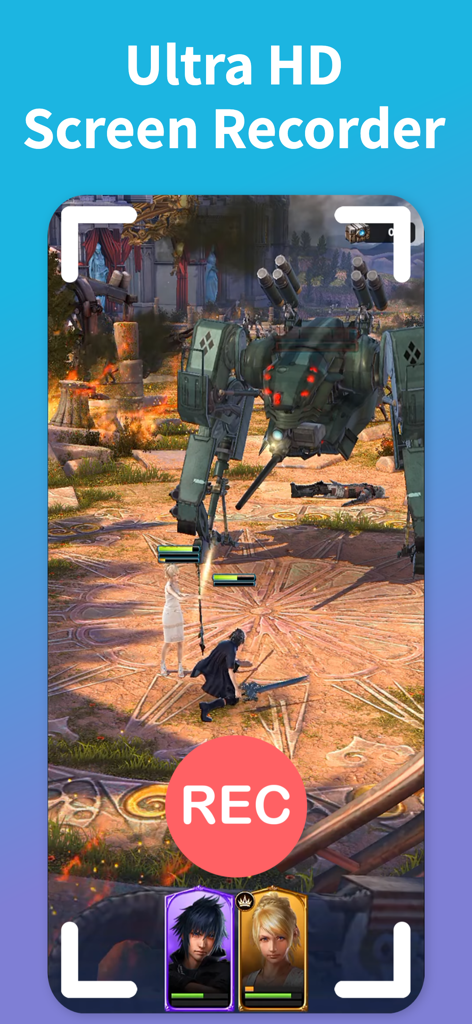
Screenshot of a mobile game being captured using the Ultra HD Screen Recorder app with a prominent red REC button
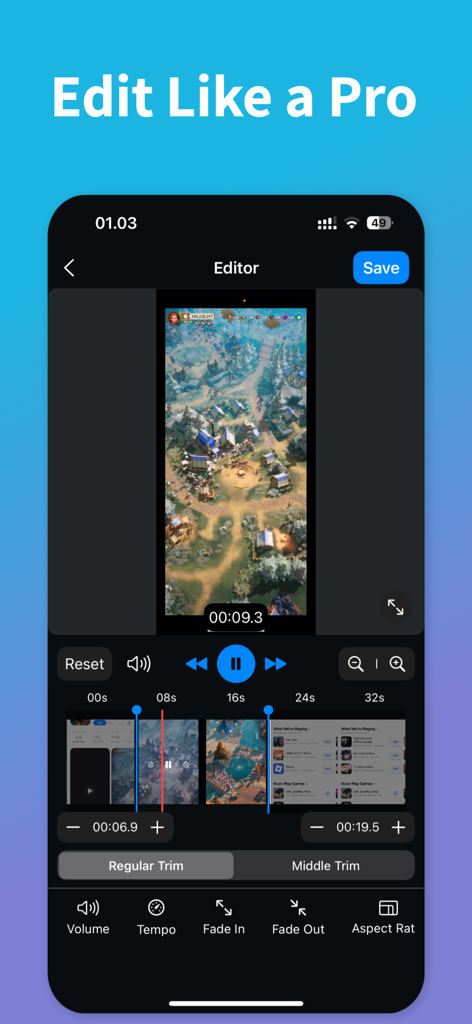
Interface of the Screen Recording app showing professional video editing tools and a game recording being trimmed
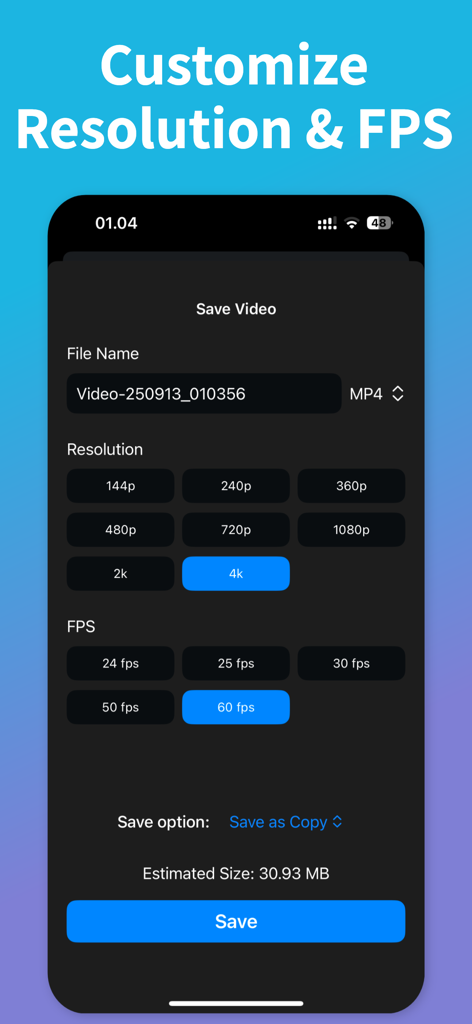
Screen Recording app interface for customizing video resolution and frames per second
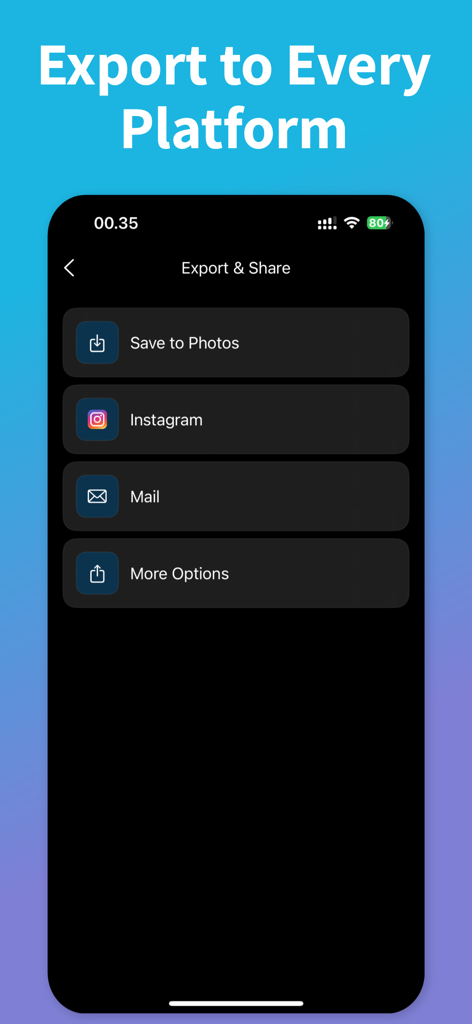
Export and share menu in the Screen Recording app with social media options.
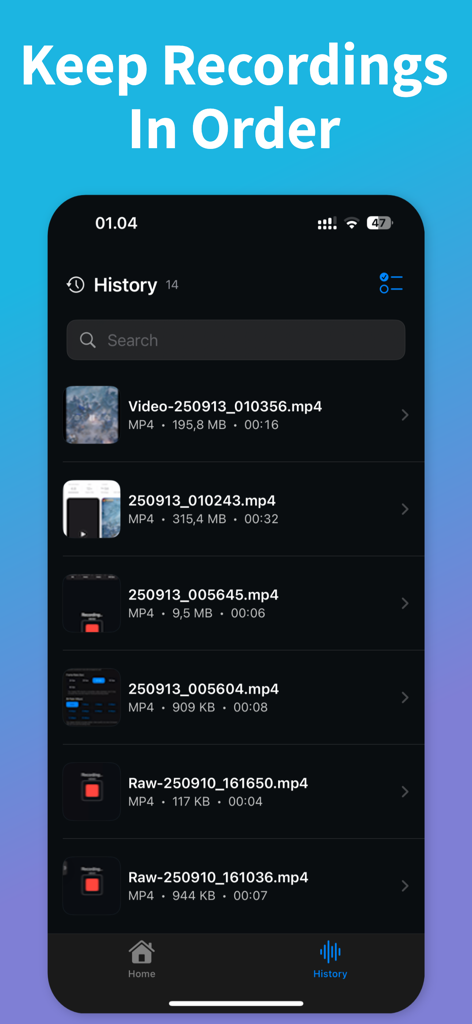
The history section of the Screen Recording app showing organized video files with file sizes and durations.
Description
Download
More Like This
Apps with similar features and user experience




This page is not an official page of the app or its developer, but an independent editorial publication created for informational and commentary purposes. Unless expressly stated otherwise, neither the app nor its developer is affiliated with, endorsed by, sponsored by, authorized by, or otherwise officially connected with MWM, Apple, Google Play, the app publisher, or the app's developer, and nothing on this page implies that the app was developed using MWM's services. Any trademarks, logos, screenshots, and other content remain the property of their respective owners.