
SeenLog: Activity Tracker


Keep your children safe and focused with real-time activity reports and custom screen time limits. Gain the insights you need to guide their digital journey with confidence and ease.
Publisher
Category
Social NetworkingDownloads
1M+User Rating
Total Ratings
25K+Locales
1Discover the interface used by 1M+ users.
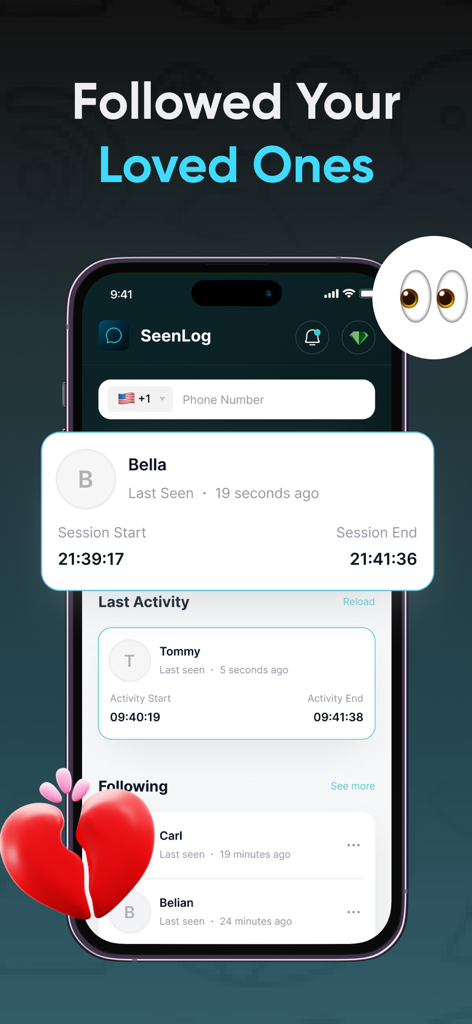
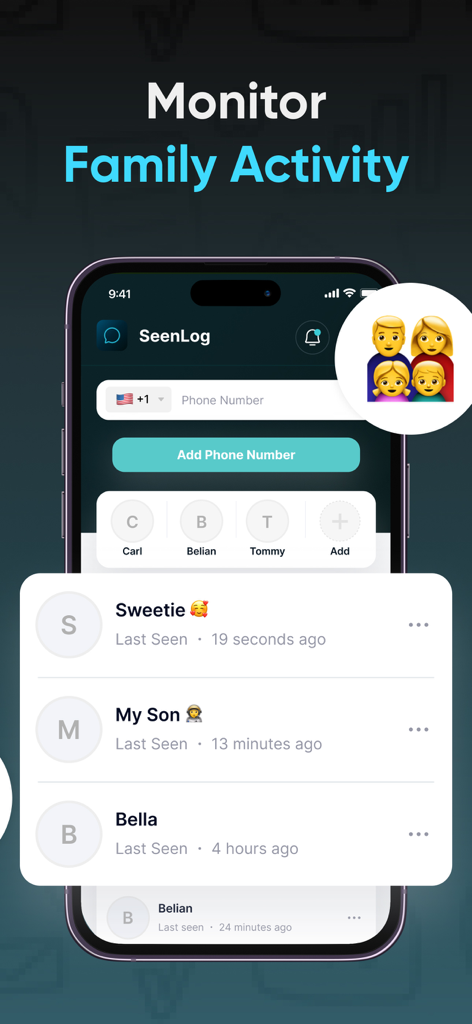
The tools that make this app stand out, trusted by 1M+ users.
Stop the guesswork with comprehensive reports on app usage, helping you understand their digital routine at a glance.
Automatically manage screen time during bedtime and study hours to ensure your child stays focused and well-rested.
Rest easy knowing your family's data is encrypted and never shared, prioritizing safety and peace of mind.
Everything you need to know about SeenLog: Activity Tracker.
Description
Latest Version
1.0.19
Size
51.6 MB
First Released
Oct 29, 2023
Join over 1 million parents using SeenLog to automate boundaries and reclaim your family’s peace of mind. Download now and start fostering healthy digital habits today.
Everything you need to know about SeenLog: Activity Tracker
SeenLog is a parental control solution that helps parents manage children's digital habits, promote healthy technology use, and effectively manage screen time for family well-being.
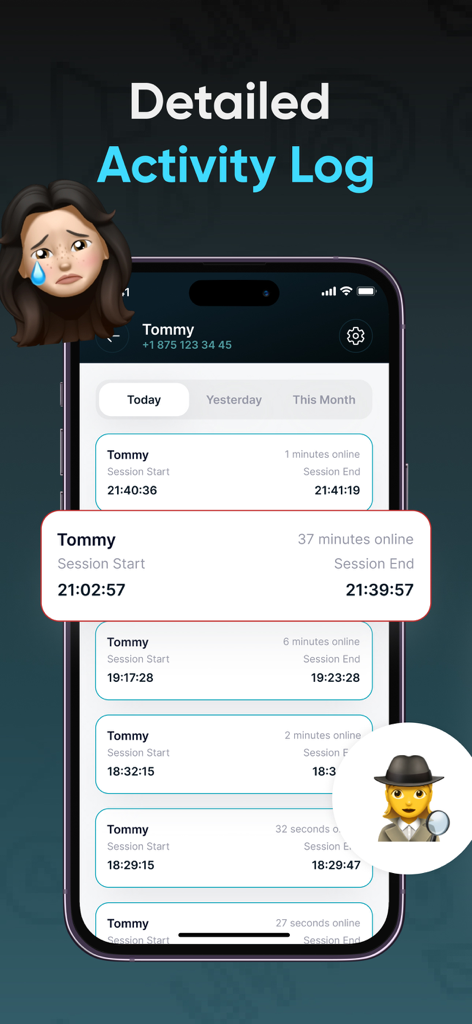
Yes, SeenLog provides detailed activity reports. These reports offer insights into the apps a child uses and the time spent on them, helping parents stay informed about digital routines.
Yes, SeenLog allows parents to set specific time limits for device usage. These parental controls can be applied during study hours, bedtime, or family moments to encourage a balanced digital lifestyle.
SeenLog ensures family privacy by securely storing all data. It guarantees that user data is never shared with third parties, maintaining digital safety and adhering to strict privacy standards.
Yes, SeenLog provides monthly insights. These summaries track changes in a child’s app usage habits over time, enabling parents to adjust controls and maintain a healthy screen time routine.
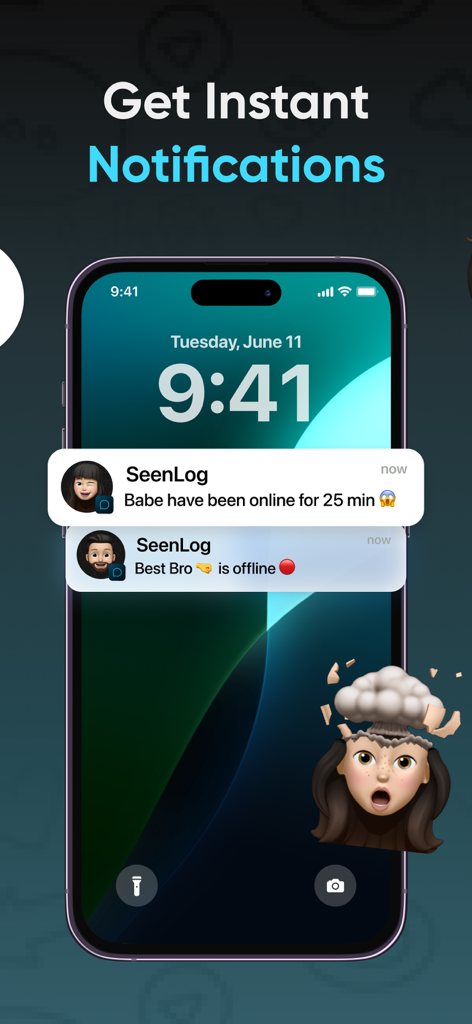
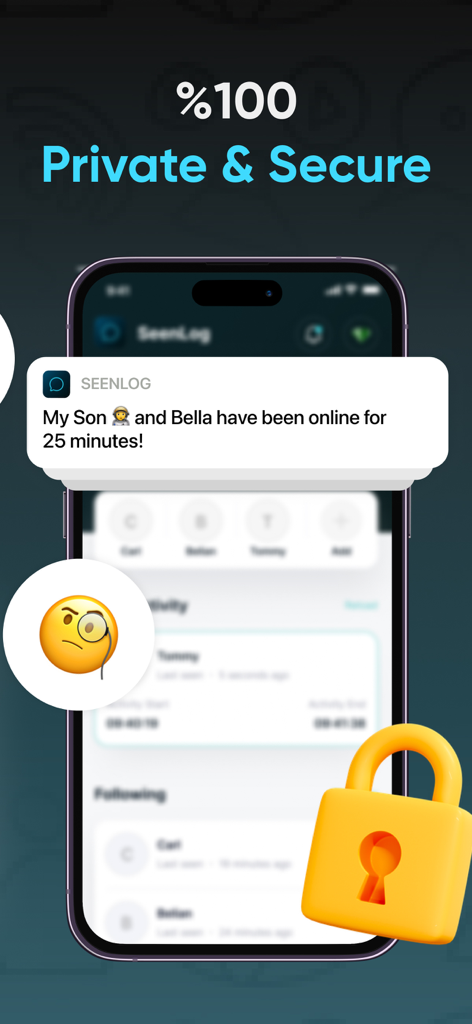
Yes, SeenLog provides instant notifications. Users receive alerts, such as when a tracked person is online or offline, as demonstrated in the app's notification examples.
Yes, SeenLog is a subscription-based service. Users can access all its features by subscribing to weekly, monthly, or annual plans.
Apps with similar features and user experience

Pollux Bilisim Teknolojileri Sanayi ve Ticaret Limited Sirketi

Smith Micro Software, Inc.

Google LLC

LETEM LTD

Nintendo Co., Ltd.

ANKO SOLUTIONS LLC

Ningbo Jus Internet Technology Co., Ltd.

HONGKONG FLASHGET NETWORK TECHNOLOGY CO., LIMITED

SAND STUDIO CORPORATION LIMITED
App information, icons, screenshots, and descriptions displayed on this page are sourced from the Apple App Store and are the property of their respective developers. Download estimates and rankings are based on MWM's proprietary models and may not reflect actual figures. This page is provided for informational and analytical purposes only.
Believe this page infringes your intellectual property? File a dispute