
This page is not an official page of the app or its developer, but an independent editorial publication created for informational and commentary purposes. Unless expressly stated otherwise, neither the app nor its developer is affiliated with, endorsed by, sponsored by, authorized by, or otherwise officially connected with MWM, Apple, Google Play, the app publisher, or the app's developer, and nothing on this page implies that the app was developed using MWM's services. Any trademarks, logos, screenshots, and other content remain the property of their respective owners.


Shizuku Tool
Inspect device specs, format JSON, and track system health with a sleek, native iOS experience designed for your professional mobile workflow.
Downloads
0User Rating
Total Ratings
0Publisher
Category
UtilitiesLocales
1Latest Version
1.0Size
22.3 MBFirst Released
Jun 9, 2025Supercharge Your Mobile Workflow
Stop switching between browser tabs and clunky web tools. Shizuku brings professional-grade developer utilities and deep hardware insights into one sleek, native experience.
Deep System Diagnostics
Monitor battery health, network latency, and detailed hardware specs through an elegant dashboard designed for the power user.
Instant Developer Tools
Format JSON, compare text diffs, and pick hex codes on the fly. It is your essential desktop toolkit, fully optimized for your iPhone.
The following screenshots and description are sourced directly from the app's official store listing and are the property of the app developer.
App Store
Screenshots
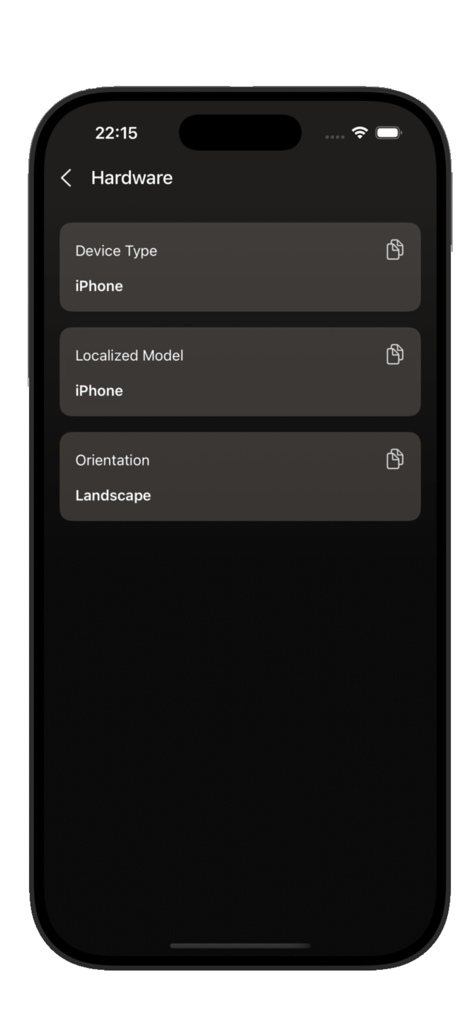
Shizuku Tool hardware information screen showing iPhone model and device orientation
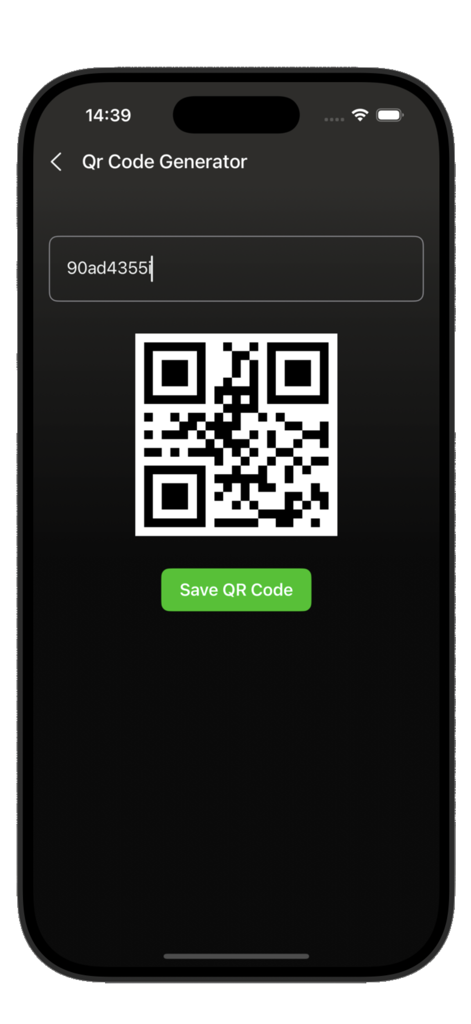
Shizuku Tool app interface displaying the QR code generator feature with a generated code and a save button
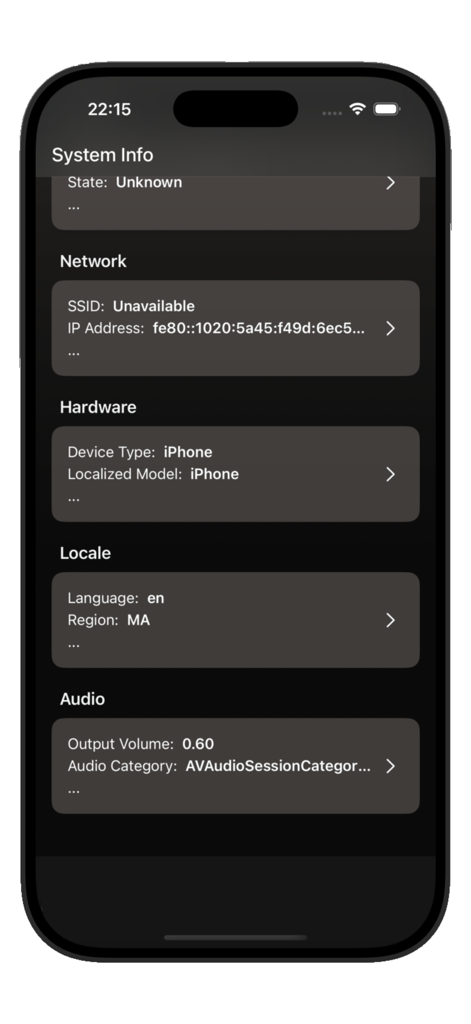
Shizuku Tool system information dashboard showing network hardware locale and audio settings on an iPhone
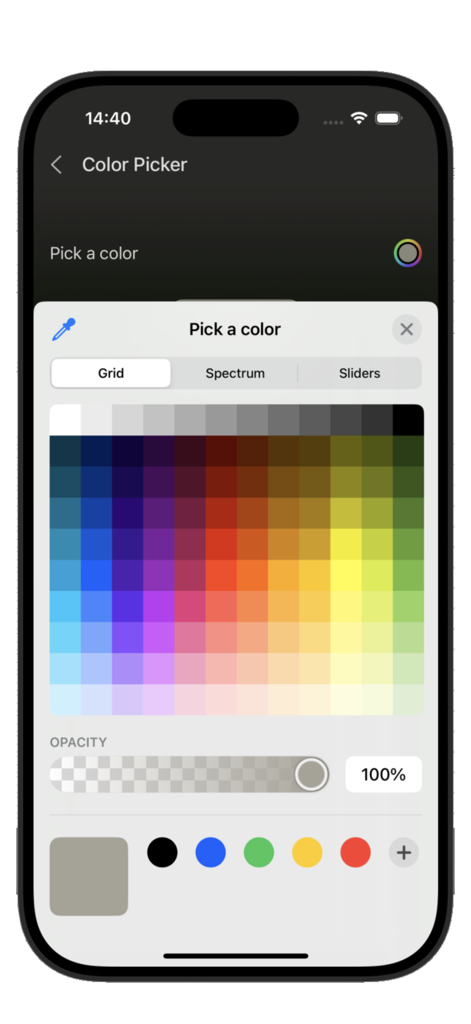
Shizuku Tool color picker screen featuring a color grid and opacity controls
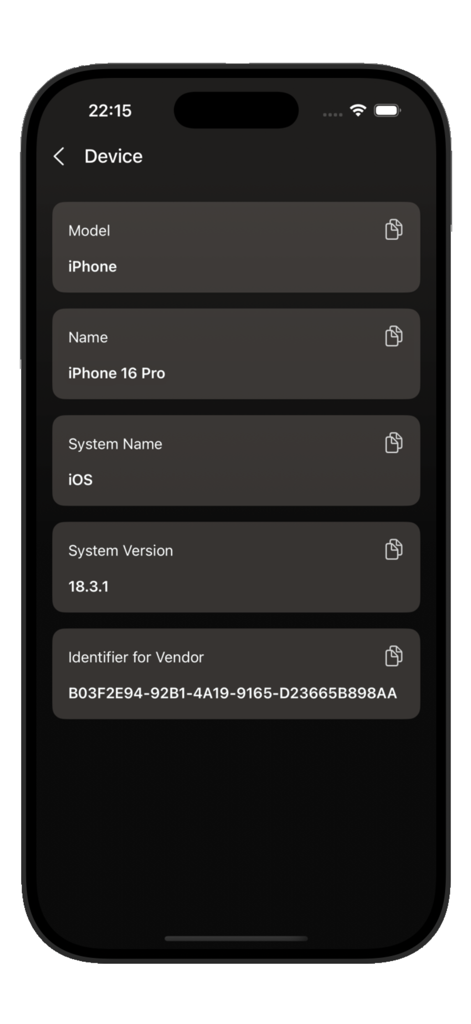
iPhone device information screen in Shizuku Tool showing model name and system version
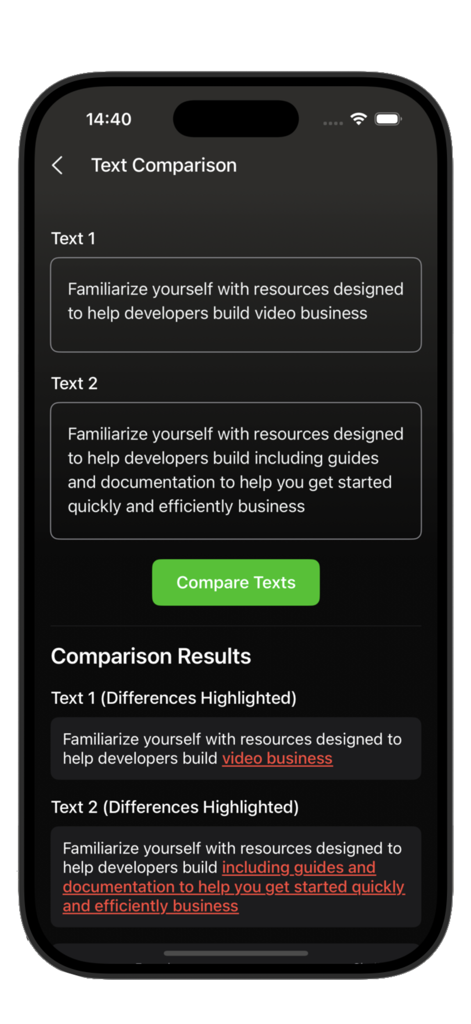
Shizuku Tool app screen for comparing two texts with differences highlighted
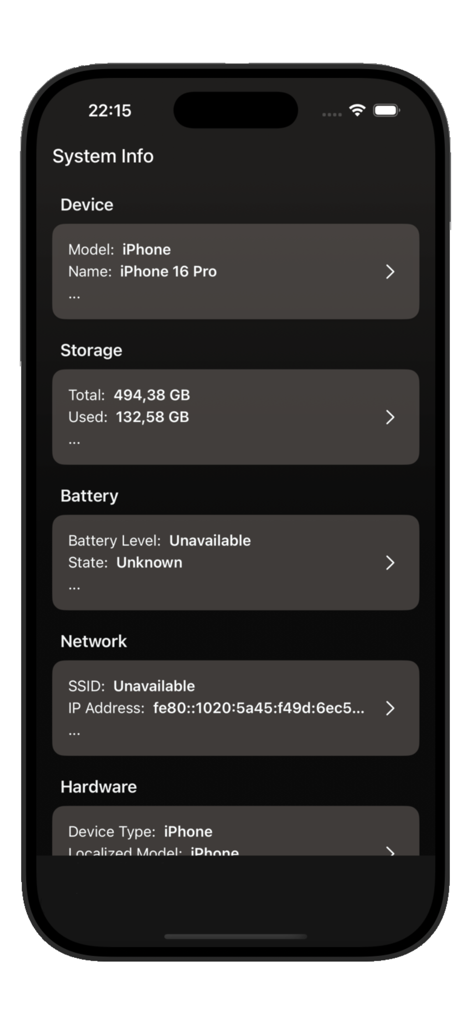
Shizuku Tool app dashboard showing iPhone system info including storage and network details
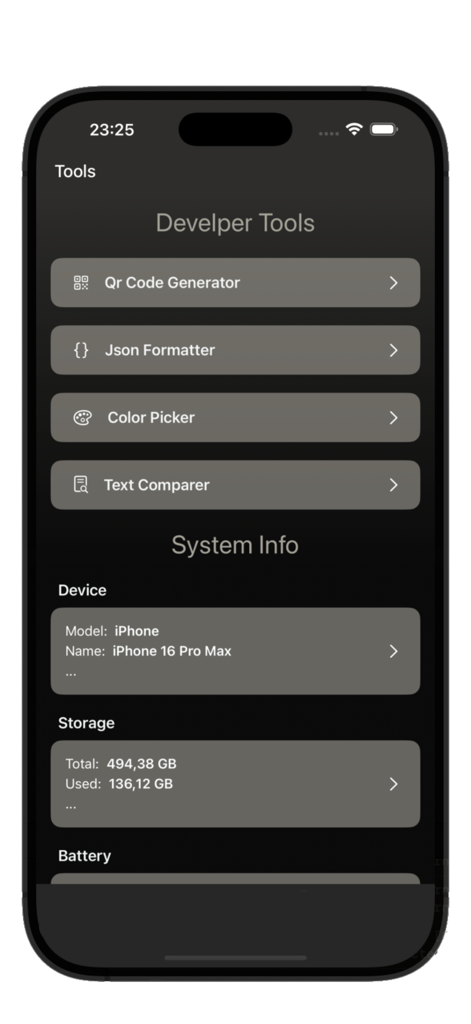
Shizuku Tool dashboard showing developer utilities like QR code generator and JSON formatter along with iPhone system info.
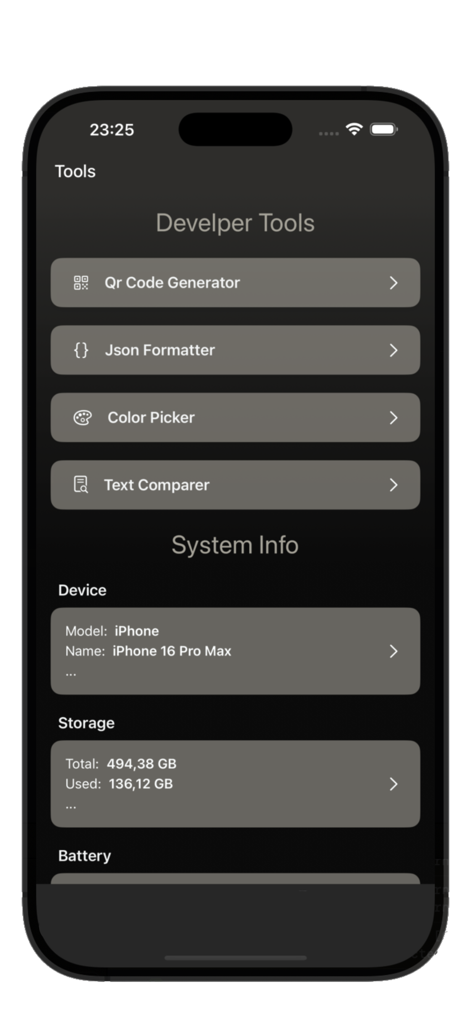
Dashboard of Shizuku Tool app showing developer utilities and system information on an iPhone.
Description
Download
More Like This
Top-ranked apps in the same category

Google LLC

Google Chrome
Google LLC

中国移动(手机营业厅)
China Mobile Online Services Co., Ltd.

Google Authenticator
Google LLC

Cleanup: Phone Storage Cleaner
DEEP FLOW SOFTWARE SERVICES - FZCO

gov.br
Servicos e Informacoes do Brasil

CNH do Brasil
Servicos e Informacoes do Brasil

Super VPN Fly 2026
YUNFAN TECHNOLOGY CO., LIMITED

Microsoft Edge: AI Browser
Microsoft Corporation
This page is not an official page of the app or its developer, but an independent editorial publication created for informational and commentary purposes. Unless expressly stated otherwise, neither the app nor its developer is affiliated with, endorsed by, sponsored by, authorized by, or otherwise officially connected with MWM, Apple, Google Play, the app publisher, or the app's developer, and nothing on this page implies that the app was developed using MWM's services. Any trademarks, logos, screenshots, and other content remain the property of their respective owners.