
This page is not an official page of the app or its developer, but an independent editorial publication created for informational and commentary purposes. Unless expressly stated otherwise, neither the app nor its developer is affiliated with, endorsed by, sponsored by, authorized by, or otherwise officially connected with MWM, Apple, Google Play, the app publisher, or the app's developer, and nothing on this page implies that the app was developed using MWM's services. Any trademarks, logos, screenshots, and other content remain the property of their respective owners.


Smart AC Remote Controller App
No more fumbling for that lost remote; this app puts your AC on a leash, wherever you are.
Downloads
100k+User Rating
Total Ratings
462Publisher
Category
UtilitiesLocales
1Latest Version
1.4Size
86.2 MBFirst Released
Aug 1, 2025An evaluation of core functionalities provided by this universal air conditioning management tool.
Smart AC Remote Controller App: Key Features Analysis
Universal AC Brand Compatibility
The app provides a single, versatile control solution for a wide array of air conditioning units, eliminating the need for multiple physical remotes.
Flexible Connectivity (IR & Wi-Fi)
It ensures connectivity with a broad range of AC units, supporting both legacy IR blasters and modern Wi-Fi enabled smart ACs for versatile control options.
Comprehensive Control Functions
This tool offers full command over all essential AC functions, including power, mode, fan speed, swing, and precise temperature adjustments, directly from the user's smartphone.
Multi-Device Management
The app enables convenient management of several air conditioning units from a single application, streamlining control for multi-AC households or businesses.
Intuitive User Interface & Real-time Control
It simplifies AC management with an easy-to-understand layout, ensuring immediate response to commands for seamless climate adjustments.
Scheduling & Sleep Modes
This tool allows users to pre-set operation times and activate comfort-optimized sleep programs, contributing to energy efficiency and personalized comfort.
Frequently Asked Questions
Everything you need to know about Smart AC Remote Controller App
What is AC Remote - Smart AC Remote Controller App?
AC Remote is a smart remote control app for air conditioners. It enables users to adjust temperature, change modes, and set timers from their phone, supporting various AC brands and models.
What features does the AC Remote app include?
The AC Remote app features Power On/Off, Mode, Fan Speed, Swing, and Temperature settings. It also includes Timer and Sleep mode functions for comprehensive air conditioner control.
Does AC Remote support multiple AC brands?
Yes, AC Remote supports most major AC brands and models. The app provides intuitive control and real-time interaction for a wide range of air conditioning systems.
How does AC Remote connect to air conditioners?
AC Remote connects to air conditioners using a built-in IR blaster or via Wi-Fi for smart AC units. The app does not require external hardware for IR-compatible phones.
Can I manage multiple ACs with the AC Remote app?
Yes, the AC Remote app allows users to save and manage multiple AC devices. This consolidates control for all air conditioners into a single application interface.
How does AC Remote ensure user privacy?
AC Remote shares only anonymized app usage data with Apple to prevent refund fraud. The app's full privacy policy is accessible via the provided link in the store description.
How do I add a new AC to the AC Remote app?
To add a new AC device, you can scan a QR code on the accessory or hold your iPhone near it. This quick setup enables seamless integration of your air conditioner.
Does the AC Remote app have premium features?
Yes, the AC Remote app offers premium features through an upgrade. Upgrading unlocks unlimited access to advanced tools and exclusive benefits for enhanced control.
How can I contact support for the AC Remote app?
You can contact support for the AC Remote app by emailing faizulhassan6860@gmail.com. This contact information is provided directly in the app's store description.
The following screenshots and description are sourced directly from the app's official store listing and are the property of the app developer.
App Store
Screenshots
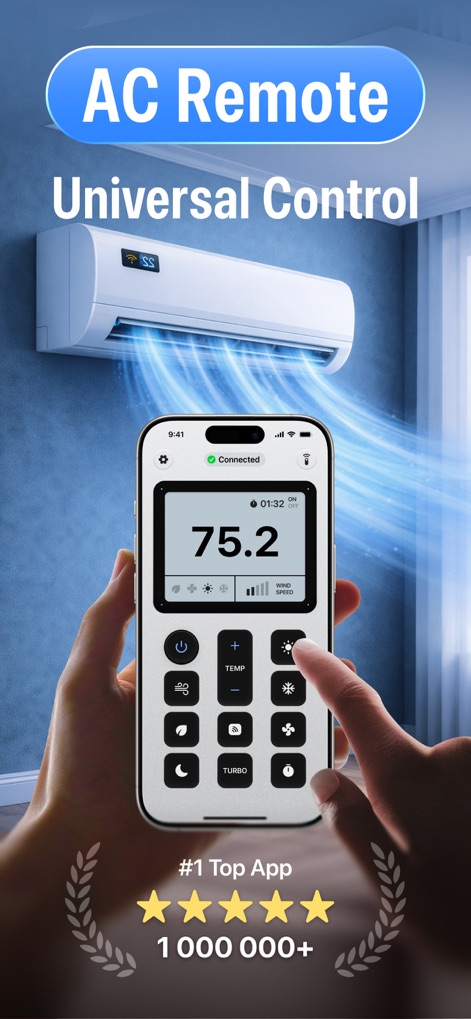
This tool showcases its universal control capabilities, featuring a prominent digital temperature display and an intuitive, neatly organized button layout for effortless climate management.
Universal AC Control
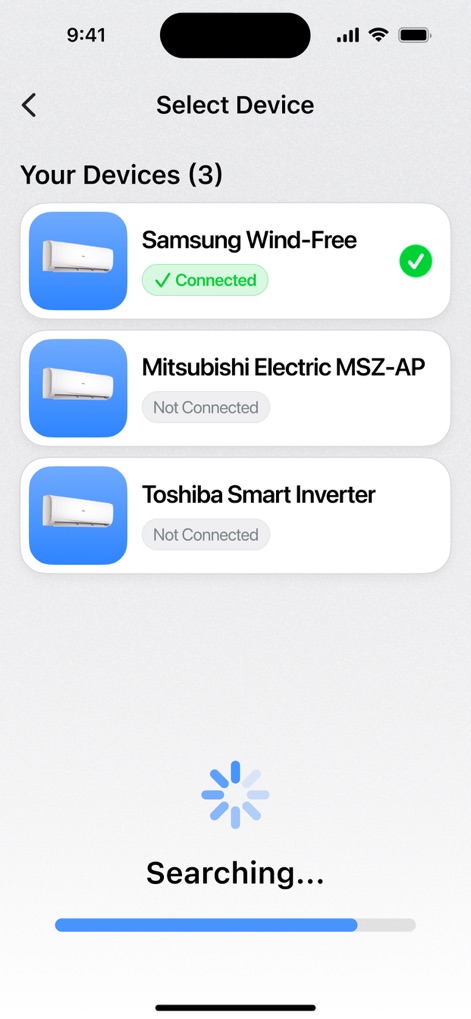
The app simplifies device management, presenting a clear "Your Devices" list to easily identify connected units and a distinct "Searching..." animation during device discovery.
Device Management Simplified
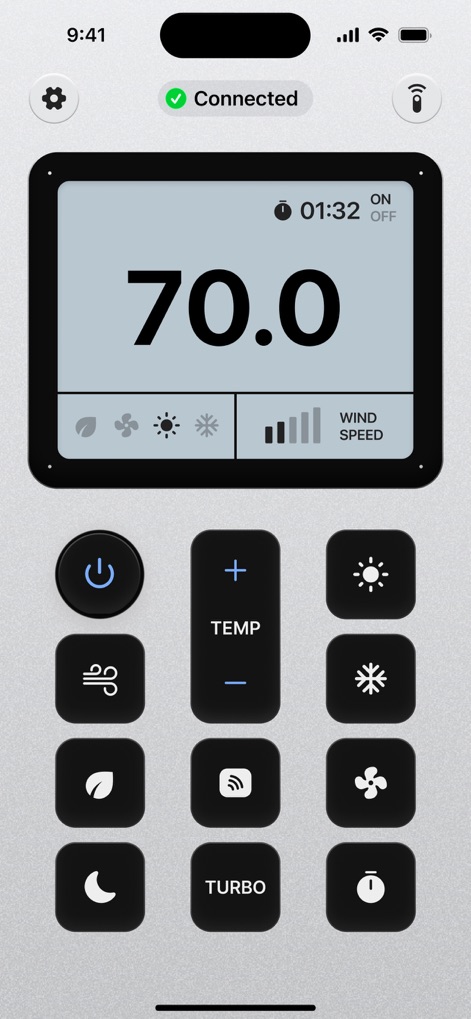
Users can achieve precision climate control, evident in the large digital temperature reading (70.0) and the comprehensive array of dedicated buttons for fan speed, mode, and turbo functions.
Precision Climate Control
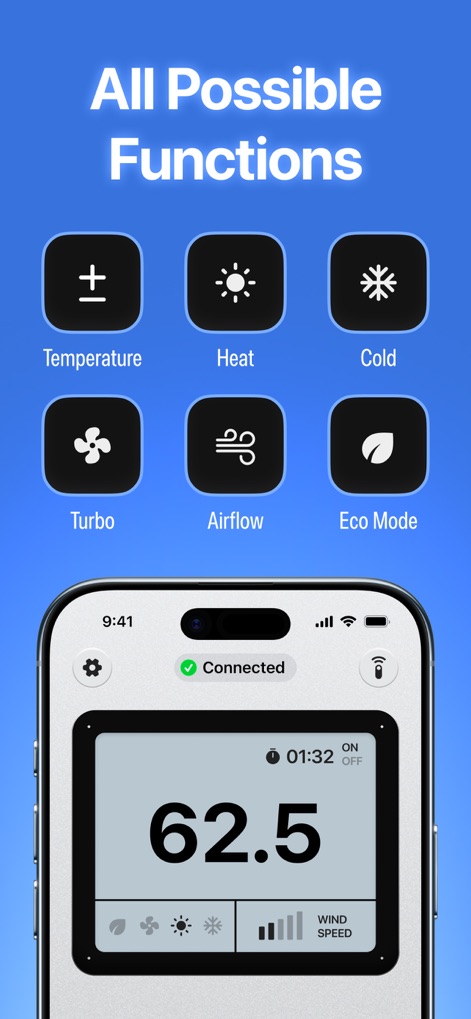
This tool offers comprehensive control options, displaying an "All Possible Functions" overview with clear icons and an interface with specific buttons for temperature adjustment and eco mode activation.
Comprehensive Control Options
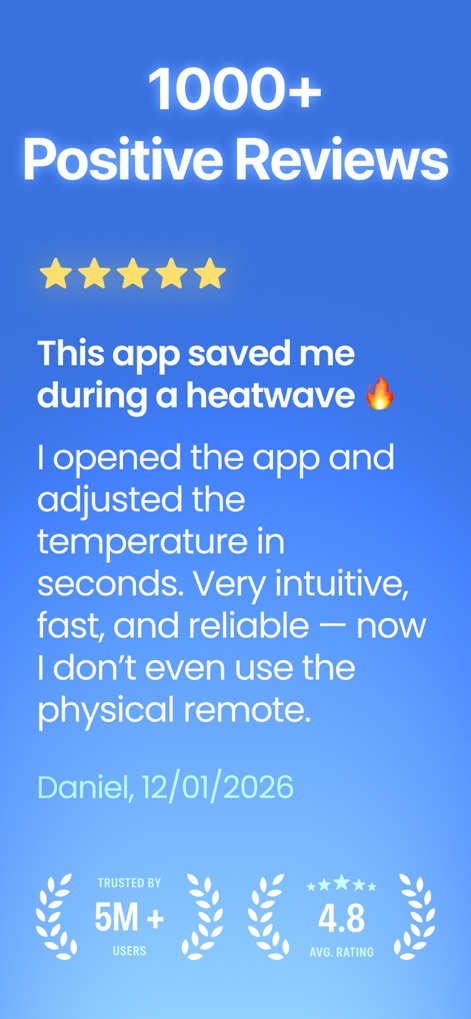
The app highlights strong user satisfaction through a compelling user testimonial and a prominent "Trusted by 5M+ users" badge, reinforcing its reliability and widespread adoption.
User Trust & Feedback
Description
Download
More Like This
Apps with similar features and user experience
Universal AC Remote Control .
KUPOLDEV LP
AC Remote - Universal Control
PATRIC MARCO KUCK
Air Conditioner Controller
S.I.C.I. SOCIETA' CONSORTILE A RESPONSABILITA' LIMITATA
Air Conditioner・AC Remote App
Erica Hughes
Universal AC Remote Control ㅤ
MSM COMPANY Sp. z o.o

Air Conditioner Pro, AC Remote
Calypso Wilde
AC Remote, Air Conditioner Pro
Matthew Clarke

AC Universal Remote Control
ALPHA TRAN TRADING AND TRANSPORTATION COMPANY LIMITED

Remote AC Universal & Control
FUJI CAC JOINT STOCK COMPANY
This page is not an official page of the app or its developer, but an independent editorial publication created for informational and commentary purposes. Unless expressly stated otherwise, neither the app nor its developer is affiliated with, endorsed by, sponsored by, authorized by, or otherwise officially connected with MWM, Apple, Google Play, the app publisher, or the app's developer, and nothing on this page implies that the app was developed using MWM's services. Any trademarks, logos, screenshots, and other content remain the property of their respective owners.