
This page is not an official page of the app or its developer, but an independent editorial publication created for informational and commentary purposes. Unless expressly stated otherwise, neither the app nor its developer is affiliated with, endorsed by, sponsored by, authorized by, or otherwise officially connected with MWM, Apple, Google Play, the app publisher, or the app's developer, and nothing on this page implies that the app was developed using MWM's services. Any trademarks, logos, screenshots, and other content remain the property of their respective owners.


Smart Switch my Phone
Moving phones is a nightmare. This app gives users control, effortlessly porting their digital life to a new device.
Downloads
2.5M+User Rating
Total Ratings
123Publisher
Category
ProductivityLocales
24Latest Version
16.3.3Size
104.1 MBFirst Released
Feb 16, 2022Evaluating key functionalities for seamless data migration.
Smart Switch my Phone: Comprehensive Feature Analysis
Cross-Platform Compatibility
The app enables users to seamlessly transfer and migrate data between devices running different operating systems, such as Android to iOS and vice versa, catering to a common upgrade scenario.
Comprehensive Data Transfer
The app provides the ability to move a wide range of essential data, including contacts, photos, videos, messages, and music, from an old device to a new one.
Wireless & Offline Transfer
This tool facilitates data transfer by creating a direct WiFi hotspot, eliminating the need for an internet connection, physical cables, or Bluetooth, enhancing convenience and reliability.
Rapid Data Transfer Speed
It allows users to transfer large volumes of data quickly, with speeds up to 200 times faster than traditional Bluetooth, ensuring a swift migration process.
Secure Data Transfer
The app ensures the privacy and integrity of transferred information through end-to-end encryption, protecting sensitive personal data during migration between devices.
QR Code Connection
This tool simplifies the pairing and initiation of transfers between devices by utilizing a QR code scan, making the connection process quick and user-friendly.
Intuitive User Interface
The app features a well-designed and easy-to-use user interface, making the complex process of data migration accessible and straightforward for all users.
Selective Data Transfer
It provides the flexibility to choose and transfer only specific files or categories of data, allowing users to customize their migration and avoid unnecessary data.
Frequently Asked Questions
Everything you need to know about Smart Switch my Phone
How does Smart Switch my Phone transfer data?
Smart Switch my Phone transfers data by creating a WiFi hotspot. It operates without requiring an internet connection, physical cables, or Bluetooth, facilitating direct device-to-device transfer.
What types of data can Smart Switch my Phone transfer?
Smart Switch my Phone transfers contacts, photos, videos, messages, and music. Users can select specific data types or even share single files between devices.
Is data transfer secure with Smart Switch my Phone?
Yes, data transfer with Smart Switch my Phone is secure. It uses end-to-end encryption for all data being transferred between devices.
Does Smart Switch my Phone support cross-platform data transfer?
Yes, Smart Switch my Phone supports cross-platform data transfer. It allows users to move data between any device and iPhone, including Android to iOS and vice versa.
What are the subscription plans for Smart Switch my Phone?
Smart Switch my Phone offers a Monthly subscription for $3.99, a Quarterly for $5.99, and an Annual for $9.99. All prices include applicable local sales taxes.
How fast is data transfer with Smart Switch my Phone?
Data transfer speeds with Smart Switch my Phone are up to 200 times faster than Bluetooth. This allows for large amounts of data to be transferred quickly.
How do I initiate a data transfer using Smart Switch my Phone?
The sender selects files, presses "Share," and the app creates a personal hotspot with a QR code. The receiver scans this QR code to establish the connection and begin the transfer.
The following screenshots and description are sourced directly from the app's official store listing and are the property of the app developer.
App Store
Screenshots
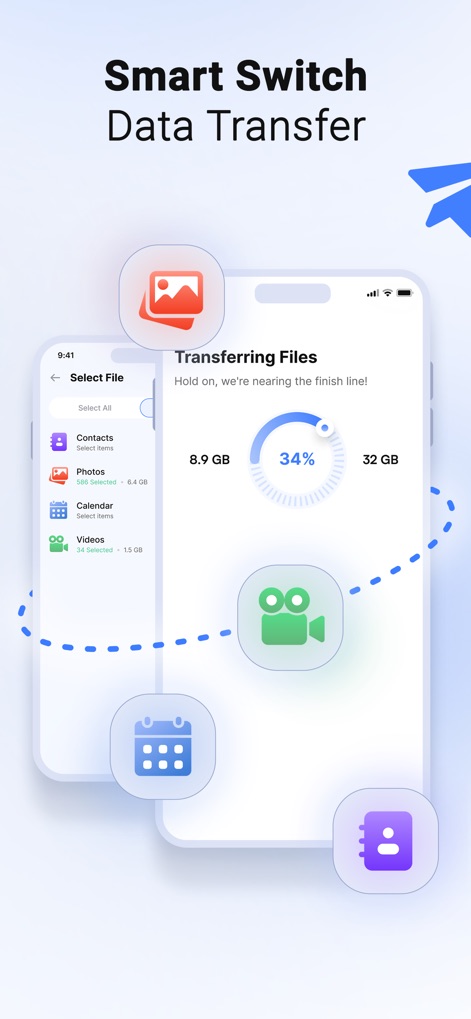
See how Smart Switch my Phone organizes data categories like 'Contacts' and 'Photos', while also displaying a clear transfer progress indicator for user convenience.
Effortless Data Migration
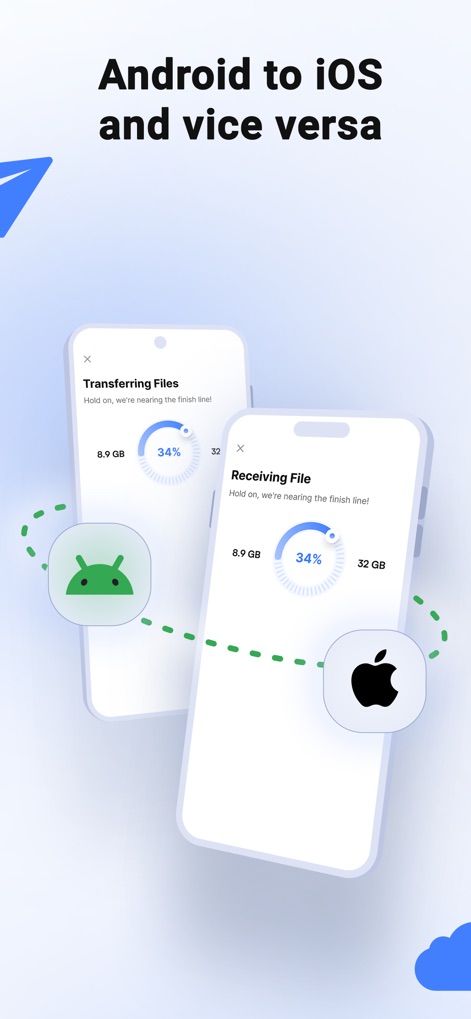
This tool facilitates smooth data migration between different operating systems, clearly illustrating both Android and iOS devices engaged in a secure transfer with a visual progress display.
Seamless Cross-Platform
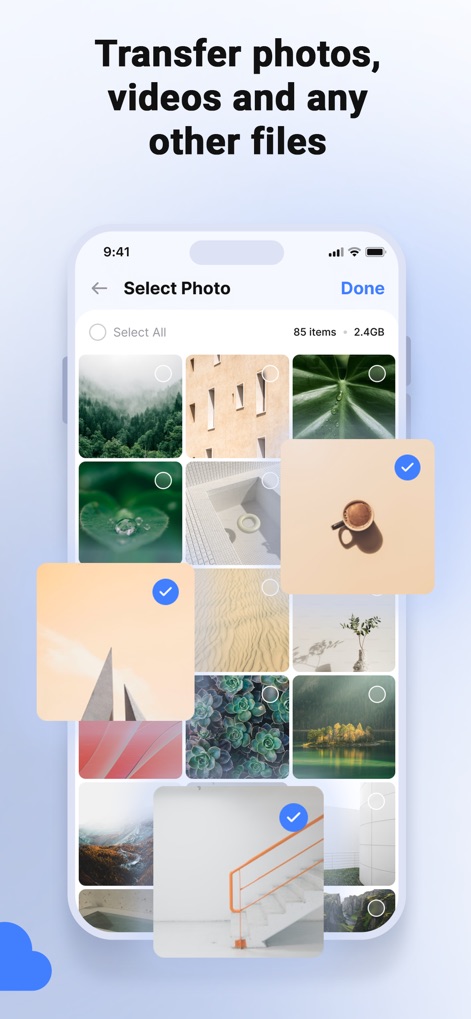
Users can precisely select specific files for transfer, demonstrated by the interactive photo grid with individual selection checkmarks and a 'Select Photo' header.
Custom Content Selection
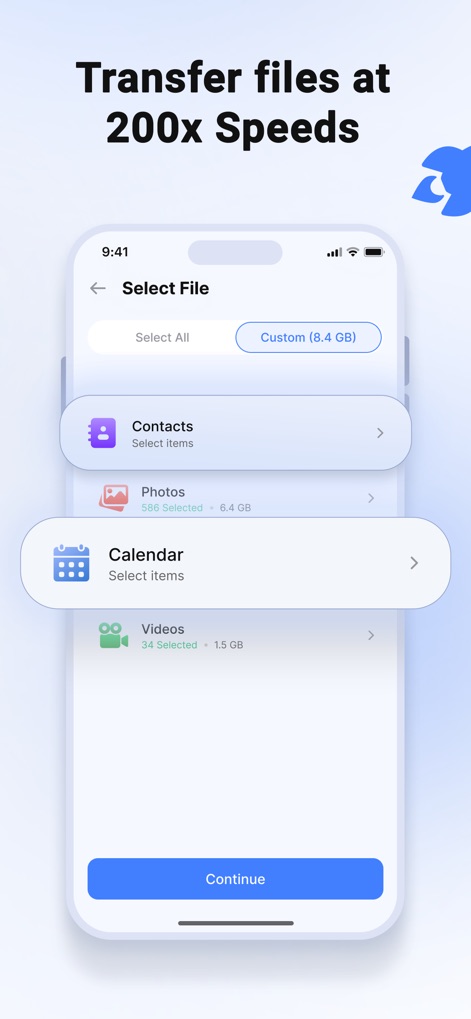
The app provides granular control over data transfer, allowing users to select categories like 'Contacts' and 'Photos' and displaying the total size of selected items for efficient planning.
Optimized Selection Process
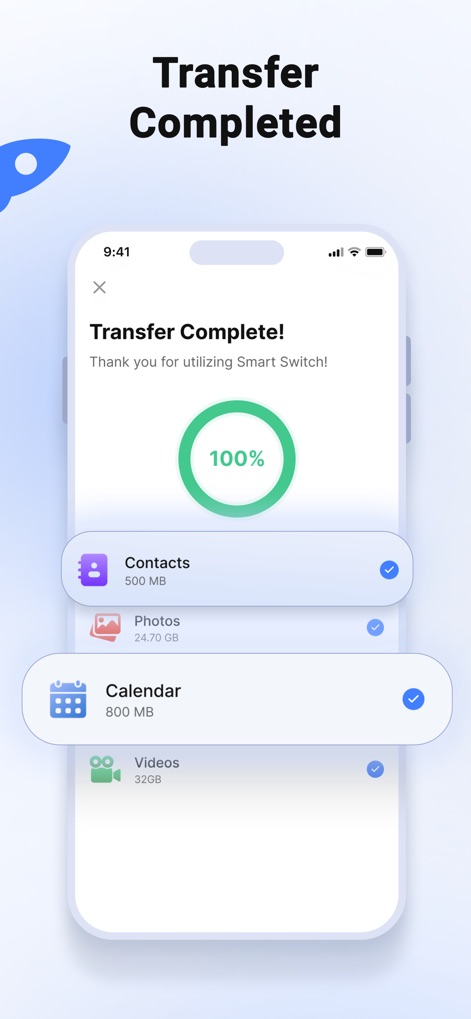
Upon completion, the app provides a clear 'Transfer Complete!' message and a 100% progress indicator, along with a detailed list of transferred data categories like 'Photos' and 'Videos' for verification.
Successful Transfer Confirmation
Description
Download
More Like This
Apps with similar features and user experience

Data Transfer - Copy My Data
Simple Health Limited

互传 - 快速换机数据迁移智能助手
家呈 郭

Copy My Data - Smart Transfer
Red Sky Labs, SOCIEDAD LIMITADA
Smart Switch - Copy My Data
学斌 林
Copy My Data - Mobile Transfer
KHD Plaza LLC

Phone Clone - Smart Switch .
俊杰 刘

Smart Switch: Data Transfer
Zadore Tracy
Smart Switch: Copy & Move Data
JW Marketing group s.r.o.
手机同步传输-同步转移数据文件
冰 杜
This page is not an official page of the app or its developer, but an independent editorial publication created for informational and commentary purposes. Unless expressly stated otherwise, neither the app nor its developer is affiliated with, endorsed by, sponsored by, authorized by, or otherwise officially connected with MWM, Apple, Google Play, the app publisher, or the app's developer, and nothing on this page implies that the app was developed using MWM's services. Any trademarks, logos, screenshots, and other content remain the property of their respective owners.