
Sony | Music Center



Seamlessly manage your Sony audio ecosystem to enjoy pristine Hi-Res music, effortless multi-room playback, and precision-tuned sound across all your devices.
Publisher
Category
MusicDownloads
21M+User Rating
Total Ratings
281K+Locales
15Discover the interface used by 21M+ users.
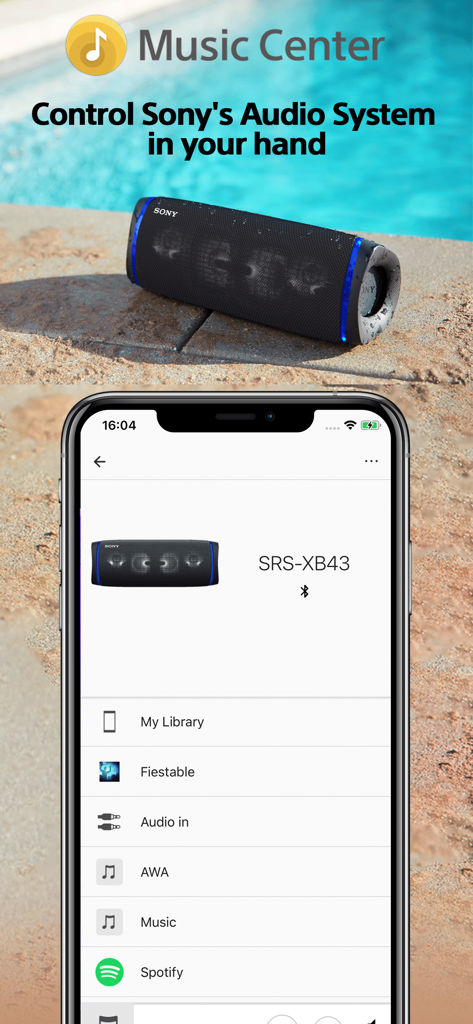
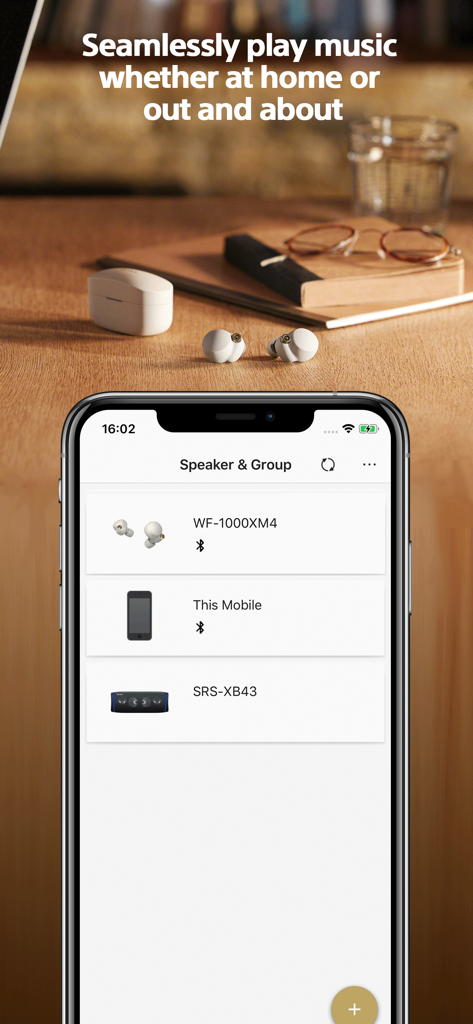
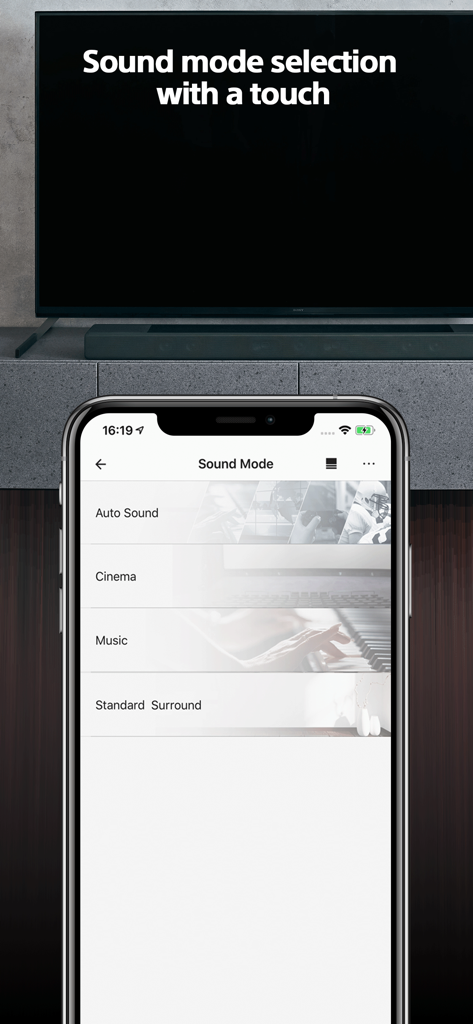
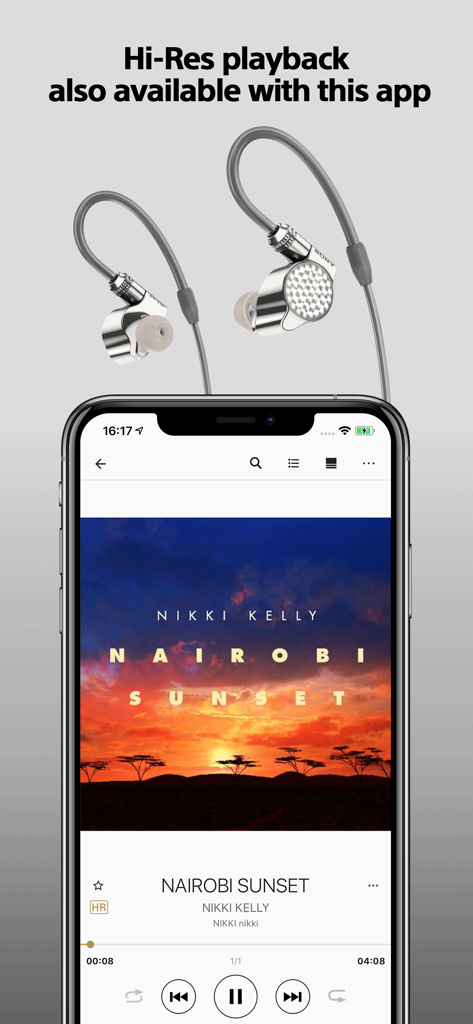
The tools that make this app stand out, trusted by 21M+ users.
Stream crystal-clear, high-resolution audio files from your phone, NAS, or CD collection with zero quality loss.
Wirelessly sync speakers throughout your home for a synchronized surround sound experience or unique vibes in every room.
Fine-tune your audio with precision equalizers and hardware settings designed to extract the best from your Sony gear.
Everything you need to know about Sony | Music Center.
Description
Latest Version
7.5.0
Size
95.2 MB
First Released
Feb 9, 2014
Join 21 million music enthusiasts. Download Sony | Music Center to unlock the full potential of your hardware with Hi-Res precision and seamless multi-room control.
Everything you need to know about Sony | Music Center
The Sony | Music Center app is a central hub for music lovers to enjoy Hi-Res audio and control compatible Sony audio devices. It optimizes sound settings for connected devices and allows music playback from various sources.
Yes, the Sony | Music Center app supports playback of Hi-Res audio tracks directly on your smartphone. It also enables listening to Hi-Res sound sources through connected compatible devices.
Sony | Music Center requires compatible Sony audio devices for its control functions. Devices previously compatible with SongPal are also compatible. Users should check the Sony support site for specific product compatibility.
Yes, the Sony | Music Center app integrates with music services such as Spotify. Users can access and play content from these services through the app when connected to compatible devices.
Yes, the Sony | Music Center app allows users to change settings on their audio devices. This includes adjusting the Equalizer, setting a Sleep Timer, and selecting various sound modes like Cinema or Surround.
The Sony | Music Center app, starting with version 7.4, is only available on iOS 15.0 or later. Users must ensure their device meets this operating system requirement.
Yes, the Sony | Music Center app allows users to set up Multi-room, Surround, and Stereo configurations wirelessly with multiple compatible speakers. This enables synchronized audio playback across devices.
Yes, the Sony | Music Center application supports VoiceOver. This accessibility feature enhances usability for individuals with visual impairments, allowing them to navigate and interact with the app effectively.
Sony | Music Center can play music from CDs, USB devices, smartphones, and network sources. It also accesses music folders stored on computers or NAS drives via DLNA for compatible devices.
Apps with similar features and user experience

Bose Corporation

Marshall Group AB (publ)

Harman International Industries

Bose Corporation

Bose Corporation

Harman International Industries

Power Mobile Life LLC

Harman International Industries

Beijing Xiaomi Co., Ltd
App information, icons, screenshots, and descriptions displayed on this page are sourced from the Apple App Store and are the property of their respective developers. Download estimates and rankings are based on MWM's proprietary models and may not reflect actual figures. This page is provided for informational and analytical purposes only.
Believe this page infringes your intellectual property? File a dispute
