
This page is not an official page of the app or its developer, but an independent editorial publication created for informational and commentary purposes. Unless expressly stated otherwise, neither the app nor its developer is affiliated with, endorsed by, sponsored by, authorized by, or otherwise officially connected with MWM, Apple, Google Play, the app publisher, or the app's developer, and nothing on this page implies that the app was developed using MWM's services. Any trademarks, logos, screenshots, and other content remain the property of their respective owners.


SwipeClean: Storage Cleanup
Storage full? This app hands users the power to reclaim their digital space, one swipe at a time.
Downloads
25k+User Rating
Total Ratings
87Publisher
Category
UtilitiesLocales
10Latest Version
1.1.2Size
38.2 MBFirst Released
Dec 28, 2025An analytical overview of the application's core functionalities designed for efficient digital organization.
Key Features of SwipeClean: Storage Cleanup
Duplicate Photo Removal
The app identifies and assists in the removal of redundant photos, significantly freeing up device storage.
Video Compression
This tool allows users to reduce the file size of videos without deleting them, preserving memories while optimizing storage space.
User-Friendly Interface
It features a simple and clear design with large buttons and easy-to-understand text, making gallery management straightforward for all users.
Intuitive Photo Sorting
The app provides an easy 'swipe' mode for reviewing photos, enabling quick decisions to keep or delete with a simple gesture.
Offline Privacy Protection
It operates entirely offline on the user's device, ensuring that personal photos and data are not accessed or uploaded to the internet, thereby protecting privacy.
Email Inbox Cleanup
This tool enables users to connect their email to find and delete junk mail and old spam, contributing to a decluttered inbox and easier message management.
The following screenshots and description are sourced directly from the app's official store listing and are the property of the app developer.
App Store
Screenshots
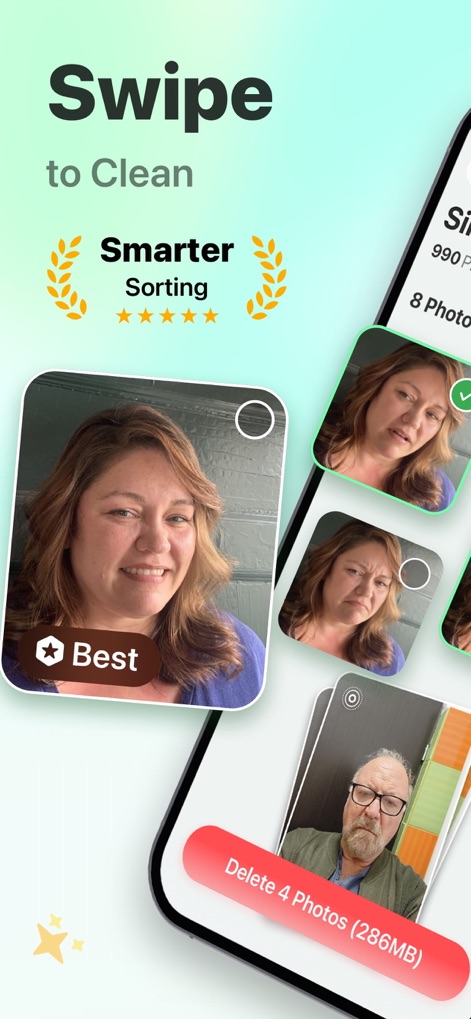
Users can quickly identify and manage their best photos with the smarter sorting feature, directly engaging with the 'Delete X Photos' button for swift cleanup.
Effortless Photo Sorting
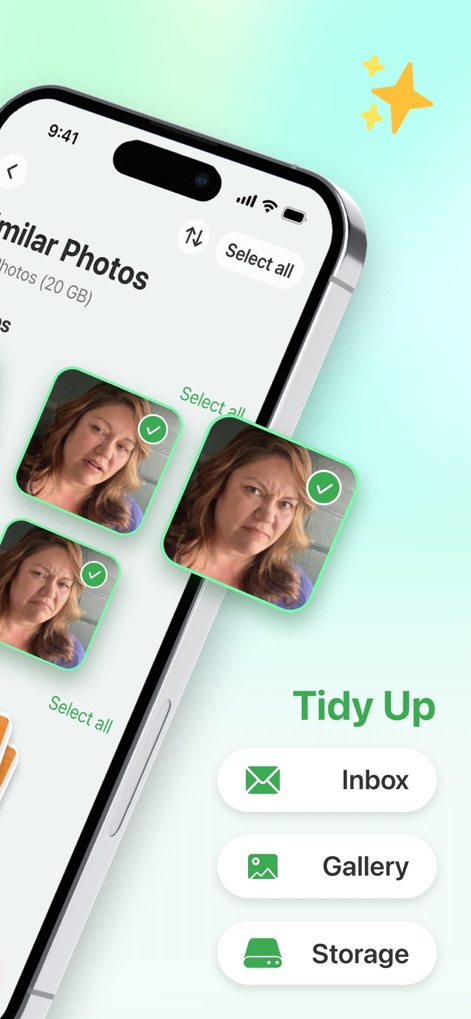
The app intelligently identifies and groups similar photos for easy review, while the 'Tidy Up' menu provides quick access to inbox, gallery, and storage cleaning.
Duplicate Photo Detection
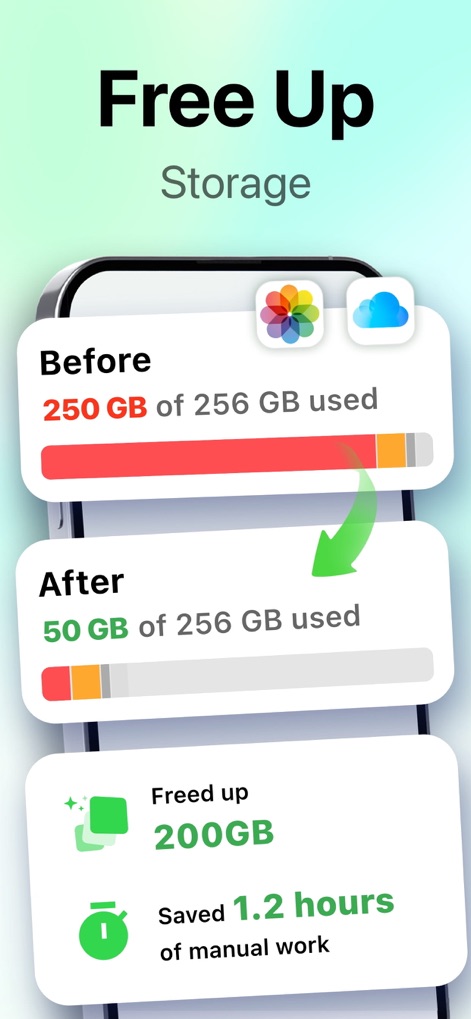
This tool visually demonstrates significant storage gains with clear 'Before' and 'After' usage indicators, highlighting the precise amount 'Freed up' and hours of 'manual work' saved.
Maximize Storage Space
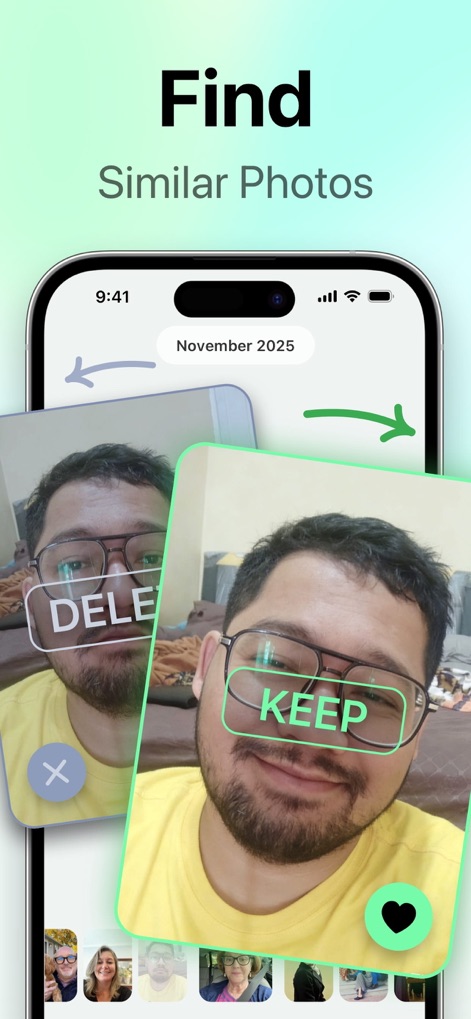
Users can effortlessly decide the fate of similar photos with a simple swipe, clearly marked by the 'DELETE' and 'KEEP' overlays for quick organization.
Intuitive Swipe Decisions
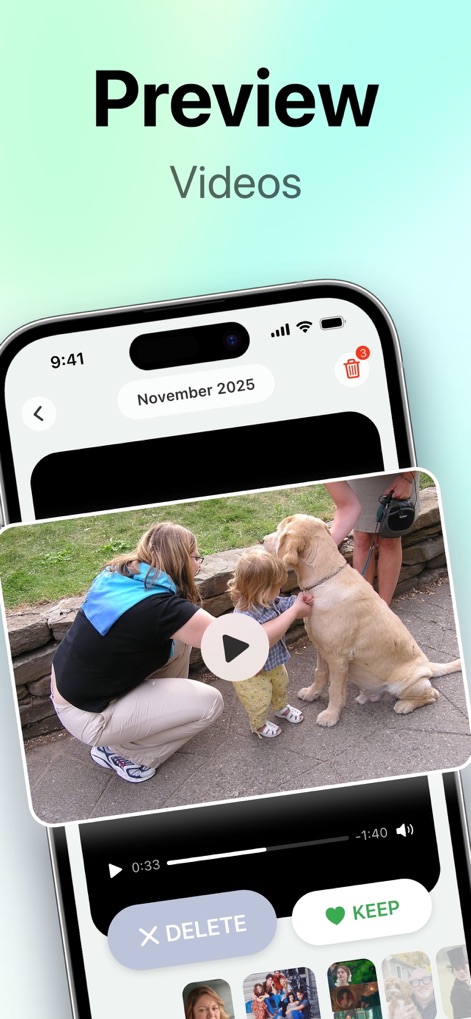
The app enables users to preview videos directly within the interface, offering clear 'DELETE' and 'KEEP' options for efficient management of media files.
Video Preview & Action
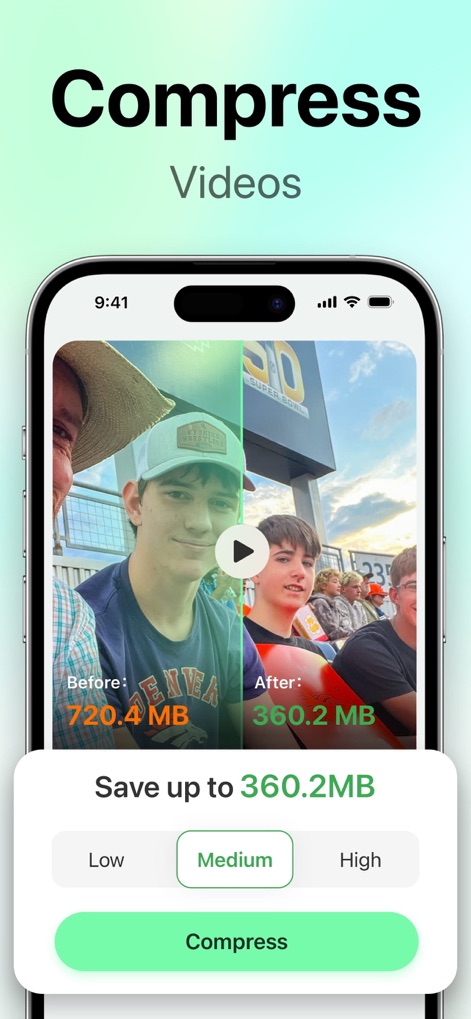
This tool optimizes video files by visually comparing 'Before' and 'After' sizes, providing users with flexible compression level options like 'Medium' for balanced quality and space savings.
Smart Video Compression
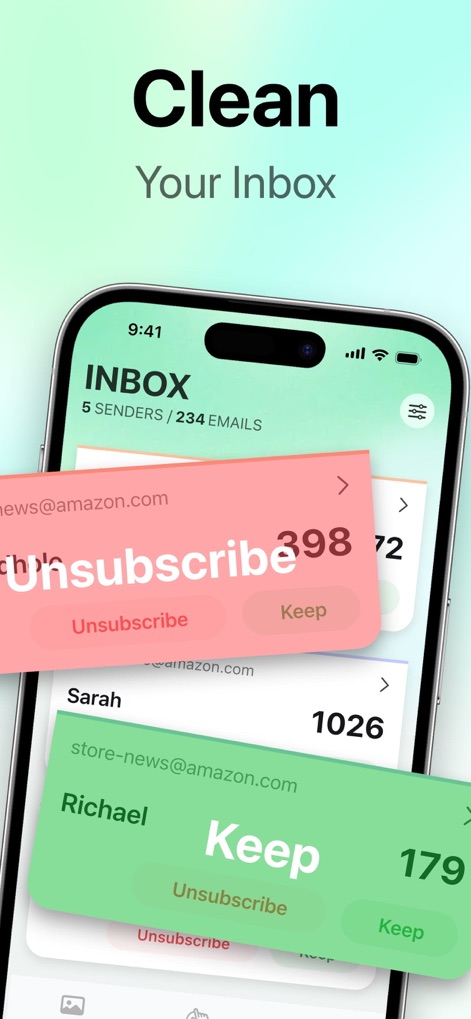
Users can efficiently manage their inbox by easily choosing to 'Unsubscribe' from unwanted senders or to 'Keep' important contacts, decluttering their digital mail.
Streamlined Email Cleanup
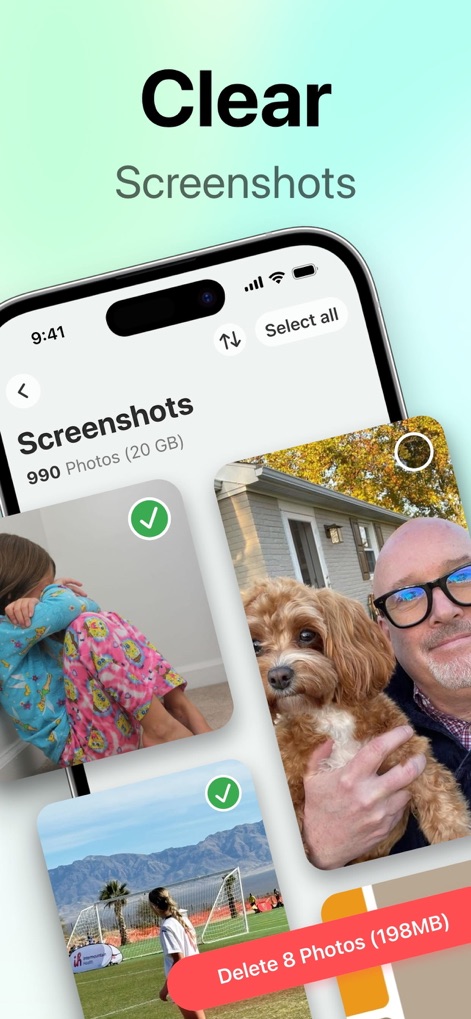
The app offers a focused view for managing 'Screenshots,' allowing users to quickly select and clear them using the 'Delete X Photos' bulk action.
Organize Screenshots Swiftly
Description
Download
More Like This
Top-ranked apps in the same category

Google LLC

Google Chrome
Google LLC

中国移动(手机营业厅)
China Mobile Online Services Co., Ltd.

Google Authenticator
Google LLC

gov.br
Servicos e Informacoes do Brasil

Super VPN Fly 2026
YUNFAN TECHNOLOGY CO., LIMITED

Cleanup: Phone Storage Cleaner
DEEP FLOW SOFTWARE SERVICES - FZCO

百度-AI智能搜索
Beijing Baidu Netcom Science & Technology Co.,Ltd

Microsoft Edge: AI Browser
Microsoft Corporation
This page is not an official page of the app or its developer, but an independent editorial publication created for informational and commentary purposes. Unless expressly stated otherwise, neither the app nor its developer is affiliated with, endorsed by, sponsored by, authorized by, or otherwise officially connected with MWM, Apple, Google Play, the app publisher, or the app's developer, and nothing on this page implies that the app was developed using MWM's services. Any trademarks, logos, screenshots, and other content remain the property of their respective owners.