
This page is not an official page of the app or its developer, but an independent editorial publication created for informational and commentary purposes. Unless expressly stated otherwise, neither the app nor its developer is affiliated with, endorsed by, sponsored by, authorized by, or otherwise officially connected with MWM, Apple, Google Play, the app publisher, or the app's developer, and nothing on this page implies that the app was developed using MWM's services. Any trademarks, logos, screenshots, and other content remain the property of their respective owners.


Tally • Quick Counter
The minimalist, gesture-based interface designed for your Apple ecosystem. Track habits, scores, and milestones with zero friction using Apple Watch, Widgets, and Live Activities.
Downloads
46K+User Rating
Total Ratings
1K+Publisher
Category
UtilitiesLocales
1Latest Version
13.0Size
32.6 MBFirst Released
Feb 16, 2015Master Your Metrics with Ease
Designed for the 'Quantified Self' enthusiast, Tally provides the most frictionless way to track habits, scores, and life events across all your Apple devices.
Eyes-Free Gesture Control
Tap anywhere to count up or swipe down to decrease. Track your progress instantly without ever needing to look away from the action.
Deep Apple Ecosystem Integration
Access counts from your Apple Watch, Lock Screen Live Activities, or Home Screen widgets. Your data stays perfectly synced via iCloud.
The following screenshots and description are sourced directly from the app's official store listing and are the property of the app developer.
App Store
Screenshots
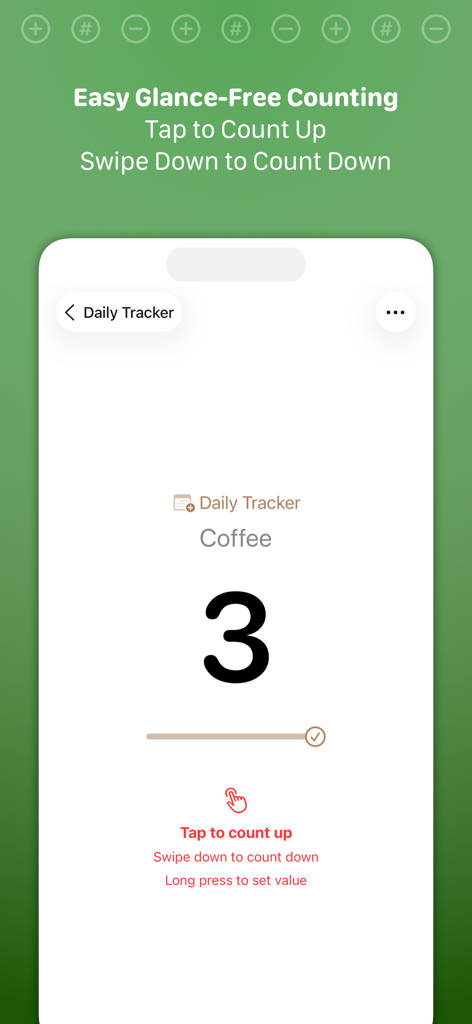
iPhone screen showing Tally app with a coffee counter at three and instructions for tap and swipe gestures
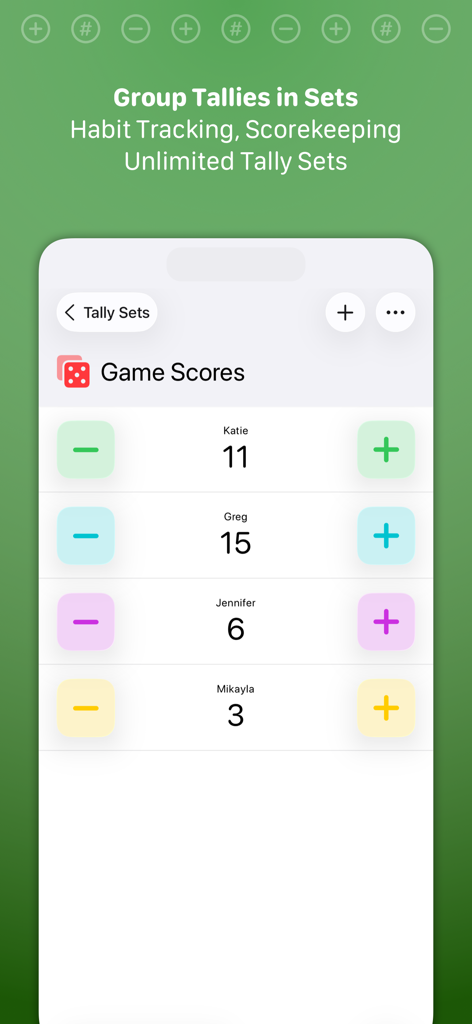
Mobile app interface showing a game scores set with multiple player counters
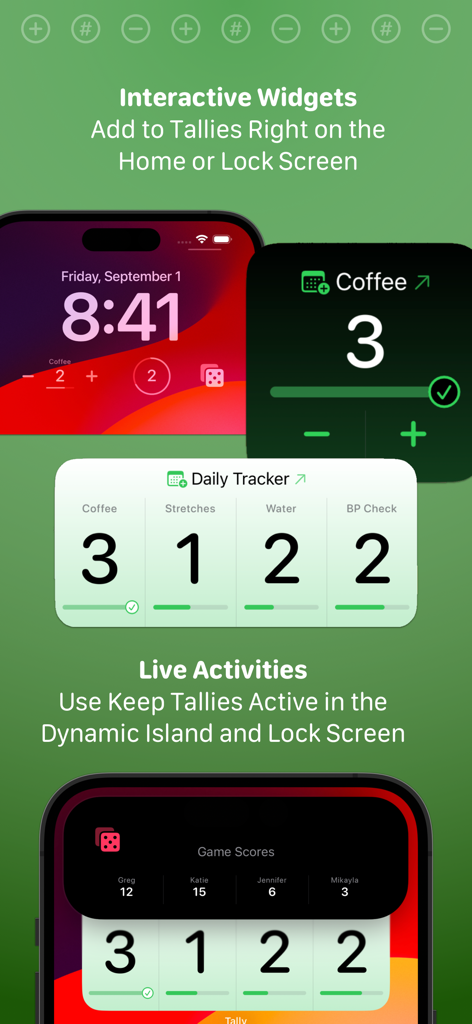
Tally app featuring interactive widgets and live activities for tracking habits and scores on the iPhone lock screen
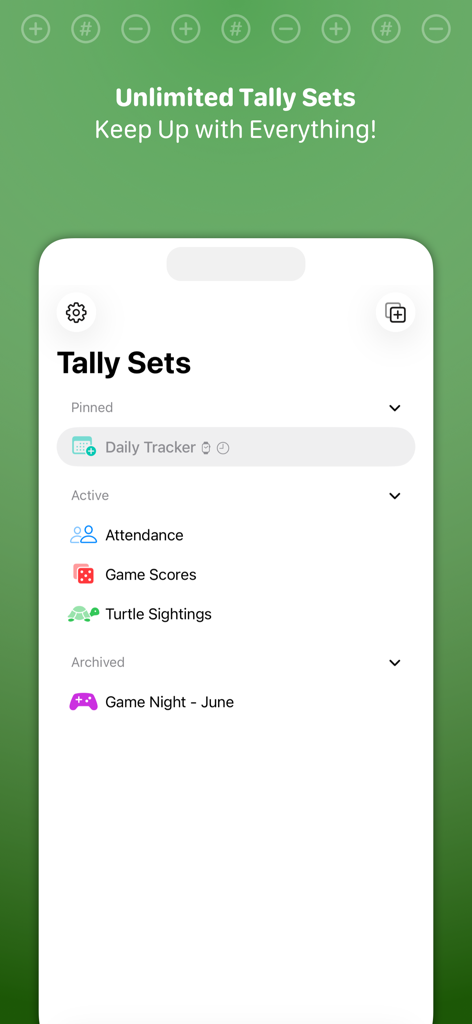
Tally app interface showing organized tally sets for tracking attendance, game scores, and habit progress
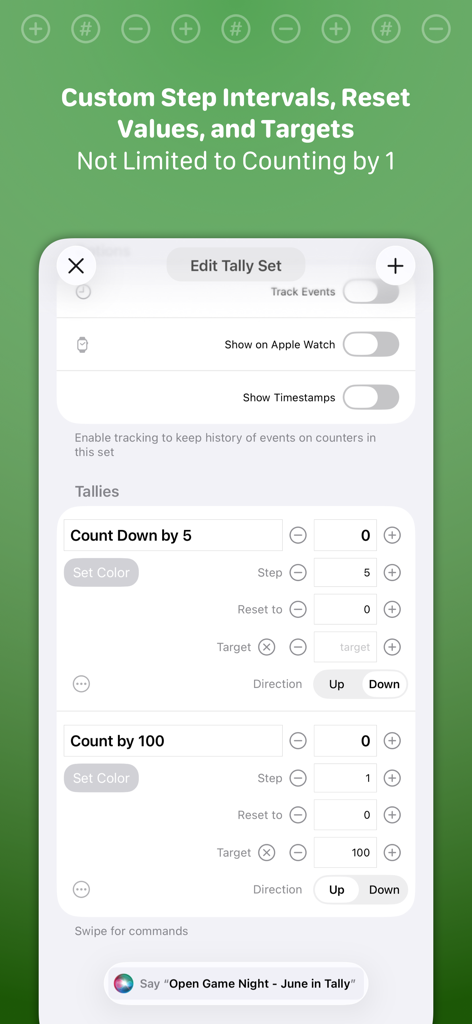
The Edit Tally Set screen in Tally showing options for custom step intervals targets and Apple Watch integration
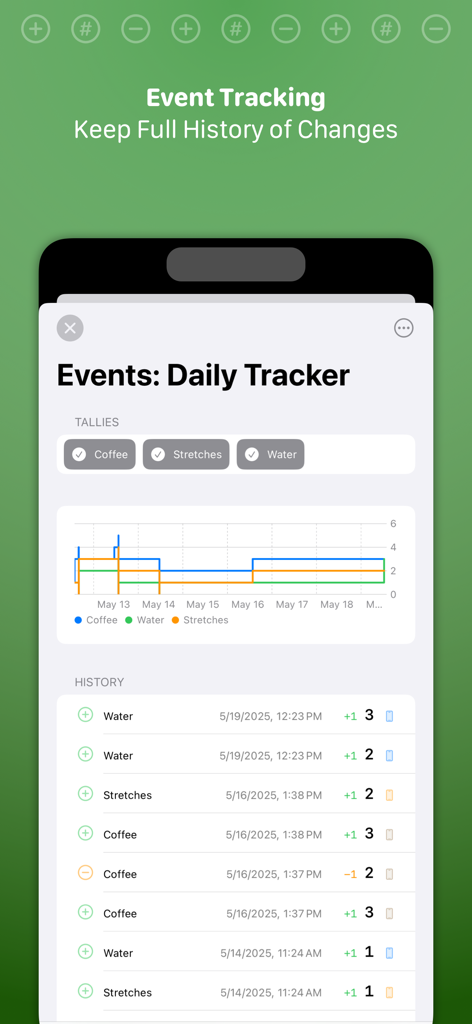
A detailed event history log and progress graph in the Tally app showing daily tracker data for various habits
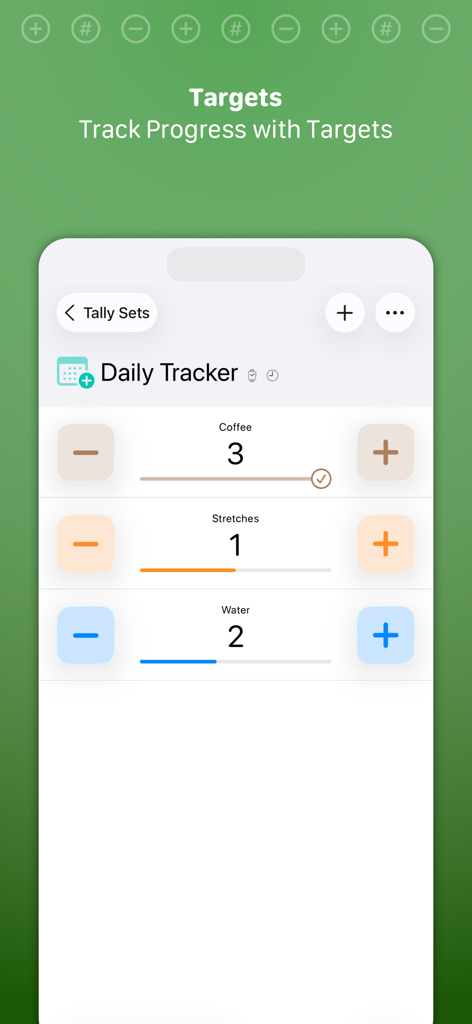
Interface of Tally app showing daily tracker with progress bars for habit counting.
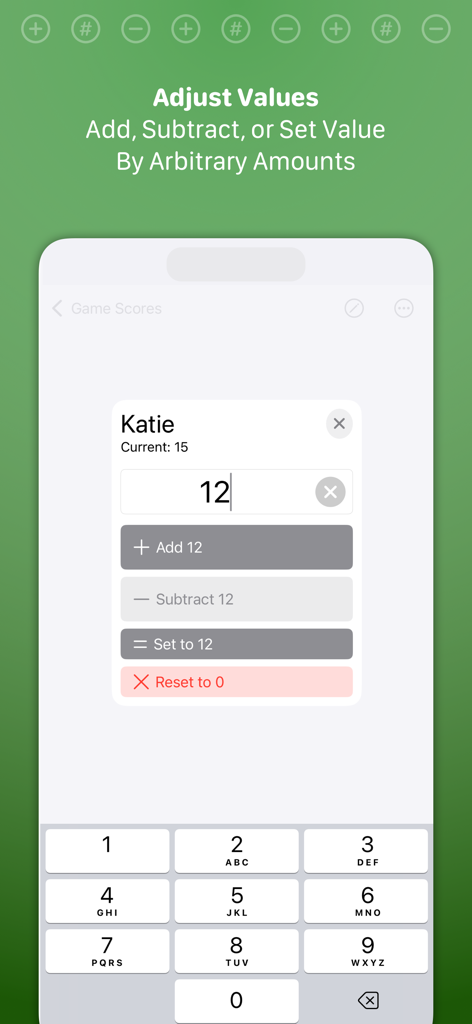
The adjust values interface in the Tally app for manually adding subtracting or setting counter amounts
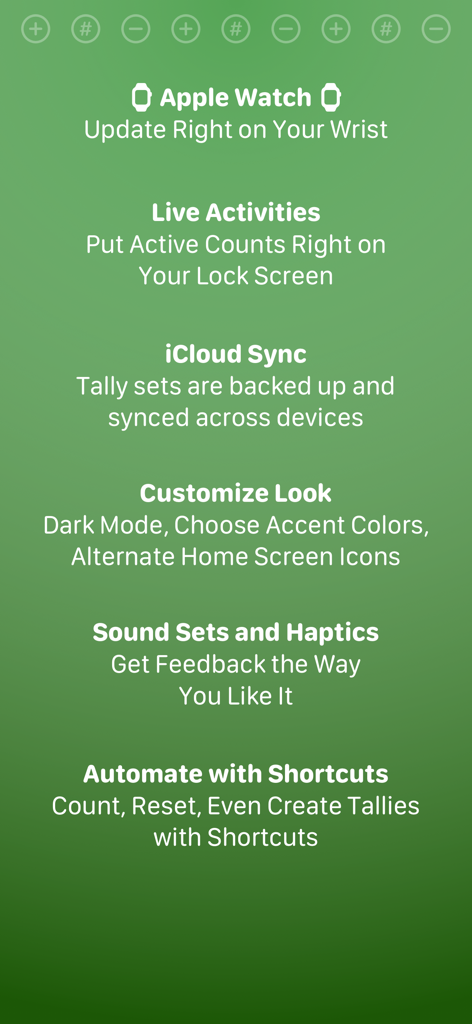
A list of features for the Tally Quick Counter app including Apple Watch support Live Activities iCloud Sync and Shortcuts automation
Description
Download
More Like This
Top-ranked apps in the same category

Google LLC

Google Chrome
Google LLC

中国移动(手机营业厅)
China Mobile Online Services Co., Ltd.

Google Authenticator
Google LLC

CNH do Brasil
Servicos e Informacoes do Brasil

Cleanup: Phone Storage Cleaner
DEEP FLOW SOFTWARE SERVICES - FZCO

gov.br
Servicos e Informacoes do Brasil

中国电信-全国统一官方服务平台
CHINA TELECOM Corporation Ltd.

Microsoft Edge: AI Browser
Microsoft Corporation
This page is not an official page of the app or its developer, but an independent editorial publication created for informational and commentary purposes. Unless expressly stated otherwise, neither the app nor its developer is affiliated with, endorsed by, sponsored by, authorized by, or otherwise officially connected with MWM, Apple, Google Play, the app publisher, or the app's developer, and nothing on this page implies that the app was developed using MWM's services. Any trademarks, logos, screenshots, and other content remain the property of their respective owners.