Tap & Print: Smart Air Printer
Download on App Store

This page is not an official page of the app or its developer, but an independent editorial publication created for informational and commentary purposes. Unless expressly stated otherwise, neither the app nor its developer is affiliated with, endorsed by, sponsored by, authorized by, or otherwise officially connected with MWM, Apple, Google Play, the app publisher, or the app's developer, and nothing on this page implies that the app was developed using MWM's services. Any trademarks, logos, screenshots, and other content remain the property of their respective owners.

Logo of Tap & Print: Smart Air Printer
Download on App Store

Tap & Print: Smart Air Printer

Skip the laptop and connect to over 9,000 wireless printers instantly. Whether it's a contract, school form, or photo, get pro-level control and seamless cloud integration in just one tap.

Key Figures

Downloads

3M+

User Rating

3.9/5

Total Ratings

3K+

Publisher

Smart Mobile Apps FZCO

Category

Business

Locales

6

Latest Version

7.12

Size

193.5 MB

First Released

Jan 12, 2018
Features

Powerful Printing Made Simple

From school forms to professional contracts, manage every document with the ultimate mobile-first printing and scanning toolkit.

Universal Wireless Printing

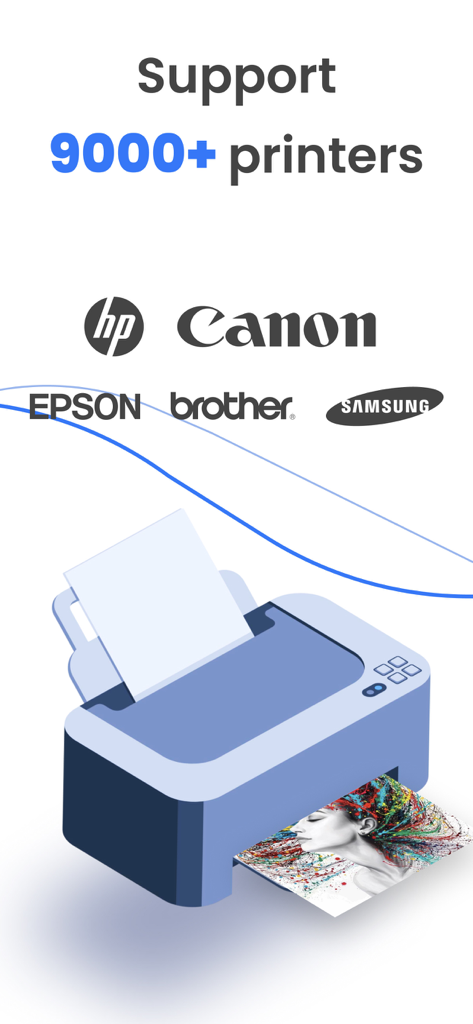
Connect seamlessly to 9,000+ printer models including HP, Epson, and Canon without ever needing a computer.

Advanced Document Control

Take charge of your print jobs with pro settings for paper size, grayscale, and double-sided layouts for professional results.

The following screenshots and description are sourced directly from the app's official store listing and are the property of the app developer.

App Store

Screenshots
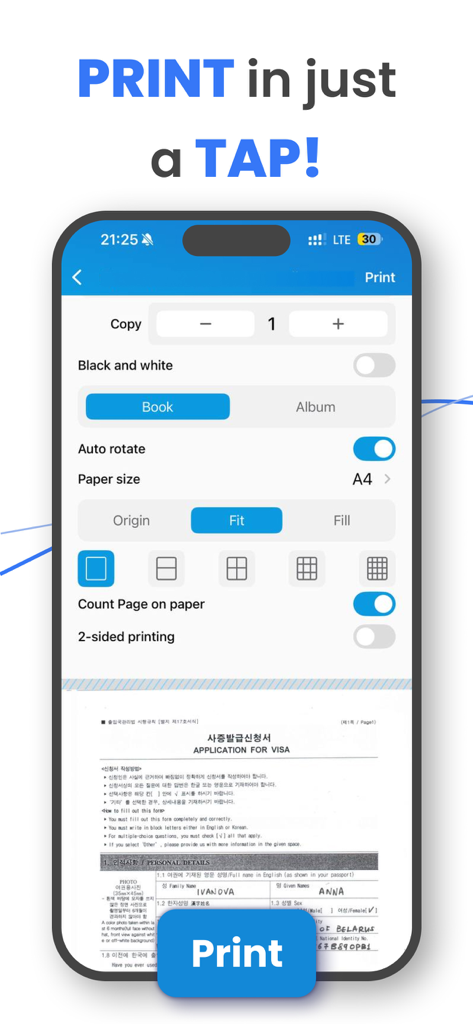
Tap & Print: Smart Air Printer - Mobile app interface showing advanced print settings and document preview on a smartphone
Mobile app interface showing advanced print settings and document preview on a smartphone

Tap & Print: Smart Air Printer - Graphic showing Tap and Print app support for over 9000 printers including HP Canon and Epson
Graphic showing Tap and Print app support for over 9000 printers including HP Canon and Epson

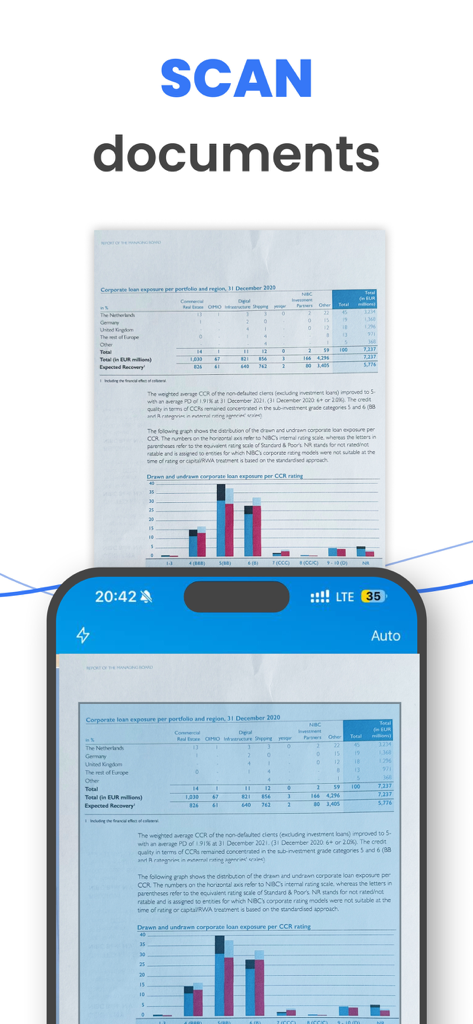
Tap & Print: Smart Air Printer - iPhone screen showing the scan documents feature with a financial report
iPhone screen showing the scan documents feature with a financial report

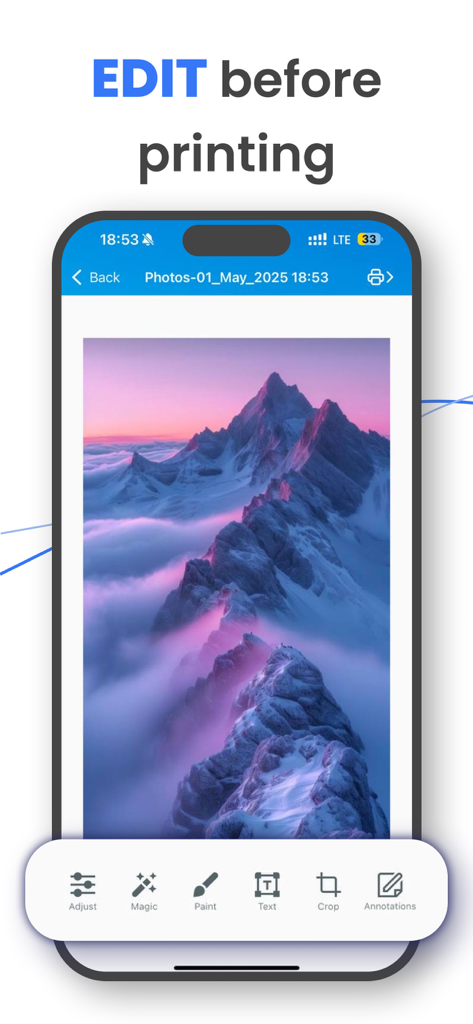
Tap & Print: Smart Air Printer - Interface of Tap and Print app showing photo editing tools including crop and annotations before printing.
Interface of Tap and Print app showing photo editing tools including crop and annotations before printing.

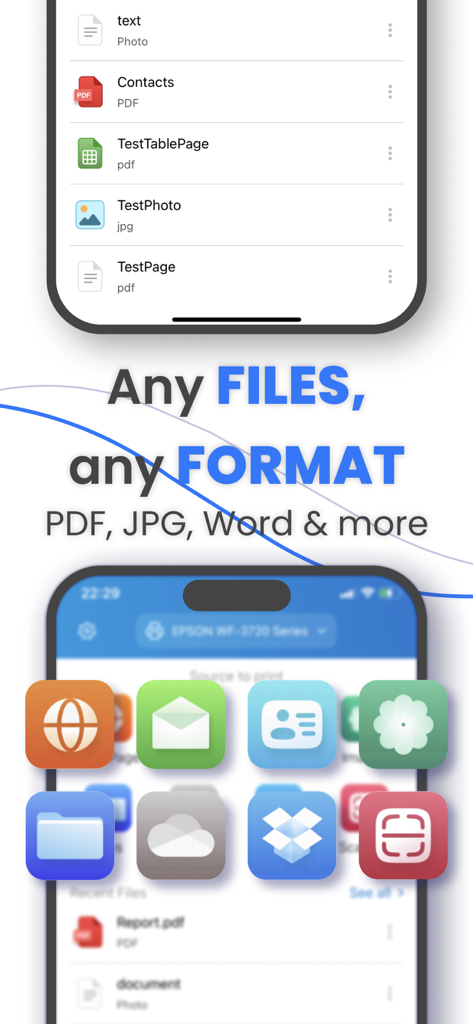
Tap & Print: Smart Air Printer - Tap and Print app screen showing support for multiple file formats including PDF, JPG and Word
Tap and Print app screen showing support for multiple file formats including PDF, JPG and Word

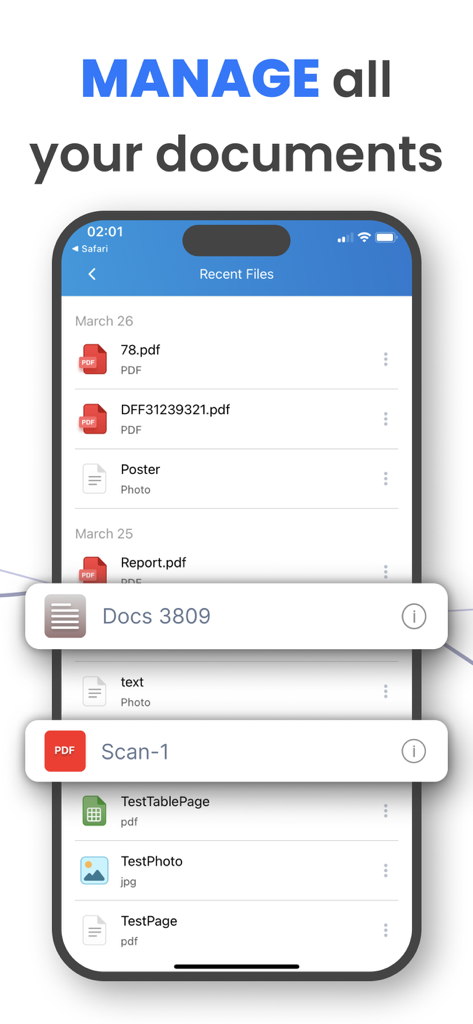
Tap & Print: Smart Air Printer - iPhone screen displaying the recent files list in the Tap and Print app with the headline Manage all your documents

iPhone screen displaying the recent files list in the Tap and Print app with the headline Manage all your documents

Description

Tap & Print is your go-to app for seamless mobile printing and scanning. Supporting over 9,000 wireless printer models , it makes printing documents, photos, and web pages from your iPhone or iPad easier than ever. With advanced customization options and cloud integration, Tap & Print is perfect for students, professionals, and families alike. PRINT ANYTHING WITH EASE Print photos, documents, PDFs, Word files, Excel sheets, PowerPoint presentations, emails, and more—all with just a few taps. Whether you’re printing from your Camera Roll, clipboard, or cloud storage, Tap & Print supports over 30 file types and offers complete control over print settings like paper size, orientation, color, and borders. It’s the only app you’ll need for all your mobile printing needs. SCAN AND SHARE IN SECONDS Use the built-in scanner to digitize receipts, contracts, notes, or any document quickly. Once scanned, you can share or print your files instantly. With Tap & Print, going paperless has never been easier. ADVANCED FEATURES FOR EVERY USER Take full advantage of customizable options: Choose from a variety of paper sizes and types (Letter, Legal, A4, etc.). Print in vibrant color or grayscale for professional results. Opt for one- or two-sided printing, with or without borders. Cloud integration with iCloud, Google Drive, and Dropbox ensures your files are always accessible. Plus, convert high-quality PDFs, share files via email or social media, and stay productive on the go. SUBSCRIPTION DETAILS To unlock premium features like advanced printer and scanner functionality, a subscription is required. Subscriptions automatically renew unless canceled at least 24 hours before the end of the current billing period. Manage your subscription preferences directly through your iTunes Account Settings. Note: Only you can manage your subscriptions. As developers, we cannot cancel or renew them on your behalf. GET STARTED TODAY Tap & Print works with popular printer brands like Canon, HP, Epson, Brother, Xerox, and more —including any AirPrint-compatible device. Use the test print feature after installation to confirm compatibility with your printer. Make sure your iPhone or iPad is connected to the same Wi-Fi network as your printer for the best experience. WHY CHOOSE TAP & PRINT? Whether you’re printing photos, scanning documents, or managing work files, Tap & Print combines simplicity and power in one app. Designed for convenience, it empowers you to print and scan from anywhere, anytime. Download Tap & Print today and simplify your mobile printing experience! Note: *Make sure you’re connected to the same Wi-Fi network as your printer to use all the features of the printer app. **Before installing the app for iPhone and iPad, we recommend checking the list of AirPrint devices: https://support.apple.com/en-us/HT201311 AirDrop®, AirPrint®, Apple®, Apple logo®, iPad®, iPad Air®, iPad Pro®, iPhone®, App Store® are non-exhaustive list of Apple’s® registered trademarks in the U.S. and/or other countries and regions. Adobe, the Adobe logo, Acrobat, Adobe Premiere, After Effects, Behance, Creative Cloud, EchoSign, InDesign, Photoshop and Typekit are either registered trademarks or trademarks of Adobe Systems Incorporated in the United States and/or other countries. PRIVACY & TERMS Privacy Policy: http://smart-mobile-apps.com/privacy_policy.html Terms and Conditions: http://smart-mobile-apps.com/terms_conditions.html

Download

Download on App Store

This page is not an official page of the app or its developer, but an independent editorial publication created for informational and commentary purposes. Unless expressly stated otherwise, neither the app nor its developer is affiliated with, endorsed by, sponsored by, authorized by, or otherwise officially connected with MWM, Apple, Google Play, the app publisher, or the app's developer, and nothing on this page implies that the app was developed using MWM's services. Any trademarks, logos, screenshots, and other content remain the property of their respective owners.








