
This page is not an official page of the app or its developer, but an independent editorial publication created for informational and commentary purposes. Unless expressly stated otherwise, neither the app nor its developer is affiliated with, endorsed by, sponsored by, authorized by, or otherwise officially connected with MWM, Apple, Google Play, the app publisher, or the app's developer, and nothing on this page implies that the app was developed using MWM's services. Any trademarks, logos, screenshots, and other content remain the property of their respective owners.


TeamViewer QuickSupport
Get expert remote support in seconds. Securely share your screen with a trusted partner to troubleshoot issues and transfer files while maintaining full control of your device.
Downloads
11M+User Rating
Total Ratings
13K+Publisher
Category
ProductivityLocales
28Latest Version
15.73.1Size
56.1 MBFirst Released
Jul 9, 2013Get Expert Help in Seconds
Stop struggling with technical settings and get back to work. QuickSupport allows your trusted partner to diagnose and resolve issues on your iPhone or iPad remotely, as if they were right there with you.
You’re Always in Control
Every connection requires your explicit permission. You see the technician's identity upfront and can terminate the session at any moment with a single tap.
Zero-Config Connectivity
No complicated menus or account setups. Simply open the app and enter the session code provided by your expert to start receiving immediate assistance.
Frequently Asked Questions
Everything you need to know about TeamViewer QuickSupport
What is TeamViewer QuickSupport and its purpose?
TeamViewer QuickSupport is an app providing instant IT support for iPhones or iPads. It enables a trusted remote partner to connect to your device for assistance, facilitating tasks like file transfer and troubleshooting.
How do I initiate a remote support session with TeamViewer QuickSupport?
To start a support session, open the TeamViewer QuickSupport app. You either share your unique ID with your partner or enter a session code they provide. Then, you must accept the incoming connection request.
Can I transfer files using the TeamViewer QuickSupport app?
Yes, TeamViewer QuickSupport allows users to transfer files back and forth between their device and the remote partner. This feature is listed as a key capability for sharing data.
Does TeamViewer QuickSupport offer a dark mode feature?
Yes, TeamViewer QuickSupport includes a dark mode feature. This update provides a more comfortable visual experience and contributes to better battery life for your device.
Is using TeamViewer QuickSupport for remote connections safe and secure?
Yes, TeamViewer QuickSupport is secure. It uses 256 Bit AES Session Encoding and requires your explicit permission to accept every connection request, ensuring you always control access to your device.
Does TeamViewer QuickSupport allow me to control who connects to my device?
Yes, TeamViewer QuickSupport ensures you retain full control over sessions. It displays user details like name, email, country, and license type, allowing you to verify identity and explicitly grant or deny access.
Can TeamViewer QuickSupport connect from various types of devices?
TeamViewer QuickSupport supports receiving connection requests from any device, including desktops, web browsers, or other mobile devices, offering flexible remote support options.
Can I chat with my support partner during a TeamViewer QuickSupport session?
Yes, the TeamViewer QuickSupport app allows real-time communication via its integrated chat function during a support session. This enables instant interaction with your remote partner.
The following screenshots and description are sourced directly from the app's official store listing and are the property of the app developer.
App Store
Screenshots
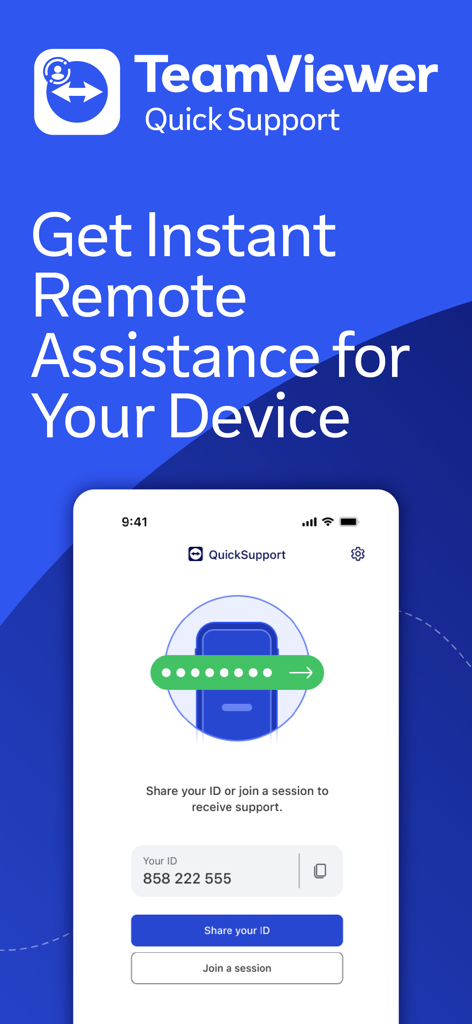
TeamViewer QuickSupport app interface for instant remote device assistance
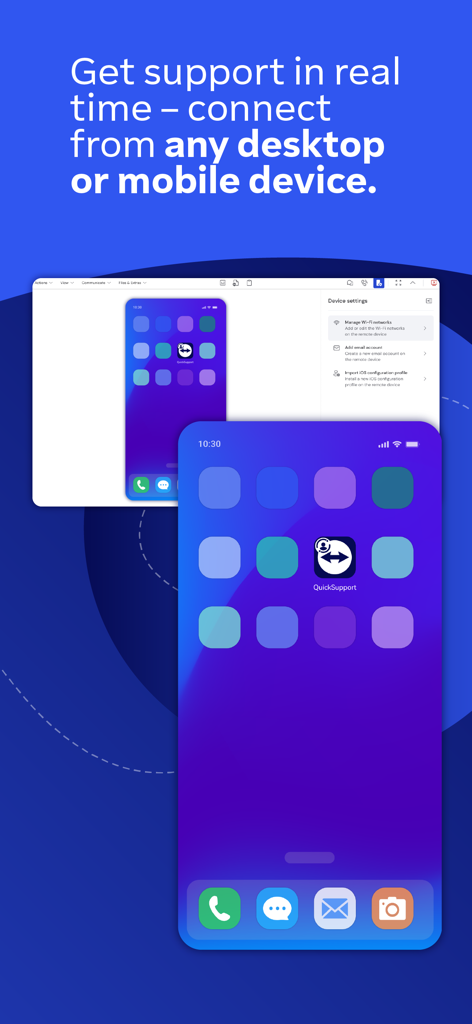
TeamViewer QuickSupport app interface showing real time remote connection from a desktop to a mobile device
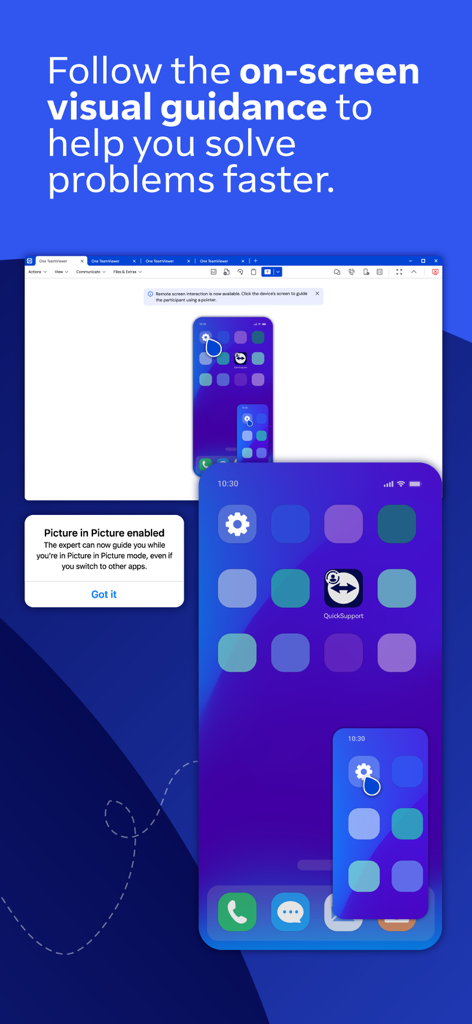
iPhone screen showing TeamViewer QuickSupport with on-screen visual guidance and picture-in-picture mode enabled for remote troubleshooting
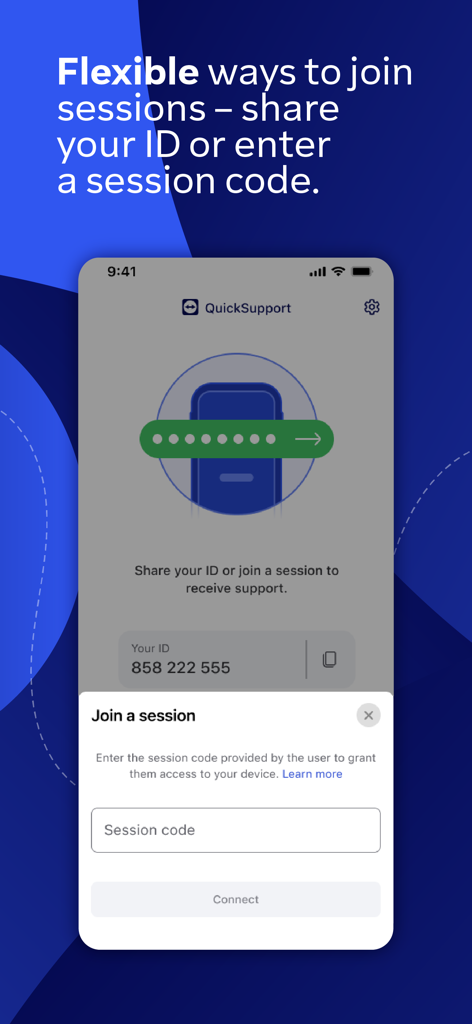
A screenshot of the TeamViewer QuickSupport app showing a pop up to join a session by entering a code and the user ID displayed behind it
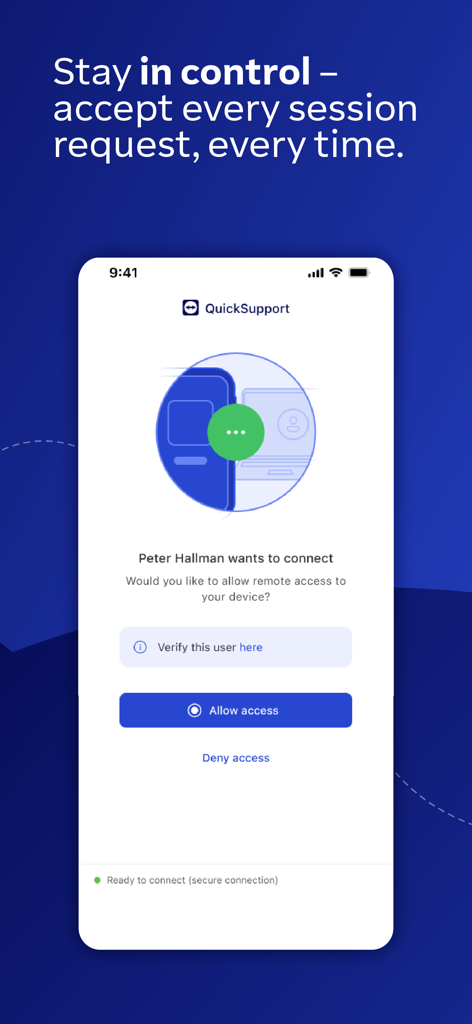
TeamViewer QuickSupport interface showing a prompt to allow or deny a remote access request
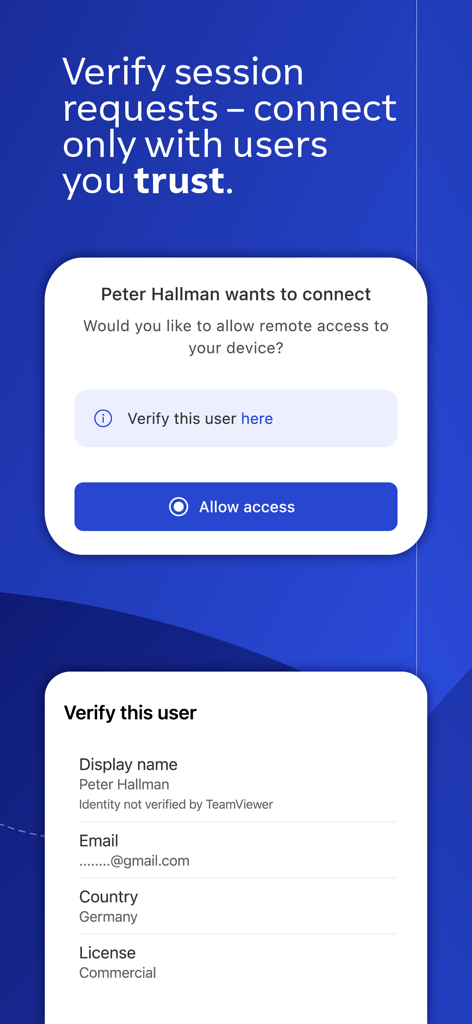
TeamViewer QuickSupport interface showing remote access request and user identity verification details
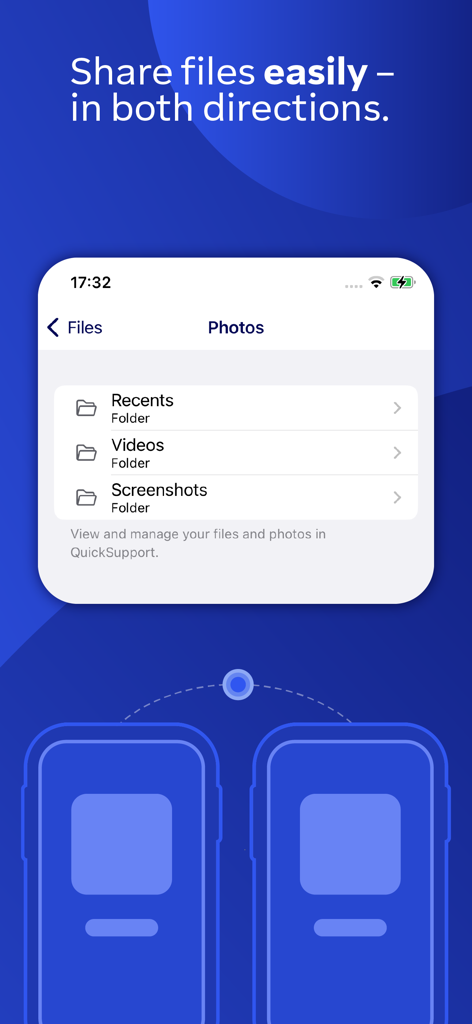
Screenshot of TeamViewer QuickSupport app interface showing bidirectional file and photo sharing with folders for videos and screenshots.
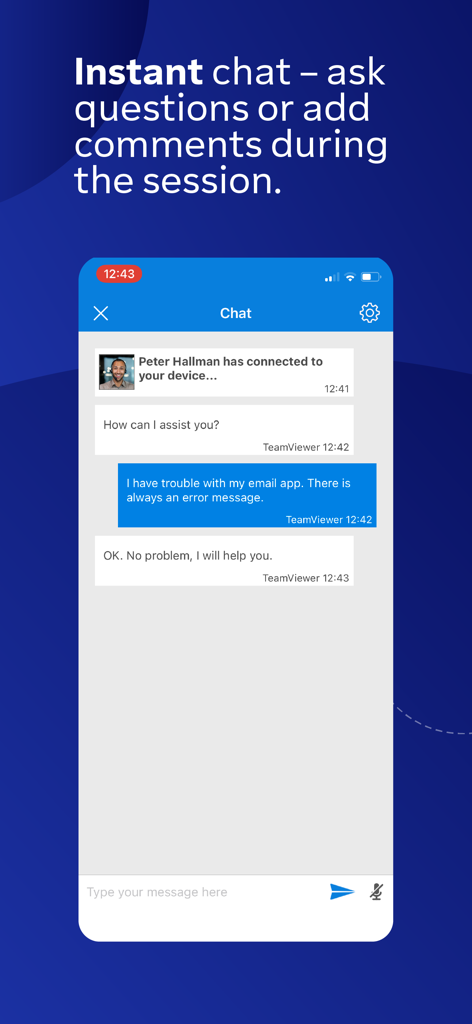
Interface of the TeamViewer QuickSupport app showing a live chat session between a user and a support agent
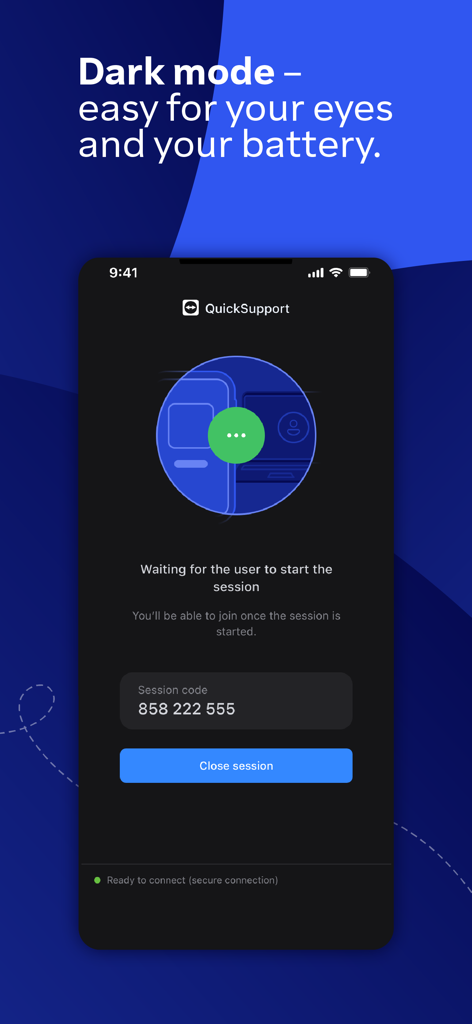
TeamViewer QuickSupport app interface in dark mode showing session code information
Description
Download
More Like This
Apps with similar features and user experience

向日葵远程控制-Sunlogin remotecontrol
Shanghai best oray information s&t co.,ltd

UU远程-远程办公/游戏串流
Guangzhou NetEase Computer System Co.Ltd

AweSun Remote Desktop
AWERAY PTE. LTD.

AnyDesk Remote Desktop
AnyDesk Software GmbH

TeamViewer Remote Control
TeamViewer Germany GmbH

ToDesk远程控制
Hainan Youqu Technology Co., Ltd.

DeskIn Remote Desktop
ZULER TECHNOLOGY PTE. LTD.

Termius - Modern SSH Client
Termius Corporation

RealVNC Viewer: Remote Desktop
RealVNC Limited
This page is not an official page of the app or its developer, but an independent editorial publication created for informational and commentary purposes. Unless expressly stated otherwise, neither the app nor its developer is affiliated with, endorsed by, sponsored by, authorized by, or otherwise officially connected with MWM, Apple, Google Play, the app publisher, or the app's developer, and nothing on this page implies that the app was developed using MWM's services. Any trademarks, logos, screenshots, and other content remain the property of their respective owners.