
This page is not an official page of the app or its developer, but an independent editorial publication created for informational and commentary purposes. Unless expressly stated otherwise, neither the app nor its developer is affiliated with, endorsed by, sponsored by, authorized by, or otherwise officially connected with MWM, Apple, Google Play, the app publisher, or the app's developer, and nothing on this page implies that the app was developed using MWM's services. Any trademarks, logos, screenshots, and other content remain the property of their respective owners.


TechniCalc Calculator
Ditch the clunky hardware for a modern, intuitive experience. Solve complex equations with natural notation across your iPhone, iPad, and Mac—from calculus and matrices to programmer modes and physical constants.
Downloads
7K+User Rating
Total Ratings
100Publisher
Category
UtilitiesLocales
1Latest Version
1.31.1Size
28.9 MBFirst Released
Apr 3, 2020Engineered for Performance and Precision
Replace your clunky pocket calculator with a professional-grade engine designed for the modern STEM workflow. Experience natural math entry across all your Apple devices.
Natural Equation Entry
Stop fighting with syntax. Enter equations exactly as they are written in textbooks with a beautiful interface that mirrors handwritten math.
Professional STEM Toolkit
Access over 100 physical constants, complex matrices, and advanced calculus solvers. It is the only tool you will need from college to industry.
The following screenshots and description are sourced directly from the app's official store listing and are the property of the app developer.
App Store
Screenshots
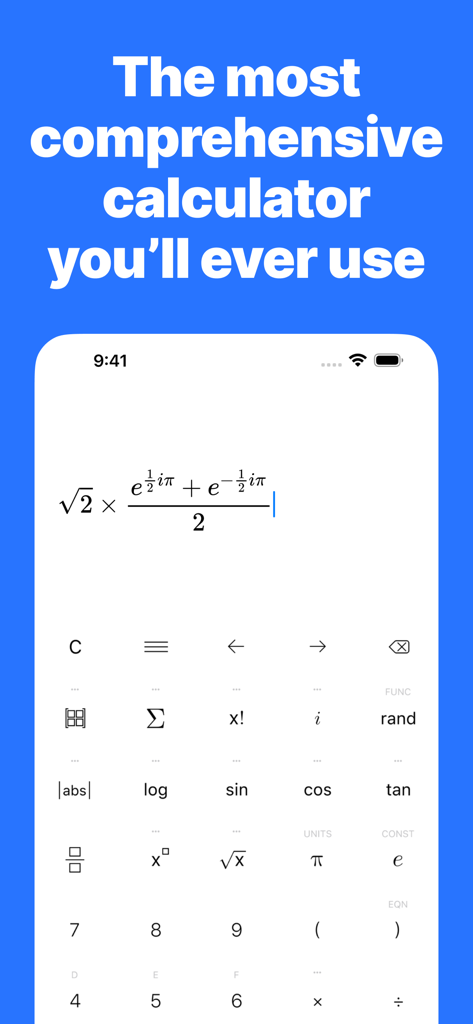
TechniCalc app interface showing complex equation entry with an advanced mathematical keypad
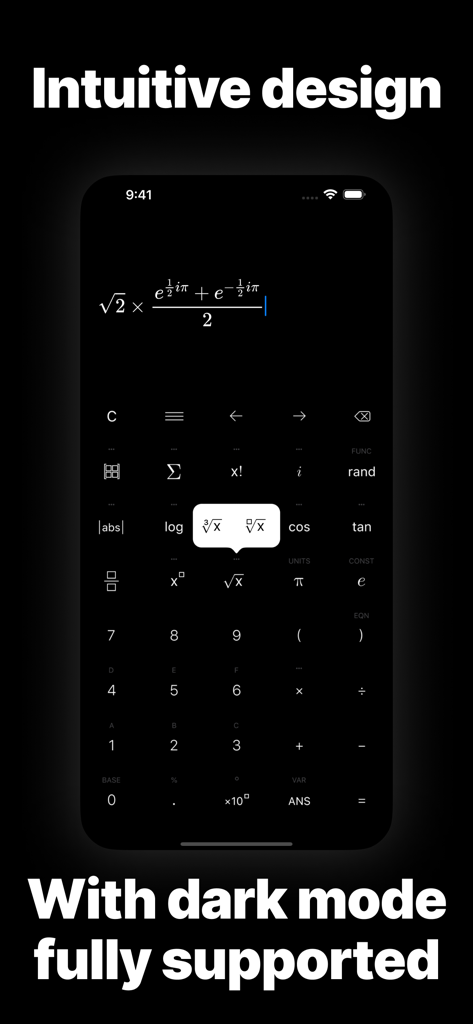
TechniCalc scientific calculator app interface featuring dark mode and advanced mathematical formulas
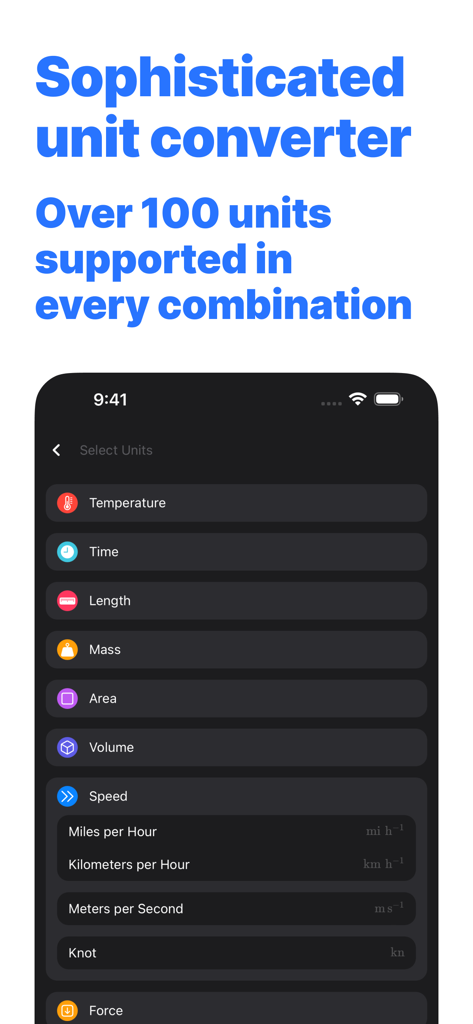
TechniCalc unit converter interface showing speed and mass categories in dark mode
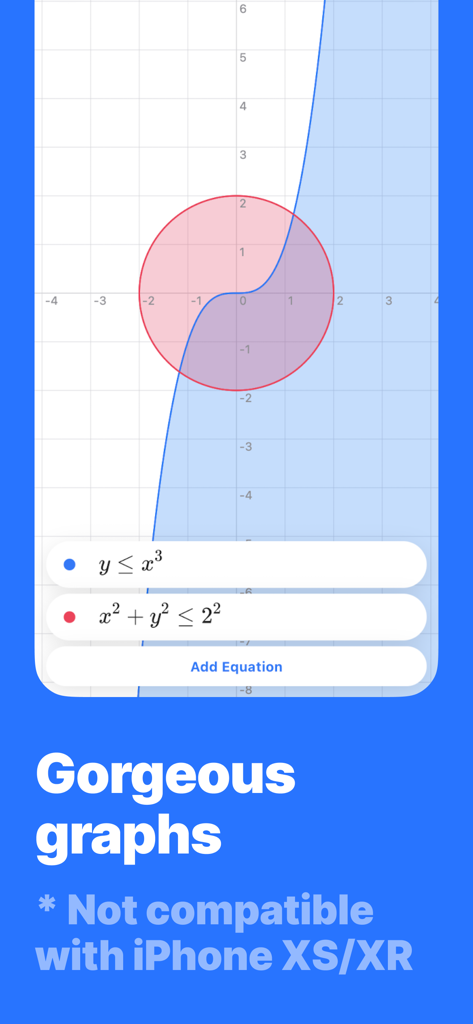
TechniCalc app interface showing mathematical graphing with circle and cubic inequalities on a coordinate plane.
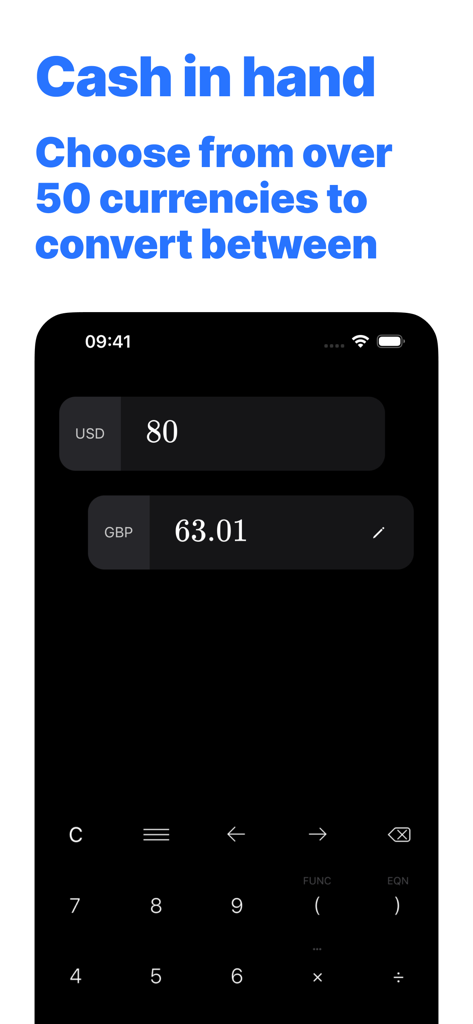
TechniCalc app interface showing a currency conversion from US dollars to British pounds in dark mode
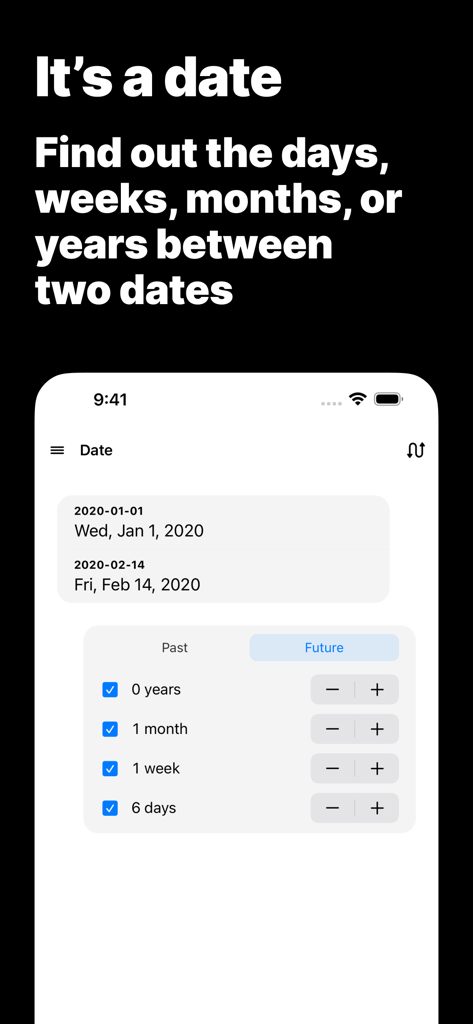
Interface of TechniCalc app showing the date duration calculation feature
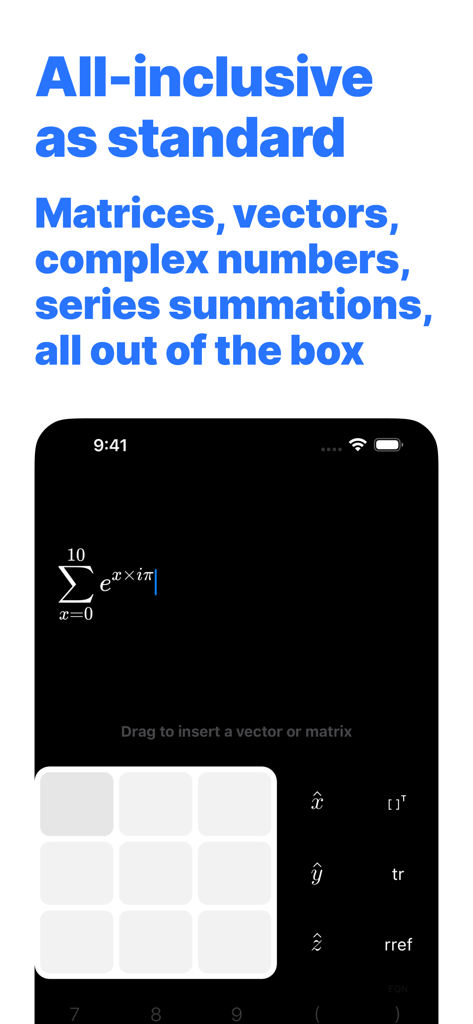
TechniCalc scientific calculator interface displaying advanced math functions including summation and matrix input in dark mode
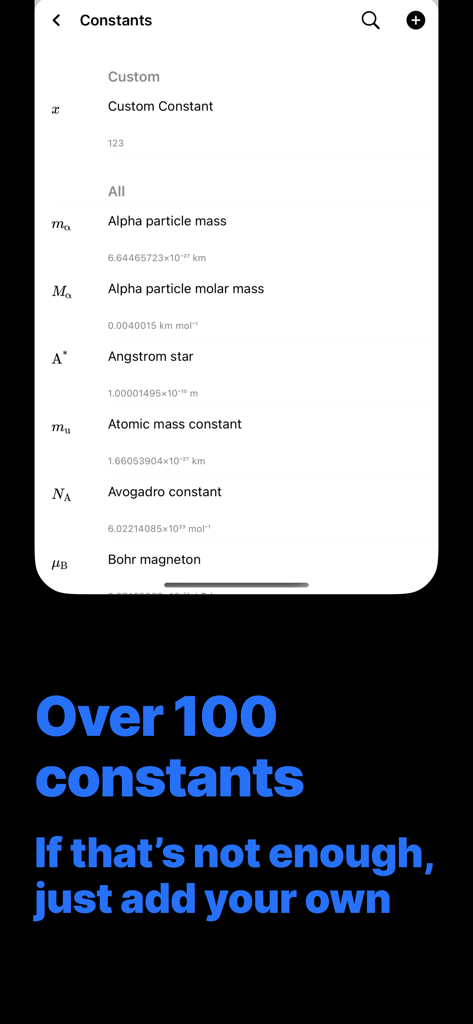
A screen showing a list of over 100 scientific constants in the TechniCalc app with an option to add custom values.
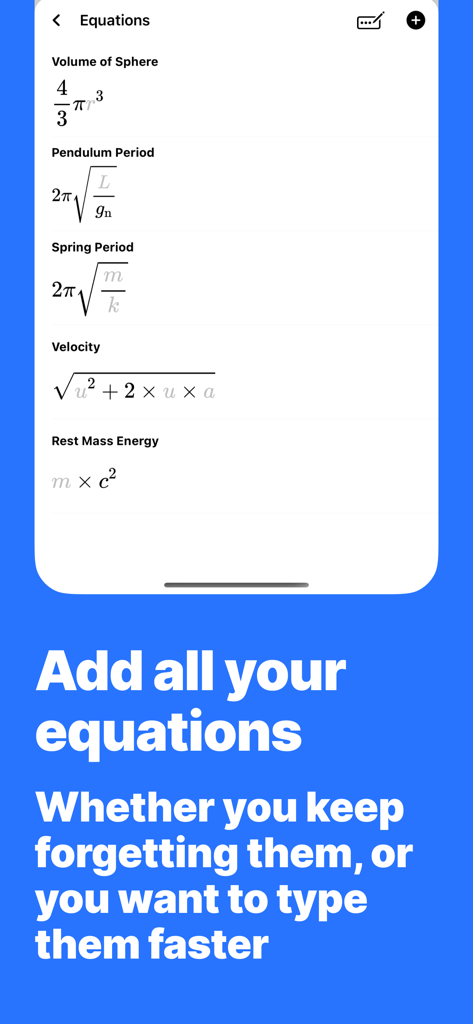
TechniCalc app screen showing a list of mathematical and physics equations like Volume of Sphere and Rest Mass Energy
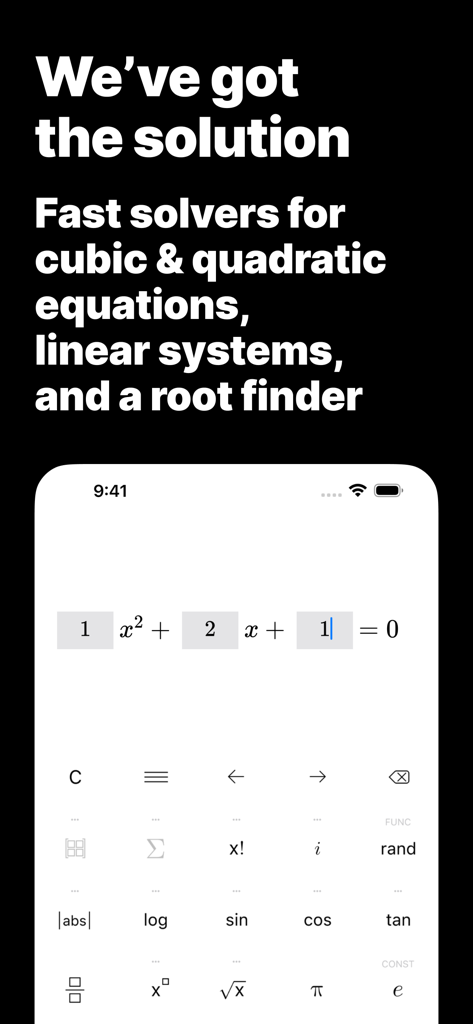
Scientific calculator interface showing a quadratic equation solver with a modern keyboard
Description
Download
More Like This
Top-ranked apps in the same category

Google LLC

Google Chrome
Google LLC

中国移动(手机营业厅)
China Mobile Online Services Co., Ltd.

Google Authenticator
Google LLC

CNH do Brasil
Servicos e Informacoes do Brasil

Cleanup: Phone Storage Cleaner
DEEP FLOW SOFTWARE SERVICES - FZCO

gov.br
Servicos e Informacoes do Brasil

中国电信-全国统一官方服务平台
CHINA TELECOM Corporation Ltd.

Microsoft Edge: AI Browser
Microsoft Corporation
This page is not an official page of the app or its developer, but an independent editorial publication created for informational and commentary purposes. Unless expressly stated otherwise, neither the app nor its developer is affiliated with, endorsed by, sponsored by, authorized by, or otherwise officially connected with MWM, Apple, Google Play, the app publisher, or the app's developer, and nothing on this page implies that the app was developed using MWM's services. Any trademarks, logos, screenshots, and other content remain the property of their respective owners.