
This page is not an official page of the app or its developer, but an independent editorial publication created for informational and commentary purposes. Unless expressly stated otherwise, neither the app nor its developer is affiliated with, endorsed by, sponsored by, authorized by, or otherwise officially connected with MWM, Apple, Google Play, the app publisher, or the app's developer, and nothing on this page implies that the app was developed using MWM's services. Any trademarks, logos, screenshots, and other content remain the property of their respective owners.


Teleprompter for Video
The all-in-one studio for the digital-first professional. Deliver perfect scripts with AI eye-contact enhancement, automatic captions, and studio-quality editing tailored for LinkedIn, TikTok, and YouTube.
Downloads
4M+User Rating
Total Ratings
74K+Publisher
Category
Photo & VideoLocales
7Latest Version
9.2.1Size
150.8 MBFirst Released
Oct 12, 2016Professional Video Creation, Simplified
The all-in-one toolkit designed for professionals to record, edit, and share high-impact video content without the expensive studio gear.
Engage Your Audience Naturally
Read your script directly next to the camera lens to maintain perfect eye contact, ensuring you look confident and authoritative in every take.
Smart Voice-Activated Scrolling
Our AI listens to you. The text automatically scrolls as you speak and pauses when you do, allowing for a natural, conversational delivery.
Frequently Asked Questions
Everything you need to know about Teleprompter for Video
What is Teleprompter for Video?
Teleprompter for Video is an app that enables users to record professional videos on iPhone or iPad while reading a scrolling script, making it easy to maintain eye contact with the audience.
Can Teleprompter for Video be used for live streaming?
Yes, Teleprompter for Video features a 'floating' mode. This mode overlays the script on other apps, allowing users to read the teleprompter while live streaming on social media platforms.
Does Teleprompter for Video offer video editing features?
Yes, Teleprompter for Video includes post-recording video editing features. These include adding logos, resizing for social media, green screen effects, text, automatic captions, and background music.
Is Teleprompter for Video free to use?
Yes, Teleprompter for Video is free for scripts up to 750 characters, which equals approximately one minute of video, without watermarks. Additional advanced editing features require in-app purchases.
What external devices can control Teleprompter for Video?
Teleprompter for Video can be controlled using external devices. Supported input methods include a Bluetooth remote control, wireless keyboard, foot pedal, or an Apple Watch, managing both recording and script scrolling.
What file formats can Teleprompter for Video import scripts from?
Teleprompter for Video imports scripts from cloud services such as Dropbox, Google Drive, OneDrive, or iCloud. It supports various file formats including .doc, .docx, .txt, .rtf, and .pdf.
Can I change the video background with Teleprompter for Video?
Yes, Teleprompter for Video allows users to change the video background after recording. It utilizes a smart green screen or chroma key filter feature for this purpose, enhancing video production.
Does Teleprompter for Video support recording in portrait or landscape orientation?
Yes, Teleprompter for Video supports recording videos in both landscape and portrait orientations. This provides users with flexibility to create content suitable for various platforms and viewing preferences.
The following screenshots and description are sourced directly from the app's official store listing and are the property of the app developer.
App Store
Screenshots
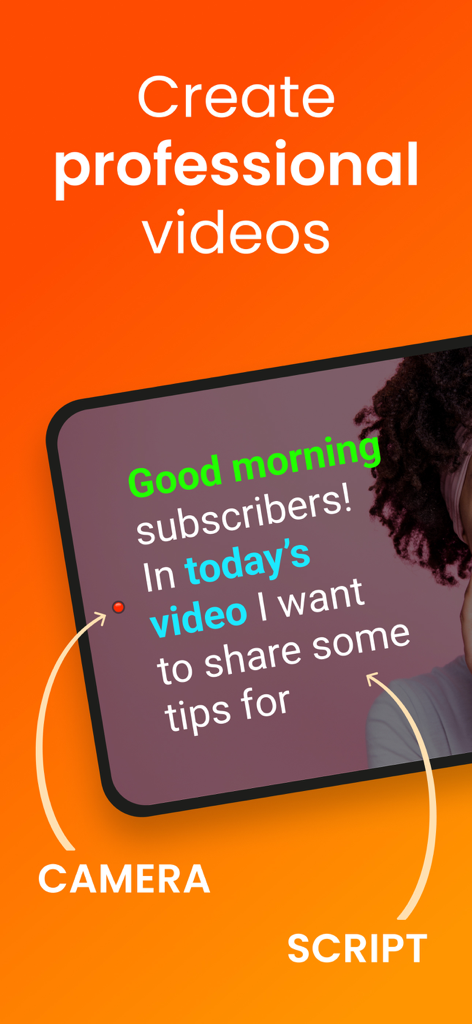
iPhone screen displaying a teleprompter script next to the camera lens for recording professional videos
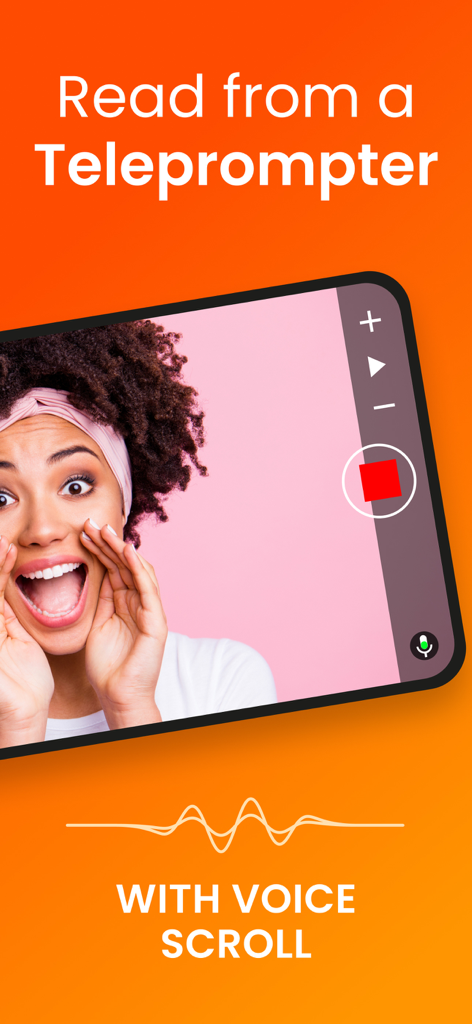
A smartphone displaying the Teleprompter for Video app interface with a voice scroll feature for recording videos.
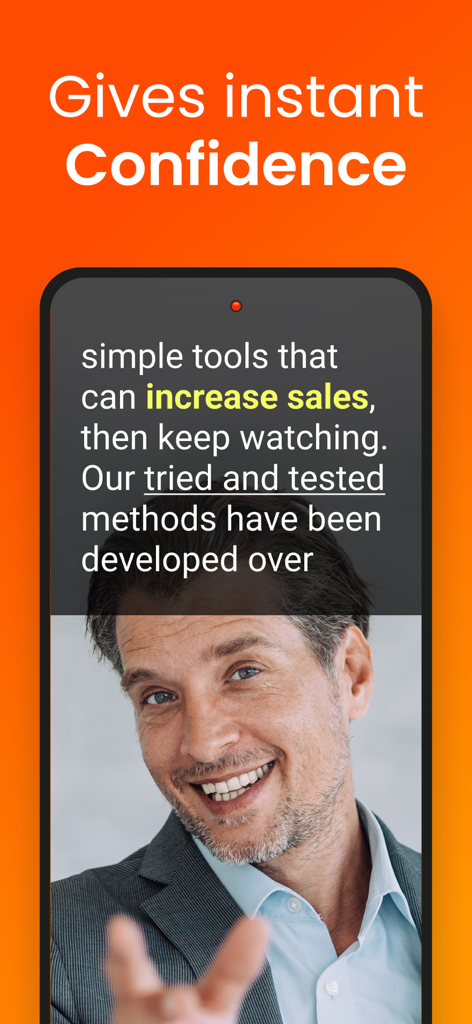
Smartphone showing a professional man recording a video with a scrolling script overlay from the Teleprompter for Video app.
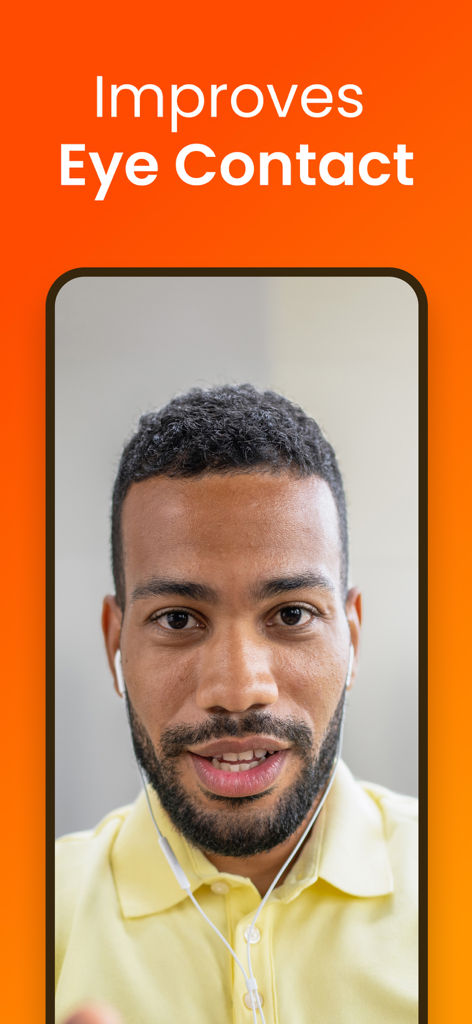
A man demonstrating the eye contact improvement feature on the Teleprompter for Video app
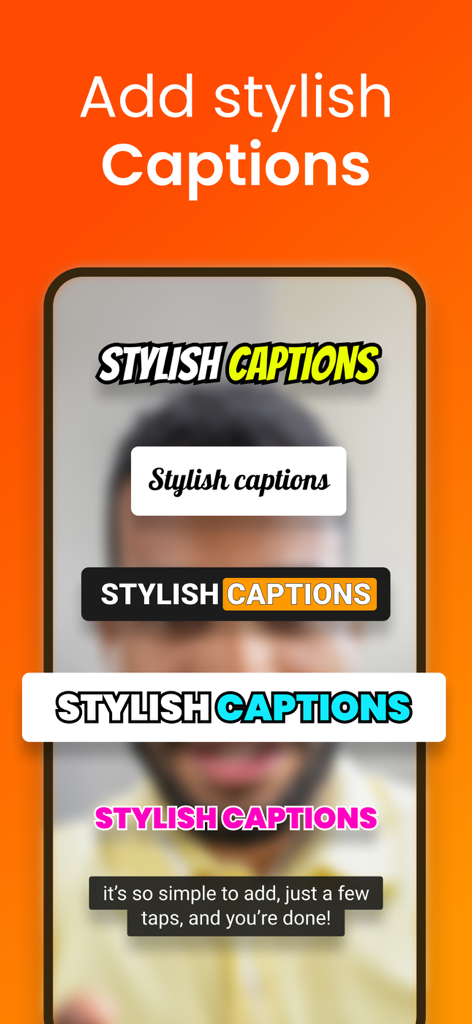
Example of various caption styles available for video editing in the Teleprompter for Video app
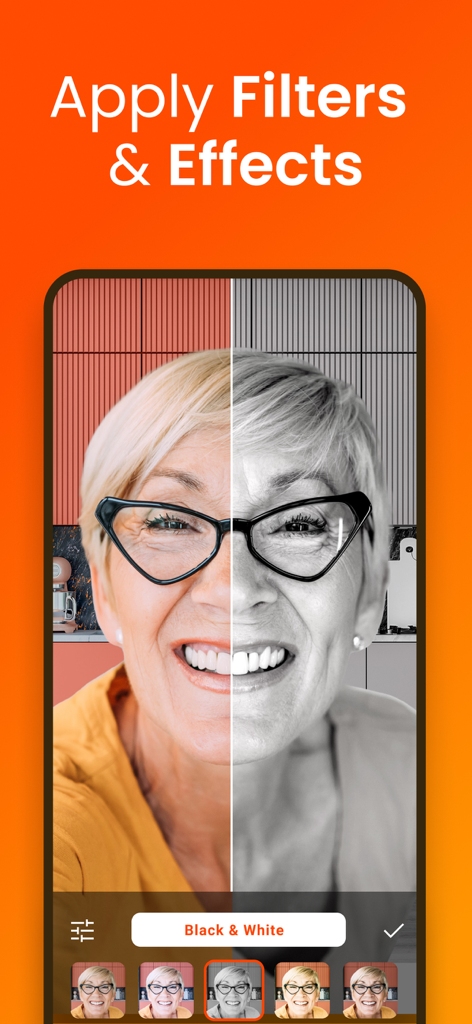
Split screen demonstration of black and white filter applied to a video recording in the app
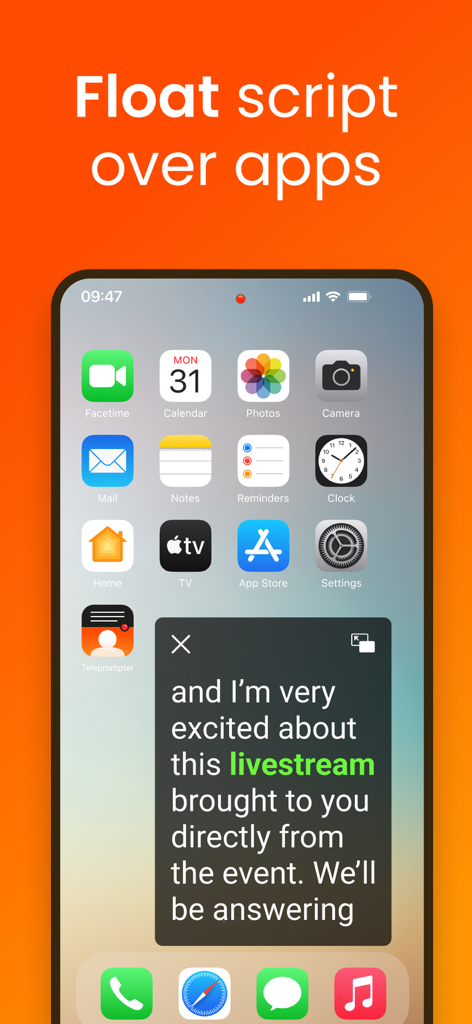
Teleprompter for Video app displaying a floating script window over phone apps for livestreaming.
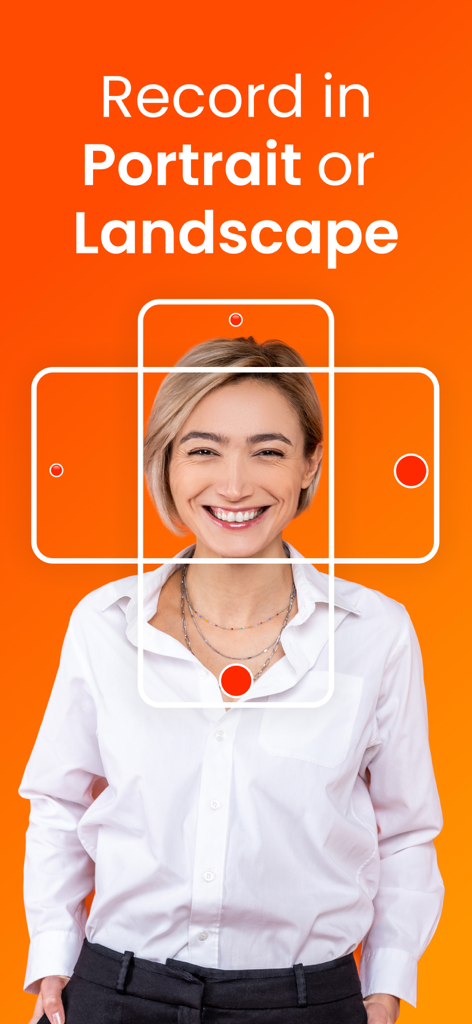
A woman smiling within graphical frames representing portrait and landscape recording modes on an orange background.
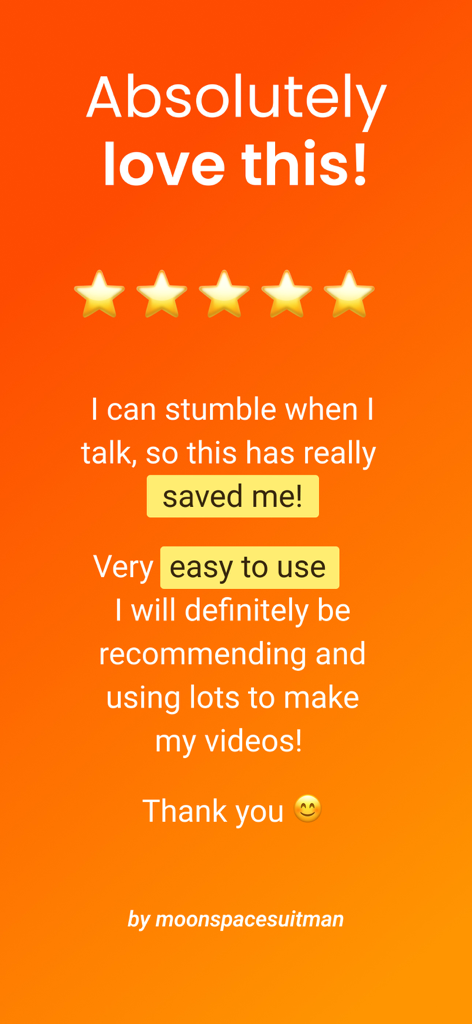
A 5-star user review for the Teleprompter for Video app highlighting its ease of use and helpfulness for video creators.
Description
Download
More Like This
Apps with similar features and user experience

Teleprompter
Teleprompter Apps Ltd

BIGVU Teleprompter Captions AI
BIGVU INC

Teleprompter.com
Teleprompter LLC

Vmake: AI Talking Video Editor
Starii Tech Pty Ltd

说得AI提词器相机-全能的脚本创作提词拍摄快速剪辑口播神器
Hangzhou Gaishi Technology Co., Ltd.

Teleprompter-Record Script
晨铭 李

Verba: Captions & Video Editor
Verba Creative Inc.

Teleprompter: Video Recording
志威 王

Teleprompter For Video - Pro
Liudmyla Yeromenko
This page is not an official page of the app or its developer, but an independent editorial publication created for informational and commentary purposes. Unless expressly stated otherwise, neither the app nor its developer is affiliated with, endorsed by, sponsored by, authorized by, or otherwise officially connected with MWM, Apple, Google Play, the app publisher, or the app's developer, and nothing on this page implies that the app was developed using MWM's services. Any trademarks, logos, screenshots, and other content remain the property of their respective owners.