
This page is not an official page of the app or its developer, but an independent editorial publication created for informational and commentary purposes. Unless expressly stated otherwise, neither the app nor its developer is affiliated with, endorsed by, sponsored by, authorized by, or otherwise officially connected with MWM, Apple, Google Play, the app publisher, or the app's developer, and nothing on this page implies that the app was developed using MWM's services. Any trademarks, logos, screenshots, and other content remain the property of their respective owners.

Teleprompter: Video Recording
The all-in-one studio for creators and professionals. Generate scripts with AI, record in stunning 4K, and add automatic subtitles to captivate your audience on any platform.
Downloads
59K+User Rating
Total Ratings
5K+Publisher
Category
Photo & VideoLocales
12Latest Version
3.7.1Size
10.0 MBFirst Released
Feb 7, 2024Record Like a Pro, Without the Prep
Stop memorizing lines and start connecting with your audience. Our AI-powered tools handle the scriptwriting, the scrolling, and the captions for you.
AI-Powered Scriptwriting
Beat writer's block instantly. Let our AI generate engaging scripts tailored to your specific topic, tone, and audience.
Smart Adaptive Scrolling
Maintain perfect eye contact and speak naturally. The text moves at your pace, ensuring a fluid and confident delivery every time.
Frequently Asked Questions
Everything you need to know about Teleprompter: Video Recording
What is Teleprompter: Video Recording?
Teleprompter: Video Recording is an app that helps users create professional videos by typing or generating scripts with AI and recording with natural flow.
Does Teleprompter: Video Recording have an AI script writer?
Yes, Teleprompter: Video Recording includes an AI script writer that generates engaging scripts tailored to your topic, tone, and desired length.
Can Teleprompter: Video Recording add automatic subtitles to videos?
Yes, Teleprompter: Video Recording provides AI-generated subtitles. The app analyzes speech and adds accurate captions to enhance video accessibility and engagement.
Does Teleprompter: Video Recording support 4K video recording?
Yes, Teleprompter: Video Recording supports 4K video recording. This feature allows users to capture content in crystal clear detail for a polished and professional look.
Can Teleprompter: Video Recording record in different aspect ratios?
Yes, Teleprompter: Video Recording allows users to record videos in various aspect ratios. This includes vertical 9:16 for stories and horizontal 16:9 for platforms like YouTube.
Does Teleprompter: Video Recording have adaptive scrolling speed for text?
Yes, Teleprompter: Video Recording features adaptive scrolling speed. The text scrolls automatically at a pace that matches the user's delivery, eliminating manual adjustments.
Is Teleprompter: Video Recording available on iPad?
Yes, Teleprompter: Video Recording offers multi-device support. Users can use the app in portrait or landscape mode on iPhone, and on iPad for an enhanced recording experience.
Can I mirror the text display in Teleprompter: Video Recording?
Yes, Teleprompter: Video Recording provides a mirrored text display. This feature allows users to flip their script horizontally or vertically to suit external monitors or teleprompter rigs.
How do I get unlimited access to Teleprompter: Video Recording features?
Users can subscribe for unlimited access to all features within Teleprompter: Video Recording. Subscriptions are billed automatically at the rate depending on the chosen plan.
Where can I find the Privacy Policy for Teleprompter: Video Recording?
The Privacy Policy for Teleprompter: Video Recording is located at https://sparkleap.app/privacy.html.
The following screenshots and description are sourced directly from the app's official store listing and are the property of the app developer.
App Store
Screenshots
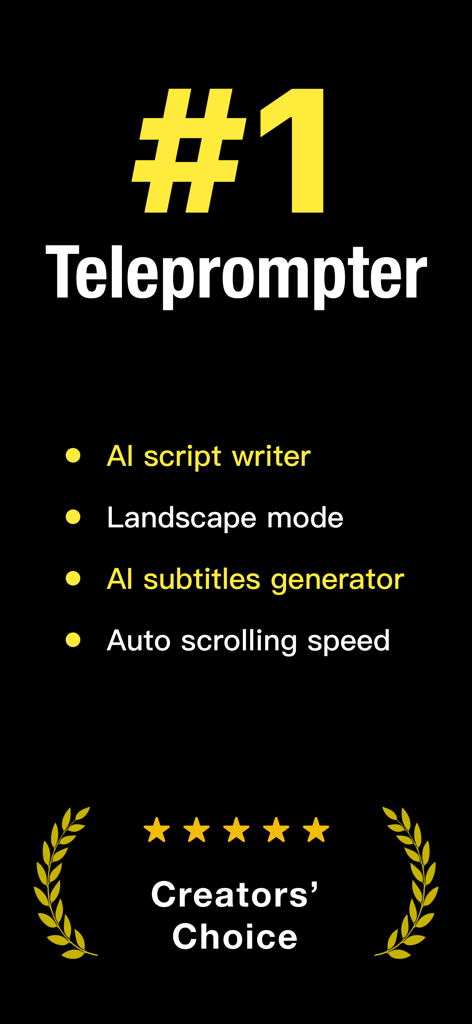
Promotional banner for Teleprompter app highlighting AI script writer AI subtitles generator and Creators Choice award
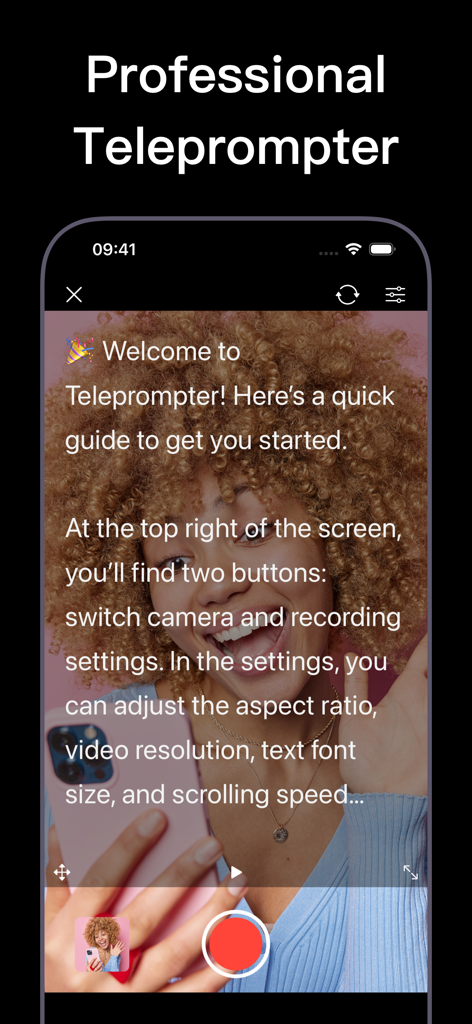
Professional teleprompter app interface showing a scrolling script over a live video recording of a content creator
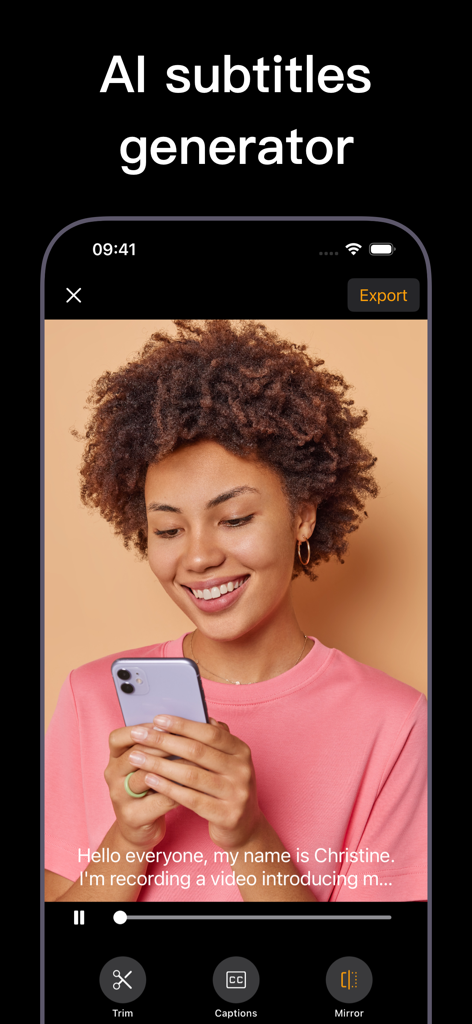
A woman using the Teleprompter app with AI-generated subtitles displayed on her video.
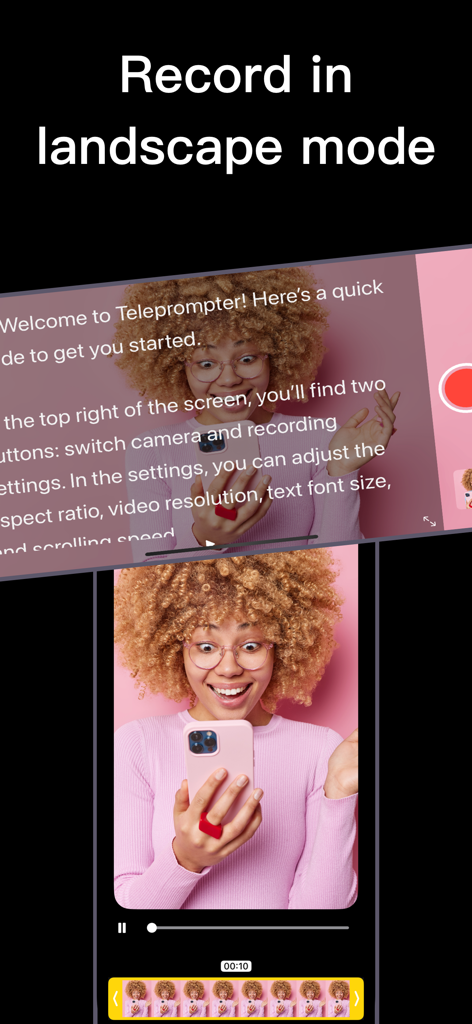
Teleprompter app displaying a script overlay while recording in landscape mode
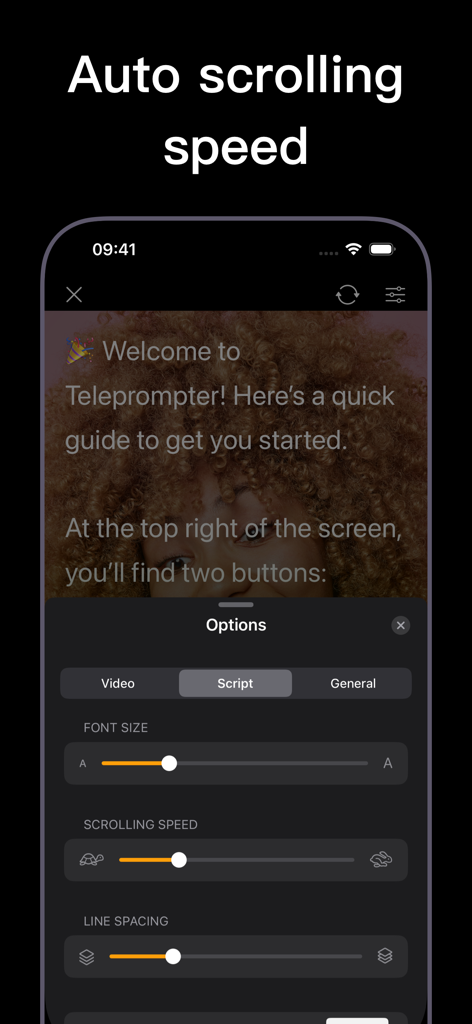
Teleprompter app interface showing script options and auto scrolling speed control
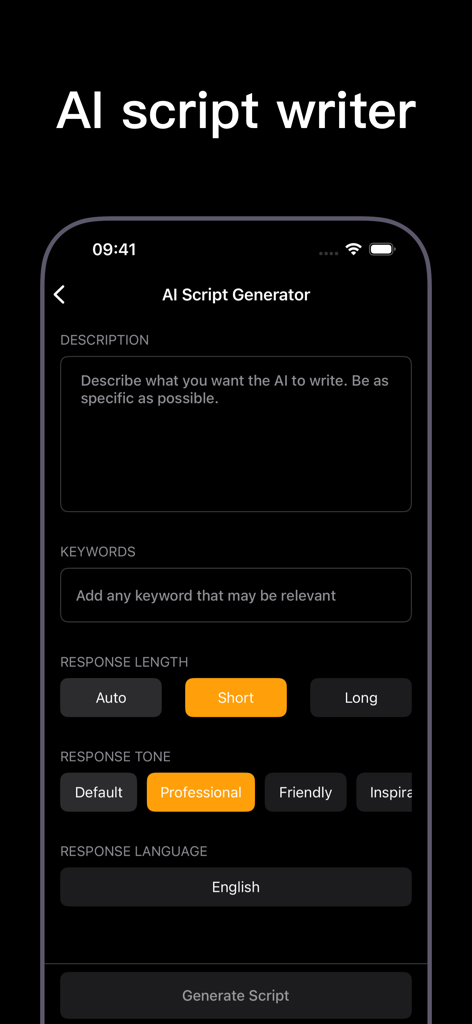
A mobile app screen showing an AI script generator for video recording with professional tone and length settings.
Description
Download
More Like This
Apps with similar features and user experience

Teleprompter
Teleprompter Apps Ltd

BIGVU Teleprompter Captions AI
BIGVU INC

Teleprompter for Video
Norton Five Ltd

Teleprompter.com
Teleprompter LLC

Vmake: AI Talking Video Editor
Starii Tech Pty Ltd

说得AI提词器相机-全能的脚本创作提词拍摄快速剪辑口播神器
Hangzhou Gaishi Technology Co., Ltd.

Teleprompter-Record Script
晨铭 李

Verba: Captions & Video Editor
Verba Creative Inc.

Teleprompter For Video - Pro
Liudmyla Yeromenko
This page is not an official page of the app or its developer, but an independent editorial publication created for informational and commentary purposes. Unless expressly stated otherwise, neither the app nor its developer is affiliated with, endorsed by, sponsored by, authorized by, or otherwise officially connected with MWM, Apple, Google Play, the app publisher, or the app's developer, and nothing on this page implies that the app was developed using MWM's services. Any trademarks, logos, screenshots, and other content remain the property of their respective owners.