
This page is not an official page of the app or its developer, but an independent editorial publication created for informational and commentary purposes. Unless expressly stated otherwise, neither the app nor its developer is affiliated with, endorsed by, sponsored by, authorized by, or otherwise officially connected with MWM, Apple, Google Play, the app publisher, or the app's developer, and nothing on this page implies that the app was developed using MWM's services. Any trademarks, logos, screenshots, and other content remain the property of their respective owners.

Verba: Captions & Video Editor
Automate your subtitles and elevate your videos with professional effects, stickers, and AI editing designed for creators who value speed and style.
Downloads
249K+User Rating
Total Ratings
800Publisher
Category
Photo & VideoLocales
9Latest Version
3.36.0Size
256.0 MBFirst Released
Jan 1, 2024Create Viral-Ready Content in Seconds
Verba streamlines your workflow with AI-powered subtitles and creative tools designed for the modern mobile-first creator.
Instant AI Subtitles
Stop the scroll with automatic, accurate captions that keep your audience engaged even when their sound is off.
Pro-Level Styling
Choose from trending presets or customize fonts and styles to ensure your videos match your brand's unique aesthetic.
Frequently Asked Questions
Everything you need to know about Verba: Captions & Video Editor
What is Verba: Captions & Video Editor?
Verba is an innovative Ukrainian application for seamless subtitle generation and video editing. It transforms video content with powerful features to create captivating content and enhance videos across platforms.
Does Verba automatically generate subtitles?
Yes, Verba features advanced AI that analyzes video content to automatically generate subtitles. This eliminates tedious manual work, saving users time and effort in the creation process.
Can users edit subtitles in Verba?
Yes, Verba provides intuitive editing tools to modify existing subtitles, add new ones, and fine-tune them for clarity and comprehension. Users customize subtitle styles with presets or unique preferences.
Does Verba support multiple languages for subtitles?
Yes, Verba generates instant subtitles in over 30 languages. This feature allows users to reach a worldwide audience, making their video content accessible across various linguistic backgrounds.
Can Verba export high-quality videos for social media?
Yes, Verba exports videos in the highest quality for a stellar viewing experience. It prepares content for platforms like TikTok, Reels, and Shorts, ensuring readiness for social media sharing.
Does Verba offer audio enhancement features?
Yes, Verba offers features to clean up noise and enhance audio, allowing users to sound like a professional. The app effortlessly improves the audio quality of videos.
How does Verba help organize videos?
Verba simplifies content management by allowing users to name and organize their videos within the app. This keeps the video library tidy and easily accessible for future reference.
Where can I find Verba's terms of use?
Verba's terms of use are available online. Users can access the full document to review the conditions for using the application at https://static.verba.digital/verba-terms-and-conditions.pdf.
The following screenshots and description are sourced directly from the app's official store listing and are the property of the app developer.
App Store
Screenshots
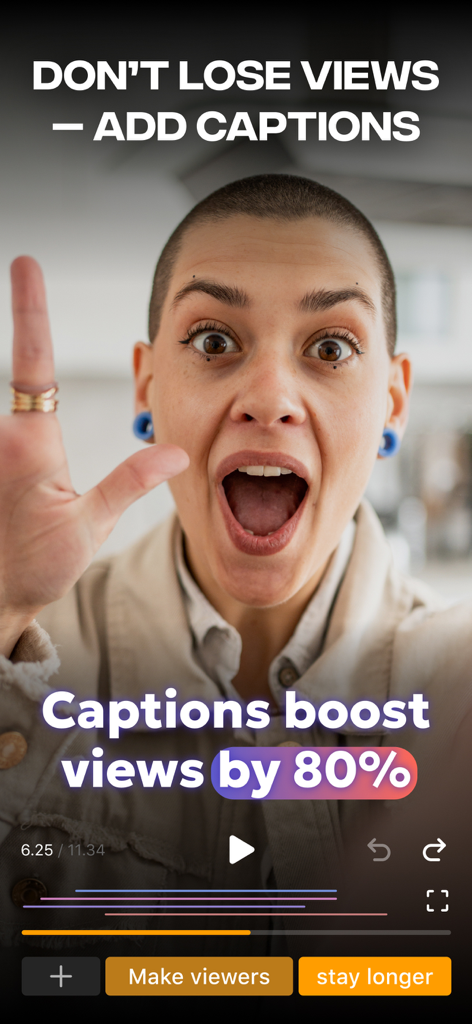
Verba app interface showing that captions boost video views by 80 percent
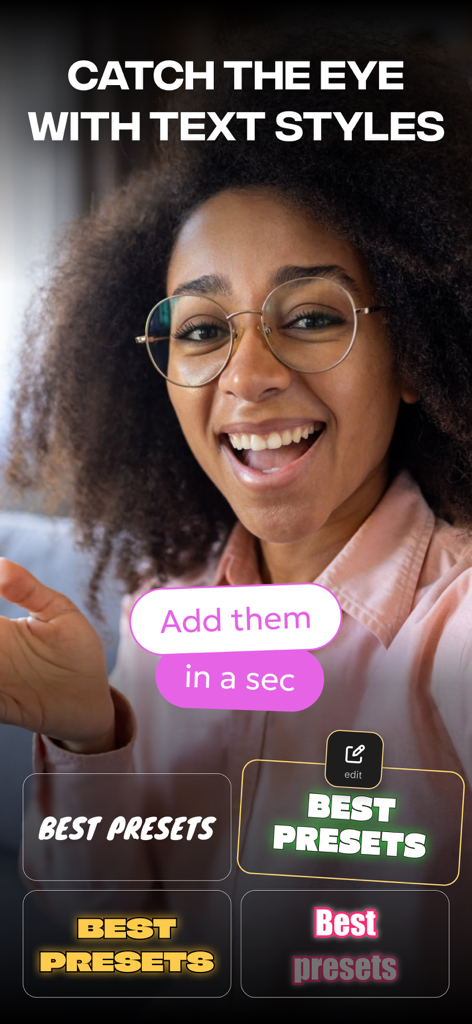
Verba app screen showing various dynamic text style presets for video captions and subtitles
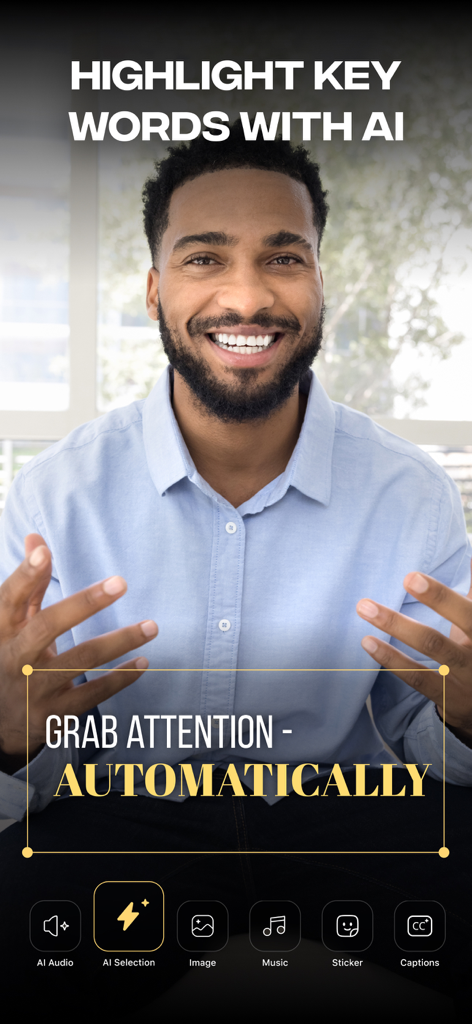
Verba app interface showing AI-powered automatic keyword highlighting for video captions
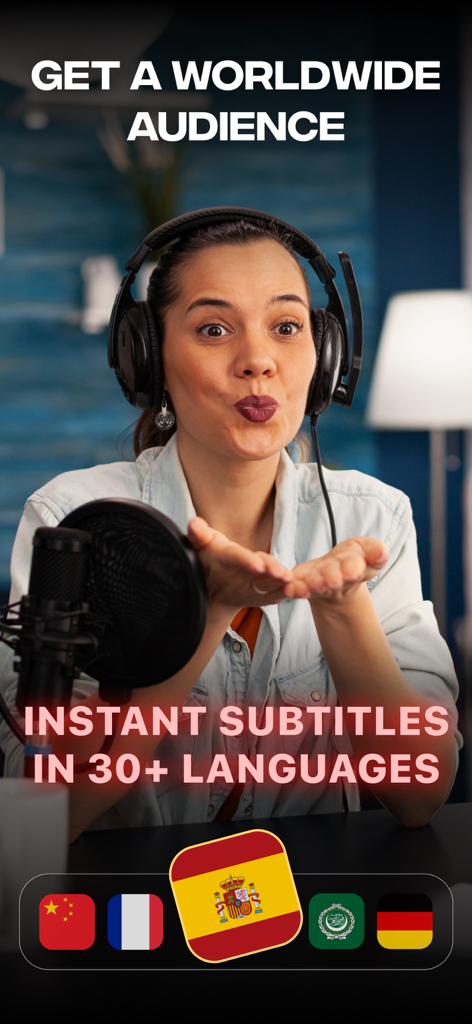
A woman content creator using Verba for instant subtitles in 30 plus languages
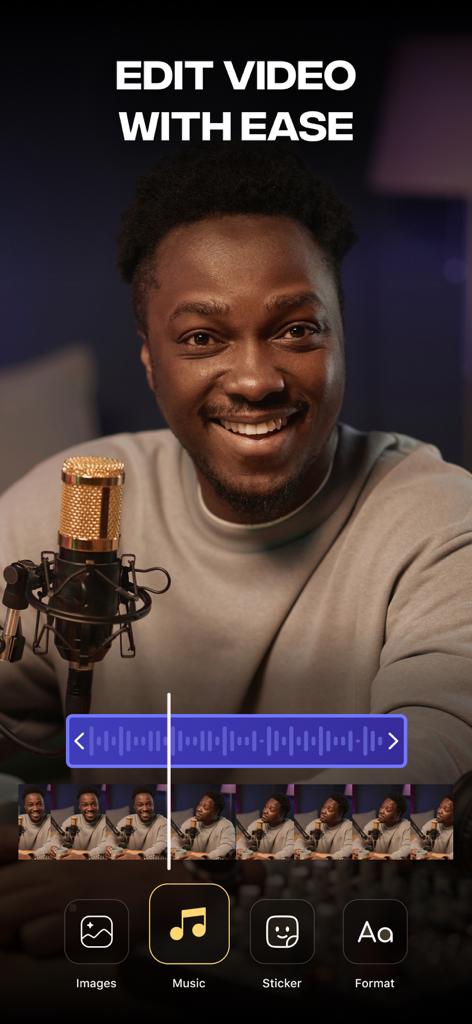
Verba mobile app interface showing easy video editing tools for social media creators
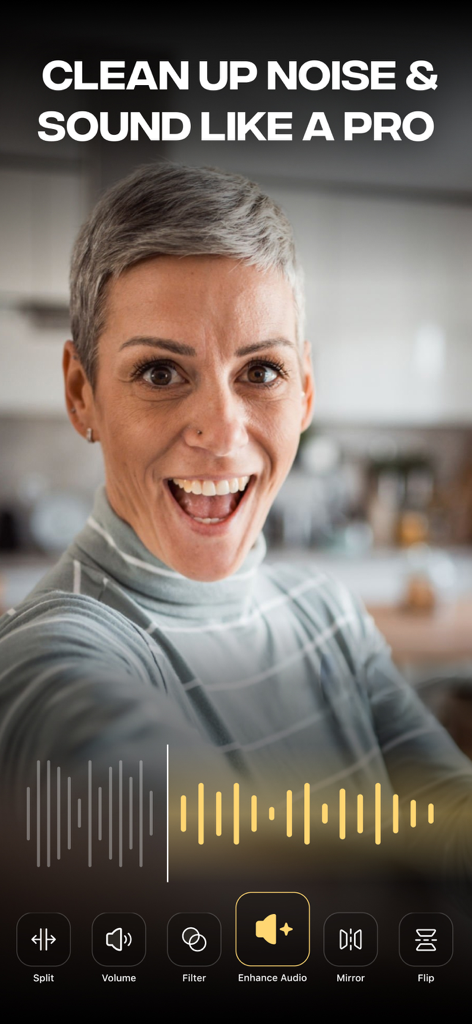
Verba app interface showing audio enhancement feature to clean up noise in videos
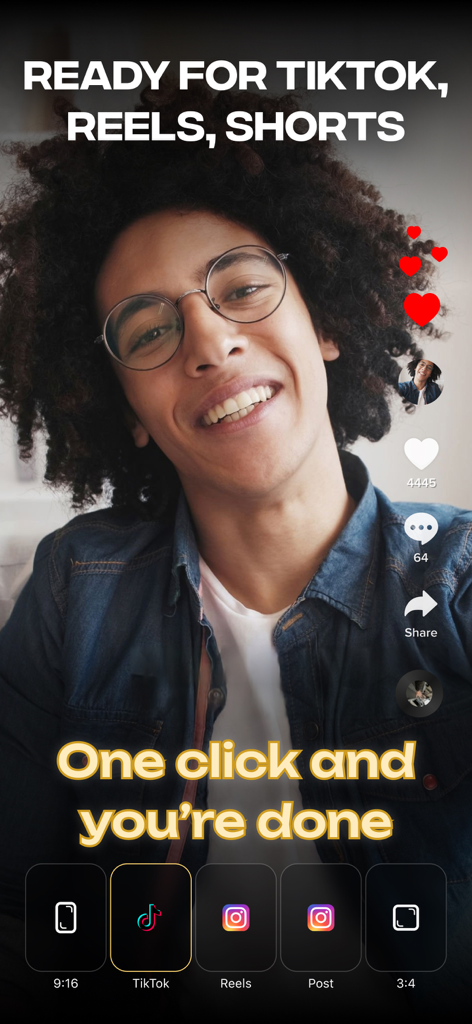
Verba app interface showing one-click export options for TikTok, Reels, and YouTube Shorts
Description
Download
More Like This
Apps with similar features and user experience

Teleprompter
Teleprompter Apps Ltd

BIGVU Teleprompter Captions AI
BIGVU INC

Teleprompter for Video
Norton Five Ltd

Teleprompter.com
Teleprompter LLC

Vmake: AI Talking Video Editor
Starii Tech Pty Ltd

说得AI提词器相机-全能的脚本创作提词拍摄快速剪辑口播神器
Hangzhou Gaishi Technology Co., Ltd.

Teleprompter-Record Script
晨铭 李

Teleprompter: Video Recording
志威 王

Teleprompter For Video - Pro
Liudmyla Yeromenko
This page is not an official page of the app or its developer, but an independent editorial publication created for informational and commentary purposes. Unless expressly stated otherwise, neither the app nor its developer is affiliated with, endorsed by, sponsored by, authorized by, or otherwise officially connected with MWM, Apple, Google Play, the app publisher, or the app's developer, and nothing on this page implies that the app was developed using MWM's services. Any trademarks, logos, screenshots, and other content remain the property of their respective owners.