Text Scanner - Image to Text
Download on App Store

This page is not an official page of the app or its developer, but an independent editorial publication created for informational and commentary purposes. Unless expressly stated otherwise, neither the app nor its developer is affiliated with, endorsed by, sponsored by, authorized by, or otherwise officially connected with MWM, Apple, Google Play, the app publisher, or the app's developer, and nothing on this page implies that the app was developed using MWM's services. Any trademarks, logos, screenshots, and other content remain the property of their respective owners.

Logo of Text Scanner - Image to Text
Download on App Store

Text Scanner - Image to Text

Instantly transform photos into editable text and high-quality PDFs. The essential productivity tool for professionals, students, and digital nomads to scan, share, and go paperless on the go.

Key Figures

Downloads

1M+

User Rating

1.9/5

Total Ratings

800

Publisher

SINOSEA TECHNOLOGY PTE. LTD.

Category

Productivity

Locales

25

Latest Version

1.1.7

Size

83.2 MB

First Released

Mar 7, 2020
Features

Your Entire Office in Your Pocket

The ultimate tool for professionals and students to digitize documents, extract text, and stay organized on the go.

Precision OCR Extraction

Stop manual typing and instantly convert images into editable TXT or PDF files with high-accuracy text recognition.

Smart Auto-Enhancement

Experience professional-grade results with automatic edge detection and background removal for crystal-clear document scans.

The following screenshots and description are sourced directly from the app's official store listing and are the property of the app developer.

App Store

Screenshots
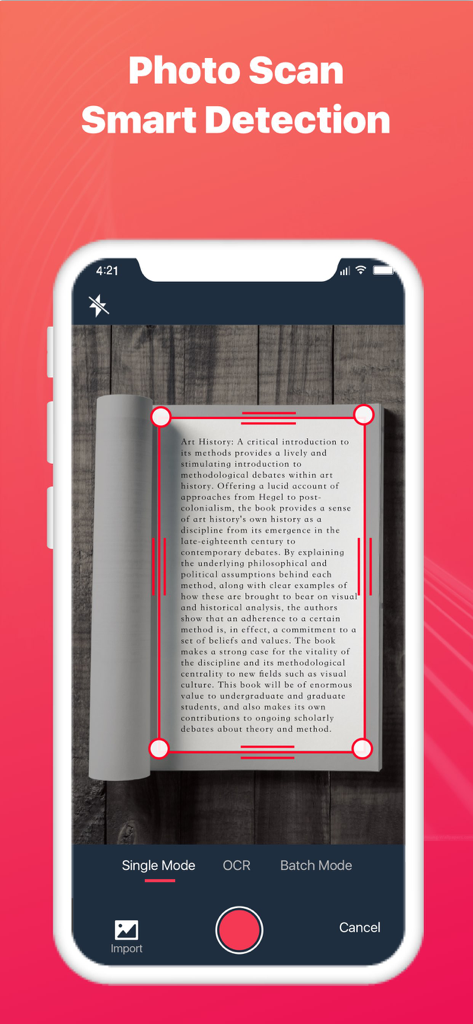
Text Scanner - Image to Text - Text Scanner app interface demonstrating smart detection and edge cropping while scanning a book page
Text Scanner app interface demonstrating smart detection and edge cropping while scanning a book page

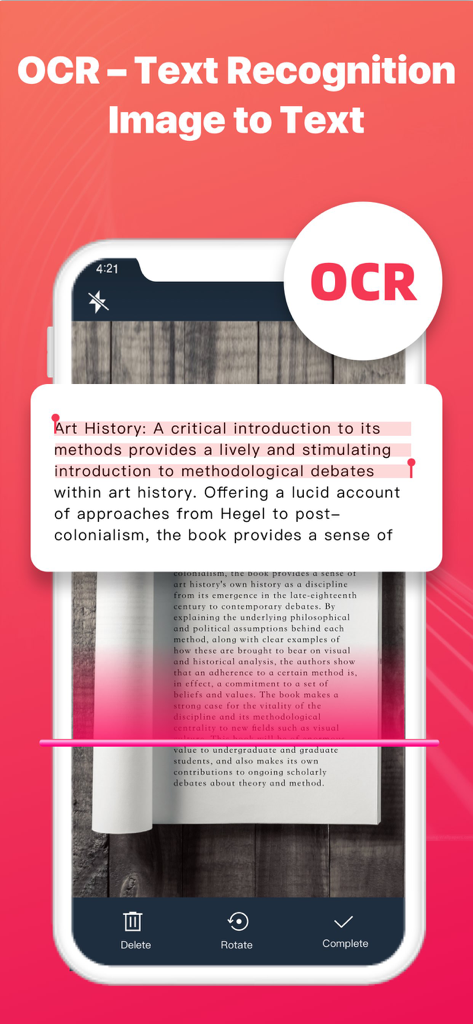
Text Scanner - Image to Text - A mobile app interface demonstrating OCR text recognition by scanning a book page to convert image to text.
A mobile app interface demonstrating OCR text recognition by scanning a book page to convert image to text.

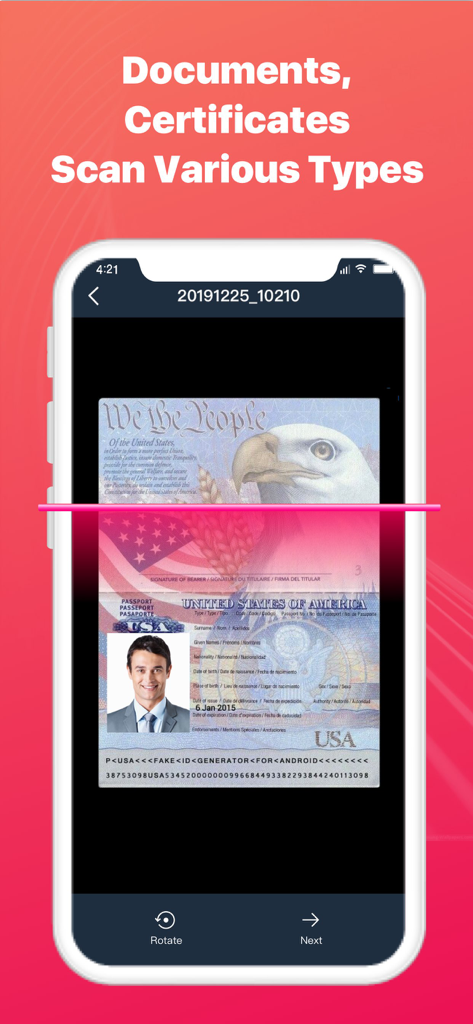
Text Scanner - Image to Text - Smartphone screen scanning a United States passport using OCR technology.
Smartphone screen scanning a United States passport using OCR technology.

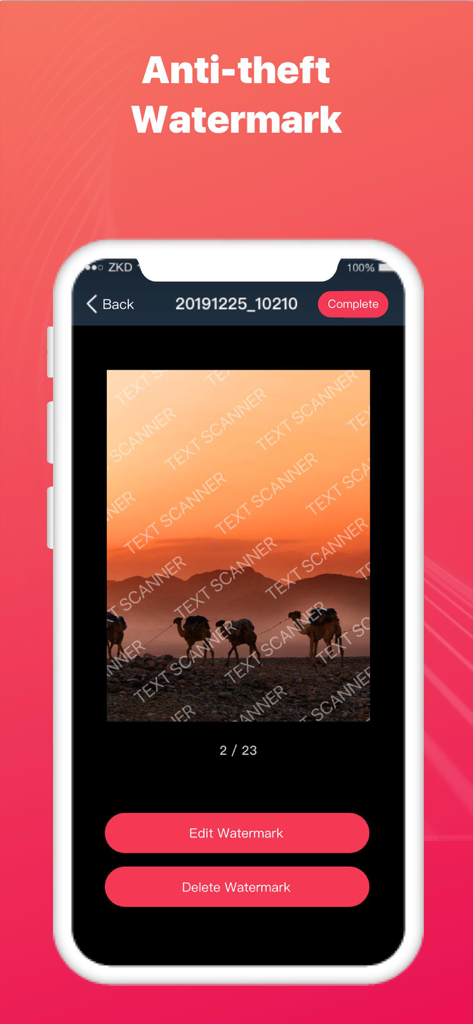
Text Scanner - Image to Text - Mobile app interface of Text Scanner showing the anti-theft watermark feature applied to a photo of camels in the desert
Mobile app interface of Text Scanner showing the anti-theft watermark feature applied to a photo of camels in the desert

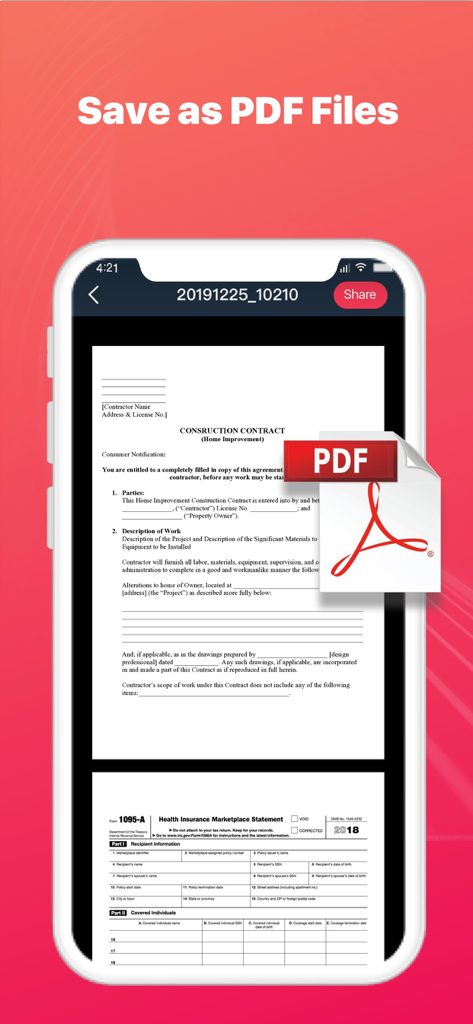
Text Scanner - Image to Text - Mobile app screenshot showing scanned documents and the Save as PDF feature.
Mobile app screenshot showing scanned documents and the Save as PDF feature.

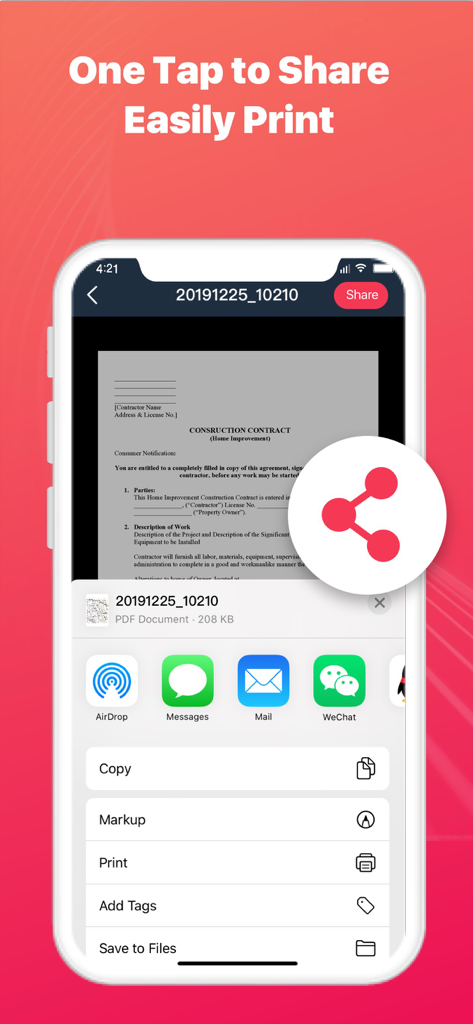
Text Scanner - Image to Text - Smartphone screen showing document sharing and printing options for a scanned contract
Smartphone screen showing document sharing and printing options for a scanned contract

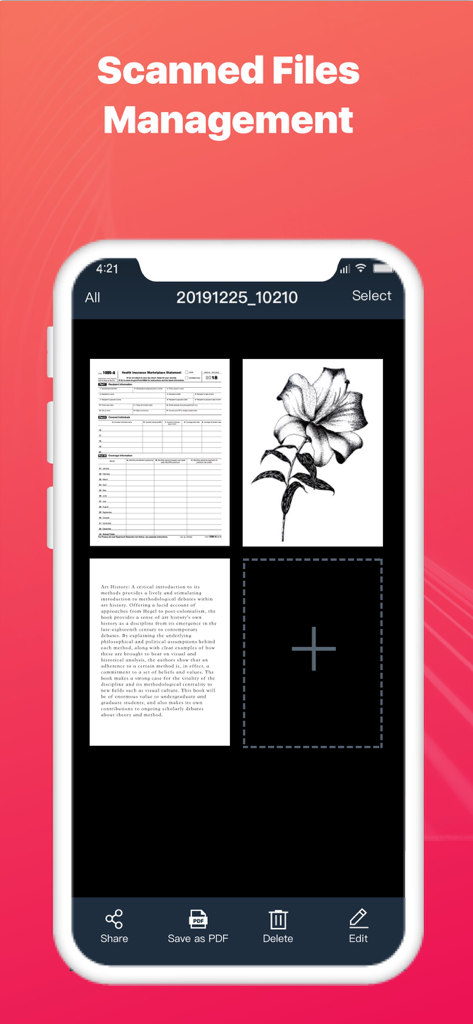
Text Scanner - Image to Text - Text Scanner app interface showing the scanned files management screen with a grid of digitized documents and editing tools

Text Scanner app interface showing the scanned files management screen with a grid of digitized documents and editing tools

Description

Text Scanner – Image to Text can turn your mobile phone into a scanner. Scan a variety of documents, certificates and contracts by taking a photo. Text Scanner can identify the texts on pictures, then copy and save it as a TXT file. It can also automatically cut off the background of documents and generate an HD file in PDF or JPG format. You can easily share scanned files via WhatsApp, Email, fax, etc., and connect to printer for file printing. Scan and recognize texts with Text Scanner now! Smart Scanner - Smartly detect the page edges and automatically remove the background - Automatically optimize the file quality, provide different filters, and make the scanned contents look clear and sharp - Support single mode/batch mode/select images from your device - Scan various types of contents, such as documents, contracts, certificates, receipts, invoices, notes, books, business cards, etc. Image to Text - Support OCR - Text recognition function. Take a photo to turn image to texts! - Support text copy / save as TXT file / save as PDF file - Support Chinese / English recognition with high accuracy Easily Share Scanned Files - Share scanned files in JPG and PDF format - Share scanned files via WhatsApp, Email, fax, etc. - Support wireless connection to printer and print the scanned files File Management - Add more pages to your scanned documents - Reorder or delete the scanned pages When you go out for a meeting, Text Scanner - Image to Text can help you scan contracts and share them in real time. In the spare time, you can use Text Scanner - Image to Text to scan class notes and view at any time. When traveling, you can use Text Scanner - Image to Text to scan ID cards, passports, and driving licenses in case of emergency. Use Text Scanner - Image to Text and manage your portable documents now! Subscribe to Text Scanner - Image to Text Premium - Subscribe to Text Scanner - Image to Text to enjoy all the features - Subscription fee will be charged monthly or yearly depending on the plan - Payment will be charged to iTunes Account at confirmation of purchase - Subscription automatically renews unless auto-renewal is turned off at least 24 hours before the end of the current period - Your account will be charged for your renewal plan within 24 hours prior to the end of the current period. Subscriptions may be managed by the user and auto-renewal may be turned off by going to the user’s Account Settings after purchase. For any suggestions and feedback, please contact us via textscanner@yandex.com. We appreciate your support for Text Scanner - Image to Text. Privacy Policy: https://sites.google.com/view/textscannerocrprivacy User Agreement: https://sites.google.com/view/textscannerocragreement

Download

Download on App Store

This page is not an official page of the app or its developer, but an independent editorial publication created for informational and commentary purposes. Unless expressly stated otherwise, neither the app nor its developer is affiliated with, endorsed by, sponsored by, authorized by, or otherwise officially connected with MWM, Apple, Google Play, the app publisher, or the app's developer, and nothing on this page implies that the app was developed using MWM's services. Any trademarks, logos, screenshots, and other content remain the property of their respective owners.








