
This page is not an official page of the app or its developer, but an independent editorial publication created for informational and commentary purposes. Unless expressly stated otherwise, neither the app nor its developer is affiliated with, endorsed by, sponsored by, authorized by, or otherwise officially connected with MWM, Apple, Google Play, the app publisher, or the app's developer, and nothing on this page implies that the app was developed using MWM's services. Any trademarks, logos, screenshots, and other content remain the property of their respective owners.

The Audio Converter
Transform any file into MP3, WAV, or AAC in under 15 seconds. Designed for creators and professionals who need fast, secure, and mobile-first results on iPhone and iPad.
Downloads
1M+User Rating
Total Ratings
12K+Publisher
Category
UtilitiesLocales
23Latest Version
26.0.2Size
42.1 MBFirst Released
Jun 22, 2014Master Your Media Workflow
The ultimate utility for creators and professionals to convert, share, and manage audio files across the Apple ecosystem.
Instant Conversion
Convert almost any audio or video file in under 15 seconds, keeping your creative momentum alive.
Video to Audio Mastery
Quickly extract high-quality soundtracks from social media clips or screen recordings into MP3, WAV, or AAC.
The following screenshots and description are sourced directly from the app's official store listing and are the property of the app developer.
App Store
Screenshots
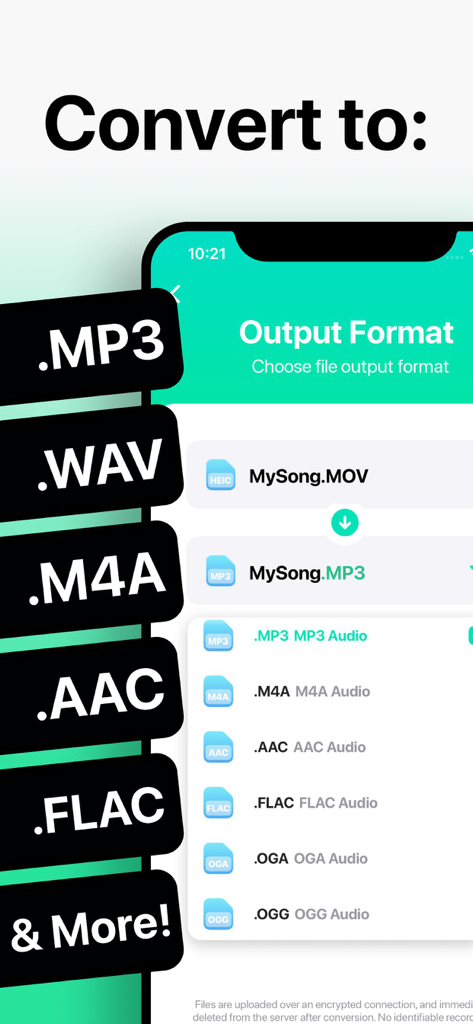
Interface of The Audio Converter app showing conversion of a MOV file to MP3 and a list of audio output formats
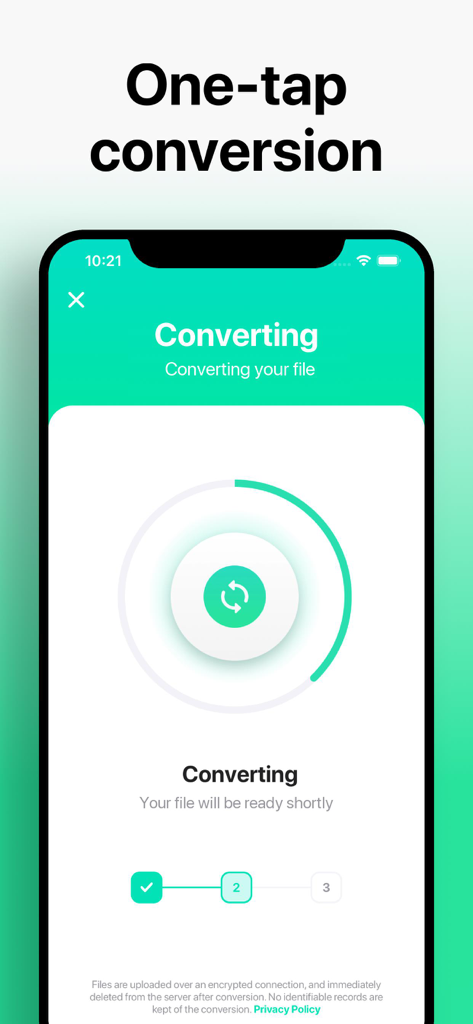
A mobile screen showing a file conversion in progress with a circular loading bar in The Audio Converter app.
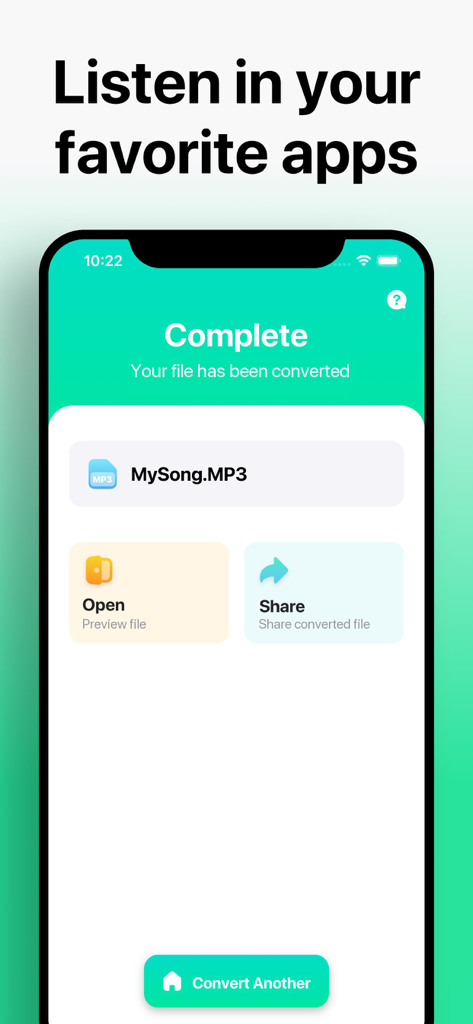
A screenshot of The Audio Converter app interface showing a successful MP3 conversion with options to open or share the file.
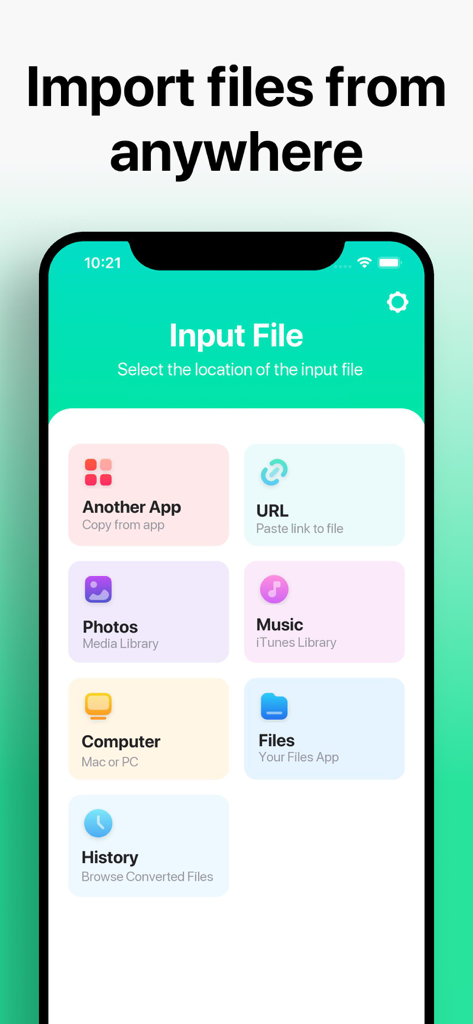
Interface of The Audio Converter app showing various file import sources including Another App, URL, Photos, Music, Computer, and Files.
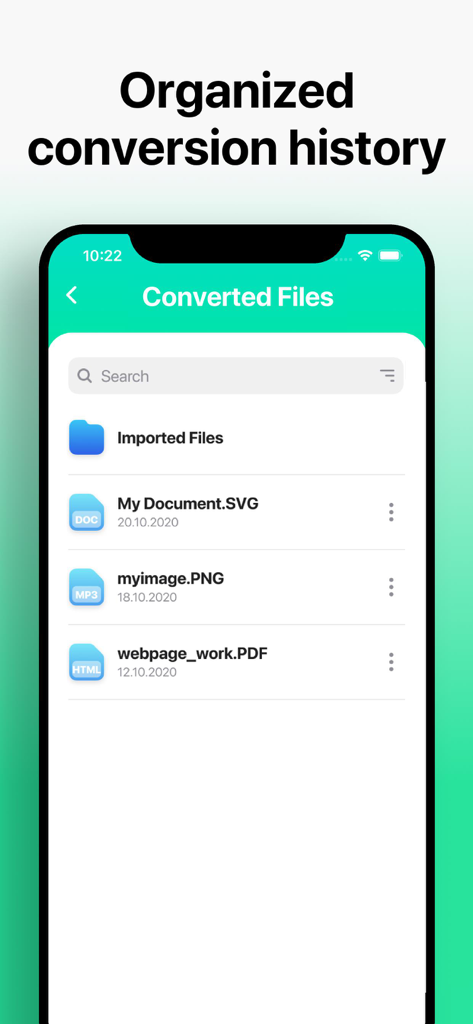
A smartphone screen showing the organized conversion history and file management section of The Audio Converter app.
Description
Download
More Like This
Apps with similar features and user experience

MP3 Converter -Audio Extractor
妍 岳

Audio Editor - Music Mixer
妍 岳

MP3 Converter: Video to Audio
Fitness Labs SRL

Audio Editor: MP3 Converter
ZHN Co., Ltd.

MP3 Converter - video2mp3
ZHN Co., Ltd.

EZAudioCut - Audio Editor Lite
龙刚 李

Audio Extractor-Audio Editing
正军 刘

Audio Editor & Music Mixer
Wuhan Net Power Technology Co., Ltd

Audio Converter&Ringtone Maker
俊鹏 位
This page is not an official page of the app or its developer, but an independent editorial publication created for informational and commentary purposes. Unless expressly stated otherwise, neither the app nor its developer is affiliated with, endorsed by, sponsored by, authorized by, or otherwise officially connected with MWM, Apple, Google Play, the app publisher, or the app's developer, and nothing on this page implies that the app was developed using MWM's services. Any trademarks, logos, screenshots, and other content remain the property of their respective owners.