
This page is not an official page of the app or its developer, but an independent editorial publication created for informational and commentary purposes. Unless expressly stated otherwise, neither the app nor its developer is affiliated with, endorsed by, sponsored by, authorized by, or otherwise officially connected with MWM, Apple, Google Play, the app publisher, or the app's developer, and nothing on this page implies that the app was developed using MWM's services. Any trademarks, logos, screenshots, and other content remain the property of their respective owners.
ToolX: Pocket Measure Ultimate
Ditch the bulky toolbox and turn your iPhone into a precision instrument. Instantly measure lengths, angles, levels, and even detect metal with 13+ professional-grade sensors in one powerful app.
Downloads
0User Rating
Total Ratings
0Publisher
Category
UtilitiesLocales
1Latest Version
1.1Size
57.3 MBFirst Released
Oct 12, 2025Professional Tools, Zero Bulk
Turn your iPhone into a high-precision toolkit. Whether you're hanging a gallery wall, engineering a project, or exploring the outdoors, ToolX puts 10+ essential sensors and measuring tools right in your pocket.
Precision Measurement Suite
Forget the tape measure. Use calibrated rulers, 360° protractors, and bubble levels to get perfect alignments and accurate dimensions for every DIY project.
Advanced Sensor Dashboard
Unlock your phone's hidden power. Detect metal studs in walls, monitor barometric pressure for weather tracking, and view real-time magnetic field data.
The following screenshots and description are sourced directly from the app's official store listing and are the property of the app developer.
App Store
Screenshots
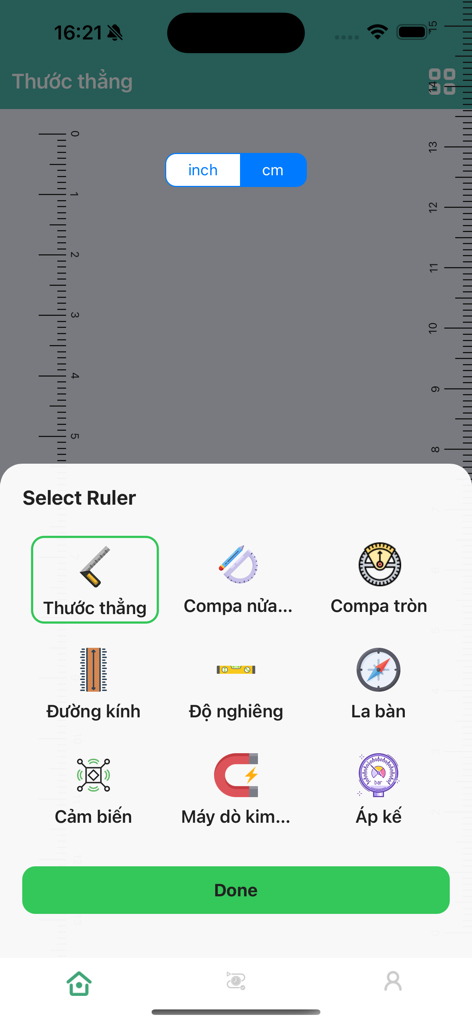
Interface of ToolX showing a selection menu for digital utility tools including ruler level compass and metal detector
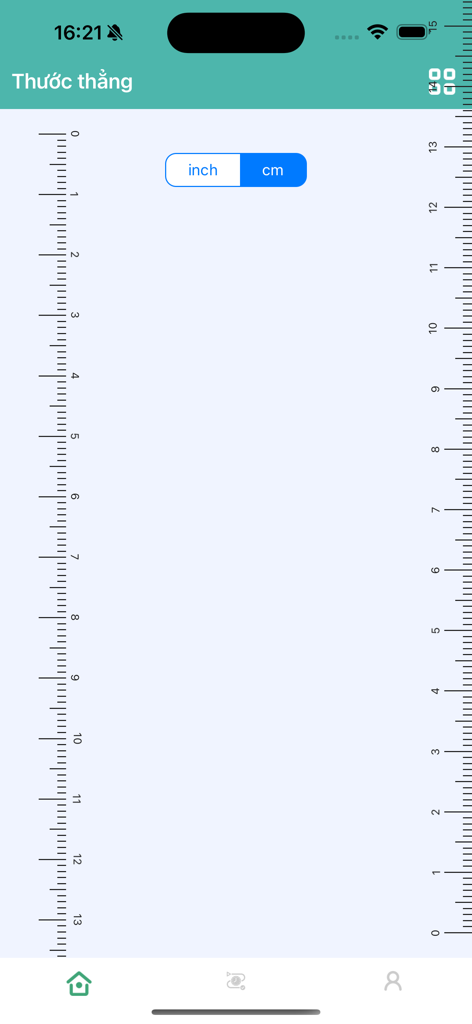
Digital ruler interface with centimeter and inch scales
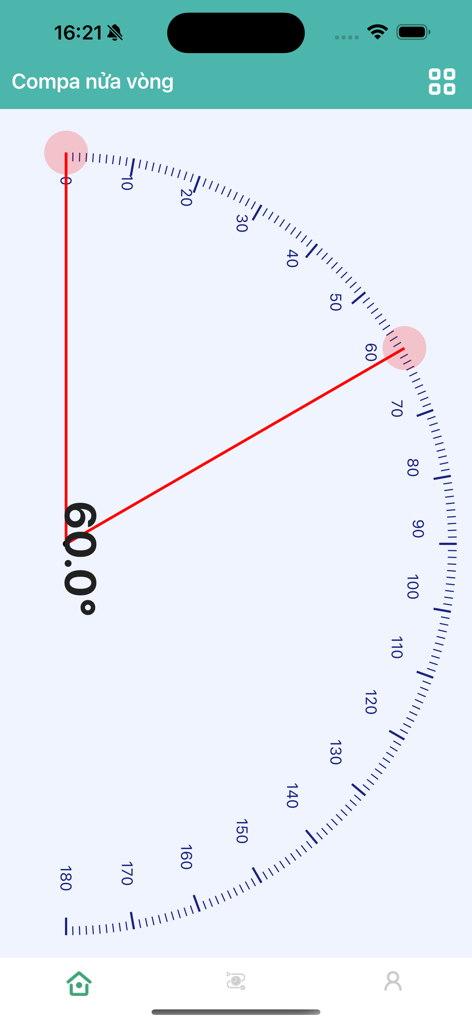
Digital half-circle protractor measuring a 60-degree angle in the ToolX app
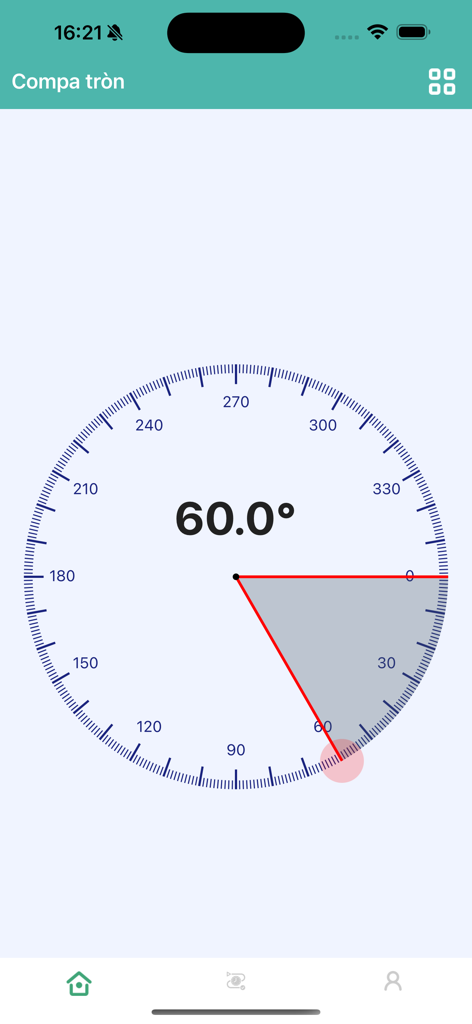
Interface of the ToolX 360 degree protractor tool showing a 60 degree angle measurement
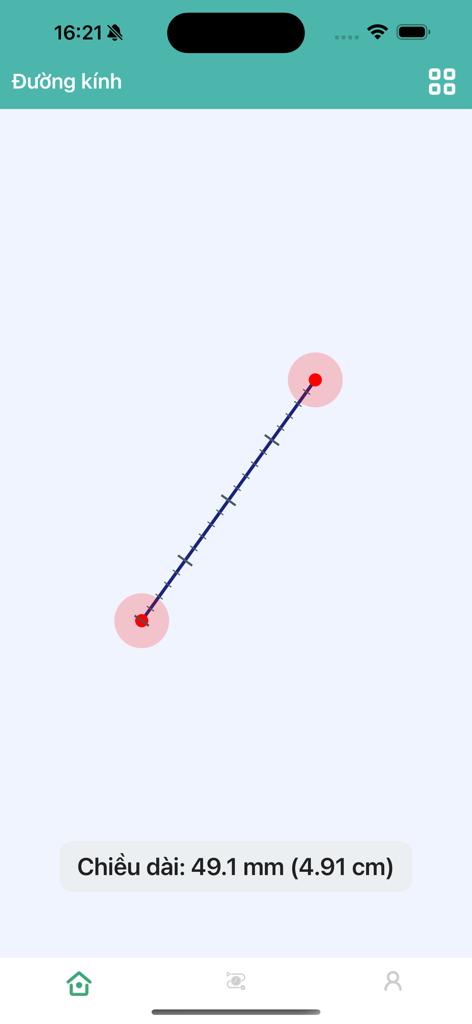
Digital diameter tool in ToolX app measuring a distance of 49.1 millimeters on a mobile screen
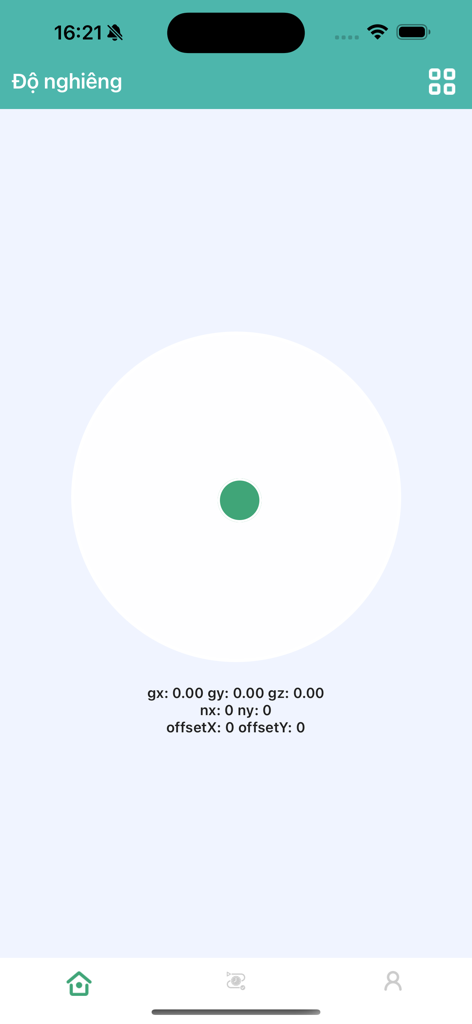
Gravity sensor and tilt meter interface with a digital bubble level indicator
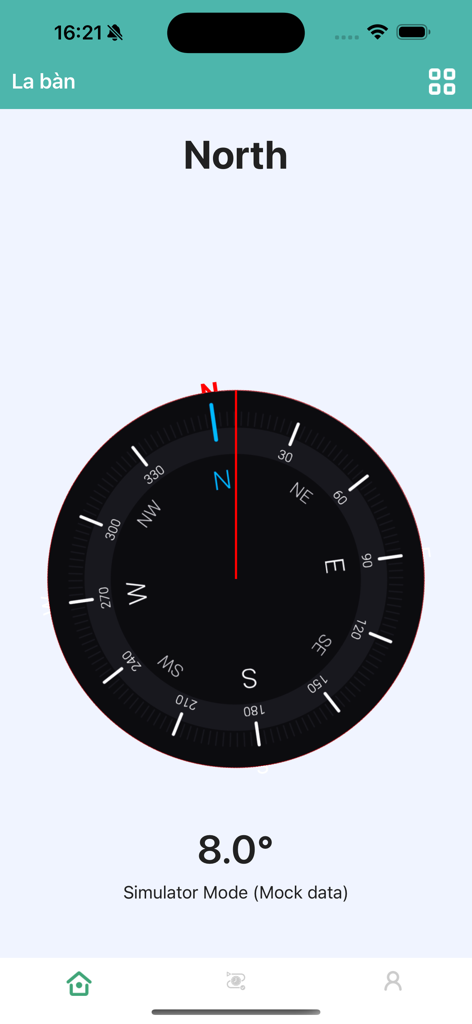
Digital compass interface in the ToolX app showing the direction North
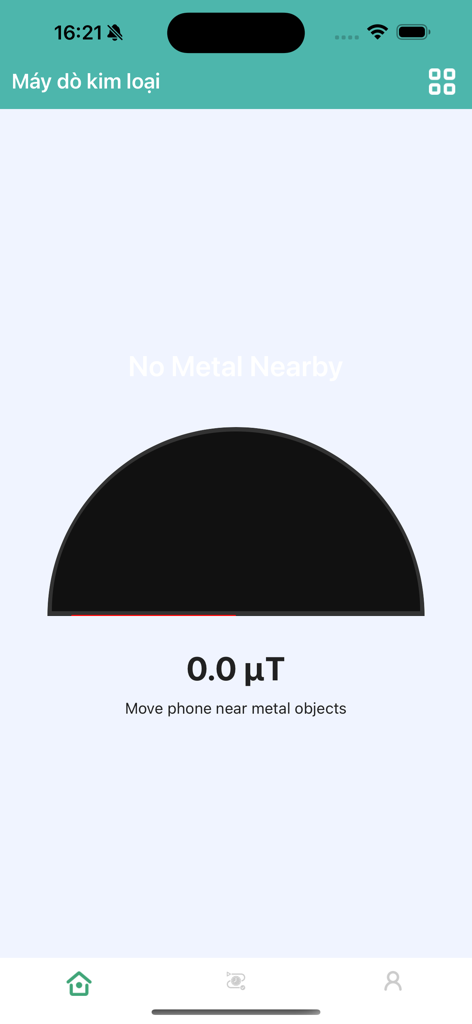
Metal detector tool screen in the ToolX app showing a zero microtesla reading and magnetic field gauge.
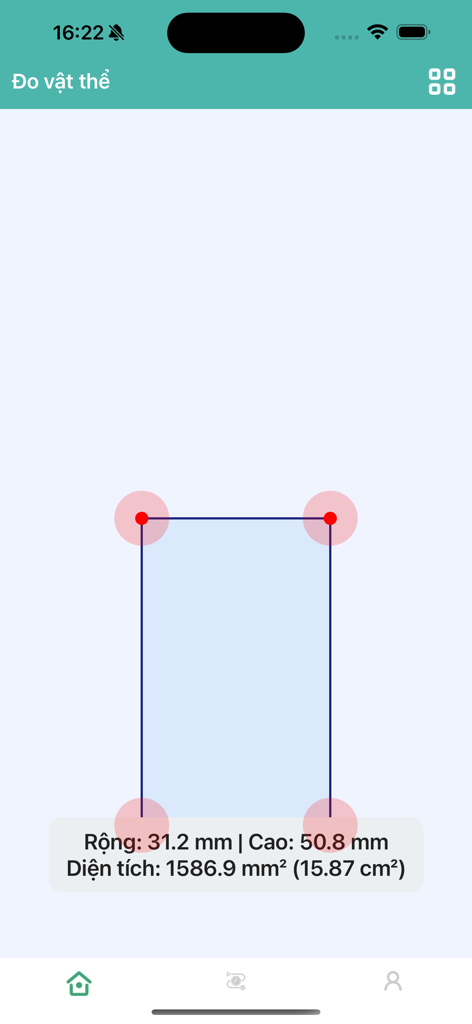
ToolX app interface showing the object ruler feature measuring width height and area of a rectangle
Description
Download
More Like This
Top-ranked apps in the same category

Google LLC

Google Chrome
Google LLC

中国移动(手机营业厅)
China Mobile Online Services Co., Ltd.

Google Authenticator
Google LLC

gov.br
Servicos e Informacoes do Brasil

Cleanup: Phone Storage Cleaner
DEEP FLOW SOFTWARE SERVICES - FZCO

Meu Social - Gás do Povo
Servicos e Informacoes do Brasil

百度-AI智能搜索
Beijing Baidu Netcom Science & Technology Co.,Ltd

Microsoft Edge: AI Browser
Microsoft Corporation
This page is not an official page of the app or its developer, but an independent editorial publication created for informational and commentary purposes. Unless expressly stated otherwise, neither the app nor its developer is affiliated with, endorsed by, sponsored by, authorized by, or otherwise officially connected with MWM, Apple, Google Play, the app publisher, or the app's developer, and nothing on this page implies that the app was developed using MWM's services. Any trademarks, logos, screenshots, and other content remain the property of their respective owners.