
This page is not an official page of the app or its developer, but an independent editorial publication created for informational and commentary purposes. Unless expressly stated otherwise, neither the app nor its developer is affiliated with, endorsed by, sponsored by, authorized by, or otherwise officially connected with MWM, Apple, Google Play, the app publisher, or the app's developer, and nothing on this page implies that the app was developed using MWM's services. Any trademarks, logos, screenshots, and other content remain the property of their respective owners.


Tracover - File Transfer
Instantly share photos, videos, and documents with encrypted 6-digit keys while keeping your most sensitive data hidden and safe in a password-protected Private Space.
Downloads
79K+User Rating
Total Ratings
0Publisher
Category
UtilitiesLocales
1Latest Version
1.0.16Size
20.0 MBFirst Released
May 7, 2019Seamless Sharing Meets Ultimate Privacy
Experience the fastest way to move your professional and personal files while keeping your most sensitive data locked away from prying eyes.
Instant Secure Transfer
Move photos, videos, and documents between devices in seconds using a unique 6-digit security key or a simple QR code scan.
Encrypted Private Space
Store your most sensitive memories and confidential work files in a password-protected vault that keeps data hidden even if someone else uses your phone.
Frequently Asked Questions
Everything you need to know about Tracover - File Transfer
What is Tracover and what does it do?
Tracover is an app for fast and secure file transfer, allowing users to move photos, videos, contacts, and documents between devices. It also features dual WhatsApp account management and a secure Private Space.
How do I transfer files using Tracover?
To transfer files with Tracover, install the app on both devices, log in, select files, and generate a 6-digit code or QR code. Enter the code or scan the QR on the receiving device to complete the transfer.
Can Tracover manage dual WhatsApp accounts?
Yes, Tracover manages dual WhatsApp accounts. Users can link their WhatsApp account via a quick QR-based pairing and then easily switch between different accounts within the Tracover app.
Does Tracover save temporary WhatsApp chat media?
Yes, Tracover's WA Recovery feature saves temporary chat media. After linking via a QR scan, users can save temporary photos, videos, and voice notes from chats with one tap, protecting them in Private Space.
Is Tracover's Private Space secure for personal files?
Yes, Tracover's Private Space is secure. It protects sensitive photos, videos, and documents with a secure, password-protected and encrypted environment, ensuring only the user can access the locked content.
What are the transfer limits for Tracover free users?
Free Tracover users can transfer up to 10 MB per send. Upgrading to a subscription increases the quota to up to 20 GB and unlocks additional premium features.
How long are shared links valid in Tracover?
Shared links generated by Tracover for file transfer remain valid for 7 days. This allows recipients to download the shared files at their convenience within that period.
What types of files can Tracover transfer?
Tracover supports the transfer of various file types. Users can easily move photos, videos, contacts, and documents between different devices quickly and efficiently.
The following screenshots and description are sourced directly from the app's official store listing and are the property of the app developer.
App Store
Screenshots
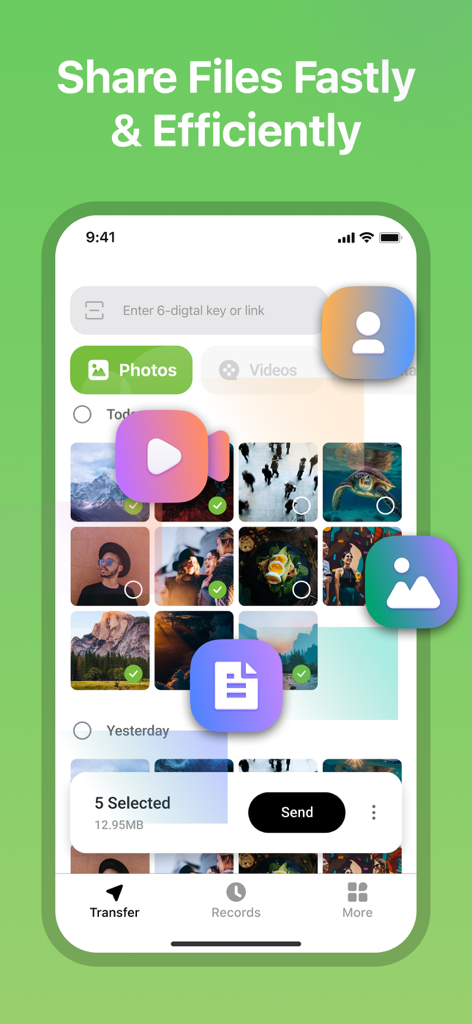
User interface of Tracover app showing photo selection for fast and efficient file sharing.
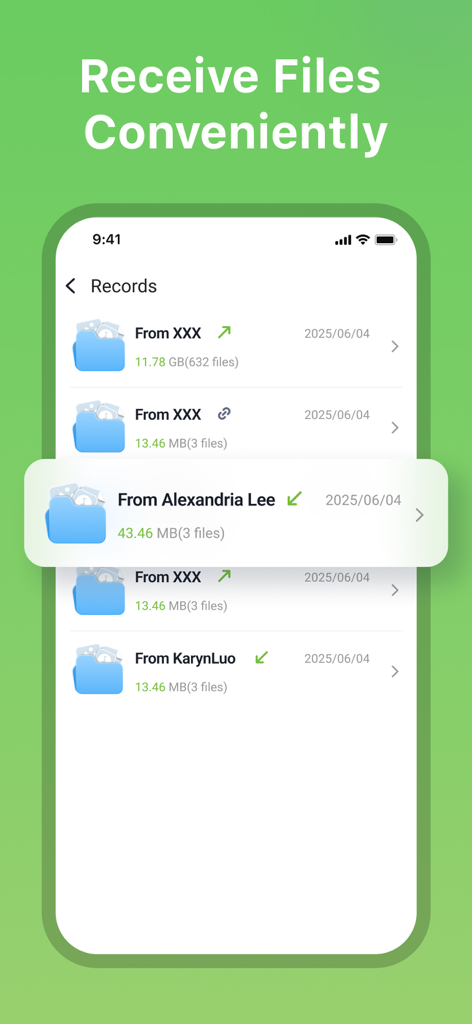
A list of received file records in the Tracover app showing sender names and file sizes
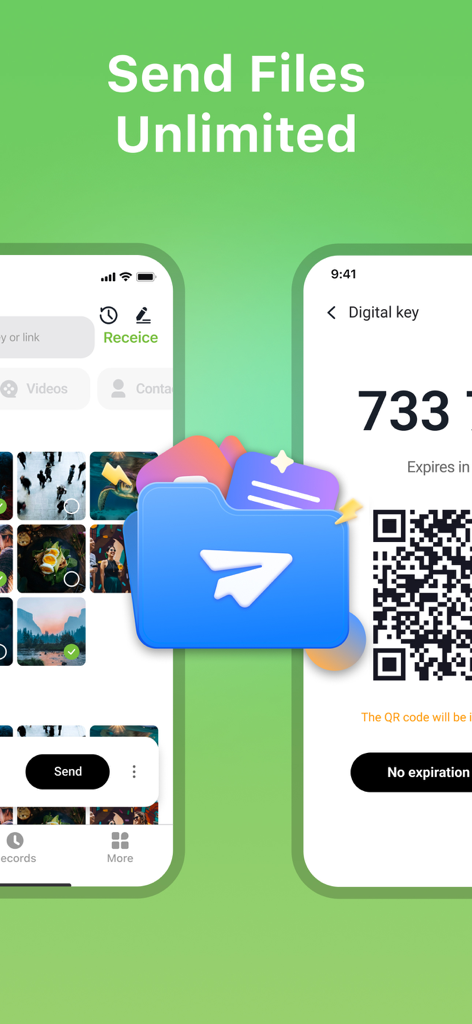
Tracover app interface showing photo selection and a QR code for unlimited file transfer
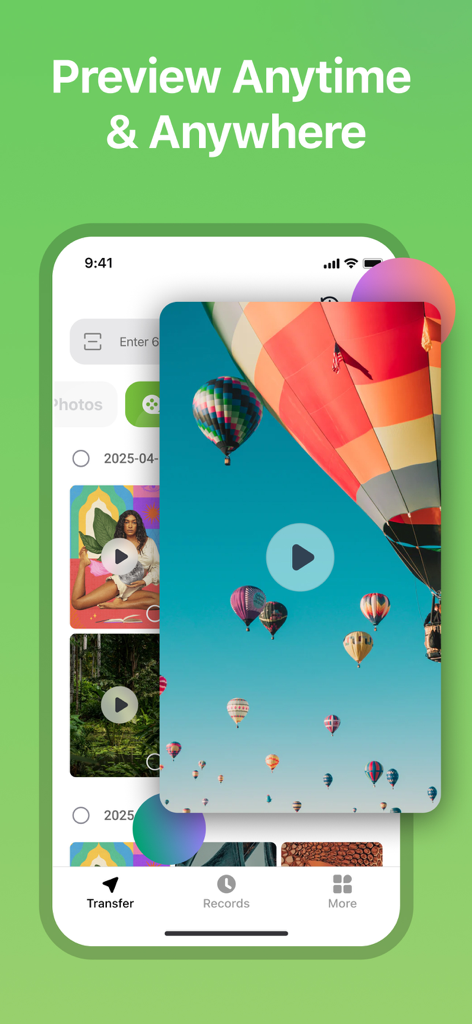
Tracover app interface showing a hot air balloon video preview in the media gallery
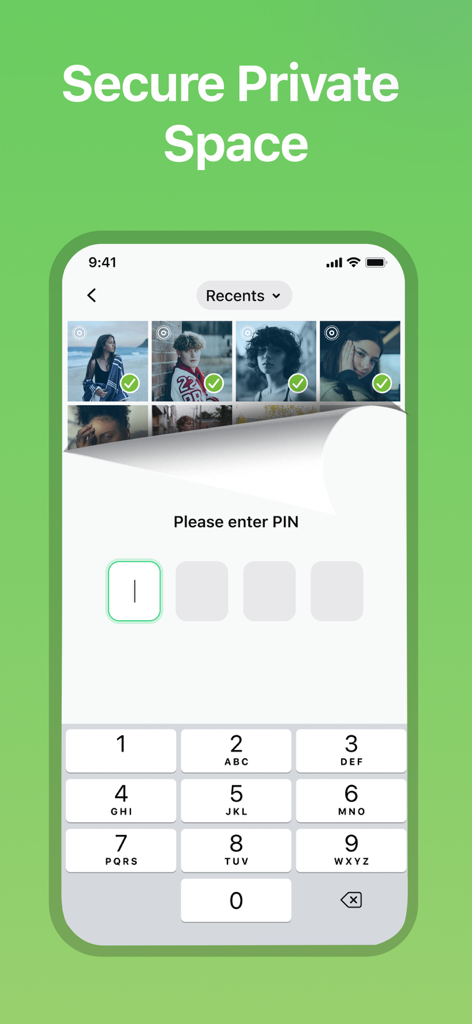
Secure private space lock screen in the Tracover app requiring a PIN to access hidden photos
Description
Download
More Like This
Top-ranked apps in the same category

Google LLC

Google Chrome
Google LLC

中国移动(手机营业厅)
China Mobile Online Services Co., Ltd.

Google Authenticator
Google LLC

CNH do Brasil
Servicos e Informacoes do Brasil

Cleanup: Phone Storage Cleaner
DEEP FLOW SOFTWARE SERVICES - FZCO

gov.br
Servicos e Informacoes do Brasil

中国电信-全国统一官方服务平台
CHINA TELECOM Corporation Ltd.

Microsoft Edge: AI Browser
Microsoft Corporation
This page is not an official page of the app or its developer, but an independent editorial publication created for informational and commentary purposes. Unless expressly stated otherwise, neither the app nor its developer is affiliated with, endorsed by, sponsored by, authorized by, or otherwise officially connected with MWM, Apple, Google Play, the app publisher, or the app's developer, and nothing on this page implies that the app was developed using MWM's services. Any trademarks, logos, screenshots, and other content remain the property of their respective owners.