Universal Remote: All Smart TV
Download on App Store

This page is not an official page of the app or its developer, but an independent editorial publication created for informational and commentary purposes. Unless expressly stated otherwise, neither the app nor its developer is affiliated with, endorsed by, sponsored by, authorized by, or otherwise officially connected with MWM, Apple, Google Play, the app publisher, or the app's developer, and nothing on this page implies that the app was developed using MWM's services. Any trademarks, logos, screenshots, and other content remain the property of their respective owners.

Logo of Universal Remote: All Smart TV
Download on App Store

Universal Remote: All Smart TV

Stop searching for lost remotes and say goodbye to coffee table clutter. Effortlessly control Roku, Fire Stick, Apple TV, and more from your iPhone with instant Wi-Fi pairing and a built-in keyboard for faster searching.

Key Figures

Downloads

17K+

User Rating

5.0/5

Total Ratings

0

Publisher

QUANTUM4U LAB PRIVATE LIMITED

Category

Utilities

Locales

13

Latest Version

6

Size

64.9 MB

First Released

Dec 4, 2023
Features

Take Full Control of Your Living Room

Replace every remote in your house with a single, smart app. Seamlessly manage your Roku, Fire Stick, and Apple TV without ever leaving your couch.

One App for Every Screen

Ditch the coffee table clutter. Control multiple TV brands and streaming sticks from a single, intuitive interface designed for your lifestyle.

Fast Typing & Search

Stop struggling with clumsy on-screen D-pads. Use your smartphone keyboard to find movies and enter passwords in seconds.

The following screenshots and description are sourced directly from the app's official store listing and are the property of the app developer.

App Store

Screenshots
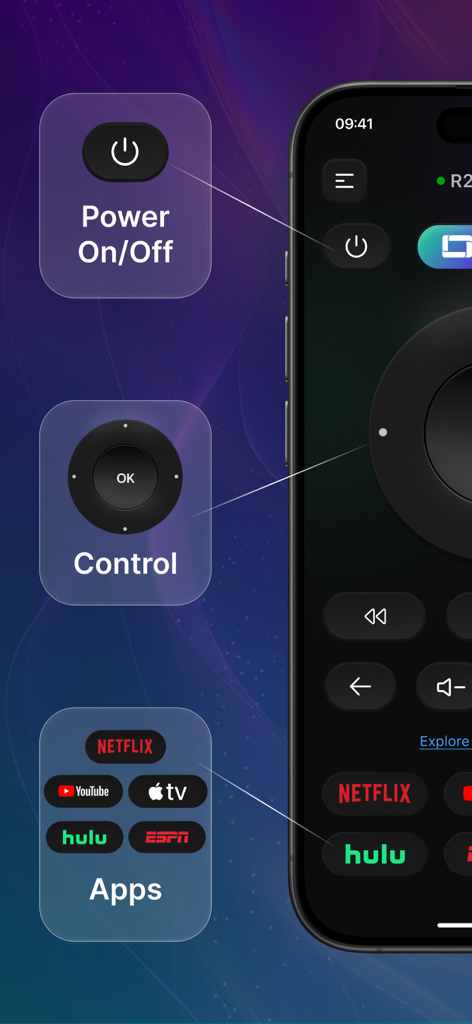
Universal Remote: All Smart TV - Universal remote app interface with power button, navigation controls, and shortcuts for streaming apps.
Universal remote app interface with power button, navigation controls, and shortcuts for streaming apps.

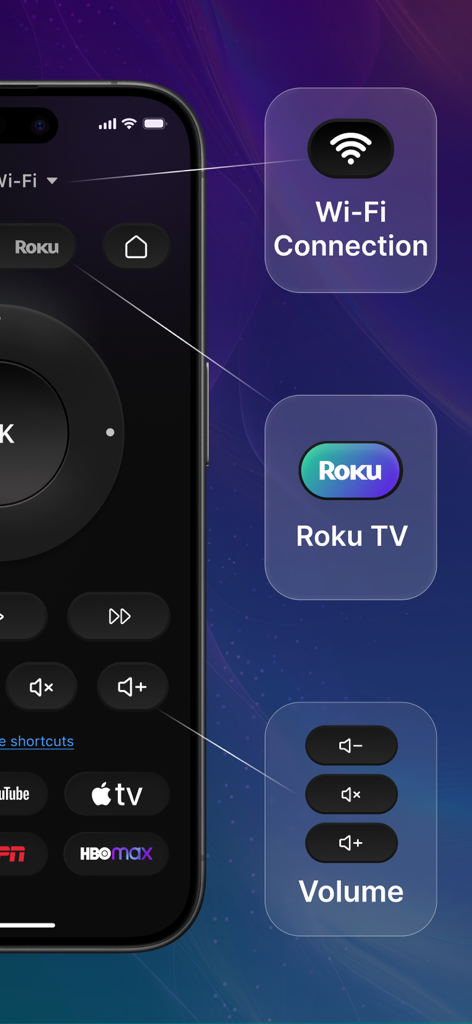
Universal Remote: All Smart TV - Universal remote app interface on a smartphone highlighting Wi-Fi connection Roku TV compatibility and volume controls
Universal remote app interface on a smartphone highlighting Wi-Fi connection Roku TV compatibility and volume controls

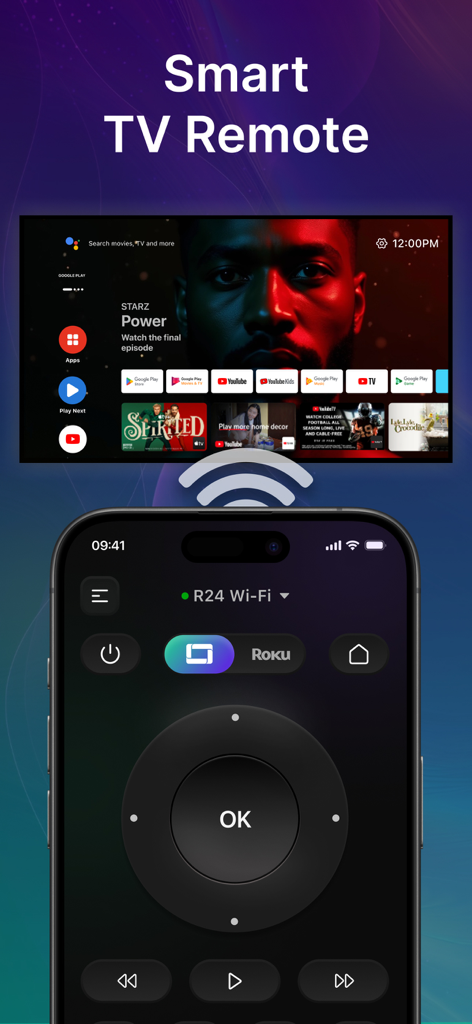
Universal Remote: All Smart TV - A smartphone displaying a universal remote app interface for controlling a smart TV over Wi-Fi
A smartphone displaying a universal remote app interface for controlling a smart TV over Wi-Fi

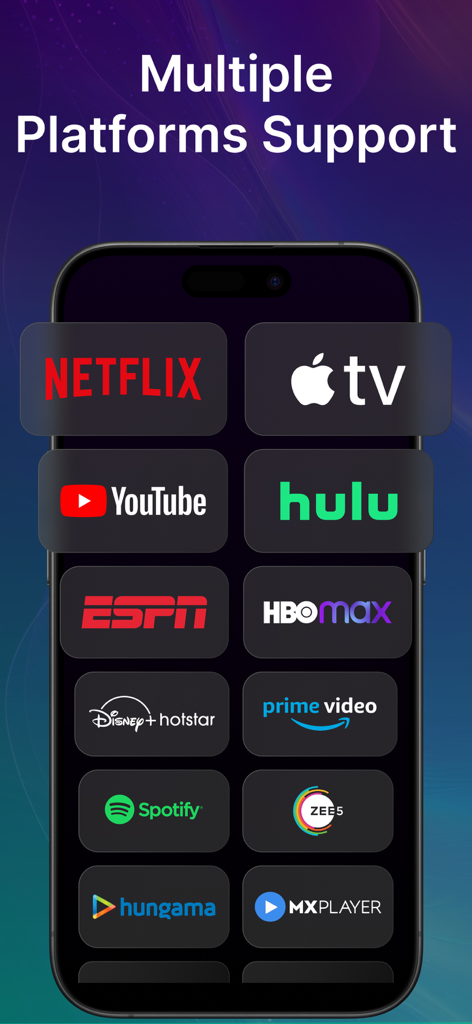
Universal Remote: All Smart TV - Universal Remote app screen showing supported streaming platforms like Netflix and Apple TV
Universal Remote app screen showing supported streaming platforms like Netflix and Apple TV

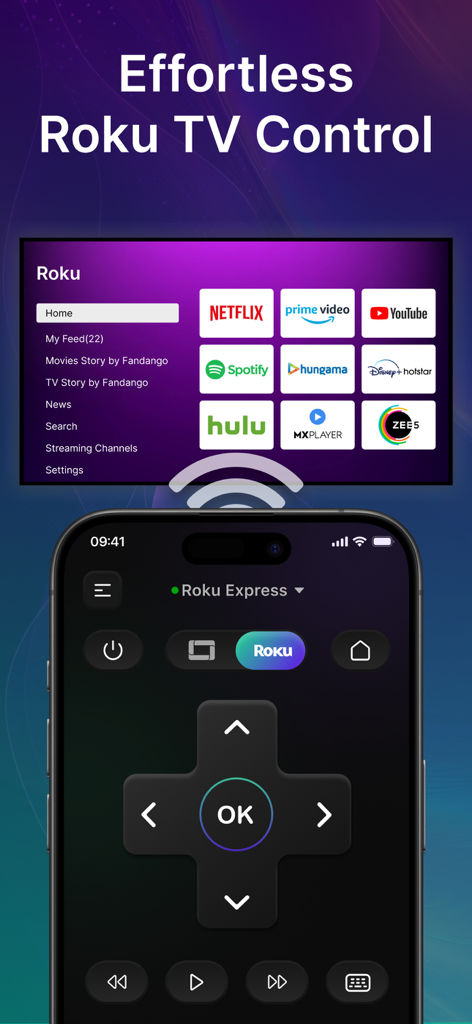
Universal Remote: All Smart TV - An iPhone displaying a digital remote control for a Roku TV with streaming service icons in the background
An iPhone displaying a digital remote control for a Roku TV with streaming service icons in the background

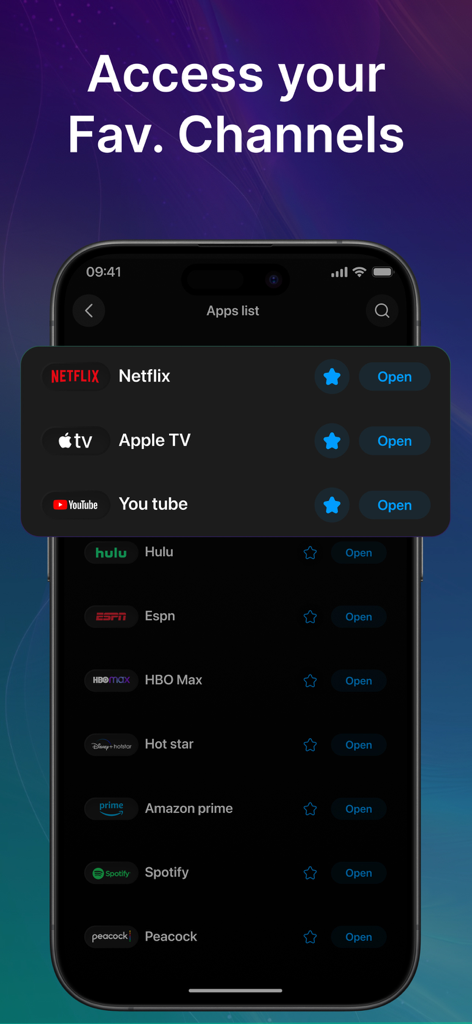
Universal Remote: All Smart TV - Mobile app interface displaying a list of favorite streaming services for quick access
Mobile app interface displaying a list of favorite streaming services for quick access

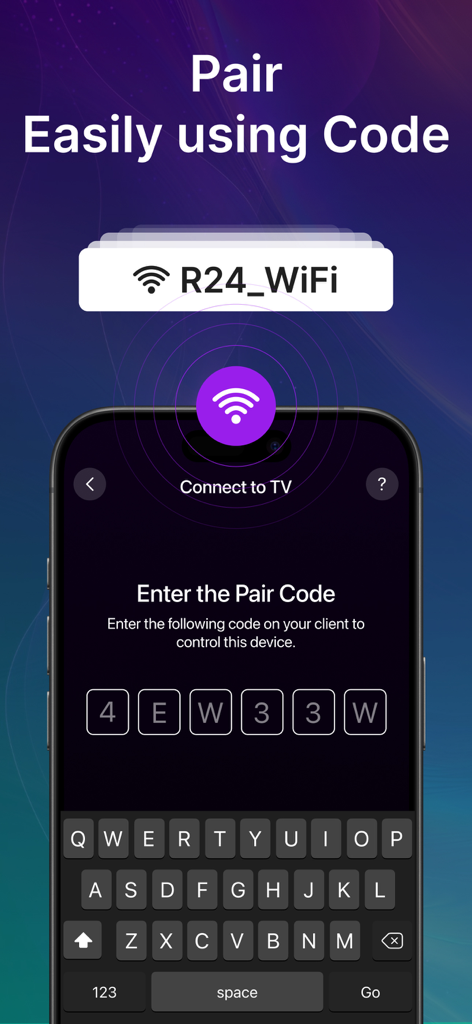
Universal Remote: All Smart TV - Mobile app interface showing the enter pair code screen to connect a smartphone to a smart TV over WiFi.
Mobile app interface showing the enter pair code screen to connect a smartphone to a smart TV over WiFi.

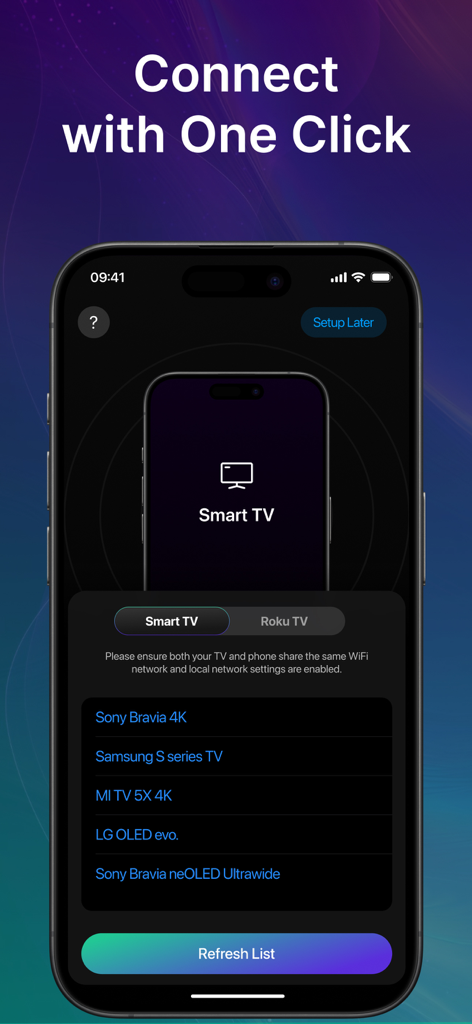
Universal Remote: All Smart TV - Universal Remote app interface showing a list of detected smart TVs ready for a one-click connection

Universal Remote app interface showing a list of detected smart TVs ready for a one-click connection

Description

Universal TV Remote App - Smart Remote: All TV Control Tired of searching for your TV remote? Universal Remote: All TV Control is the ultimate universal remote control app designed to make your life easier! Now, you can turn your smartphone into a powerful TV remote control and manage your favorite shows, movies, and apps with ease. Whether you have a Roku streaming stick, Fire Stick, Apple TV, Smart TV, or other smart TV, this app works as a universal remote for multiple devices. Turn Your Phone into a Smart TV Remote! The Smart Remote: Roku TV Control app lets you seamlessly operate your TV, adjust volume, switch channels, browse streaming services, and navigate your entertainment effortlessly. Key Features of Universal Remote: Roku TV Control App - Universal Remote TV Control – Works with Smart TV, Apple TV, Fire Stick, Roku, and more. - Easy Roku Remote App – Full control over Roku streaming devices, including navigation, volume, and playback. - Universal TV Remote for All Devices – Supports major TV brands and streaming devices. - Fire Stick Remote – No need for an extra remote; control your Fire Stick with ease. - Seamless Connection – Instantly pair with your TV smart remote through WiFi for quick access. - Navigation & Playback Controls – Control playback, adjust settings, and navigate menus with ease. - Adjust volume levels with a simple tap on your remote control for TV Compatible with Multiple Devices - Roku Streaming Stick & Roku TV – Works as the perfect Roku remote app to manage your Roku device. - Smart TV – Works seamlessly as a remote for Apple TV and other smart TV brands. - Apple TV Remote – Get the convenience of an Apple TV remote on your iOS phone. - Universal Remote for All TVs – Control your TV like a pro with our universal remote TV control app. Your TV, Your Control! Whether you're streaming your favorite show, watching live sports, or browsing channels, Universal Remote: Roku TV Control ensures a smooth and effortless viewing experience. No need for multiple remotes - this universal remote control does it all! How to Use Smart Remote: Roku TV Control? - Ensure your TV and smartphone are connected to the same WiFi network. - Select your TV brand or streaming device from the list. - Pair your device and start controlling your TV instantly! Why Choose Universal Remote: Roku TV Control? - No More Lost Remotes - Say goodbye to misplaced remotes forever! - One App for All - Works as a TV remote control for multiple devices. Download Smart Remote: Roku TV Control Now! Take full control of your Smart TV, Roku, Fire Stick, and more with the best remote control for TV app! Transform your phone into the ultimate TV smart remote and enjoy effortless navigation and entertainment. Get it today and experience the future of TV control! Data Collection - Device-specific information such as device model, OS version being used. This provides knowledge of how our application is being used so we can improve the user experience and the app itself. - We collect anonymized data such as statistics, analytics, insights about your activity in order to provide you a reliable and high-quality experience. - Payment data & an optional Email (if using paid Services) Disclaimer: This is not an official app of Roku TV, it only supports to control your Roku TV with it. Plans Length & Price Yearly - $14.99 Monthly - $3.99 Subscription Info - The user can cancel their subscription at any time. - All prices include applicable local sales taxes. - Payment will be charged to your iTunes Account after confirmation. - Subscription automatically renews at least 24-hours before the end of the current period. - The user's account will be charged for renewal within 24-hours Privacy policy: https://quantum4u.in/web/tvremotewithroku/privacy-policy Terms & Conditions: https://quantum4u.in/web/tvremotewithroku/tandc EULA: https://quantum4u.in/web/tvremotewithroku/eula

Download

Download on App Store

This page is not an official page of the app or its developer, but an independent editorial publication created for informational and commentary purposes. Unless expressly stated otherwise, neither the app nor its developer is affiliated with, endorsed by, sponsored by, authorized by, or otherwise officially connected with MWM, Apple, Google Play, the app publisher, or the app's developer, and nothing on this page implies that the app was developed using MWM's services. Any trademarks, logos, screenshots, and other content remain the property of their respective owners.








