
This page is not an official page of the app or its developer, but an independent editorial publication created for informational and commentary purposes. Unless expressly stated otherwise, neither the app nor its developer is affiliated with, endorsed by, sponsored by, authorized by, or otherwise officially connected with MWM, Apple, Google Play, the app publisher, or the app's developer, and nothing on this page implies that the app was developed using MWM's services. Any trademarks, logos, screenshots, and other content remain the property of their respective owners.

Universal remote for Roku tv
Lost your remote? The app hands you back control, making physical remotes obsolete.
Downloads
2.5M+User Rating
Total Ratings
34.0KPublisher
Category
UtilitiesLocales
15Latest Version
4.1Size
78.6 MBFirst Released
Apr 26, 2018An evaluation of the core functionalities enabling seamless Roku device control from iOS.
Universal Remote for Roku TV: Key Feature Analysis
Universal Roku Device Control
The app provides comprehensive control over Roku TVs and Roku streaming stick devices directly from an iPhone or iPad, replacing the need for a physical remote.
Automatic Device Detection
This tool features a simple setup process where it automatically detects Roku devices connected to the same WiFi network, ensuring quick and hassle-free connectivity.
Complete Remote Emulation
It allows users to access all the features and controls available on an original Roku physical remote, providing a complete and familiar user experience.
iOS Native Control
The app is specifically designed for iPhone and iPad devices, offering a native and optimized control experience for Apple users.
Frequently Asked Questions
Everything you need to know about Universal remote for Roku tv
What is Universal Remote for Roku TV?
Universal Remote for Roku TV allows users to control their Roku TV or Roku stick device directly from their iPhone or iPad. It functions as an original remote control with all features.
Does Universal Remote for Roku TV work on iPhone?
Yes, Universal Remote for Roku TV works with iPhones and iPads. The app enables users to control their Roku devices directly from their Apple mobile devices.
How do I set up Universal Remote for Roku TV?
To set up Universal Remote for Roku TV, connect your iPhone or iPad to the same WiFi network as your Roku TV. The application automatically detects the device for control.
Is Universal Remote for Roku TV compatible with all TVs?
Yes, this app only works with TVs that have a Roku system embedded. It supports both Roku TVs and Roku stick devices.
Is Universal Remote for Roku TV an official Roku app?
No, Universal Roku is not an official ROKU product. It is also not affiliated with the RCA/Roku company. This is stated as a disclaimer.
How does the subscription for Universal Remote for Roku TV work?
The Universal Remote for Roku TV app offers auto-renewing subscriptions with weekly, monthly, or yearly lengths. Payment is charged to your iTunes Account upon purchase confirmation.
How can I cancel my Universal Remote for Roku TV subscription?
You can cancel your Universal Remote for Roku TV subscription or turn off auto-renewal via your Apple Account Settings. This must be done at least 24 hours before the current period ends.
Do I need a subscription to access all features of Universal Remote for Roku TV?
Yes, the Universal Remote for Roku TV application allows access to premium features for the duration of an active subscription.
Where can I find the privacy policy for Universal Remote for Roku TV?
The privacy policy for Universal Remote for Roku TV is available at https://nstx.io/URR/URR_privacy.html. Users can review it for information on data handling.
The following screenshots and description are sourced directly from the app's official store listing and are the property of the app developer.
App Store
Screenshots
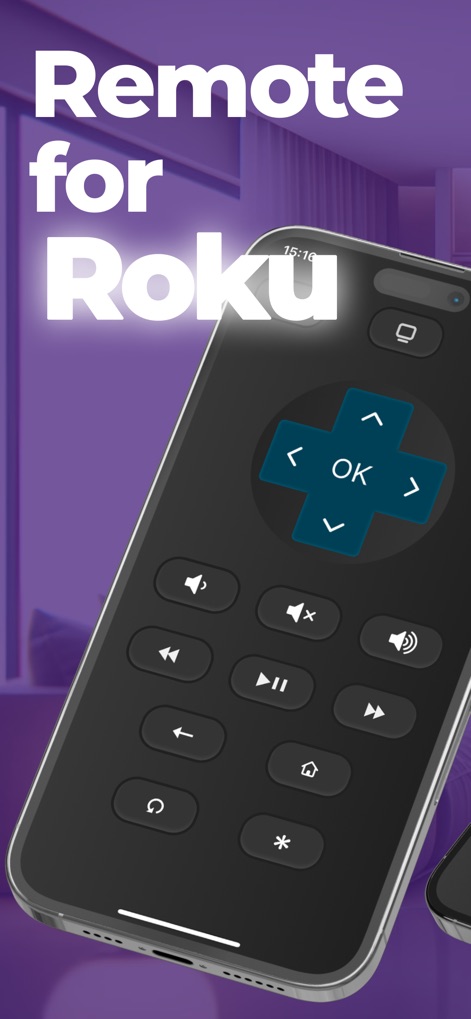
Users gain full command over their Roku device with this app, featuring an intuitive directional pad for navigation and comprehensive playback controls for media.
Intuitive Roku Control
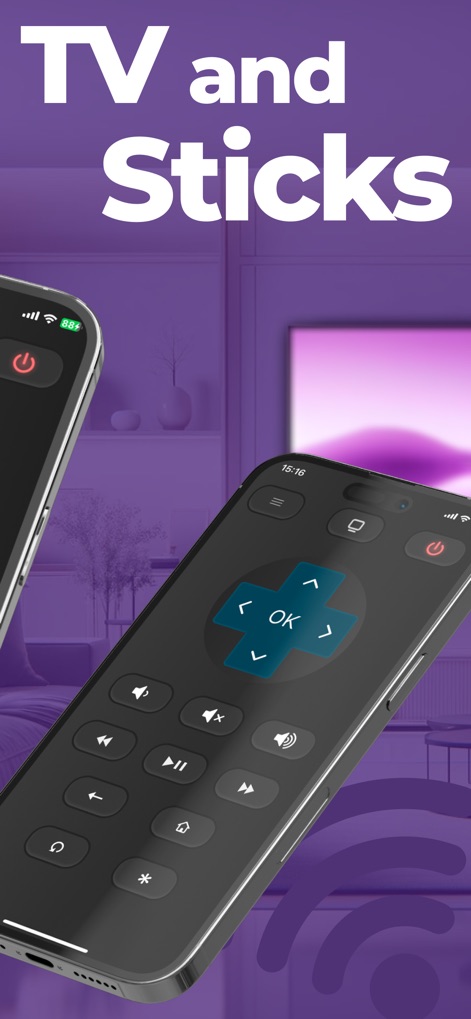
This tool offers universal compatibility across Roku TVs and Roku streaming sticks, providing convenient control via a dedicated power button and an accessible menu icon for additional options.
Broad Device Support
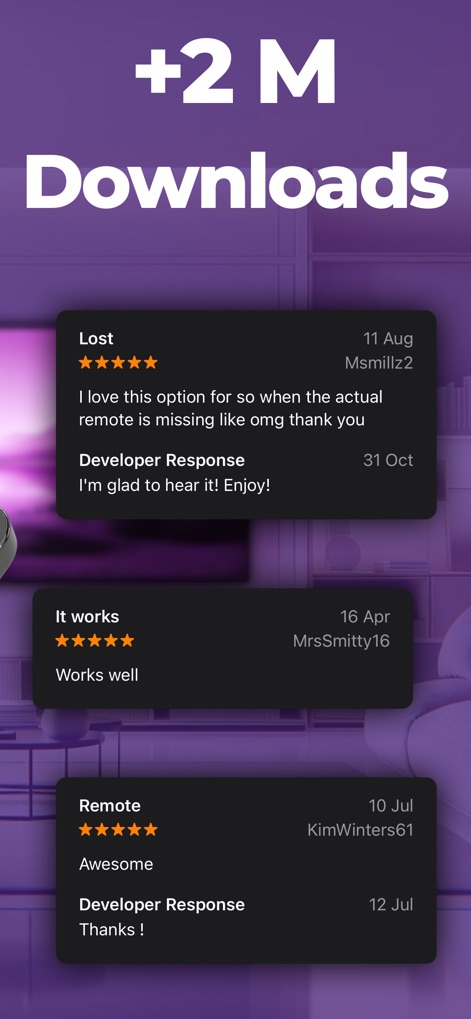
Explore glowing user reviews highlighting the app's reliability and impressive functionality, alongside evidence of its widespread adoption with over 2 million downloads.
Proven User Satisfaction
Description
Download
More Like This
Top-ranked apps in the same category

Google LLC

Google Chrome
Google LLC

中国移动(手机营业厅)
China Mobile Online Services Co., Ltd.

Google Authenticator
Google LLC

CNH do Brasil
Servicos e Informacoes do Brasil

Cleanup: Phone Storage Cleaner
DEEP FLOW SOFTWARE SERVICES - FZCO

gov.br
Servicos e Informacoes do Brasil

中国电信-全国统一官方服务平台
CHINA TELECOM Corporation Ltd.

Microsoft Edge: AI Browser
Microsoft Corporation
This page is not an official page of the app or its developer, but an independent editorial publication created for informational and commentary purposes. Unless expressly stated otherwise, neither the app nor its developer is affiliated with, endorsed by, sponsored by, authorized by, or otherwise officially connected with MWM, Apple, Google Play, the app publisher, or the app's developer, and nothing on this page implies that the app was developed using MWM's services. Any trademarks, logos, screenshots, and other content remain the property of their respective owners.