
This page is not an official page of the app or its developer, but an independent editorial publication created for informational and commentary purposes. Unless expressly stated otherwise, neither the app nor its developer is affiliated with, endorsed by, sponsored by, authorized by, or otherwise officially connected with MWM, Apple, Google Play, the app publisher, or the app's developer, and nothing on this page implies that the app was developed using MWM's services. Any trademarks, logos, screenshots, and other content remain the property of their respective owners.

VibeTimer - Vibration Timer
Replace jarring alarms with subtle vibrating notifications and an intuitive visual countdown. Designed for mindful meditation, professional presentations, and gentle parenting without the noise.
Downloads
400User Rating
Total Ratings
0Publisher
Category
UtilitiesLocales
1Latest Version
1.2Size
0.7 MBFirst Released
Aug 7, 2024Master Your Time, Mindfully.
Experience a timer designed for focus, not distraction. VibeTimer uses subtle haptic feedback and visual cues to keep you in the zone without the stress of loud alarms.
Silent Haptic Alerts
Gentle vibrations notify you without breaking your meditation flow, disrupting a presentation, or waking a sleeping baby.
Visual Progress Tracking
Combat time blindness with an intuitive circular countdown that lets you and your children visualize time remaining at a glance.
The following screenshots and description are sourced directly from the app's official store listing and are the property of the app developer.
App Store
Screenshots
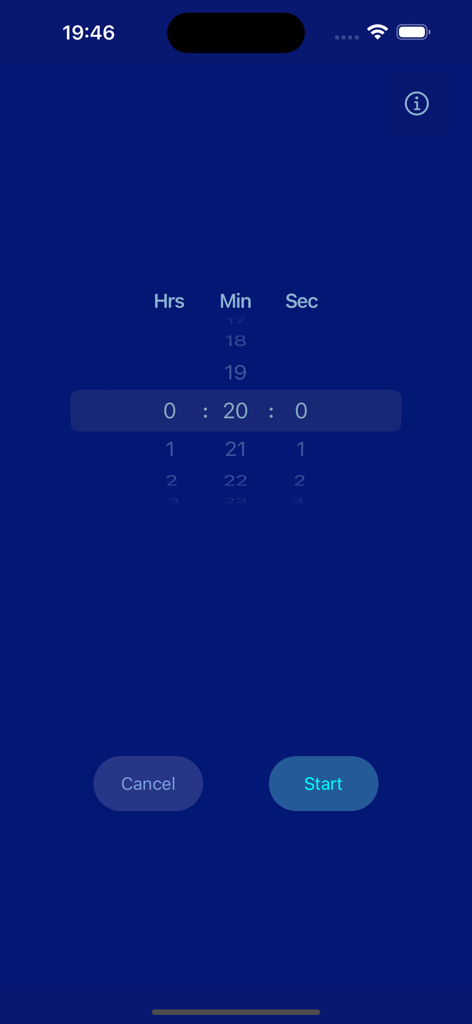
Interface of VibeTimer app showing time selection scroll for hours minutes and seconds with start and cancel buttons
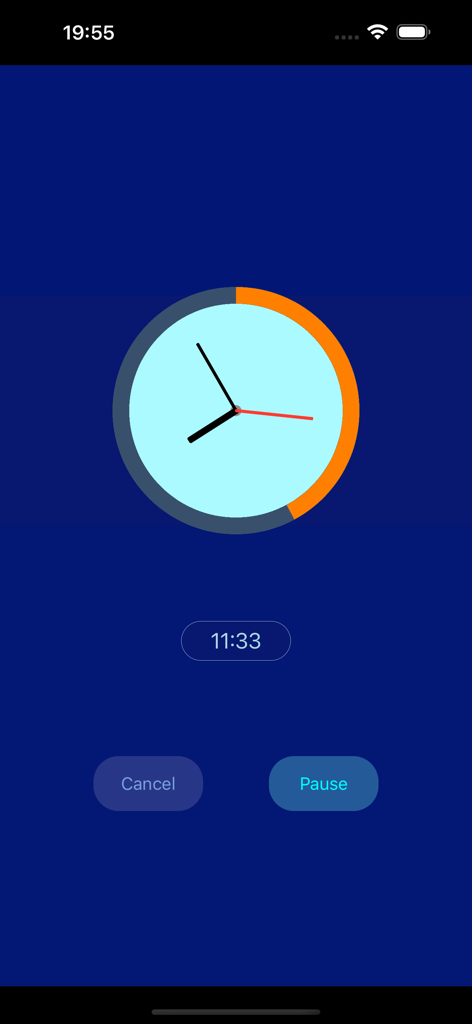
VibeTimer app interface showing a visual countdown clock with an orange circular progress bar and pause button
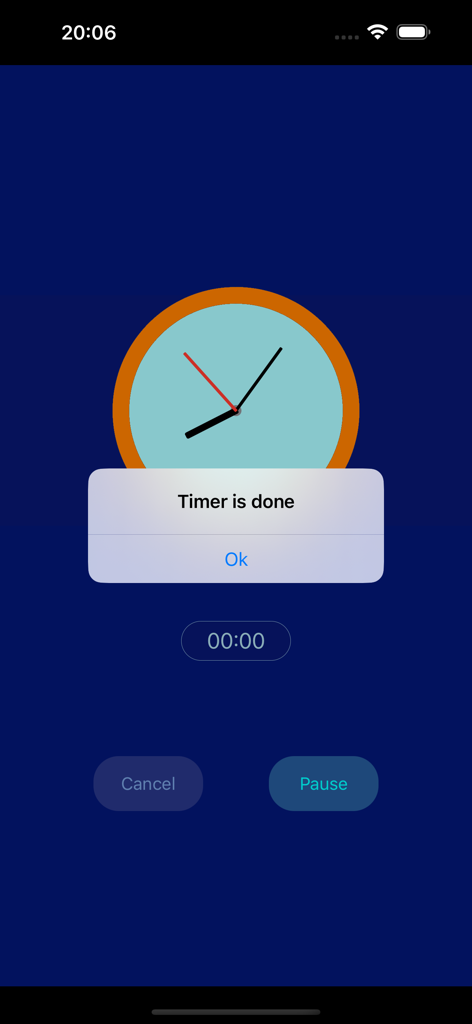
VibeTimer app interface showing a notification that the timer is done with a visual clock icon
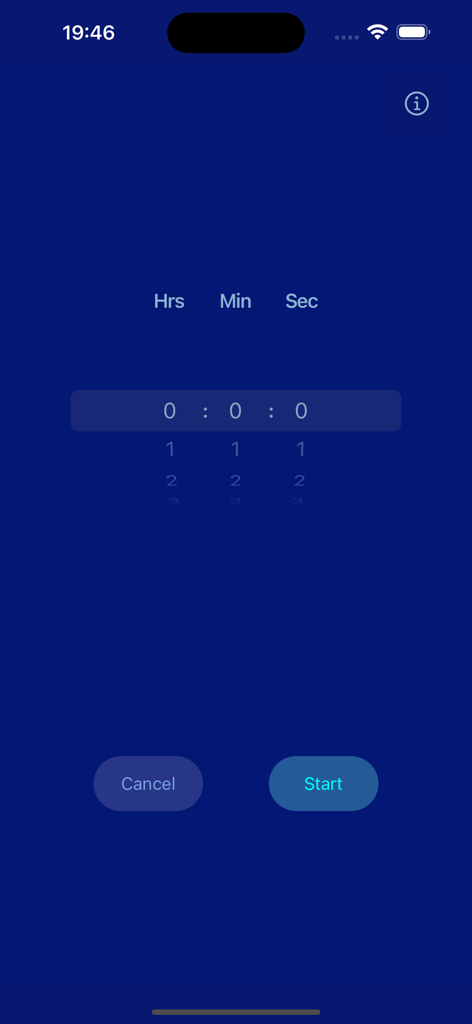
VibeTimer app interface showing a dark blue screen with a time picker for hours minutes and seconds and a start button
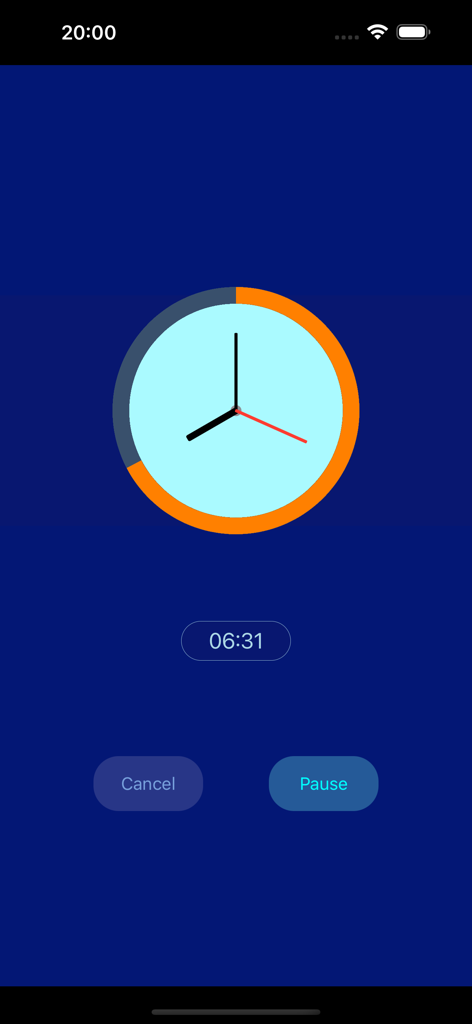
VibeTimer app interface with a circular orange progress bar and digital countdown
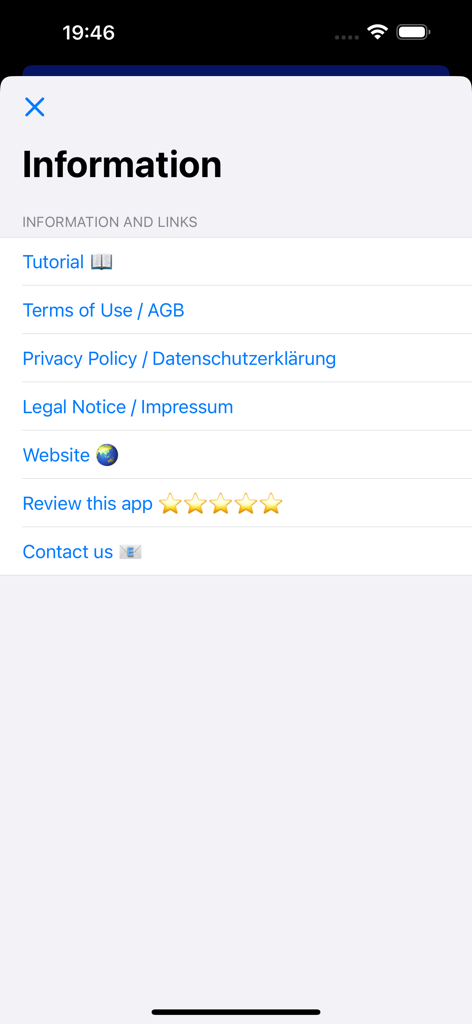
VibeTimer app information menu with links to tutorial, terms, and privacy policy.
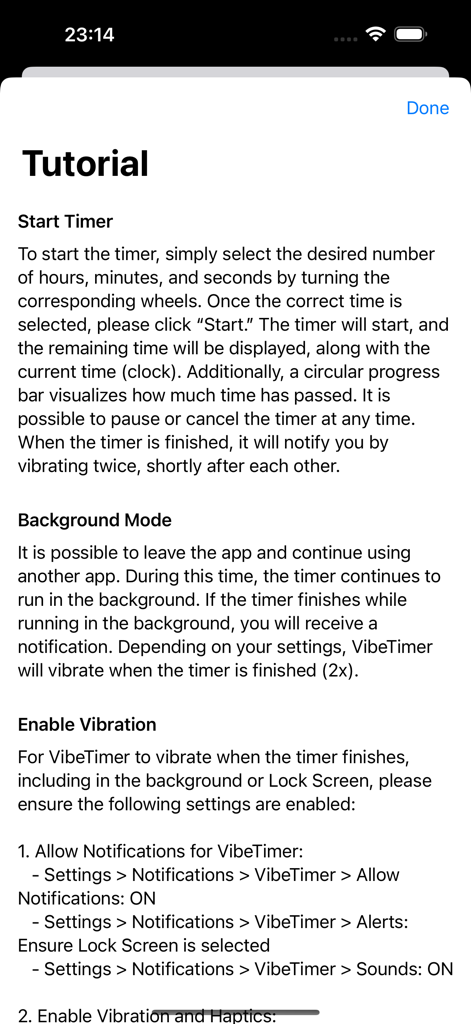
VibeTimer app tutorial screen with instructions for starting a timer and enabling haptic vibrations
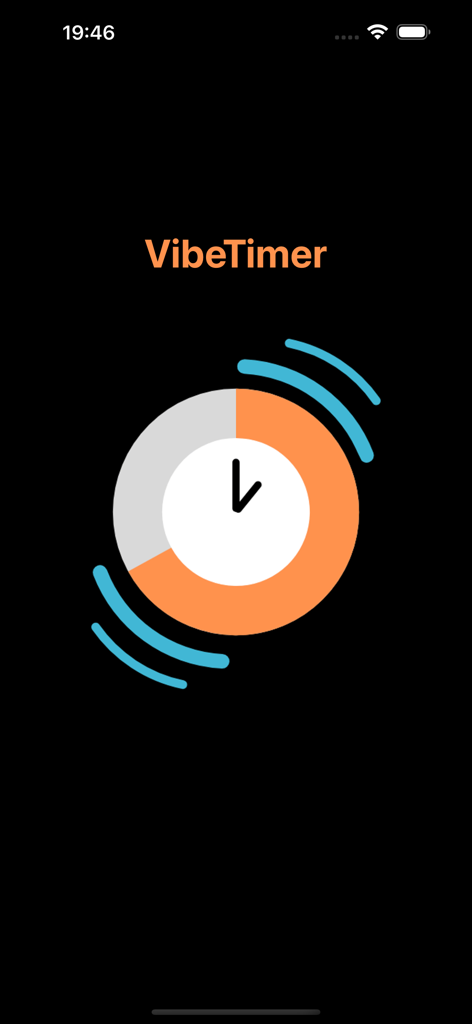
VibeTimer app visual interface showing a circular orange countdown timer with vibration waves
Description
Download
More Like This
Top-ranked apps in the same category

Google LLC

Google Chrome
Google LLC

中国移动(手机营业厅)
China Mobile Online Services Co., Ltd.

Google Authenticator
Google LLC

CNH do Brasil
Servicos e Informacoes do Brasil

Cleanup: Phone Storage Cleaner
DEEP FLOW SOFTWARE SERVICES - FZCO

gov.br
Servicos e Informacoes do Brasil

Microsoft Edge: AI Browser
Microsoft Corporation

Super VPN Fly 2026
YUNFAN TECHNOLOGY CO., LIMITED
This page is not an official page of the app or its developer, but an independent editorial publication created for informational and commentary purposes. Unless expressly stated otherwise, neither the app nor its developer is affiliated with, endorsed by, sponsored by, authorized by, or otherwise officially connected with MWM, Apple, Google Play, the app publisher, or the app's developer, and nothing on this page implies that the app was developed using MWM's services. Any trademarks, logos, screenshots, and other content remain the property of their respective owners.