
Video Downloader from YouTube


The ultimate toolkit for creators and fans. Effortlessly extract MP3s, trim clips for social media, and enjoy buffer-free offline playback with the most intuitive video manager on iOS.
Publisher
Category
Photo & VideoDownloads
270K+User Rating
Total Ratings
500Locales
1Discover the interface used by 270K+ users.
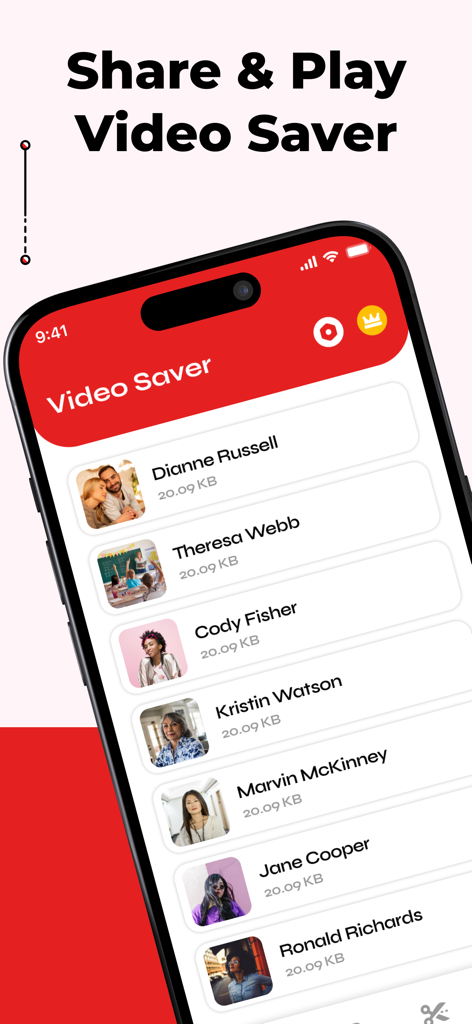
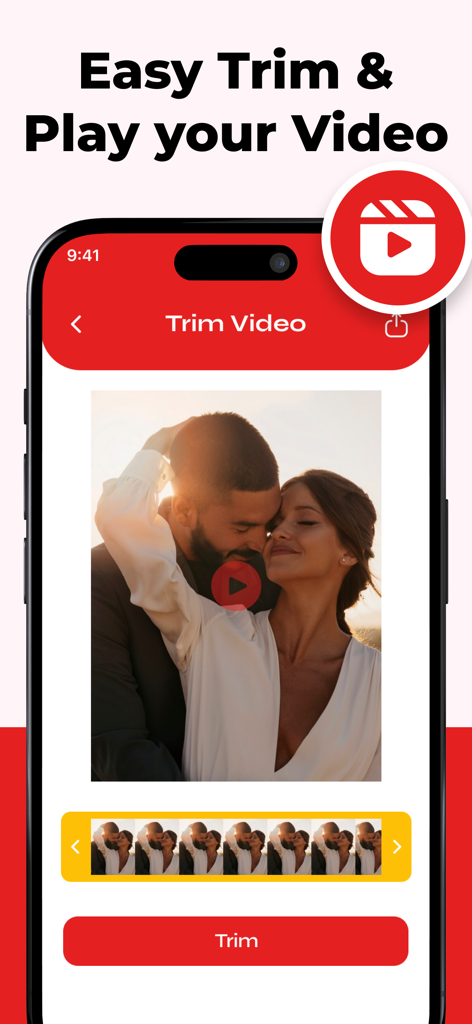
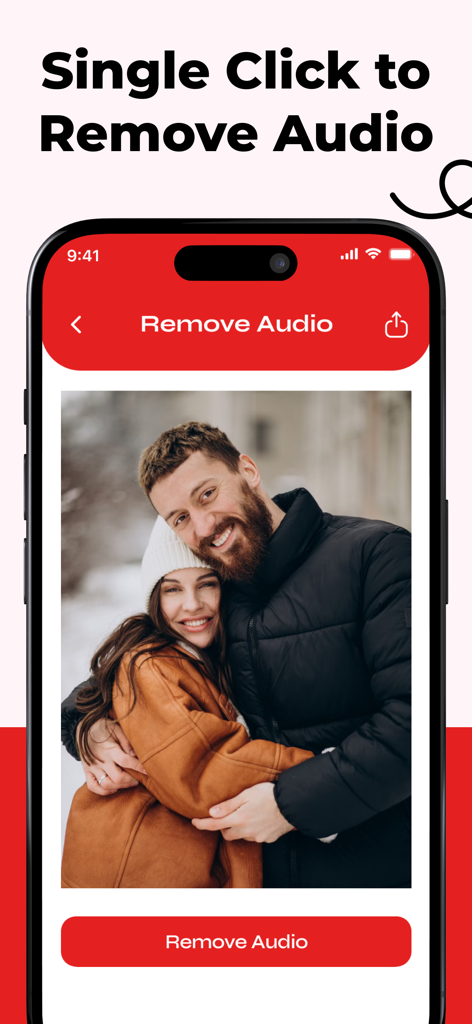
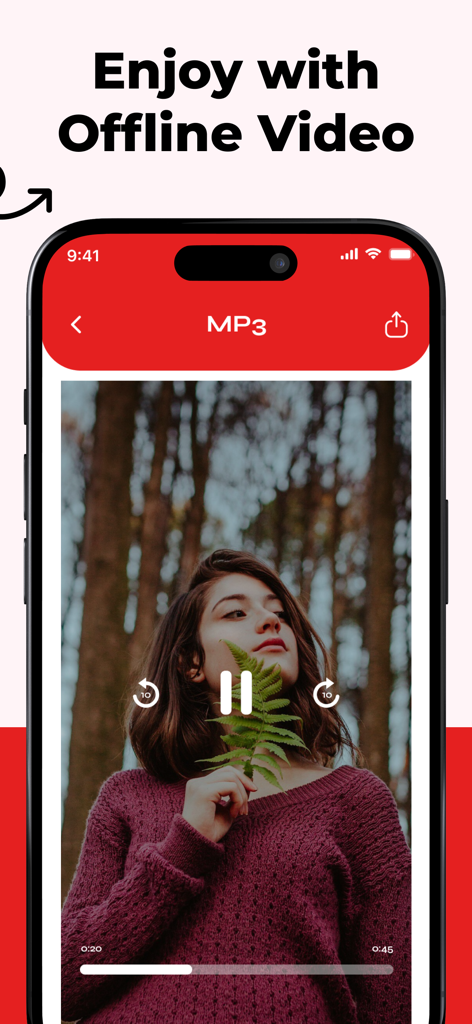
The tools that make this app stand out, trusted by 270K+ users.
Watch your videos anytime without buffering or using data, perfect for daily commutes and long flights.
Easily cut unwanted parts and keep only the highlights to create the perfect clip for your social media feed.
Extract high-quality audio from any video to build your own custom offline music and podcast library.
Insights from user reviews.
Sentiment Score
Summary
This mobile app receives overwhelmingly negative feedback from users. The primary complaints revolve around its mandatory and often expensive subscription model, with many users unable to even access the app without payment or a free trial. Crucially, the app consistently fails to deliver on its advertised core functionality, specifically the inability to download videos from platforms like YouTube, even after a subscription is purchased. Furthermore, users frequently report experiencing persistent ads despite paying for premium access, leading to widespread accusations of scamming and fraudulent practices.
Common Themes
Everything you need to know about Video Downloader from YouTube.
Description
Latest Version
5.0
Size
14.0 MB
First Released
Apr 1, 2025
Join over 270,000 creators and power users. Download now to trim clips, extract MP3s, and enjoy your favorite content anywhere—no data, no buffering, no limits.
Everything you need to know about Video Downloader from YouTube
Video Downloader from YouTube allows trimming videos, removing audio, converting to MP3, offline video playback, and file management. It supports multiple video formats like MP4, AVI, MKV, MOV.
Yes, Video Downloader from YouTube provides an easy way to cut and edit videos, keeping only the desired segments. The app includes a dedicated "Trim Video" function.
Users can remove background sound from videos with a single tap using Video Downloader from YouTube. The app features a specific "Remove Audio" function for muting videos.
Yes, Video Downloader from YouTube (Video Trim & MP3 Converter) converts video files into MP3 format. Users can enjoy these converted audio files offline within the app.
Video Downloader from YouTube supports playing multiple video formats. These include MP4, AVI, MKV, and MOV, allowing users to watch content without buffering or data usage.
Yes, Video Downloader for YouTube Premium is a subscription that automatically renews. It requires users to turn off auto-renewal at least 24 hours before the current period ends.
Users manage their Video Downloader for YouTube Premium subscription by going to their iTunes Account Settings. Here, they can also turn off the auto-renewal feature after purchase.
Yes, the app functions as a "Video Saver" and allows for easy file management. Users can organize, rename, and delete videos effortlessly within the app.
Apps with similar features and user experience

俊杰 阮

琛 王

ZHN Co., Ltd.

LightByte Co., Ltd.

Dalian Hengwei Electronics Co., Ltd

俊杰 阮

New Marketing Lab, Inc

Osawa Shunsuke

Brachmann Online Marketing GmbH & Co. KG
App information, icons, screenshots, and descriptions displayed on this page are sourced from the Apple App Store and are the property of their respective developers. Download estimates and rankings are based on MWM's proprietary models and may not reflect actual figures. This page is provided for informational and analytical purposes only.
Believe this page infringes your intellectual property? File a dispute