
This page is not an official page of the app or its developer, but an independent editorial publication created for informational and commentary purposes. Unless expressly stated otherwise, neither the app nor its developer is affiliated with, endorsed by, sponsored by, authorized by, or otherwise officially connected with MWM, Apple, Google Play, the app publisher, or the app's developer, and nothing on this page implies that the app was developed using MWM's services. Any trademarks, logos, screenshots, and other content remain the property of their respective owners.

WatchTalk: Chat on Watch
Stay connected while running, swimming, or working. Send voice notes, view HD media, and reply with a full keyboard even when your iPhone is miles away.
Downloads
130K+User Rating
Total Ratings
2K+Publisher
Category
Social NetworkingLocales
26Latest Version
2.36Size
69.8 MBFirst Released
Sep 22, 2023Master Your Conversations from Anywhere
Bridge the gap in your Apple ecosystem with a powerful, independent WhatsApp client designed for your Apple Watch and iPad.
True Phone-Free Freedom
Activate Cloud Mode to send and receive messages even when your iPhone is at home. Perfect for runs, swims, and digital detox sessions.
Rich Media & Voice Notes
Don't just read—listen. Play voice messages, view HD photos, and watch videos directly on your wrist without reaching for your pocket.
The following screenshots and description are sourced directly from the app's official store listing and are the property of the app developer.
App Store
Screenshots
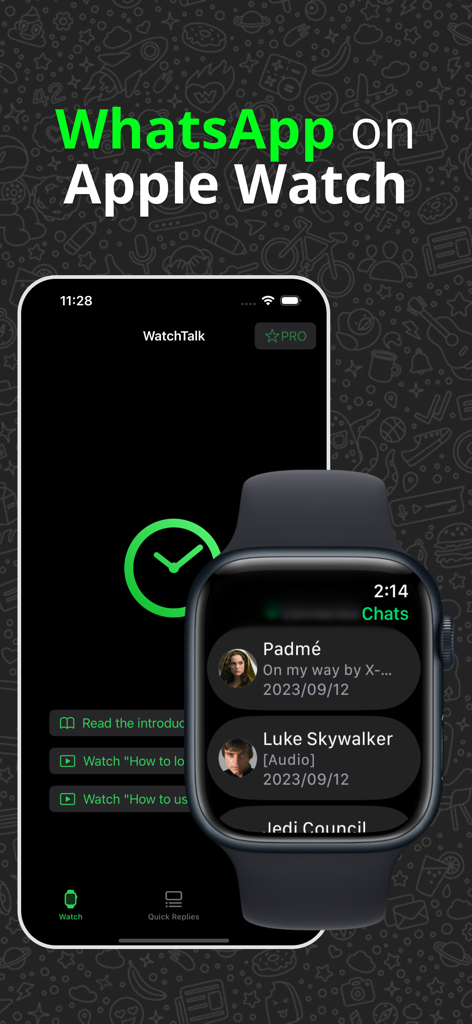
WatchTalk app showing a WhatsApp chat list on an Apple Watch and the main interface on an iPhone
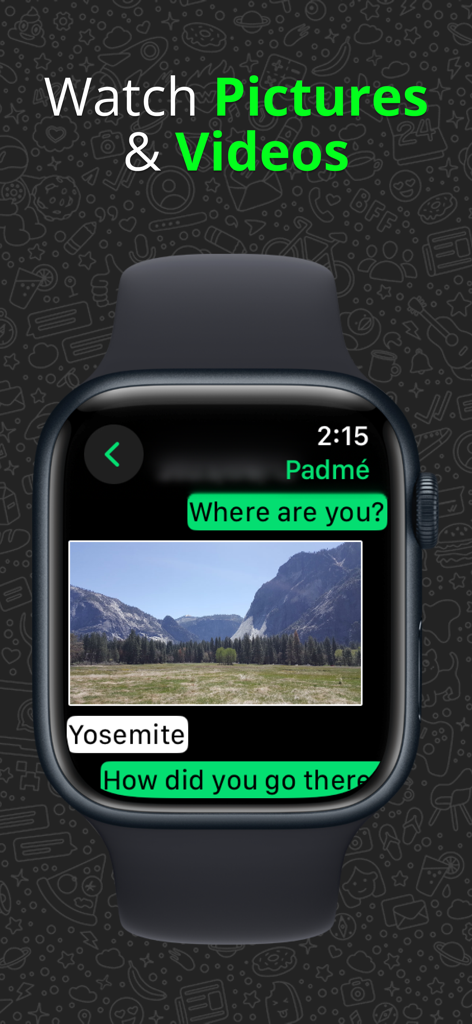
An Apple Watch displaying a chat conversation with a picture of a landscape mountain
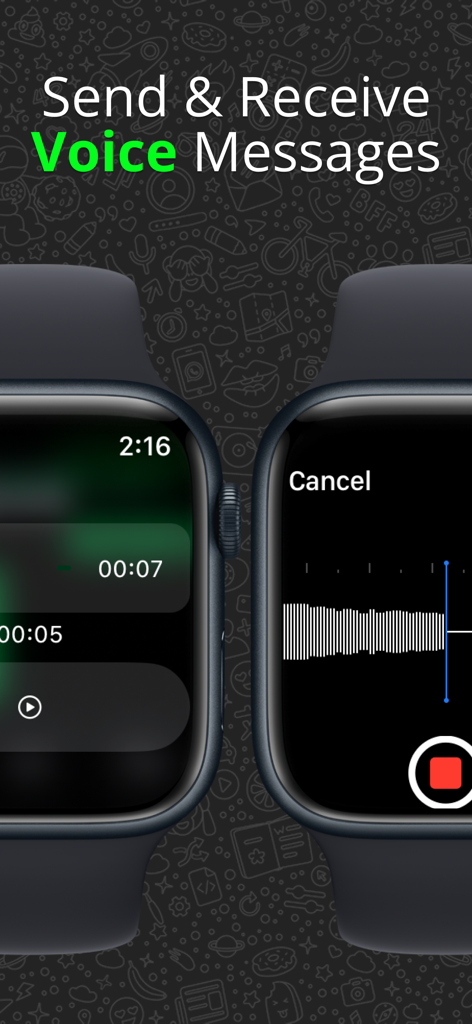
Interface for sending and receiving WhatsApp voice messages on an Apple Watch using the WatchTalk app
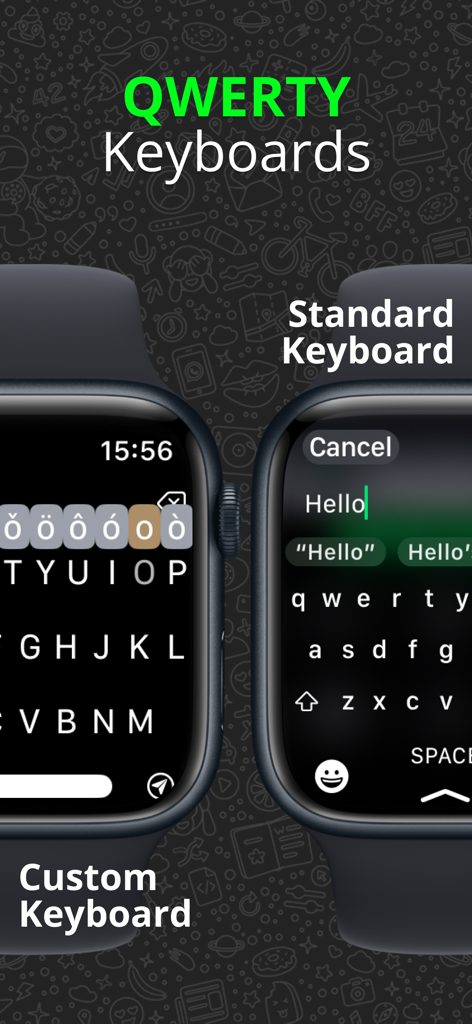
Comparison of custom and standard QWERTY keyboards for WhatsApp on Apple Watch
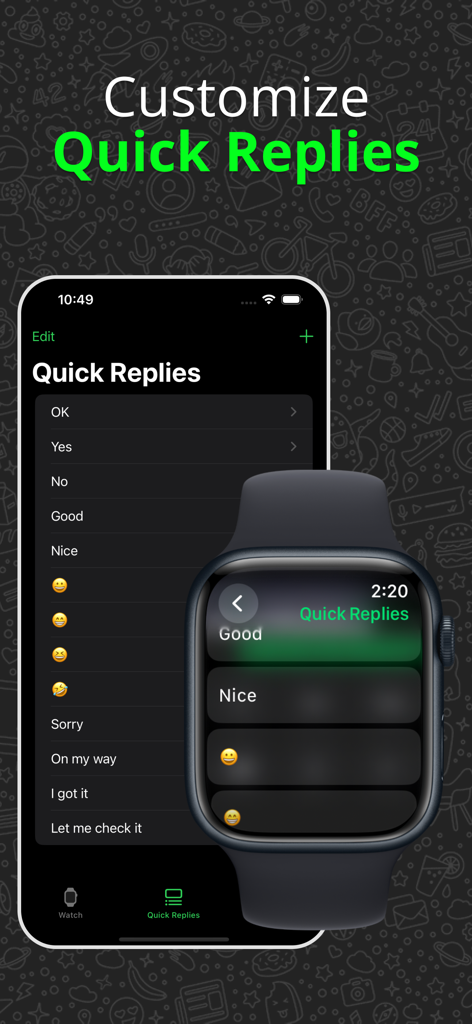
Interface for customizing WhatsApp quick replies on iPhone and Apple Watch in the WatchTalk app.
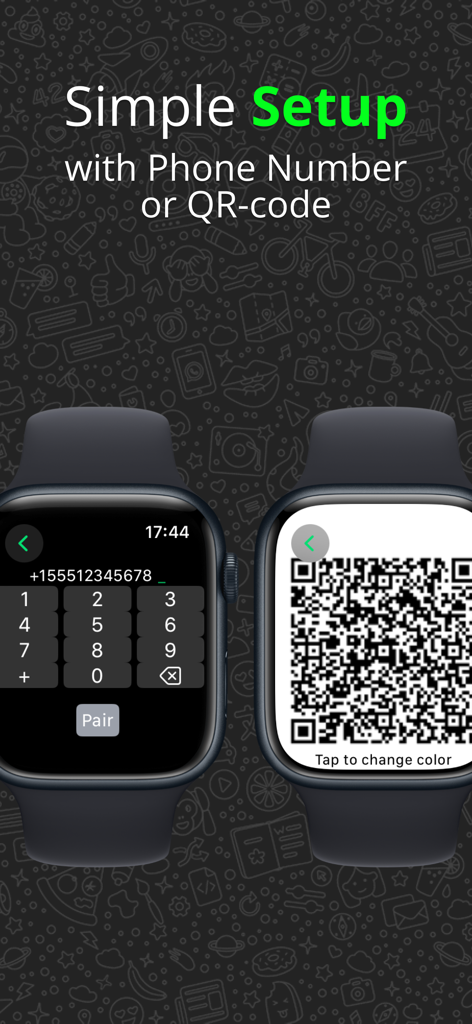
Apple Watch screen showing simple setup options using a phone number keypad or a QR code for WhatsApp connection.
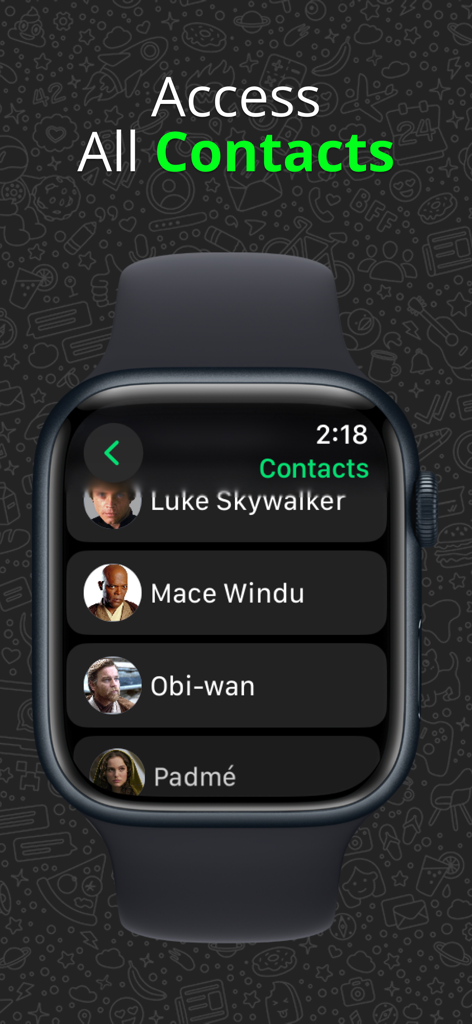
A list of WhatsApp contacts displayed on an Apple Watch using the WatchTalk app.
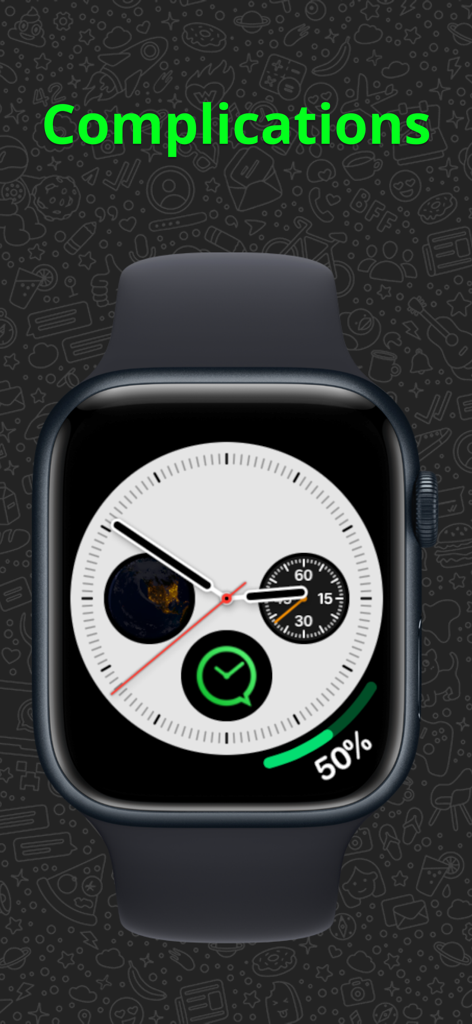
An Apple Watch face featuring the WatchTalk app complication for quick access.
Description
Download
More Like This
Apps with similar features and user experience

WatchsApp - Chat for Watch
BEYLER SAGLIK BILISIM SAVUNMA DANISMANLIK SANAYI VE TICARET LIMITED SIRKETI
Battery Life - check runtimes
RBT Digital LLC
Web Scanner - Dual App
Kokila Ukani
Whats-App Web Scanner
Sudhir Donga
WatchsApp - Chat on Watch
芳 王

WristTube for YouTube
ALL RADIO DEVELOPMENT TECHNOLOGY JOINT STOCK COMPANY

WatchChat 2: Chat on Watch
XAN Software GmbH & Co. KG

WatchApp+ for Watch
Jennifer Kirby

Whats Messenger App
Michael Knochen
This page is not an official page of the app or its developer, but an independent editorial publication created for informational and commentary purposes. Unless expressly stated otherwise, neither the app nor its developer is affiliated with, endorsed by, sponsored by, authorized by, or otherwise officially connected with MWM, Apple, Google Play, the app publisher, or the app's developer, and nothing on this page implies that the app was developed using MWM's services. Any trademarks, logos, screenshots, and other content remain the property of their respective owners.