
This page is not an official page of the app or its developer, but an independent editorial publication created for informational and commentary purposes. Unless expressly stated otherwise, neither the app nor its developer is affiliated with, endorsed by, sponsored by, authorized by, or otherwise officially connected with MWM, Apple, Google Play, the app publisher, or the app's developer, and nothing on this page implies that the app was developed using MWM's services. Any trademarks, logos, screenshots, and other content remain the property of their respective owners.

Whats-App Web Scanner
Seamlessly sync your chats across all your devices, save disappearing stories, and message anyone instantly without adding them to your contacts.
Downloads
160K+User Rating
Total Ratings
1000Publisher
Category
Social NetworkingLocales
8Latest Version
4.0Size
21.6 MBFirst Released
Mar 22, 2023Master Your Messaging Experience
Bridge the gap between your devices with professional tools designed for the modern WhatsApp user. Whether on iPhone or iPad, stay synced and in control.
Dual Messenger for iPad
Finally, a seamless way to use WhatsApp on your iPad. Clone your account in seconds and enjoy real-time syncing across all your Apple devices.
Direct Contactless Chat
Stop cluttering your address book. Message clients or marketplace sellers instantly without the need to save temporary phone numbers to your contacts.
Frequently Asked Questions
Everything you need to know about Whats-App Web Scanner
What is Whats-App Web Scanner?
Whats-App Web Scanner is an instant messaging app for iPhone that functions as a dual messenger for WhatsApp. It allows users to clone their WhatsApp account to another iPhone or iPad, enabling access to chats and features on multiple devices.
Can I use Whats-App Web Scanner to manage two WhatsApp accounts on one device?
Yes, Whats-App Web Scanner acts as a dual messenger, allowing you to have the same WhatsApp account on two different mobile devices. It clones your personal WhatsApp chat account to another iPhone or iPad.
How does Whats-App Web Scanner connect to my WhatsApp account?
Whats-App Web Scanner connects by requiring users to scan a QR code from WhatsApp Web. This provides a fast and stable connection, allowing easy login and real-time synchronization of messages.
Does Whats-App Web Scanner allow direct messaging without saving contacts?
Yes, Whats-App Web Scanner features a "Direct Chat" function. This enables users to send messages directly on WhatsApp or WhatsApp Business without the need to first add the contact to their phonebook.
Can I save WhatsApp stories with Whats-App Web Scanner?
Yes, Whats-App Web Scanner includes a story saver feature. With the dual messenger story saver, you can save WhatsApp web Stories to your device to keep them or share them with others.
Does Whats-App Web Scanner support Dark Mode?
Yes, Whats-App Web Scanner supports Dark Mode. Users can switch to Dark Mode, providing an alternative visual theme for the application interface.
How do I manage my subscription for Whats-App Web Scanner?
You manage your subscription for Whats-App Web Scanner through your iTunes account. You can access it via iTunes > iTunes Store > Your Account > Settings > Manage Subscriptions to cancel or turn off auto-renew.
Does Whats-App Web Scanner sync all my WhatsApp messages?
Yes, Whats-App Web Scanner instantly syncs WhatsApp messages. Users can read, reply to, and download all messages from cloned accounts in real time, ensuring no messages are missed.
The following screenshots and description are sourced directly from the app's official store listing and are the property of the app developer.
App Store
Screenshots
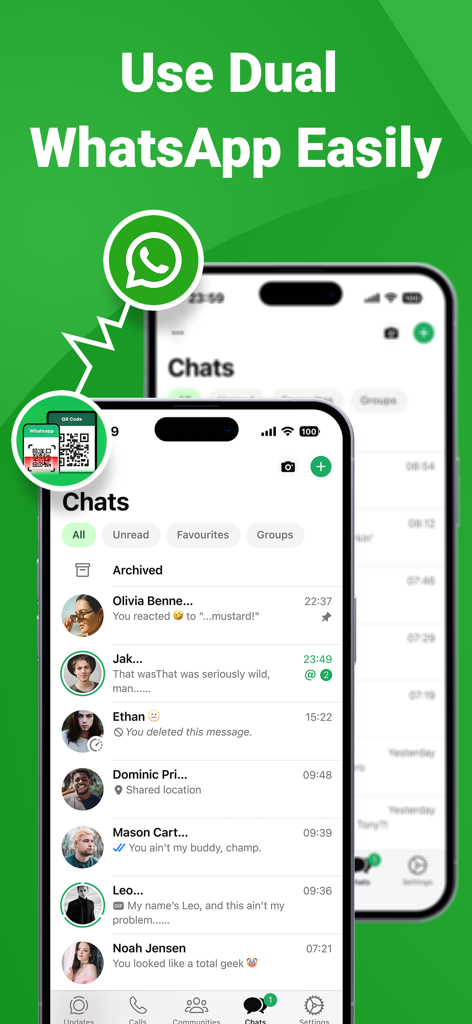
Interface of the WhatsApp clone app showing dual account messaging on two iPhones.
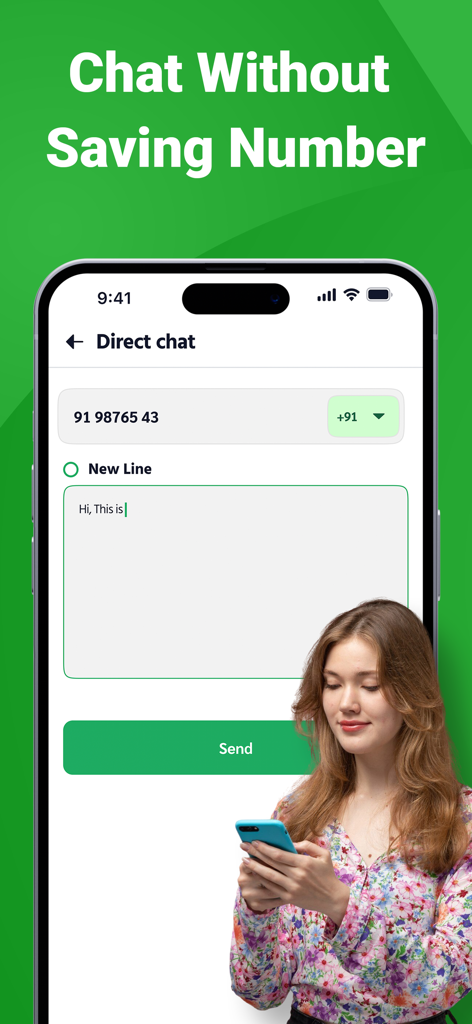
Smartphone displaying the direct chat feature to send messages without saving contacts
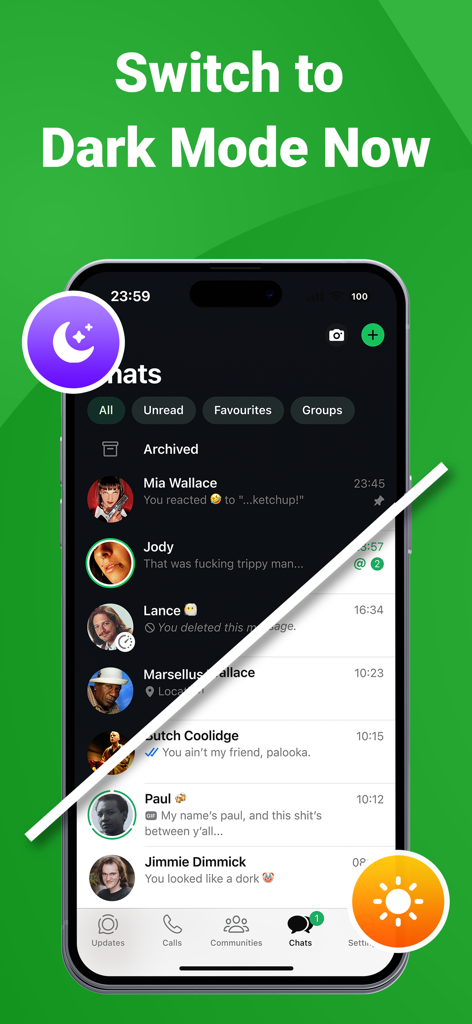
A split screen demonstration of the app interface in both dark and light modes.
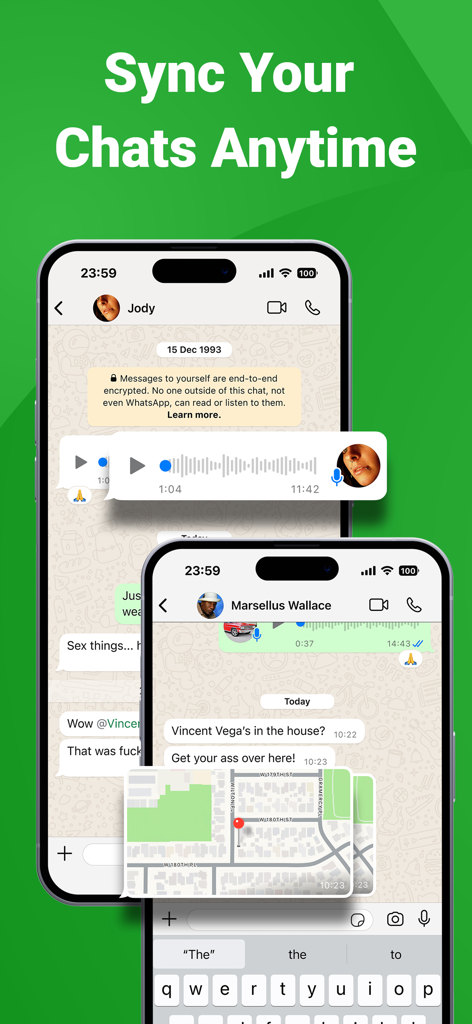
Mobile app interface showing synchronized chat messages and location sharing on two smartphones
Description
Download
More Like This
Apps with similar features and user experience

WatchsApp - Chat for Watch
BEYLER SAGLIK BILISIM SAVUNMA DANISMANLIK SANAYI VE TICARET LIMITED SIRKETI
Battery Life - check runtimes
RBT Digital LLC
Web Scanner - Dual App
Kokila Ukani
WatchsApp - Chat on Watch
芳 王
WatchTalk: Chat on Watch
Bitsbaker LLC.

WristTube for YouTube
ALL RADIO DEVELOPMENT TECHNOLOGY JOINT STOCK COMPANY

WatchChat 2: Chat on Watch
XAN Software GmbH & Co. KG

WatchApp+ for Watch
Jennifer Kirby

Whats Messenger App
Michael Knochen
This page is not an official page of the app or its developer, but an independent editorial publication created for informational and commentary purposes. Unless expressly stated otherwise, neither the app nor its developer is affiliated with, endorsed by, sponsored by, authorized by, or otherwise officially connected with MWM, Apple, Google Play, the app publisher, or the app's developer, and nothing on this page implies that the app was developed using MWM's services. Any trademarks, logos, screenshots, and other content remain the property of their respective owners.