WifiLink: Share WiFi
Download on App Store

This page is not an official page of the app or its developer, but an independent editorial publication created for informational and commentary purposes. Unless expressly stated otherwise, neither the app nor its developer is affiliated with, endorsed by, sponsored by, authorized by, or otherwise officially connected with MWM, Apple, Google Play, the app publisher, or the app's developer, and nothing on this page implies that the app was developed using MWM's services. Any trademarks, logos, screenshots, and other content remain the property of their respective owners.

Logo of WifiLink: Share WiFi
Download on App Store

WifiLink: Share WiFi

Provide instant, encrypted access to guests and customers with a simple scan. The professional way to share your internet for Airbnb hosts, small businesses, and security-conscious homes.

Key Figures

Downloads

14K+

User Rating

3.5/5

Total Ratings

100

Publisher

TOKYOBAY K.K.

Category

Utilities

Locales

16

Latest Version

3.0

Size

35.3 MB

First Released

May 31, 2020
Features

Securely Share Access, Never Your Password

Designed for security-conscious hosts and modern business owners, WifiLink turns your network into a private, encrypted gateway for your guests.

Encrypted QR Sharing

Protect your digital privacy with QR codes that hide your actual password from third-party scanners and intruders.

Professional Printables

Perfect for Airbnb hosts and shop owners; generate and print custom WiFi labels for your space to provide a premium guest experience.

The following screenshots and description are sourced directly from the app's official store listing and are the property of the app developer.

App Store

Screenshots
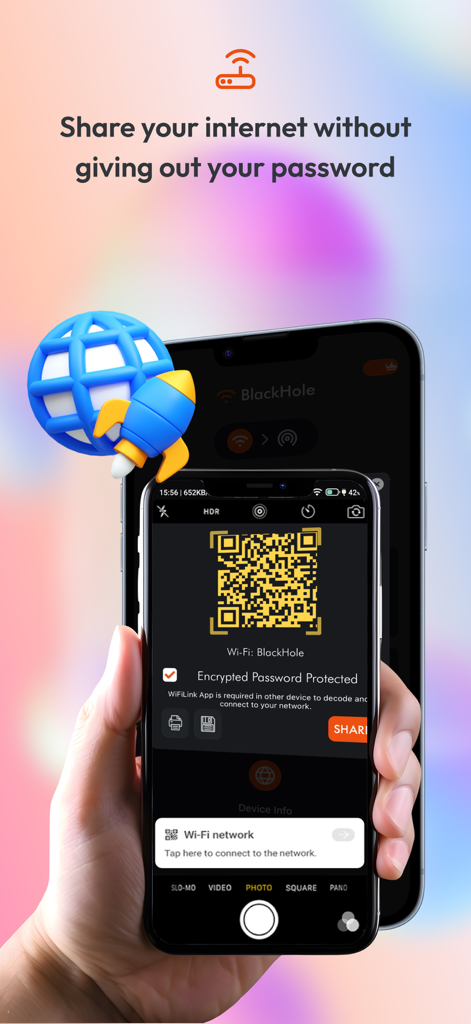
WifiLink: Share WiFi - A smartphone screen displaying an encrypted QR code used to share a WiFi network securely without revealing the password
A smartphone screen displaying an encrypted QR code used to share a WiFi network securely without revealing the password

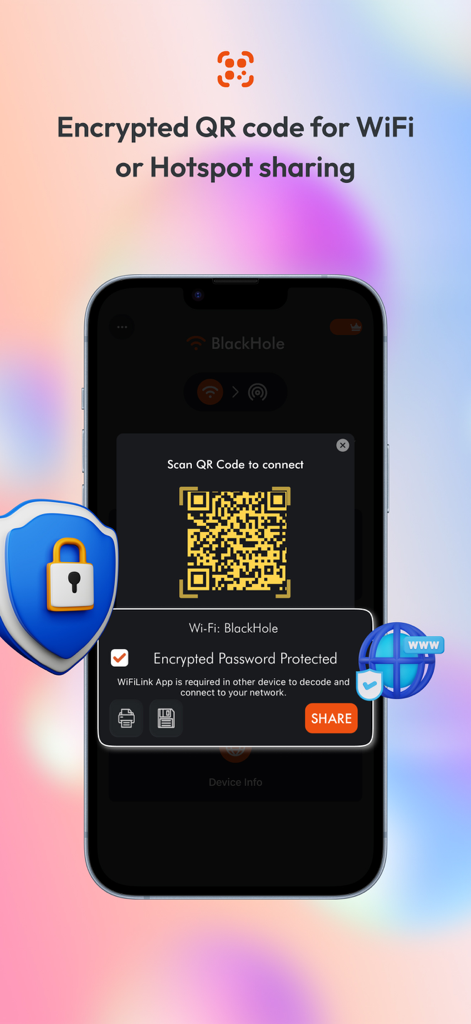
WifiLink: Share WiFi - Smartphone screen showing an encrypted QR code for secure WiFi and hotspot sharing with a protective shield icon.
Smartphone screen showing an encrypted QR code for secure WiFi and hotspot sharing with a protective shield icon.

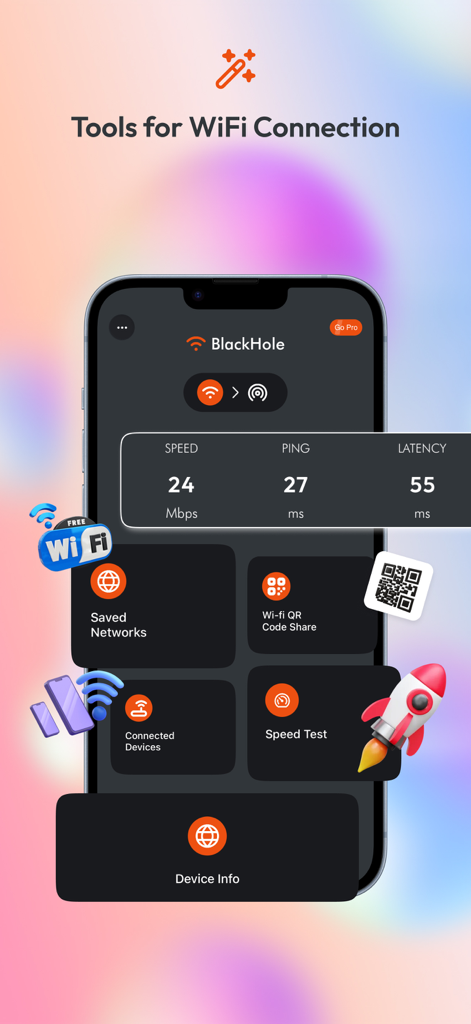
WifiLink: Share WiFi - WifiLink app dashboard showing tools for speed test and encrypted QR code sharing
WifiLink app dashboard showing tools for speed test and encrypted QR code sharing

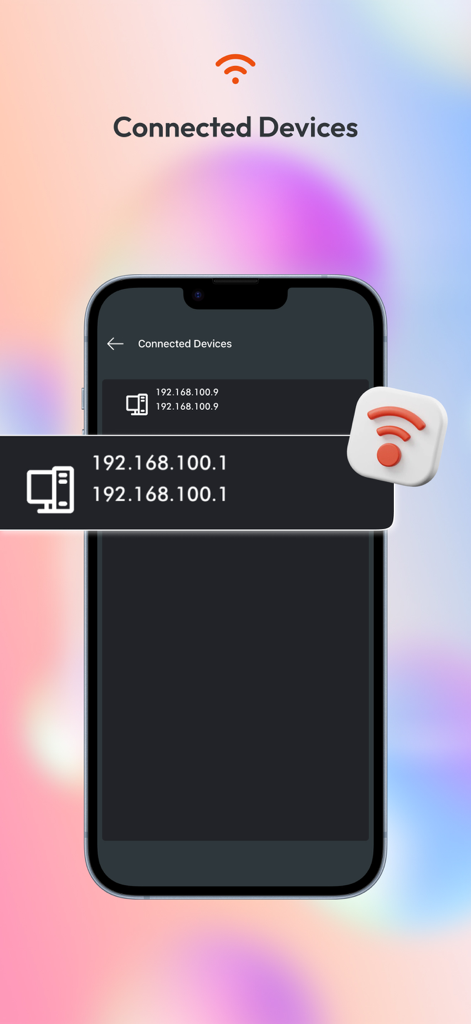
WifiLink: Share WiFi - A smartphone screen from the WifiLink app showing a list of devices connected to a network with IP addresses
A smartphone screen from the WifiLink app showing a list of devices connected to a network with IP addresses

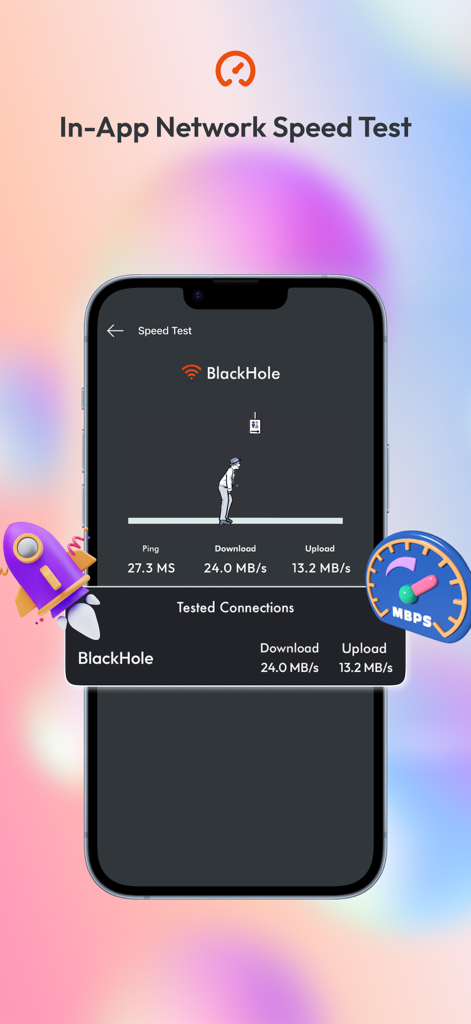
WifiLink: Share WiFi - Screenshot of WifiLink app showing an in-app network speed test with download and upload metrics.

Screenshot of WifiLink app showing an in-app network speed test with download and upload metrics.
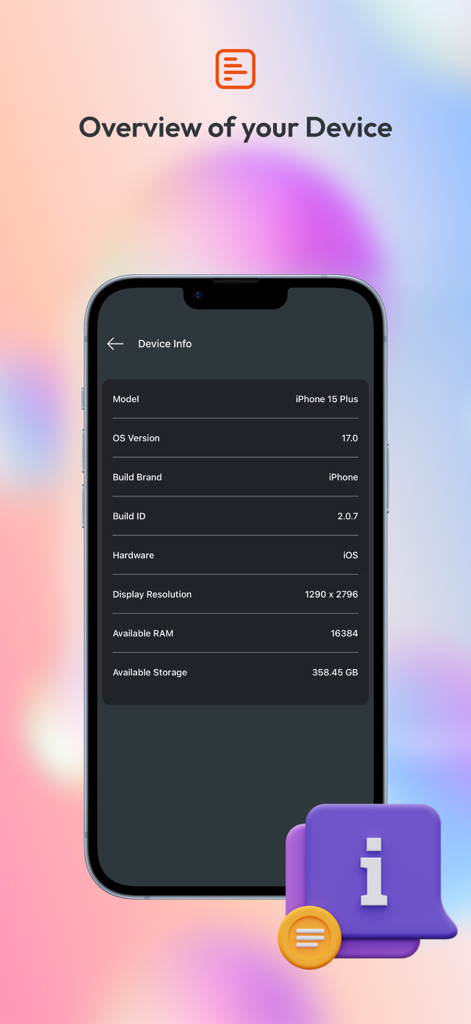
WifiLink: Share WiFi - Smartphone display showing technical device specifications like OS version and storage

Smartphone display showing technical device specifications like OS version and storage

Description

Need to share your Internet? Don’t give out your password. Simply scan the QR code from this app and let others connect to your Internet without the password! WiFiLink is the first app to offer encrypted QR codes for sharing Internet connections. It lets you easily share your Wi-Fi or hotspot connection without giving out your password! The connection can be shared by scanning the QR code. The QR code is encrypted so that only the app can decode it. No other third-party scanner can intercept or reveal your password. This is especially great for business owners, offices, restaurants, coffee shops, and other venues that offer Wi-Fi. Visitors can simply scan the QR code placed out by the business to connect to the Wi-Fi. WiFiLink is a better, smarter, and simpler way to connect and share. Whether you have a business or are just someone who wants to share the connection with those around you, this is a must-have service. How WiFiLink Works: When you connect to Wi-Fi or a mobile hotspot for the first time, you just add a password, and you are ready to share your connection with others. 1. Add a password for the connected Wi-Fi or mobile hotspot (first time only). 2. Click on the QR code. In order for others to decode the QR code encryption and connect to your Internet without revealing your password, a WiFiLink App is required on both phones. App Features WiFiLink is the most secure and easy-to-use app, packed with the best features to help you share your Internet connection. Features of the app that make it most useful include: • Encrypted QR code Share your Wi-Fi or mobile hotspot with a friend or colleague using the QR code. Simply let them scan the QR code, and they can connect to your Internet without your password. • Speedtest Check the speed of connected Internet with a finger tap without needing to exit the app! • Save or print QR code Save or print QR code label for your Wi-Fi and display in your business premises, restaurant, hotel, or even at home. WiFiLink is the most useful app to share your Wi-Fi or mobile hotspot. Download the app and stop giving out your password. ONLY with WiFiLink! Support Us Our app is constantly undergoing improvement. If you have any feedback for us to improve, please send us an email with your feedback or suggestions. If you like our app, please rate us on the App Store and share it with your friends. Information about the auto-renewable nature of the Premium Subscription - You can enjoy No Ads experience with month subscriptions. - Payment will be charged at confirmation of purchase - Subscription automatically renews unless auto-renew is turned off at least 24-hours before the end of the current period - Privacy Policy https://mywifilink.com/privacy.aspx - Term of use https://mywifilink.com/privacy.aspx -You can cancel your subscription via this URL https://support.apple.com/en-us/HT202039

Download

Download on App Store

This page is not an official page of the app or its developer, but an independent editorial publication created for informational and commentary purposes. Unless expressly stated otherwise, neither the app nor its developer is affiliated with, endorsed by, sponsored by, authorized by, or otherwise officially connected with MWM, Apple, Google Play, the app publisher, or the app's developer, and nothing on this page implies that the app was developed using MWM's services. Any trademarks, logos, screenshots, and other content remain the property of their respective owners.








