
This page is not an official page of the app or its developer, but an independent editorial publication created for informational and commentary purposes. Unless expressly stated otherwise, neither the app nor its developer is affiliated with, endorsed by, sponsored by, authorized by, or otherwise officially connected with MWM, Apple, Google Play, the app publisher, or the app's developer, and nothing on this page implies that the app was developed using MWM's services. Any trademarks, logos, screenshots, and other content remain the property of their respective owners.


Yi iot +
Instantly scan hotels, rentals, and public spaces for hidden cameras and unauthorized electronic devices. Protect your privacy with professional-grade detection right from your phone.
Downloads
30K+User Rating
Total Ratings
300Publisher
Category
UtilitiesLocales
1Latest Version
1.3Size
23.8 MBFirst Released
Dec 24, 2025Your Personal Privacy Guard
Turn your phone into a powerful security tool to detect hidden cameras and unauthorized devices in hotels, rentals, and workspaces.
Infrared Lens Scanner
Expose hidden camera lenses in smoke detectors or mirrors that are invisible to the naked eye.
Wireless Signal Guard
Instantly scan for suspicious Bluetooth and Wi-Fi devices to ensure you aren't being tracked.
Frequently Asked Questions
Everything you need to know about Yi iot +
How does the Yi iot + app detect devices?
The Yi iot + app detects devices using Wireless Device Detection via Bluetooth and Wi-Fi signals. It also features an Infrared Lens Scanner to help identify hidden lenses.
Can Yi iot + scan for Wi-Fi devices?
Yes, the Yi iot + app can scan for nearby Wi-Fi devices. It performs a Wi-Fi scan to find unknown devices on your network.
Does Yi iot + offer Bluetooth device detection?
Yes, Yi iot + includes Bluetooth scanning to find nearby Bluetooth devices. This feature is part of its Wireless Device Detection capability.
Does the Yi iot + app have a magnetic scanner?
Yes, the Yi iot + app features a Magnetic Scanner. This tool allows users to check magnetic signal strength to aid in detecting hidden devices.
What are the main benefits of using the Yi iot + app?
The Yi iot + app enhances privacy by detecting unfamiliar electronic devices. It helps users understand their surroundings and provides peace of mind in various locations.
Are subscriptions required for all features in Yi iot +?
No, some features in the Yi iot + app require a subscription. Subscriptions include auto-renewable options and in-app purchases, which users can manage in device settings.
How does the Yi iot + app help with privacy?
The Yi iot + app helps protect privacy by detecting and identifying unfamiliar electronic devices nearby. This provides users with awareness and peace of mind in various environments.
Does Yi iot + provide usage tips or guides?
Yes, the Yi iot + app offers usage tips and instructions through its "Guides" section. These guides cover detection in both indoor and outdoor places.
Where can I find the Privacy Policy for Yi iot +?
The Privacy Policy for the Yi iot + app is accessible within the app's settings. A direct link is also available in the store description for user convenience.
The following screenshots and description are sourced directly from the app's official store listing and are the property of the app developer.
App Store
Screenshots
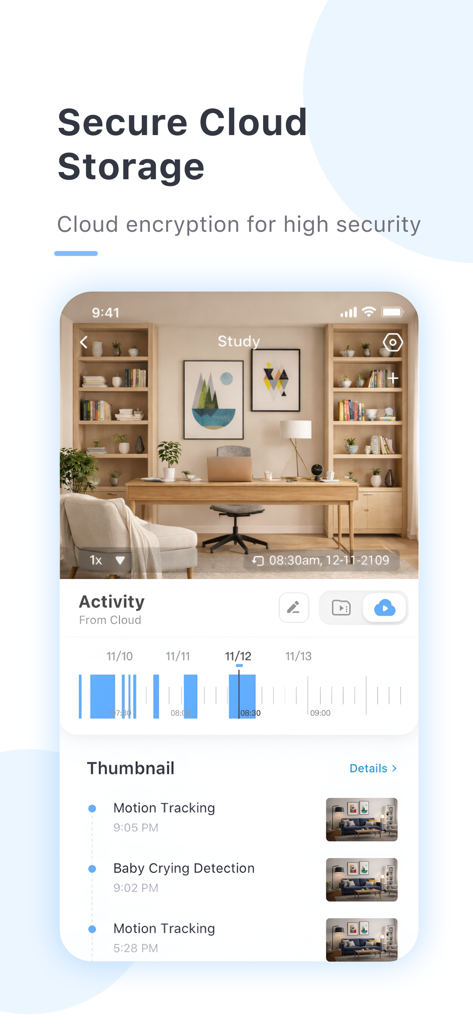
Interface of Yi iot plus app showing secure cloud storage activity and motion tracking
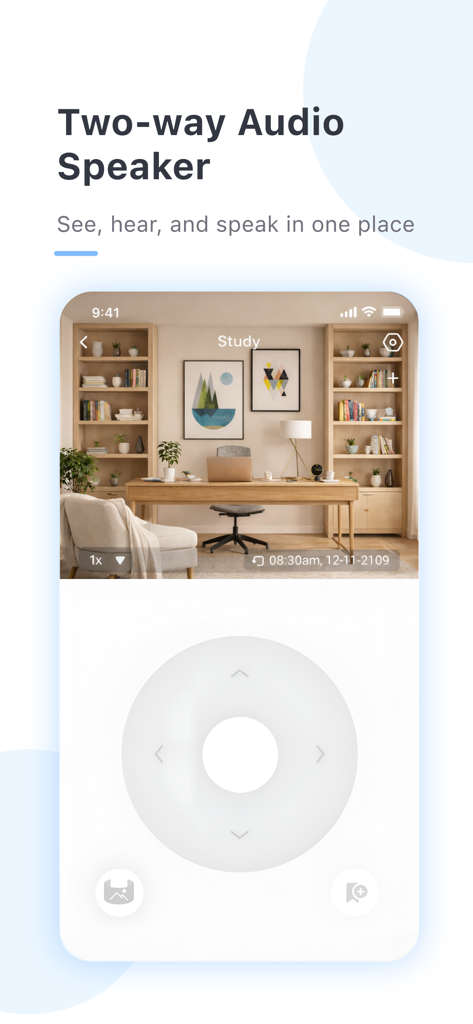
App screen showing a live camera feed of a home study with two-way audio and directional navigation controls.

Yi iot plus app welcome screen with security camera feeds in card mode
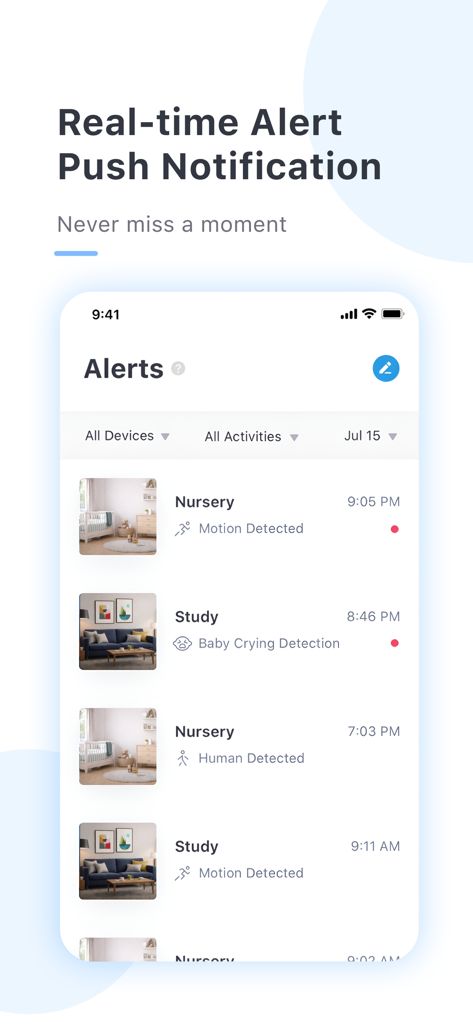
A mobile interface for the Yi iot plus app showing a list of security notifications including motion detection and baby crying alerts
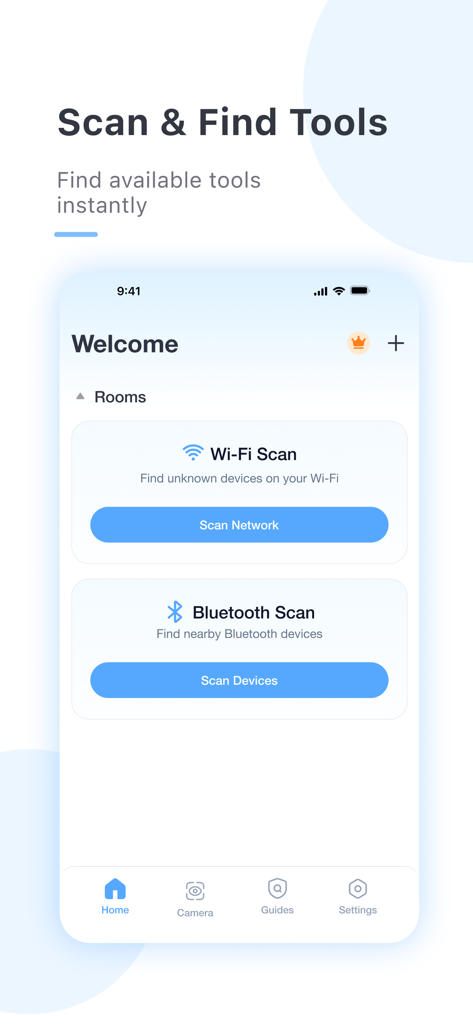
Interface of the Yi iot plus app showing Wi-Fi and Bluetooth scanning tools for privacy protection.
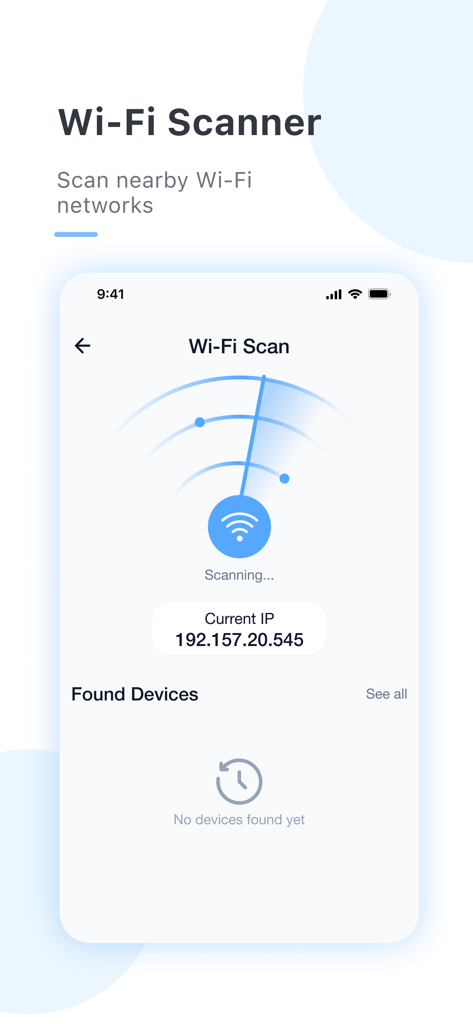
Interface of the Yi iot app displaying the Wi-Fi network scanner feature to detect nearby electronic devices for privacy protection.
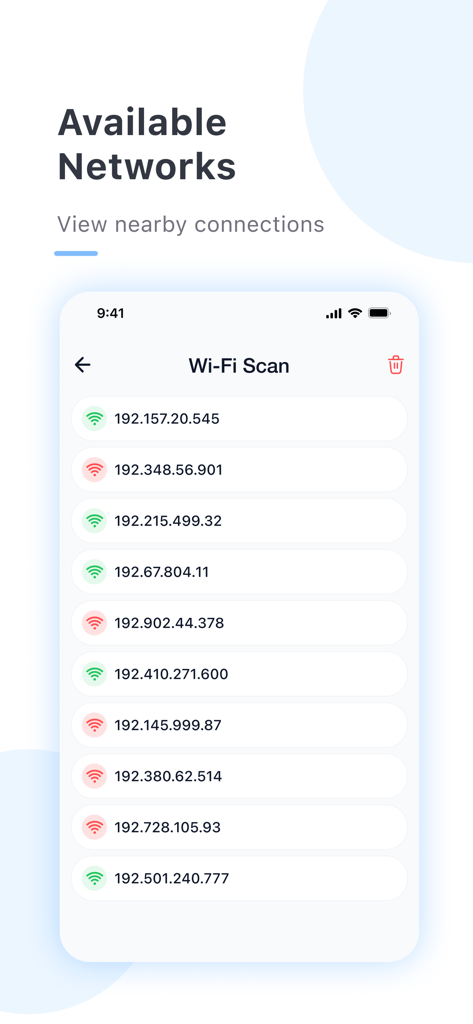
Yi iot plus app showing a list of detected wireless networks and IP addresses.
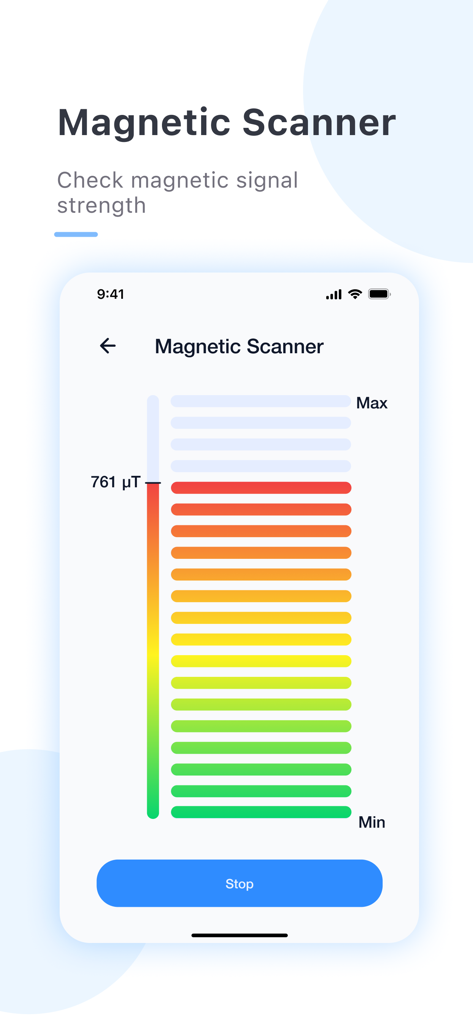
Magnetic scanner screen showing signal strength meter in the Yi iot plus app
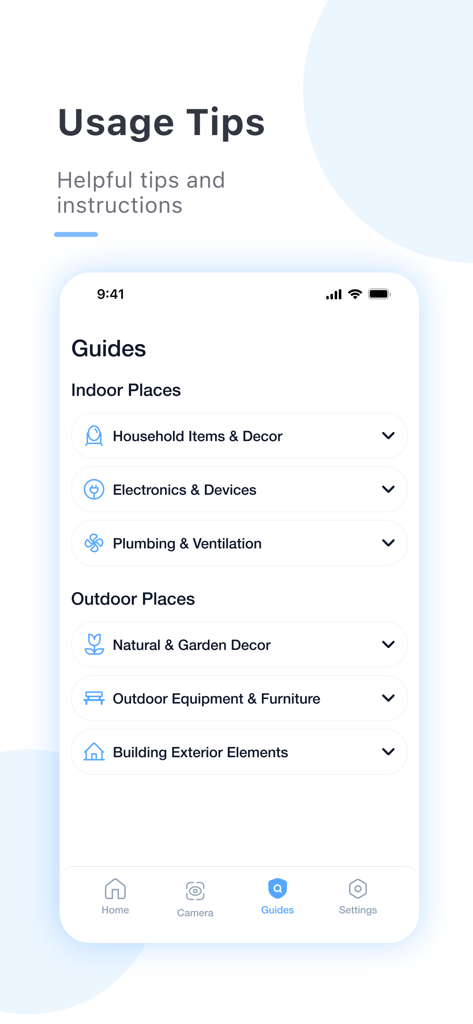
Interface of the Yi iot plus app displaying a list of guides for checking indoor and outdoor locations for hidden devices.
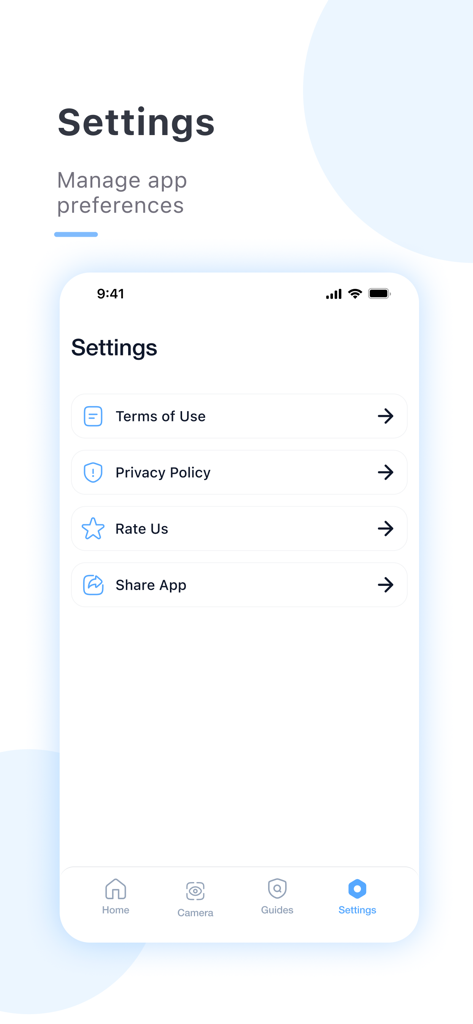
Settings screen of the Yi iot plus app showing options for terms of use and privacy policy
Description
Download
More Like This
Top-ranked apps in the same category

Google LLC

Google Chrome
Google LLC

中国移动(手机营业厅)
China Mobile Online Services Co., Ltd.

Google Authenticator
Google LLC

CNH do Brasil
Servicos e Informacoes do Brasil

Cleanup: Phone Storage Cleaner
DEEP FLOW SOFTWARE SERVICES - FZCO

gov.br
Servicos e Informacoes do Brasil

中国电信-全国统一官方服务平台
CHINA TELECOM Corporation Ltd.

Microsoft Edge: AI Browser
Microsoft Corporation
This page is not an official page of the app or its developer, but an independent editorial publication created for informational and commentary purposes. Unless expressly stated otherwise, neither the app nor its developer is affiliated with, endorsed by, sponsored by, authorized by, or otherwise officially connected with MWM, Apple, Google Play, the app publisher, or the app's developer, and nothing on this page implies that the app was developed using MWM's services. Any trademarks, logos, screenshots, and other content remain the property of their respective owners.