
This page is not an official page of the app or its developer, but an independent editorial publication created for informational and commentary purposes. Unless expressly stated otherwise, neither the app nor its developer is affiliated with, endorsed by, sponsored by, authorized by, or otherwise officially connected with MWM, Apple, Google Play, the app publisher, or the app's developer, and nothing on this page implies that the app was developed using MWM's services. Any trademarks, logos, screenshots, and other content remain the property of their respective owners.

YoLeoGas
Stop relying on estimated readings or waiting for technicians. Join over 470,000 homeowners who use our simple photo-validation to send accurate meter readings directly to Nedgia in seconds.
Downloads
471K+User Rating
Total Ratings
1K+Publisher
Category
UtilitiesLocales
1Latest Version
2.0.4Size
58.4 MBFirst Released
Jul 10, 2015Take Control of Your Energy Billing
The smartest way to submit your gas readings. Fast, accurate, and completely digital—designed to fit your busy lifestyle without the hassle of technician visits.
Snap and Send
Stop typing long strings of numbers. Just take a photo of your gas meter and let our automated validation handle the data entry for you.
Eliminate Estimated Bills
Ensure you only pay for the energy you actually use. By submitting real-time readings, you gain 100% accuracy and better control over your monthly budget.
Frequently Asked Questions
Everything you need to know about YoLeoGas
What is the YoLeoGas app used for?
The YoLeoGas application allows users to easily and conveniently send their gas meter readings. It specifically serves customers whose gas distributor is Nedgia (Grupo Naturgy).
Which gas distributor does the YoLeoGas app support?
The YoLeoGas app is designed exclusively for customers whose gas distributor is Nedgia, part of Grupo Naturgy. It facilitates meter reading submissions for this specific distributor.
How do I register my gas meter with the YoLeoGas app?
To register a gas meter using YoLeoGas, users must take a photo of the meter and provide the CUPS number found on their gas bill. Nedgia then validates the submitted photo.
What information is needed to register a meter in YoLeoGas?
Registering a gas meter in the YoLeoGas app requires two pieces of information: a photograph of the meter and the CUPS number, which users can find on their gas bill.
Can I manage more than one gas meter with the YoLeoGas app?
Yes, the YoLeoGas app supports managing multiple gas meters. The "Mis contadores" screen displays listed meters and includes an option to "Añadir contador" (Add meter).
Where can I find my CUPS number for the YoLeoGas app?
Users find their CUPS number on their gas bill. The YoLeoGas app instructs users to locate this code on their bill when prompted to enter it for meter registration.
Is there a support line for questions about the YoLeoGas app?
Yes, Nedgia provides free support for YoLeoGas app users. If questions arise, users can call Nedgia at 900 100 252, as indicated within the application interface.
The following screenshots and description are sourced directly from the app's official store listing and are the property of the app developer.
App Store
Screenshots
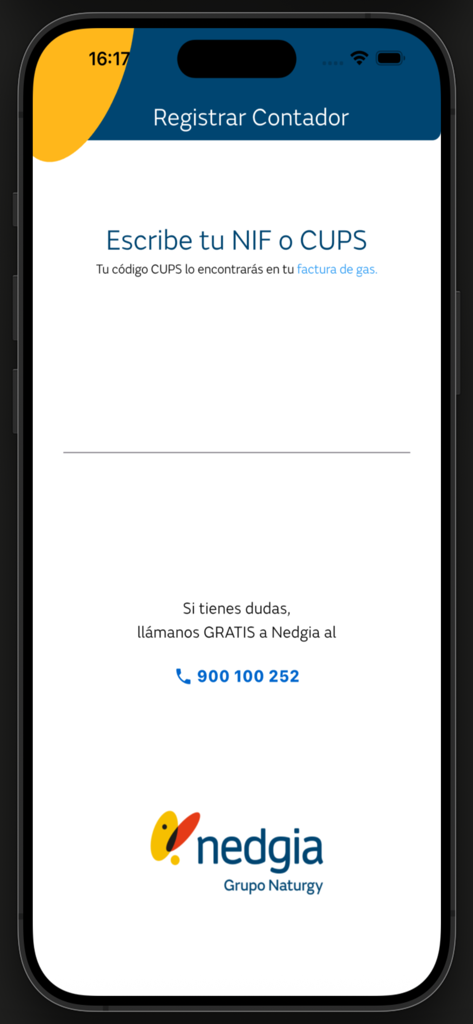
YoLeoGas app registration screen for gas meter NIF and CUPS entry
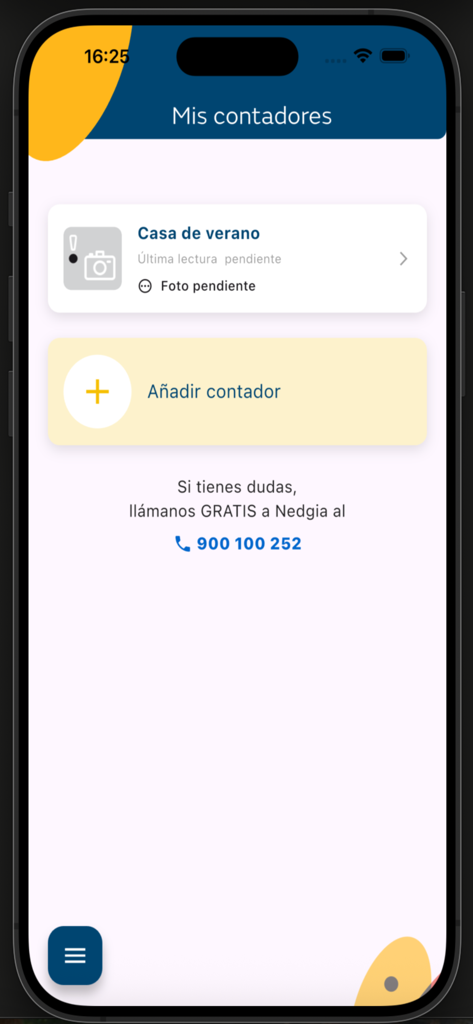
YoLeoGas app interface showing a list of registered gas meters with a pending photo status and an add meter button.
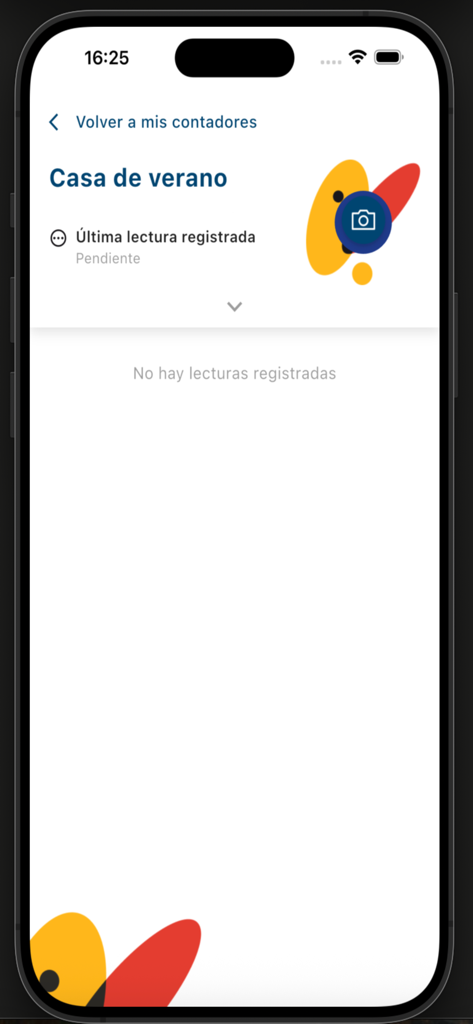
YoLeoGas mobile app interface showing a pending gas meter reading status for a summer house
Description
Download
More Like This
Top-ranked apps in the same category

Google LLC

Google Chrome
Google LLC

中国移动(手机营业厅)
China Mobile Online Services Co., Ltd.

Google Authenticator
Google LLC

CNH do Brasil
Servicos e Informacoes do Brasil

Cleanup: Phone Storage Cleaner
DEEP FLOW SOFTWARE SERVICES - FZCO

gov.br
Servicos e Informacoes do Brasil

中国电信-全国统一官方服务平台
CHINA TELECOM Corporation Ltd.

Microsoft Edge: AI Browser
Microsoft Corporation
This page is not an official page of the app or its developer, but an independent editorial publication created for informational and commentary purposes. Unless expressly stated otherwise, neither the app nor its developer is affiliated with, endorsed by, sponsored by, authorized by, or otherwise officially connected with MWM, Apple, Google Play, the app publisher, or the app's developer, and nothing on this page implies that the app was developed using MWM's services. Any trademarks, logos, screenshots, and other content remain the property of their respective owners.