
This page is not an official page of the app or its developer, but an independent editorial publication created for informational and commentary purposes. Unless expressly stated otherwise, neither the app nor its developer is affiliated with, endorsed by, sponsored by, authorized by, or otherwise officially connected with MWM, Apple, Google Play, the app publisher, or the app's developer, and nothing on this page implies that the app was developed using MWM's services. Any trademarks, logos, screenshots, and other content remain the property of their respective owners.

3D Modeling, Design: Shapeyard
The ultimate creative studio for aspiring game developers and makers. Build 3D assets for Roblox and Unity or design custom 3D prints directly on your iPhone and iPad.
Downloads
2M+User Rating
Total Ratings
7K+Publisher
Category
Graphics & DesignLocales
15Latest Version
5.14Size
54.3 MBFirst Released
Sep 14, 2018Design Anything, Anywhere
Shapeyard transforms your iPhone or iPad into a portable studio, making 3D modeling accessible, fun, and professional-grade for every creator.
Build for Your Favorite Games
Create custom characters and assets for Roblox, Unity, and Unreal Engine with easy OBJ and STL exports.
Precision 3D Printing
Design intricate models and export them directly to your slicer to turn digital ideas into tangible reality.
Frequently Asked Questions
Everything you need to know about 3D Modeling, Design: Shapeyard
What is Shapeyard?
Shapeyard is a subscription-based 3D modeling app for iOS devices. It offers easy-to-use tools for creating detailed 3D models, suitable for beginners, game design, and 3D printing purposes.
Does Shapeyard offer 3D modeling for beginners?
Yes, Shapeyard simplifies 3D modeling for beginners and kids. Its intuitive tools empower users of all skill levels to create and craft 3D designs, including models for printing.
Can Shapeyard models be exported for game development?
Yes, Shapeyard allows exporting 3D models for game development. Users can export models into Roblox Studio, Unity, and Unreal Engine using OBJ or STL formats, making it suitable for game creation.
Is Shapeyard compatible with 3D printing workflows?
Yes, Shapeyard is fully compatible with 3D printing workflows. Users can create intricate 3D models for printing and export their designs to slicers like ChituBox, enabling direct 3D production.
What specific 3D modeling tools are available in Shapeyard?
Shapeyard provides a suite of easy-to-use 3D modeling tools. These include Delete, Duplicate, Materials, Transform, Scale, Bevel, Subtract, and Union, empowering detailed model creation within the app.
How many people use the Shapeyard app?
Over 1.3 million users have joined the Shapeyard app for 3D modeling and design. It is also recognized as an Apple Awarded Developer.
Where can I access Shapeyard's Privacy Policy?
The Privacy Policy for Shapeyard is publicly available. Users can access the full policy document at the provided URL: https://www.shapeyard.org/info/privacy_policy.
Does Shapeyard require a subscription?
Yes, Shapeyard operates on a subscription-based model. Users access the app's 3D modeling features through an active subscription, as stated in the app description.
The following screenshots and description are sourced directly from the app's official store listing and are the property of the app developer.
App Store
Screenshots
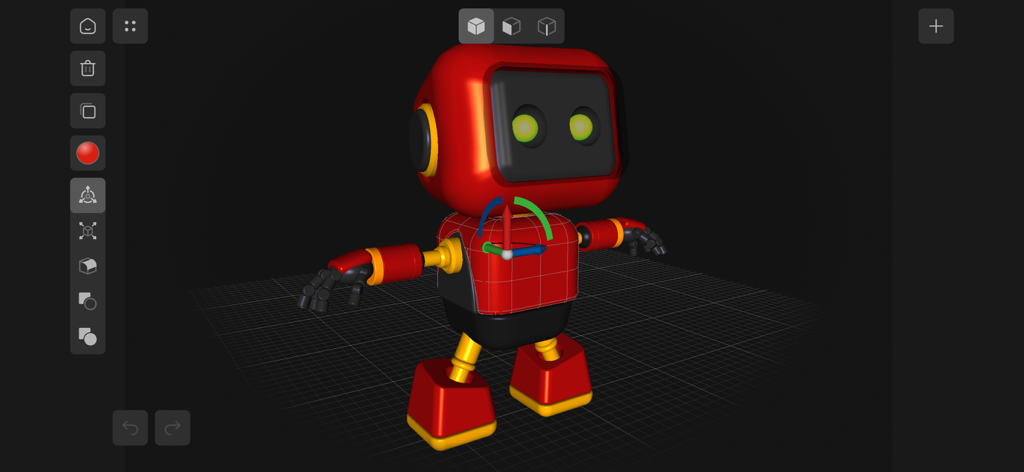
A red toy robot character being designed in the Shapeyard 3D modeling app interface
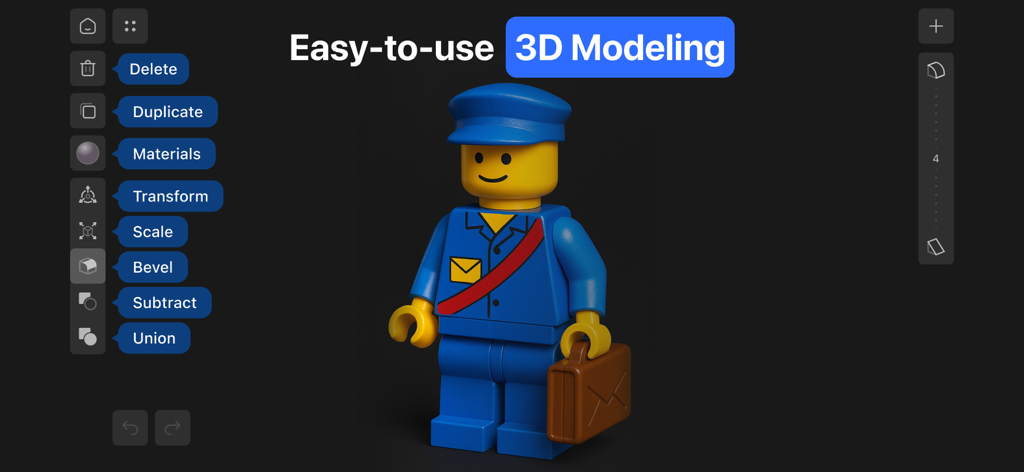
Shapeyard app interface showing a 3D character and intuitive modeling tools
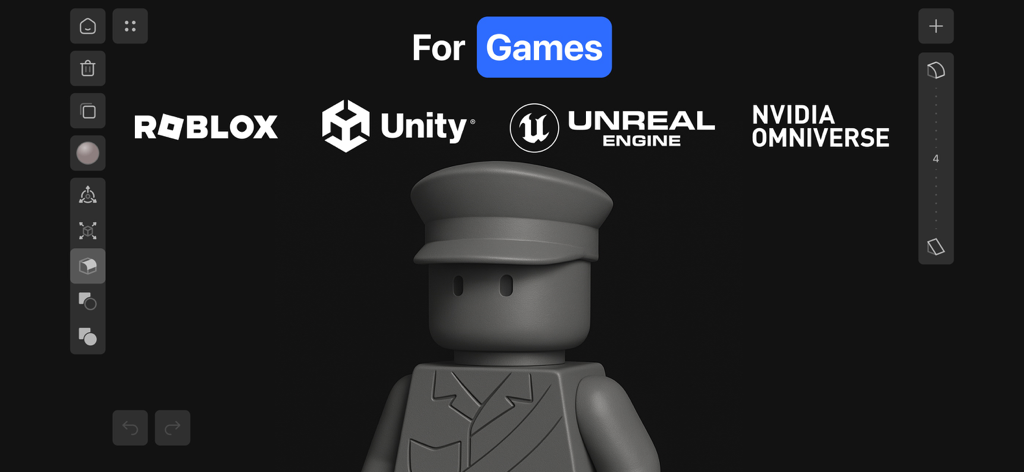
Shapeyard app interface showing a 3D character model with compatibility logos for Roblox, Unity, Unreal Engine, and NVIDIA Omniverse.
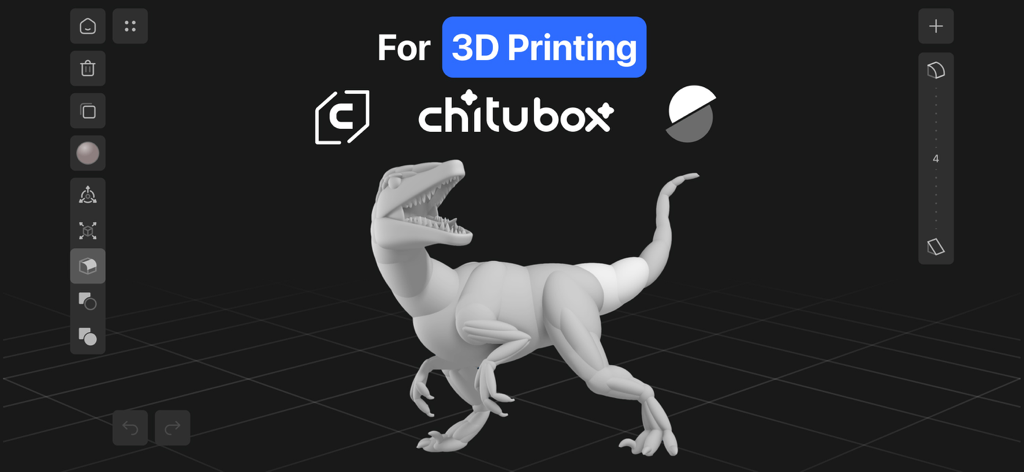
A 3D model of a dinosaur in the Shapeyard app interface showing compatibility with 3D printing software like Chitubox and Creality.
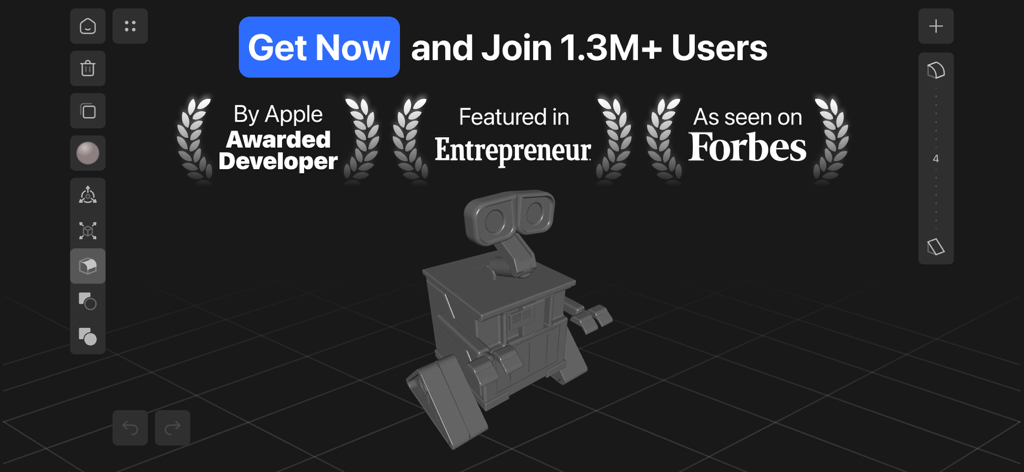
Shapeyard 3D modeling app interface featuring a robot model and industry awards.
Description
Download
More Like This
Apps with similar features and user experience

Super T-Shirt Designer
Shenzhen Bigger Lens LLC

iShaper: Custom Surfboards
Ryan Kotzebue

Fonts & Designs For DIY Space
UN Global

Cricut Design Space
Cricut, Inc.
Creality Cloud - 3D Printing
CREALITY 3D HK TECHNOLOGY LIMITED

Tinkercad
Autodesk

HelloBlink
Shenzhen Yihengke Electronic Technology Co.,Ltd.

Easy-PhotoPrint Editor
Canon Inc.

Dot Lab - Perler beads pattern
桂华 冉
This page is not an official page of the app or its developer, but an independent editorial publication created for informational and commentary purposes. Unless expressly stated otherwise, neither the app nor its developer is affiliated with, endorsed by, sponsored by, authorized by, or otherwise officially connected with MWM, Apple, Google Play, the app publisher, or the app's developer, and nothing on this page implies that the app was developed using MWM's services. Any trademarks, logos, screenshots, and other content remain the property of their respective owners.