
This page is not an official page of the app or its developer, but an independent editorial publication created for informational and commentary purposes. Unless expressly stated otherwise, neither the app nor its developer is affiliated with, endorsed by, sponsored by, authorized by, or otherwise officially connected with MWM, Apple, Google Play, the app publisher, or the app's developer, and nothing on this page implies that the app was developed using MWM's services. Any trademarks, logos, screenshots, and other content remain the property of their respective owners.

Alli360: Screen Time Control
Empower your children with healthy digital habits. Set automated schedules to block distractions during school and sleep while ensuring they stay reachable for what matters most.
Downloads
100K+User Rating
Total Ratings
400Publisher
Category
UtilitiesLocales
31Latest Version
1.31.9Size
370.6 MBFirst Released
Aug 4, 2022Build Healthy Digital Habits Together
Empower your family with the tools to balance screen time, eliminate bedtime distractions, and ensure focus during school hours.
Smart Bedtime Schedules
Automatically restrict games and social media at night so your child gets the rest they need without the late-night doomscrolling.
Always Stay Connected
While entertainment apps are blocked, essential tools for calls, texts, and safety remain active so you can always reach your child.
The following screenshots and description are sourced directly from the app's official store listing and are the property of the app developer.
App Store
Screenshots
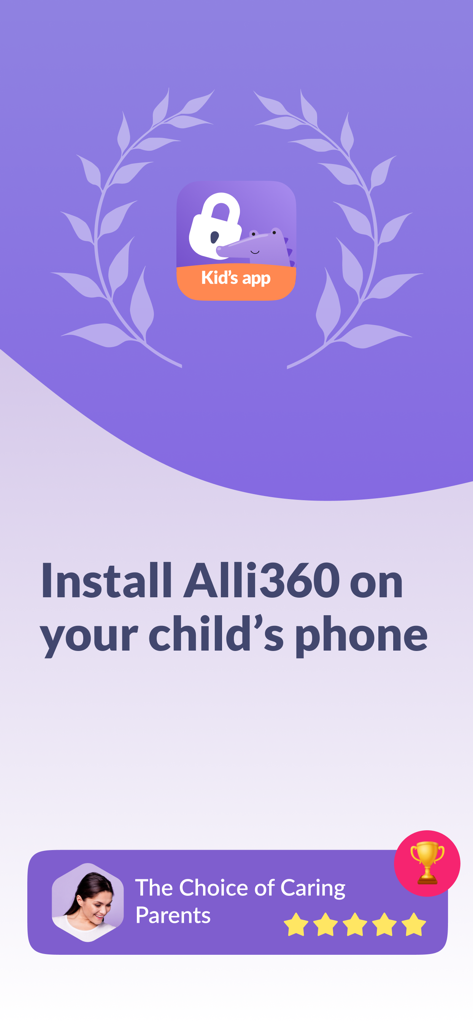
Instructional screen to install Alli360 on a child's phone featuring a 5-star rating from parents.
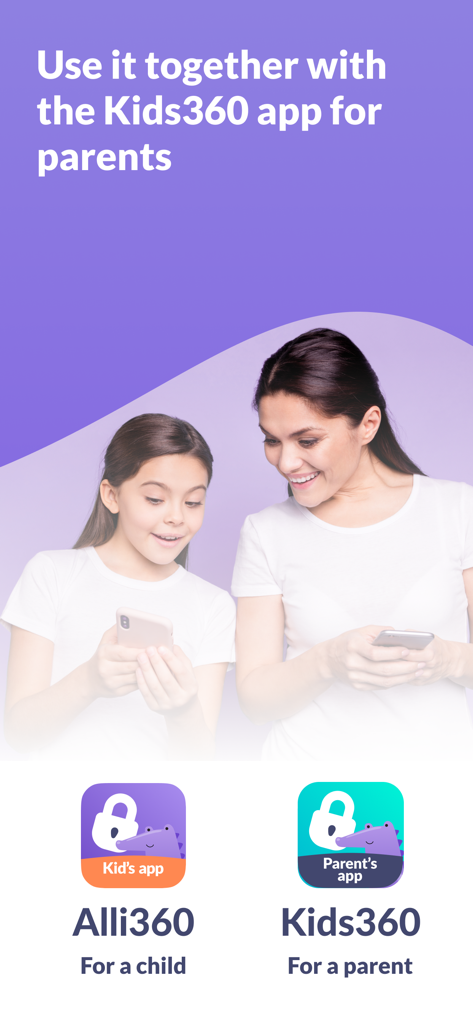
Mother and daughter using Alli360 and Kids360 parental control apps together
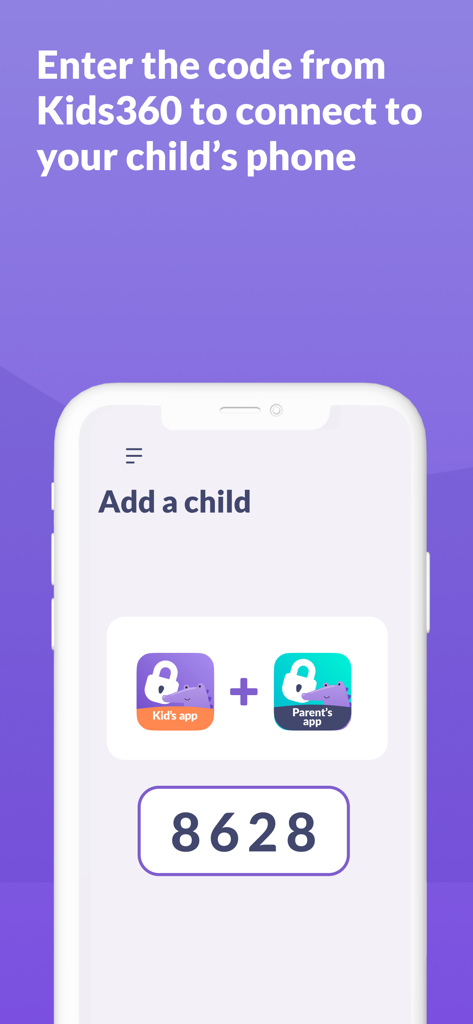
Screenshot of Alli360 app showing the Add a child screen with a pairing code to connect the kid's and parent's apps.
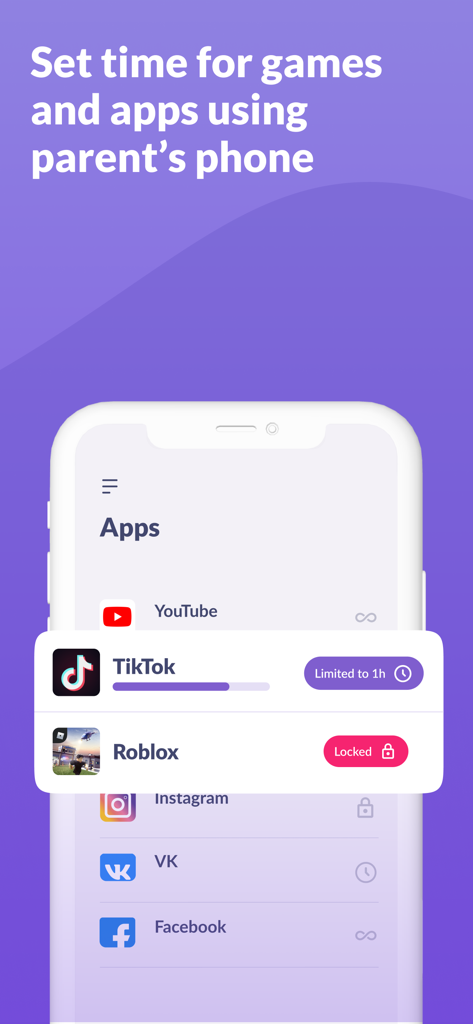
Alli360 app interface showing screen time limits for TikTok and restricted access for Roblox
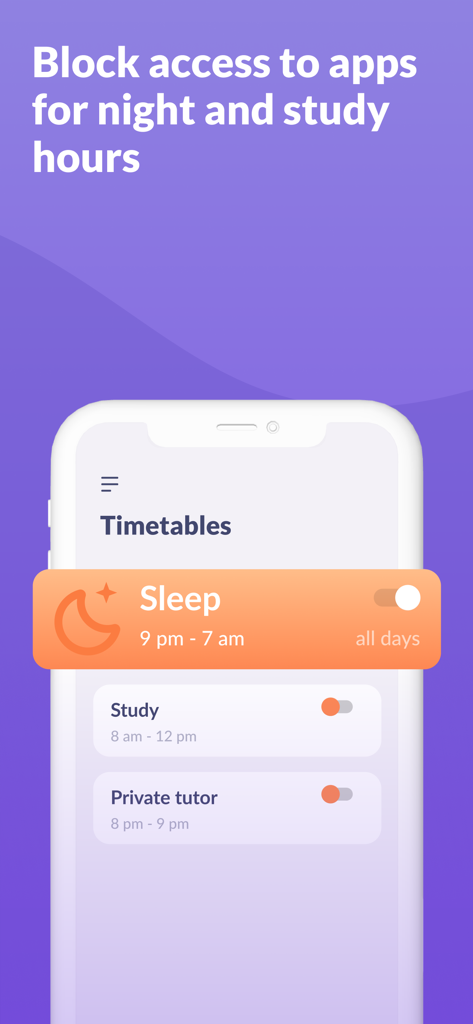
Alli360 app interface showing timetables to block apps during sleep and study hours
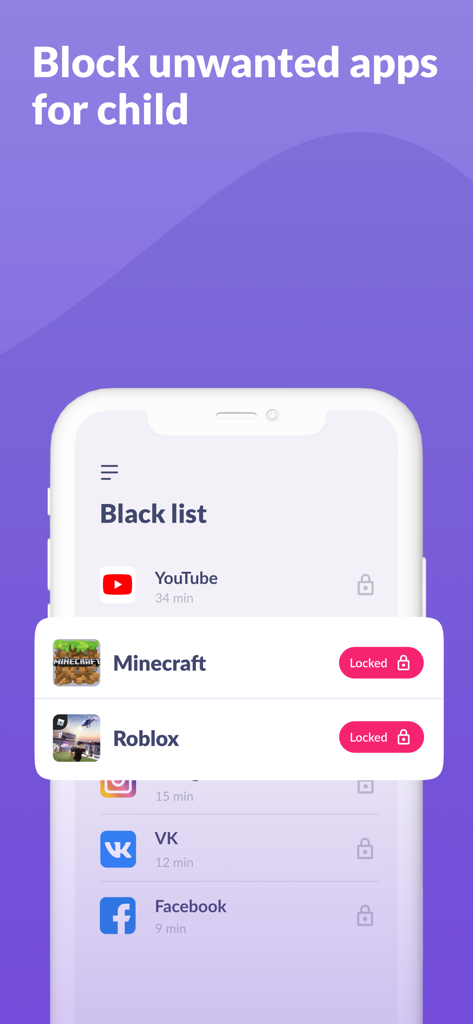
Smartphone screen showing the Alli360 app interface where parents can block specific apps and games like Minecraft and Roblox
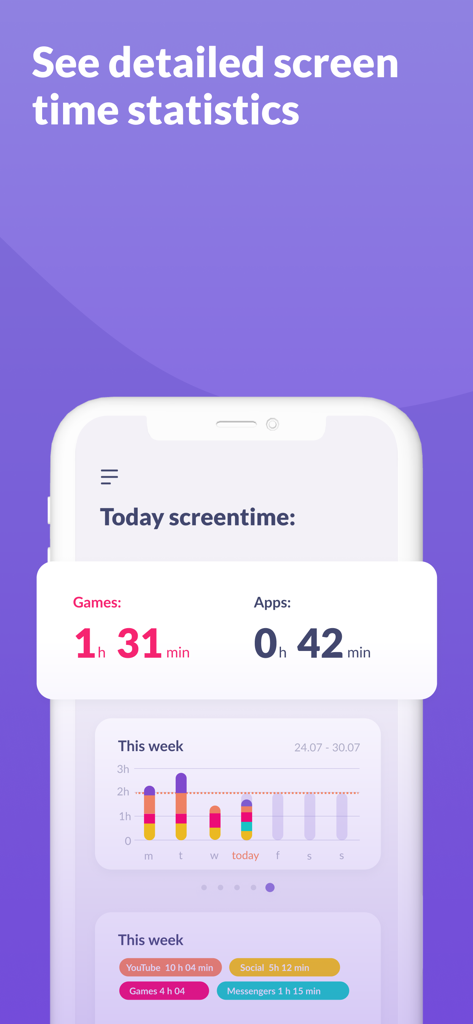
Alli360 app dashboard showing detailed daily and weekly screen time statistics for games and applications.
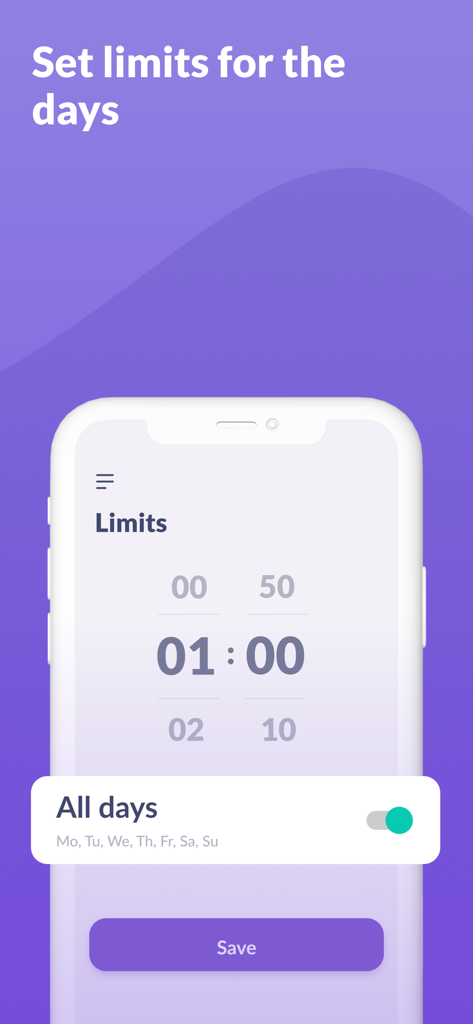
Interface of the Alli360 app showing how to set daily screen time limits for children
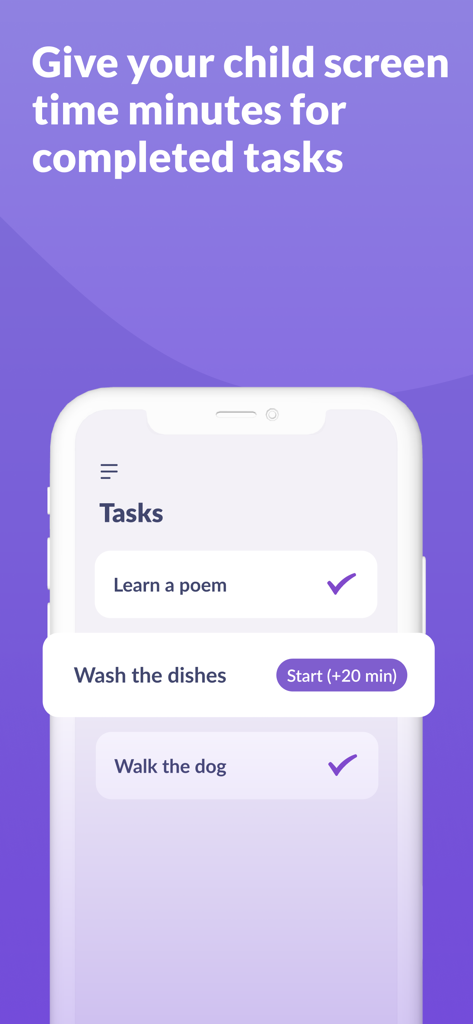
A mobile interface for Alli360 showing a task list where children can earn extra screen time minutes by completing chores like washing dishes.
Description
Download
More Like This
Apps with similar features and user experience

Findos - Find My Device
Pollux Bilisim Teknolojileri Sanayi ve Ticaret Limited Sirketi

Boost Family Guard
Smith Micro Software, Inc.

Google Family Link
Google LLC

Findmykids: GPS Phone Tracker
LETEM LTD
Parental Control App Kids360
ANKO SOLUTIONS LLC

Nintendo Switch Parental Cont…
Nintendo Co., Ltd.

FlashGet Kids:parental control
HONGKONG FLASHGET NETWORK TECHNOLOGY CO., LIMITED

JusTalk Kids - Safe Messenger
Ningbo Jus Internet Technology Co., Ltd.

Parental Control App: AirDroid
SAND STUDIO CORPORATION LIMITED
This page is not an official page of the app or its developer, but an independent editorial publication created for informational and commentary purposes. Unless expressly stated otherwise, neither the app nor its developer is affiliated with, endorsed by, sponsored by, authorized by, or otherwise officially connected with MWM, Apple, Google Play, the app publisher, or the app's developer, and nothing on this page implies that the app was developed using MWM's services. Any trademarks, logos, screenshots, and other content remain the property of their respective owners.