ASUS Router
ASUS Router
Download on App Store

This page is not an official page of the app or its developer, but an independent editorial publication created for informational and commentary purposes. Unless expressly stated otherwise, neither the app nor its developer is affiliated with, endorsed by, sponsored by, authorized by, or otherwise officially connected with MWM, Apple, Google Play, the app publisher, or the app's developer, and nothing on this page implies that the app was developed using MWM's services. Any trademarks, logos, screenshots, and other content remain the property of their respective owners.

Logo of ASUS Router
Download on App Store

ASUS Router

Take total control of your Wi-Fi. From boosting gaming performance with Mobile Game Mode to securing your smart home with AiProtection, manage every connection with a single tap.

Key Figures

Downloads

0

User Rating

4.6/5

Total Ratings

0

Publisher

ASUSTek COMPUTER INC.

Category

Productivity

Locales

25

Latest Version

1.0.0.9.64

Size

254.1 MB

First Released

Dec 16, 2015
Features

The Ultimate Command Center for Your Network

Take total control of your ASUS router with a mobile-first experience designed for peak performance, elite security, and seamless family management.

Lag-Free Gaming Priority

Eliminate latency with one-tap Mobile Game Mode and QoS settings that prioritize your traffic for a competitive edge in every match.

Pro-Grade Digital Security

Shield your entire smart home with AiProtection and manage encrypted VPN Fusion tunnels directly at the router level for total privacy.

The following screenshots and description are sourced directly from the app's official store listing and are the property of the app developer.

App Store

Screenshots
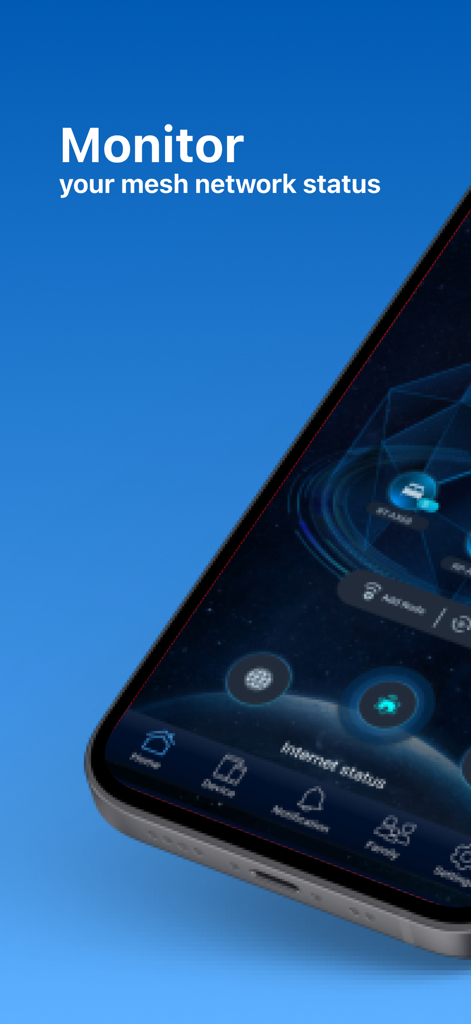
ASUS Router - ASUS Router app interface on a smartphone screen showing mesh network status monitoring
ASUS Router app interface on a smartphone screen showing mesh network status monitoring

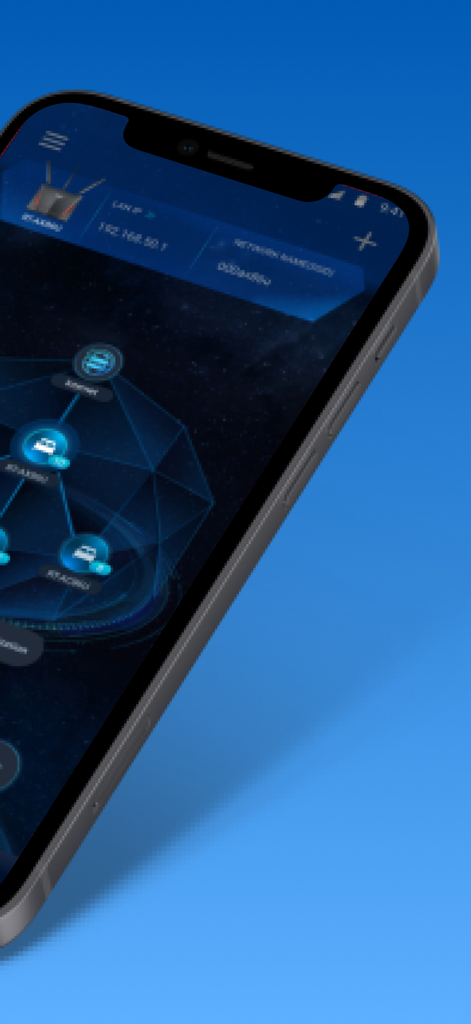
ASUS Router - ASUS Router app interface showing a network topology map with AiMesh nodes
ASUS Router app interface showing a network topology map with AiMesh nodes

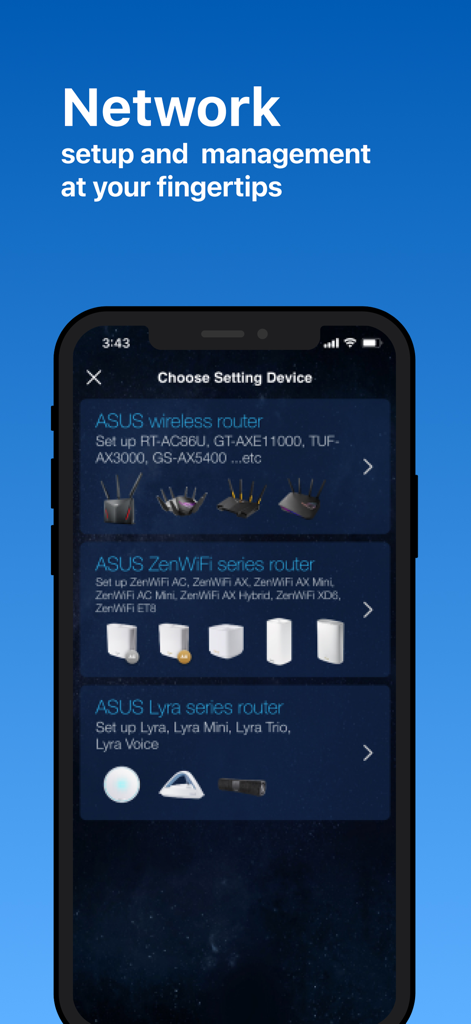
ASUS Router - ASUS Router app interface showing network device setup options for wireless ZenWiFi and Lyra routers
ASUS Router app interface showing network device setup options for wireless ZenWiFi and Lyra routers

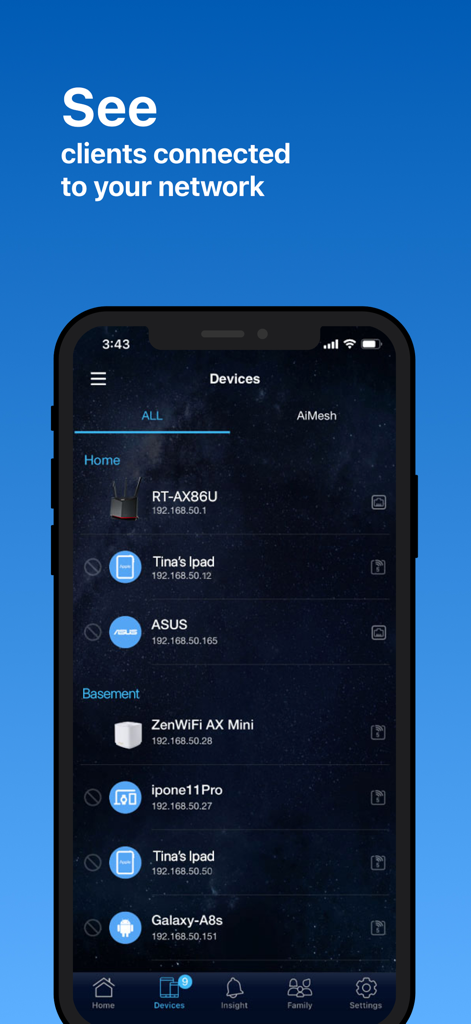
ASUS Router - A mobile interface from the ASUS Router app showing a list of clients connected to the home network including mobile phones and tablets.
A mobile interface from the ASUS Router app showing a list of clients connected to the home network including mobile phones and tablets.

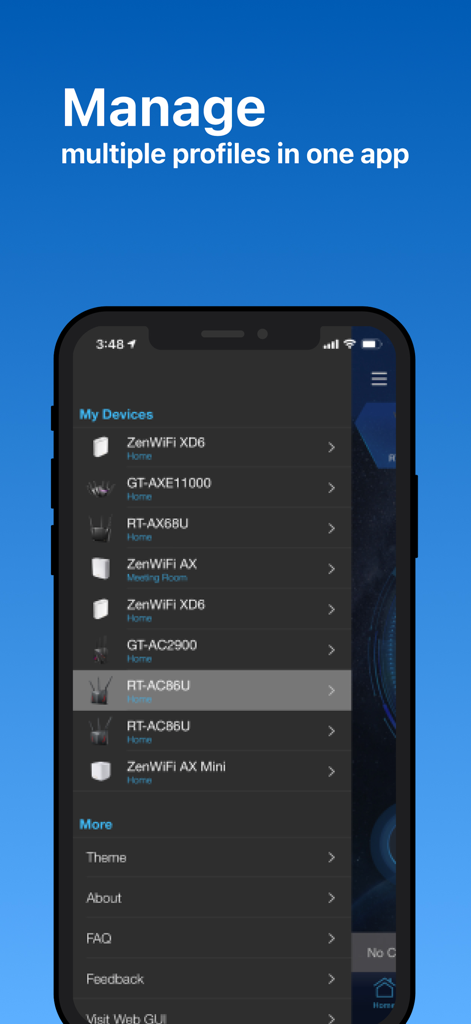
ASUS Router - ASUS Router app interface showing a list of multiple managed network devices like ZenWiFi and ROG routers.
ASUS Router app interface showing a list of multiple managed network devices like ZenWiFi and ROG routers.

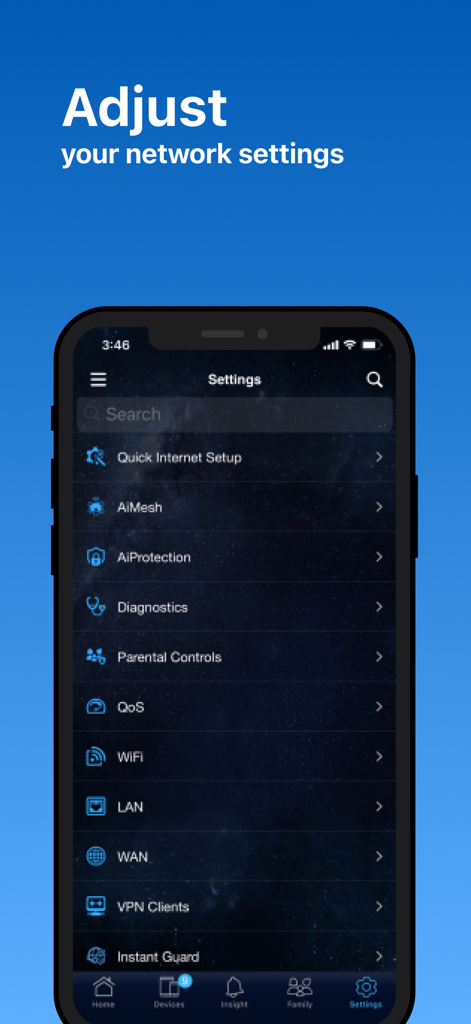
ASUS Router - The ASUS Router app settings interface showing options for AiMesh, Parental Controls, and WiFi configuration.
The ASUS Router app settings interface showing options for AiMesh, Parental Controls, and WiFi configuration.

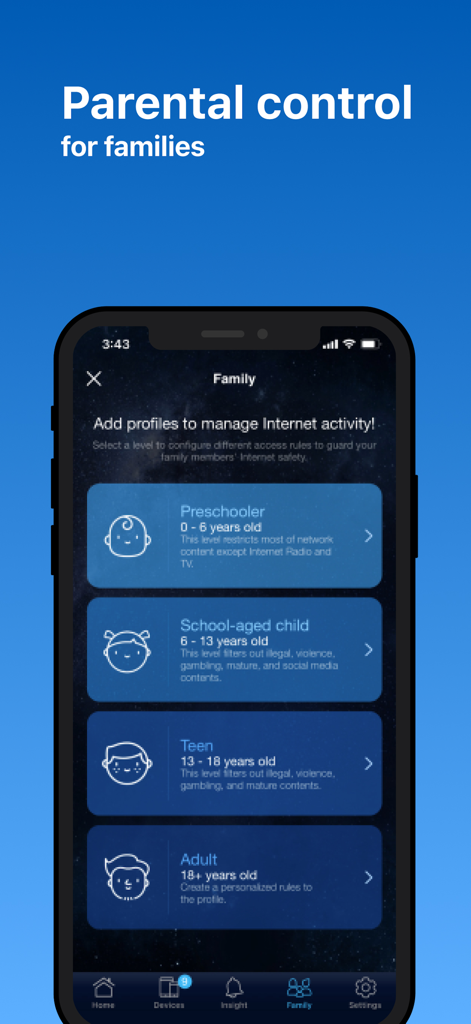
ASUS Router - ASUS Router app parental control settings for family internet safety
ASUS Router app parental control settings for family internet safety

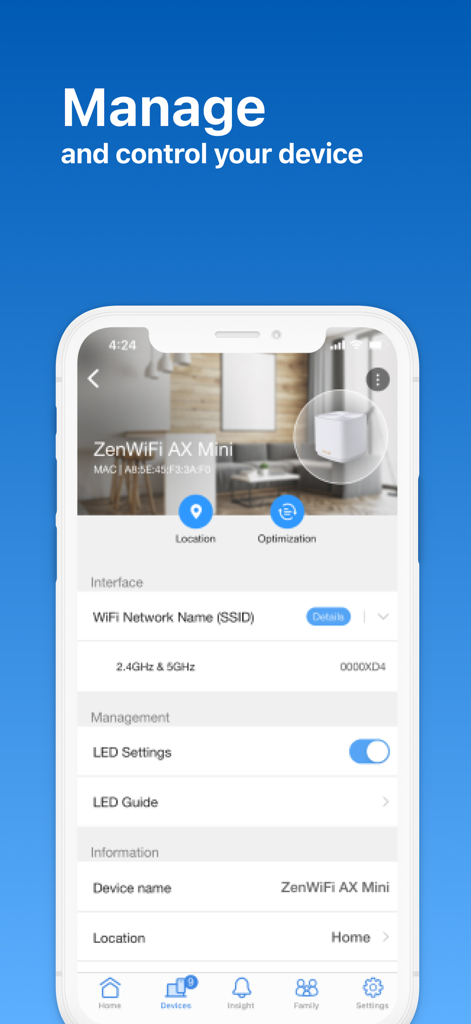
ASUS Router - Smartphone screen showing the ASUS Router app device management interface for a ZenWiFi AX Mini
Smartphone screen showing the ASUS Router app device management interface for a ZenWiFi AX Mini

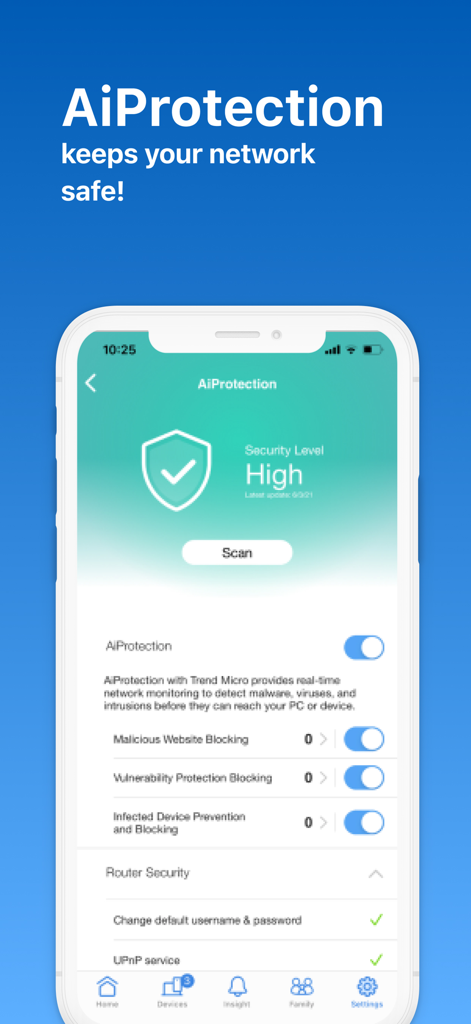
ASUS Router - ASUS Router app AiProtection screen showing high security level and network safety options
ASUS Router app AiProtection screen showing high security level and network safety options

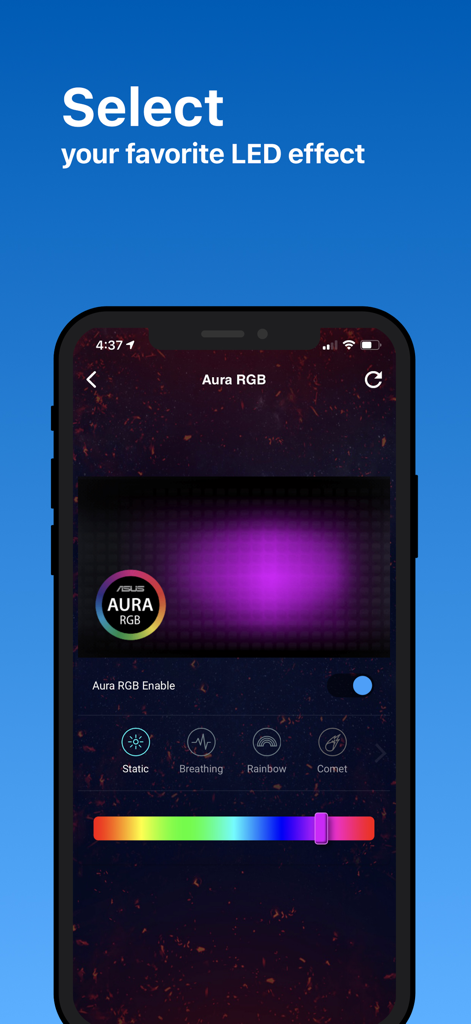
ASUS Router - ASUS Router app interface for selecting Aura RGB LED lighting effects like breathing and rainbow

ASUS Router app interface for selecting Aura RGB LED lighting effects like breathing and rainbow

Description

The ASUS Router app unlocks the power to manage your network in just a few taps whenever you want, wherever you go. We are aiming to provide the best Wi-Fi and Internet-surfing experiences you have ever had with these comprehensive features. KEY FEATURES: *Router Monitoring and Remote Management *AiMesh ….….Add AiMesh node ….….AiMesh Network Topology ….….Network management and optimization ….….AiMesh node monitoring and customized settings ….….Full backhaul options *Parental Controls ….….Time scheduling ….….Content Block ….….Online/Offline schedule *Client Device Management ….….Safe Browsing ….….Bandwidth limiter ….….Block Internet access ….….Customizable device icon and nickname *Guest network ….….Create guest network ….….Share WiFi with QR code *More Features ….….Account binding ….….4G / 5G Auto Mobile Tethering ….….Port Status ….….VPN Fusion ….….VPN Server ….….AiProtection ….….Firmware Update ….….QoS ….….Mobile Game Mode ….….DNS settings ….….VPN clients ….….Wireless settings ….….Connect with Alexa ….….Google assistant ….….Router setting backup ….….IP Binding ….….WOL (Wake-on-LAN) ….….Port forwarding (RT models)/ OpenNAT (ROG Models) ….….Schedule Reboot ….….ASUS Notice ----- SUPPORTED MODELS - All ZenWiFi line up - All 802.11ax line up - All 802.11be line up - All ROG Rapture line up - All ROG Strix line up - All TUF Gaming line up - Lyra/Lyra mini/Lyra Trio/Lyra Voice (needs to be at least 3.0.0.4.384 version) - Blue Cave - RT-AC5300 - RT-AC3100 - RT-AC88U - RT-AC3200 - RT-AC2900 - RT-AC2600 - RT-AC2400 - RT-AC2200 - RT-AC87U/R - RT-AC86U - RT-AC85U - RT-AC85P - RT-AC65P - RT-AC57U - RT-AC68U/R/P/W/UF - RT-AC65U - RT-AC1900 - RT-AC1900P/U - RT-AC1750 - RT-AC1750 B1 - RT-AC66U/R/W - RT-AC66U B1 - RT-AC66U+ - RT-AC1300UHP/ G+ - RT-AC1200 - RT-AC1200G/HP/G+/ E/ GU - RT-AC58U - RT-AC56U/R/S - RT-AC55U - RT-AC55UHP - RT-AC53 - RT-AC52U B1 - RT-AC51U/ U+ - RT-ACRH17 - RT-ACRH13 - RT-N66U/R/W/C1 - RT-N18U - RT-N19 - RT-N14UHP - RT-N12E B1/C1 - RT-N12HP B1 - RT-N12VP B1 - RT-N12+ B1 - RT-N12D1 - 4G-AC53U - 4G-AC68U - Selected DSL models [Only supports router login and partial management functions. The QIS (Quick Internet Setup) process is excluded] -DSL-AX5400 -DSL-AX82U -DSL-AC68U -DSL-AC68R -DSL-AC52U -DSL-AC55U -DSL-AC56U -DSL-AC51 -DSL-AC750 -DSL-N17U -DSL-N16 -DSL-N16P -DSL-N16U -DSL-N14U -DSL-N14U_B1 -DSL-N55U_C1 -DSL-N55U_D1 -DSL-N12U_C1 -DSL-N12U_D1 -DSL-N12E_C1 -DSL-N10_C1 -DSL-N66U ----- UNSUPPORTED MODELS: -All Cable modem models ----- New features are consistently being added. Get excited for the ASUS Router App! ----- PLEASE NOTE: Some of the features are only available on supported models or firmware later than 3.0.0.4.388.xxxxx Please visit the official ASUS website to view the latest list of supported models.

Download

Download on App Store

This page is not an official page of the app or its developer, but an independent editorial publication created for informational and commentary purposes. Unless expressly stated otherwise, neither the app nor its developer is affiliated with, endorsed by, sponsored by, authorized by, or otherwise officially connected with MWM, Apple, Google Play, the app publisher, or the app's developer, and nothing on this page implies that the app was developed using MWM's services. Any trademarks, logos, screenshots, and other content remain the property of their respective owners.