
This page is not an official page of the app or its developer, but an independent editorial publication created for informational and commentary purposes. Unless expressly stated otherwise, neither the app nor its developer is affiliated with, endorsed by, sponsored by, authorized by, or otherwise officially connected with MWM, Apple, Google Play, the app publisher, or the app's developer, and nothing on this page implies that the app was developed using MWM's services. Any trademarks, logos, screenshots, and other content remain the property of their respective owners.

Audio Editor Tool: Edit Music
Master your sound with professional effects, AI-powered vocal separation, and precision editing. Perfect for making viral hits, podcasts, or polished tracks on the go.
Downloads
4M+User Rating
Total Ratings
7K+Publisher
Category
MusicLocales
11Latest Version
13.2.12Size
250.9 MBFirst Released
Jan 29, 2015Professional Audio Power, Right in Your Pocket
From AI-powered vocal removal to studio-grade effects, everything you need to produce high-quality audio for TikTok, Reels, and podcasts without the complexity of desktop software.
AI-Powered Innovation
Effortlessly isolate vocals from instrumentals or generate fresh, unique melodies instantly to make your content stand out.
Pro-Level Mixing
Master your tracks using a professional 8-band EQ and cinematic effects like reverb, pitch shifting, and distortion.
Frequently Asked Questions
Everything you need to know about Audio Editor Tool: Edit Music
What is the Audio Editor Tool: Edit Music app?
The Audio Editor Tool: Edit Music is a professional app for editing and recording music, sounds, and voice. It provides tools for cutting, copying, pasting, and applying various audio effects.
What basic editing tools does Audio Editor Tool: Edit Music offer?
The Audio Editor Tool: Edit Music app offers simple editing tools including copy, paste, cut, trim, fade in, fade out, and silence functions for fast audio manipulation.
Does Audio Editor Tool: Edit Music include sound effects?
Yes, Audio Editor Tool: Edit Music includes a variety of sound effects such as reverb, delay, pitch, and distortion. Users can also master effects like tempo, normalize, high shelf, and low shelf.
Does Audio Editor Tool: Edit Music use AI for editing?
Yes, Audio Editor Tool: Edit Music incorporates AI editing features. It can recognize instruments, separate vocals from instrumentals, and generate unique melodies instantly.
What kind of equalizer is available in Audio Editor Tool: Edit Music?
The Audio Editor Tool: Edit Music features an 8-band EQ for professional work. This allows users to adjust the sounding of their audio tracks in depth.
Can I record audio with Audio Editor Tool: Edit Music?
Yes, Audio Editor Tool: Edit Music allows users to record music, voice, or any sounds directly using a microphone. Recorded audio can then be edited and saved.
What audio formats does Audio Editor Tool: Edit Music support?
Audio Editor Tool: Edit Music supports various formats including .wav, .m4a, MP3, FLAC, AIFF, WMA, AAC, M4R, AU, and CAF. It also uploads files supported by iTunes.
Does Audio Editor Tool: Edit Music convert video to audio?
Yes, Audio Editor Tool: Edit Music includes a video to audio converter. This feature allows users to extract sound directly from video files.
Where can I find the privacy policy for Audio Editor Tool: Edit Music?
The privacy policy for the Audio Editor Tool: Edit Music app is available at http://musicparadise.mobi/privacy. This link provides details on data handling and user privacy.
Where are the Terms of Service for Audio Editor Tool: Edit Music located?
The Terms of Service for Audio Editor Tool: Edit Music are located at https://musicparadise.mobi/tos. This document outlines the conditions for using the application.
The following screenshots and description are sourced directly from the app's official store listing and are the property of the app developer.
App Store
Screenshots
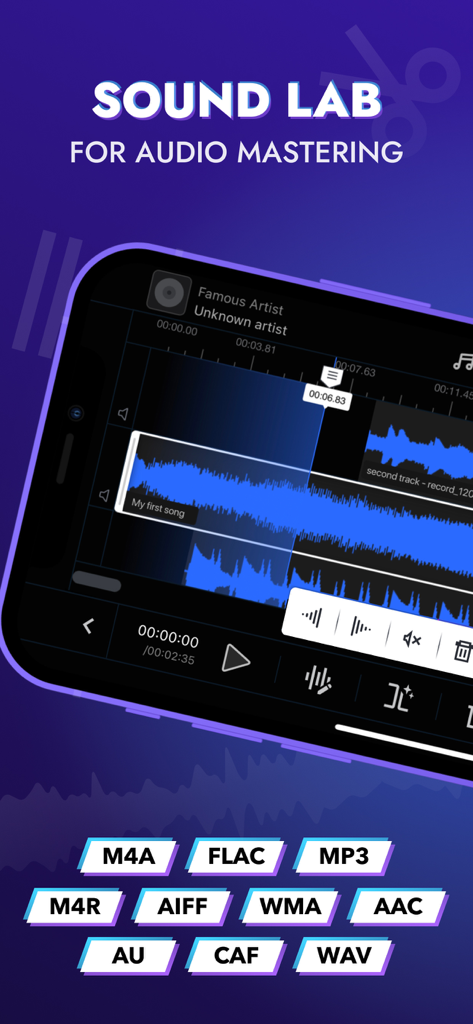
Audio Editor Tool mobile interface showing multi track editing and supported audio formats
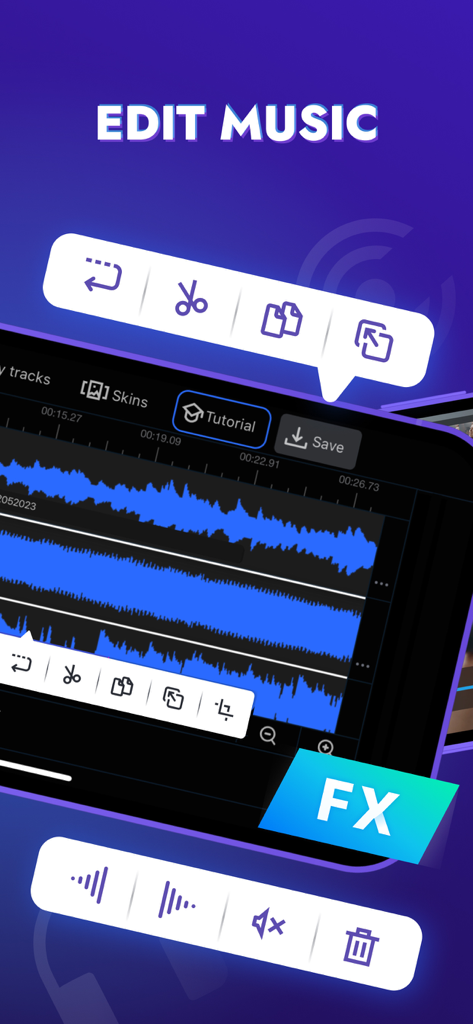
Interface of the Audio Editor Tool app showing waveforms and editing icons
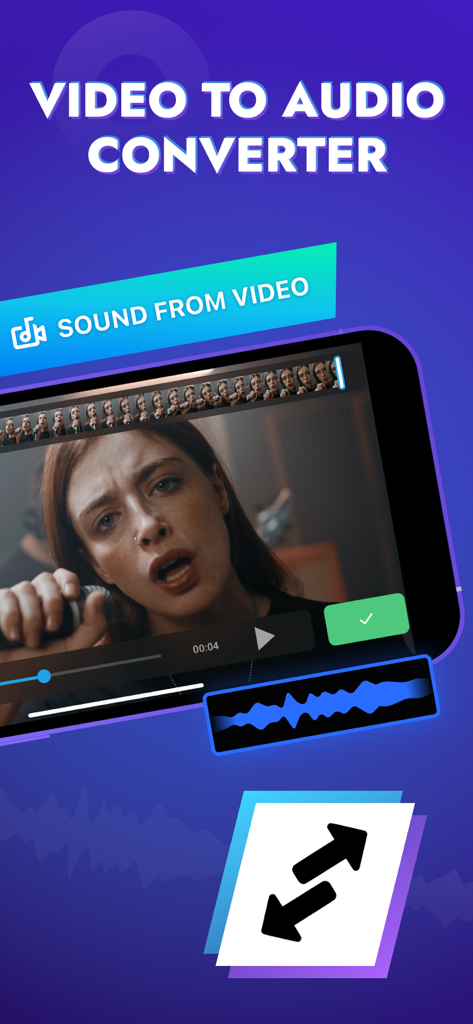
Interface showing the video to audio conversion feature of the Audio Editor Tool app.
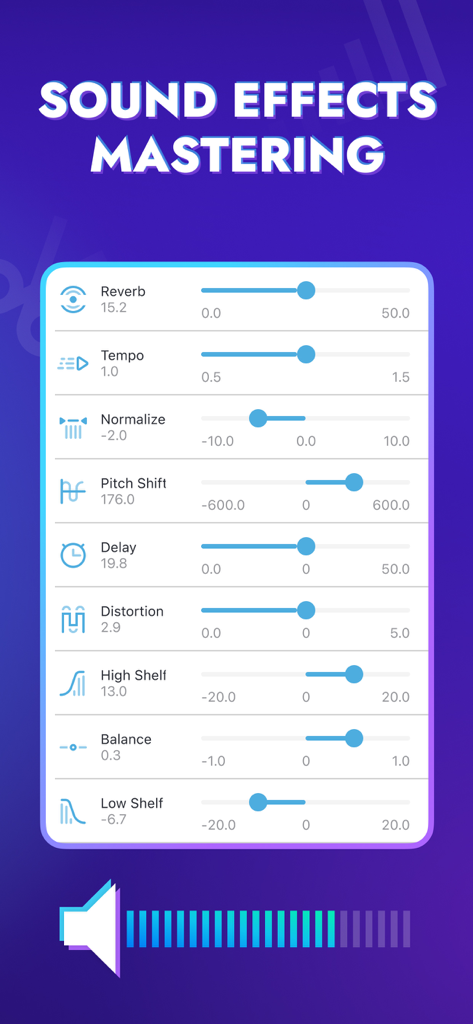
Sound effects mastering interface with sliders for reverb tempo and pitch shift in Audio Editor Tool app
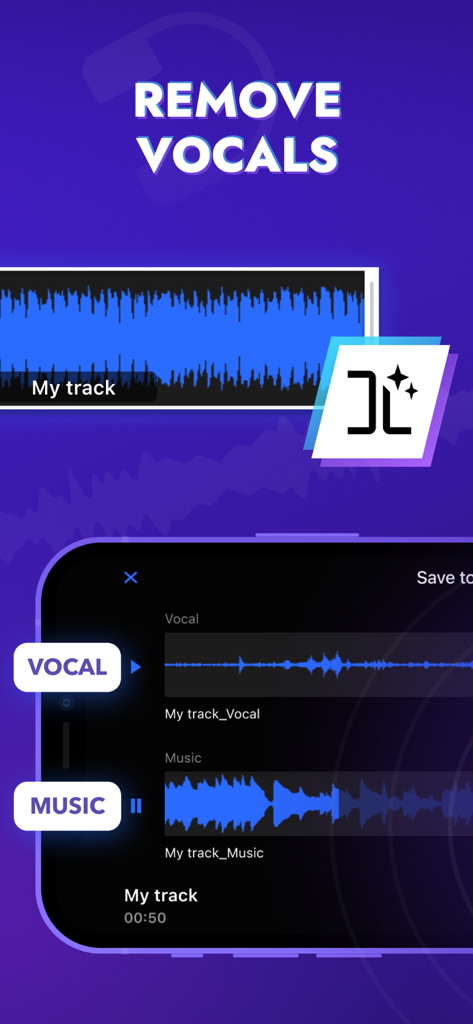
AI-powered vocal and music separation feature in the music editor app
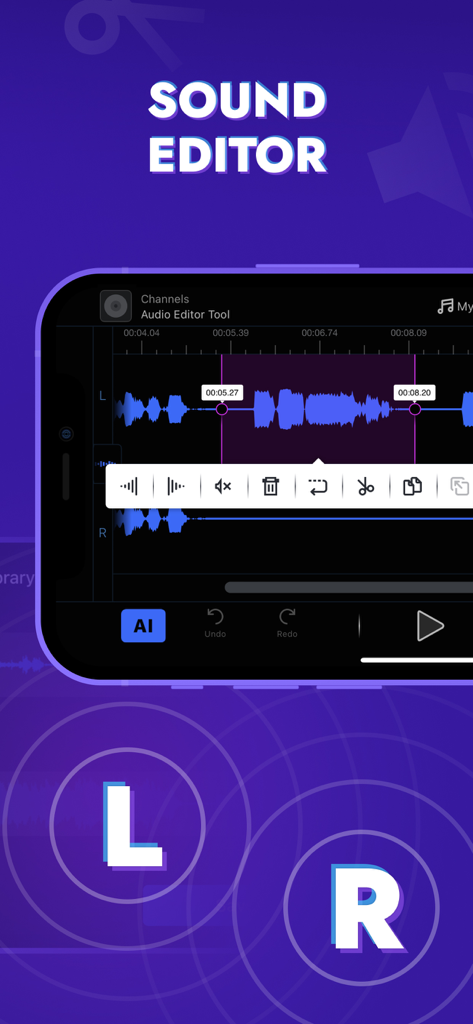
iPhone screenshot showing the Sound Editor interface of the Audio Editor Tool app with audio waveforms and editing icons
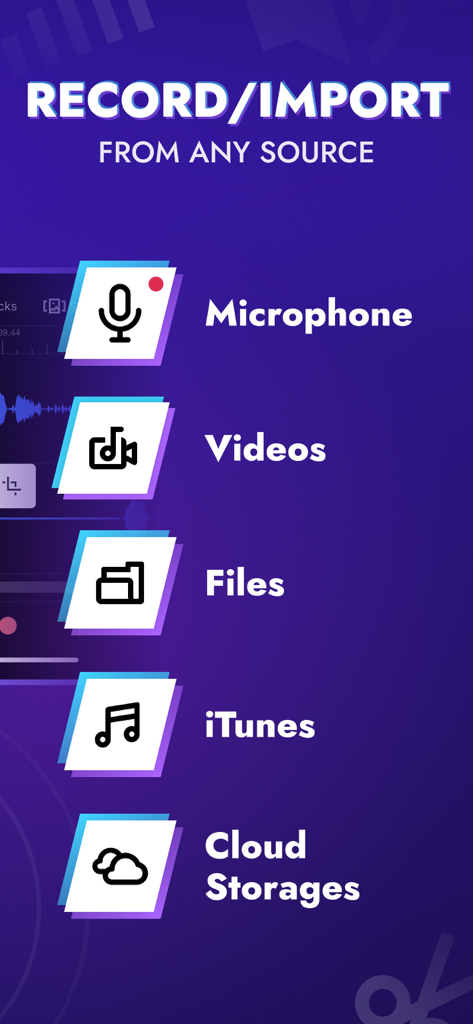
A list of audio import and recording sources including microphone videos files iTunes and cloud storage
Description
Download
More Like This
Apps with similar features and user experience

WavePad音频和音乐编辑器
NCH Software

Audio Editor - Music editor
苏娟 陈

SoundLab - Audio Editor
孛 刘

Microphone Live-Voice Recorder
Arpenik Katikyan

Ferrite Recording Studio
Wooji Juice Ltd

WavePad Music and Audio Editor
NCH Software

Audio Editor - AudioLab, Mixer
Innovation Software Development 360 LLC

au editor - audio cutter
龙刚 李

Audio Editor: Video to Audio
文 夏
This page is not an official page of the app or its developer, but an independent editorial publication created for informational and commentary purposes. Unless expressly stated otherwise, neither the app nor its developer is affiliated with, endorsed by, sponsored by, authorized by, or otherwise officially connected with MWM, Apple, Google Play, the app publisher, or the app's developer, and nothing on this page implies that the app was developed using MWM's services. Any trademarks, logos, screenshots, and other content remain the property of their respective owners.