
Bark - Parental Controls



Protect your children from cyberbullying, online predators, and mental health risks. Monitor 30+ platforms and manage screen time with a privacy-first approach that alerts you only when danger is detected.
Publisher
Category
ProductivityDownloads
2M+User Rating
Total Ratings
32K+Locales
1Discover the interface used by 2M+ users.
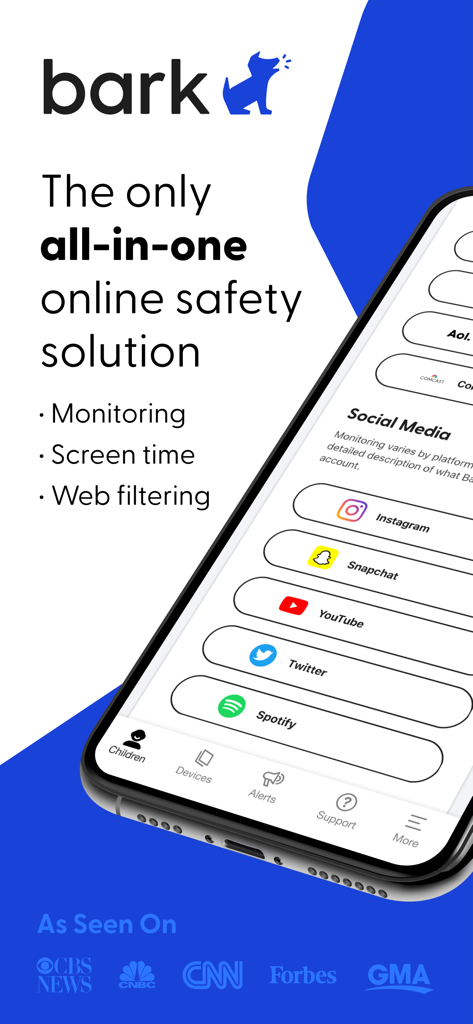
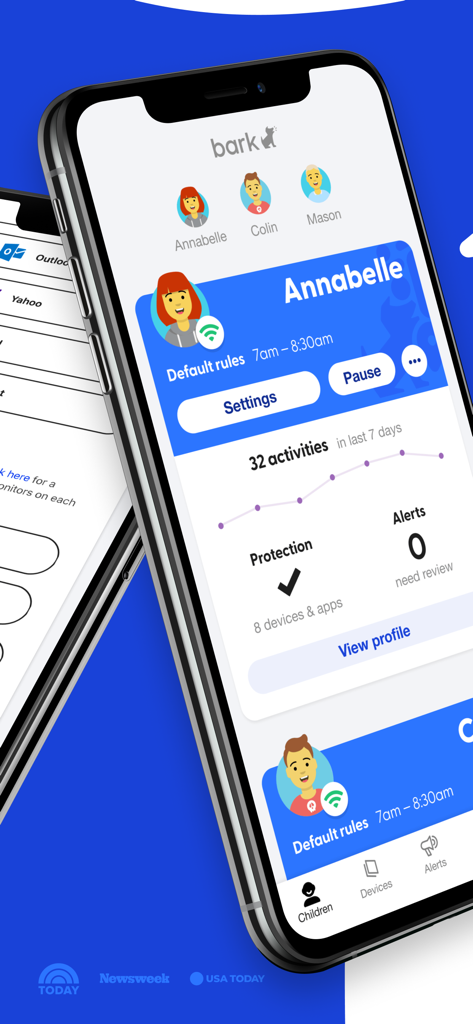
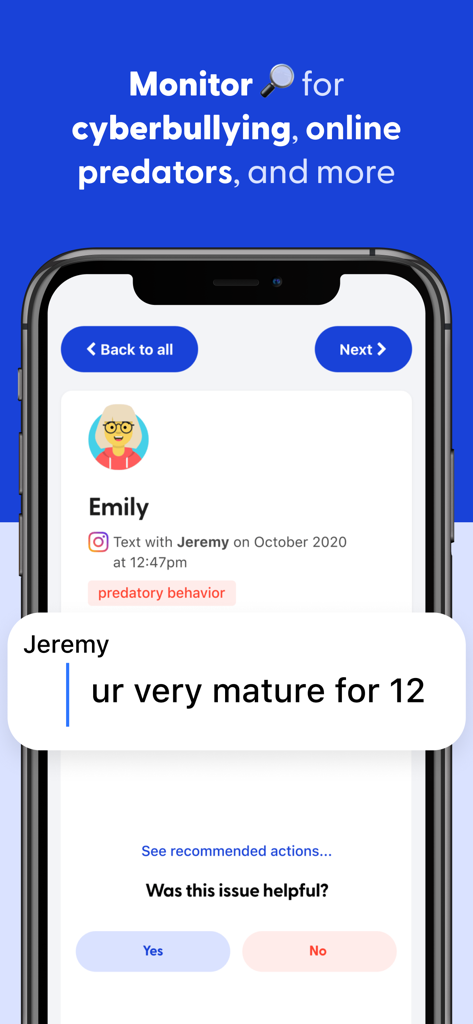
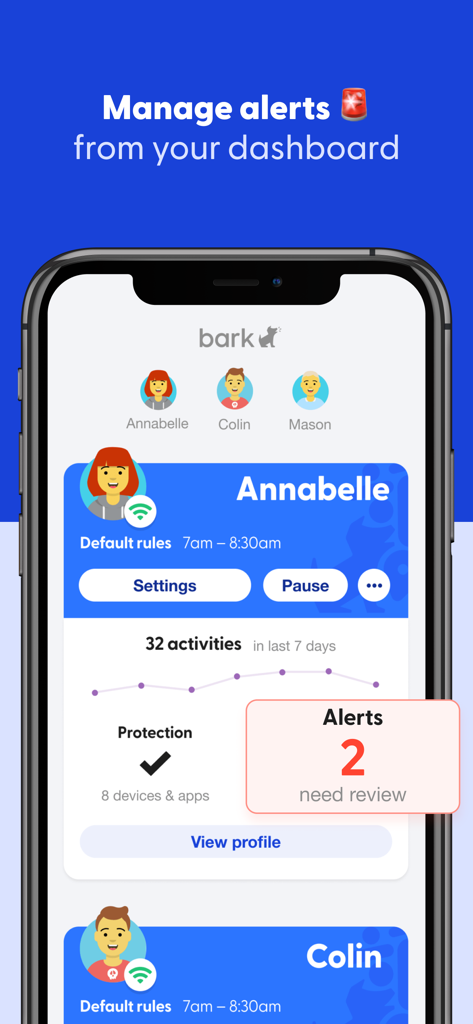
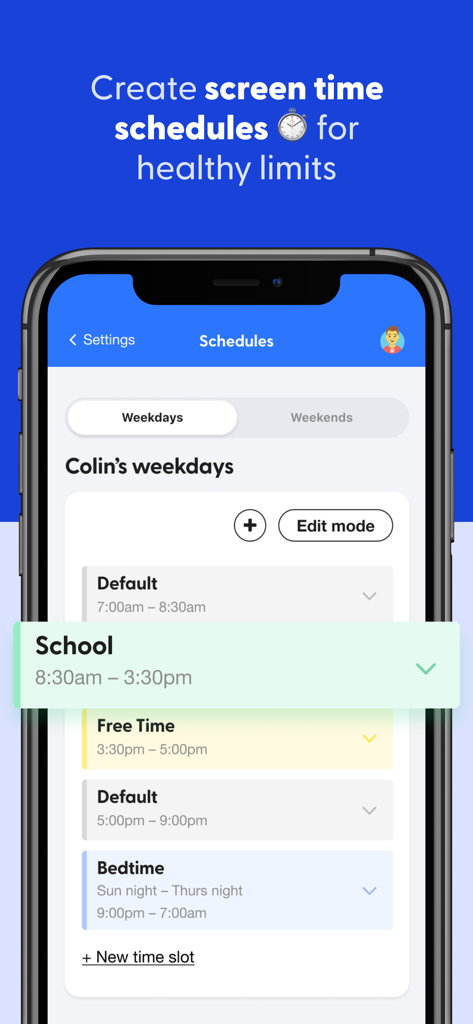
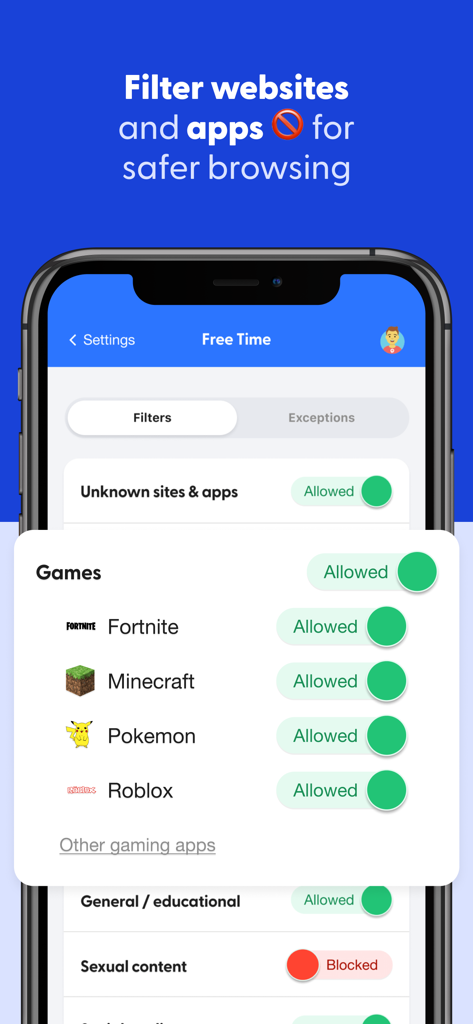
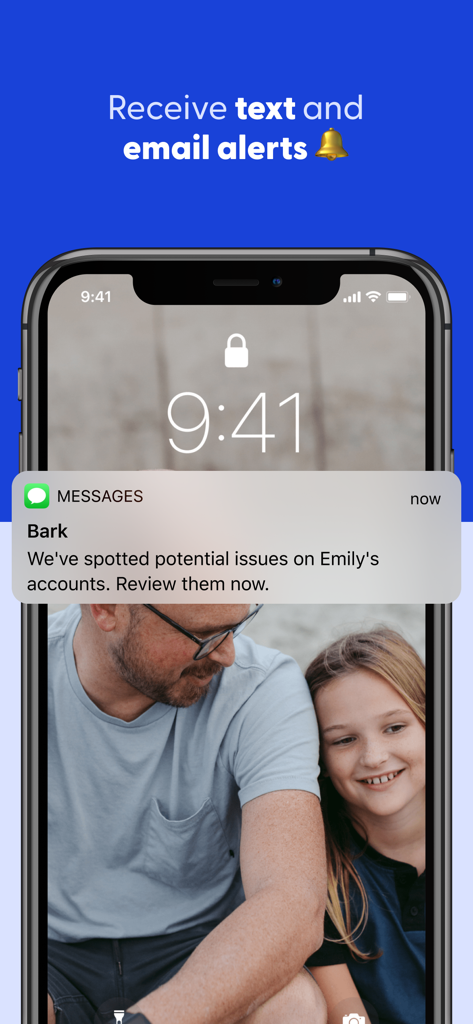
The tools that make this app stand out, trusted by 2M+ users.
Our AI monitors 30+ apps and social media platforms for red flags like cyberbullying, predators, and mental health concerns, alerting you only when something matters.
Set healthy boundaries with custom schedules. Manage when your child can access the internet for school, bedtime, or play to reduce digital fatigue and distraction.
Create a safe browsing environment by choosing exactly which categories or specific websites are accessible, giving you total control over their online exposure.
Insights from user reviews.
Sentiment Score
Summary
The Bark app receives predominantly negative feedback from users, particularly those with iOS devices, due to significant compatibility and technical issues. Many users report extreme difficulties with setup, persistent unreliability, frequent disconnections, and numerous glitches that hinder consistent monitoring. While some users acknowledge the value of its safety alerts for inappropriate content, providing a sense of parental peace of mind and even critical intervention in one instance, frustrations are high regarding unhelpful customer support, limited modern social media monitoring, and inaccurate location tracking, leading many to feel the app is not worth its cost.
Common Themes
Everything you need to know about Bark - Parental Controls.
Description
Latest Version
5.5.1
Size
21.8 MB
First Released
Sep 25, 2019
Join over 2 million families who trust Bark to balance privacy with protection. Start your 7-day free trial now and gain the peace of mind you deserve.
Everything you need to know about Bark - Parental Controls
Bark is a comprehensive online safety solution that provides content monitoring, screen time management, and web filtering. It helps families protect children in the digital age by ensuring peace of mind while kids are online.
Bark monitors over 30 apps and platforms including texts, email, and YouTube. It detects issues like cyberbullying, adult content, sexual predators, profanity, suicidal ideation, and threats of violence.
No, Bark does not give parents full access to everything on a child's phone. It only alerts parents to potentially problematic content, maintaining a balance between safety and a child's privacy.
Yes, Bark enables families to set healthy time limits and create customized schedules for when children's devices connect to the internet. This applies to both cell service and Wi-Fi.
Bark's web filter allows parents to select which websites a child can access. Parents can specifically allow or block individual sites or entire categories like streaming services, online gaming, and sexual content.
Parents receive alerts from Bark only when potentially problematic issues occur online. These alerts are accessible from a dashboard, and parents are notified via text and email.
Yes, Bark offers a seven-day free trial. Families can try the comprehensive service without cost to evaluate its content monitoring, screen time, and web filtering features.
You can contact Bark's Family Online Safety Specialists for assistance by emailing help@bark.us. Alternatively, visit help.bark.us to find answers and advice from the Bark Team.
Apps with similar features and user experience

Pollux Bilisim Teknolojileri Sanayi ve Ticaret Limited Sirketi

Smith Micro Software, Inc.

Google LLC

LETEM LTD

Nintendo Co., Ltd.

ANKO SOLUTIONS LLC

Ningbo Jus Internet Technology Co., Ltd.

HONGKONG FLASHGET NETWORK TECHNOLOGY CO., LIMITED

SAND STUDIO CORPORATION LIMITED
App information, icons, screenshots, and descriptions displayed on this page are sourced from the Apple App Store and are the property of their respective developers. Download estimates and rankings are based on MWM's proprietary models and may not reflect actual figures. This page is provided for informational and analytical purposes only.
Believe this page infringes your intellectual property? File a dispute

