
This page is not an official page of the app or its developer, but an independent editorial publication created for informational and commentary purposes. Unless expressly stated otherwise, neither the app nor its developer is affiliated with, endorsed by, sponsored by, authorized by, or otherwise officially connected with MWM, Apple, Google Play, the app publisher, or the app's developer, and nothing on this page implies that the app was developed using MWM's services. Any trademarks, logos, screenshots, and other content remain the property of their respective owners.


Citrix Workspace
Securely access all your business apps, virtual desktops, and files from your iPhone or iPad. Stay productive with a seamless experience tailored for the modern corporate professional.
Downloads
5M+User Rating
Total Ratings
19K+Publisher
Category
BusinessLocales
12Latest Version
25.9.0Size
109.0 MBFirst Released
Apr 1, 2010Your Entire Office, Refined for Mobile
Empower your hybrid work lifestyle with secure, high-performance access to your virtual desktops, SaaS apps, and corporate files from any device.
Full Desktop Power on the Go
Run mission-critical Windows and legacy applications on your iPhone or iPad with a high-performance experience that feels native.
Security Without Friction
Access sensitive corporate data through a secure container, providing peace of mind and compliance without the hassle of clunky VPNs.
Frequently Asked Questions
Everything you need to know about Citrix Workspace
What is the primary function of the Citrix Workspace app?
Citrix Workspace app provides secure access to SaaS, web, mobile, and virtual applications, files, and desktops. It enables users to work productively from any device, anywhere, by connecting to their company's resources.
How do I begin using the Citrix Workspace app?
To get started with the Citrix Workspace app, open it and tap 'Get Started'. Then, enter the server or email address, your username, and password as provided by your IT department.
Can I manage multiple accounts within the Citrix Workspace app?
Yes, you can add multiple accounts in the Citrix Workspace app. Navigate to 'Settings' and then tap on 'Manage Accounts' to add additional accounts to the application.
How do I report a technical issue with the Citrix Workspace app?
To report an issue from the Citrix Workspace app, go to 'Settings', then 'Report Issue'. Configure advanced logging, describe the problem, and share the generated log file via email to your company's IT support team.
What advanced configurations are available in the Citrix Workspace app settings?
The Citrix Workspace app includes advanced settings such as Strict Certificate Validation, TLS Versions, Workspace Control, Enable HTTP Proxy, and options for Smart card and Adaptive Transport.
Does the Citrix Workspace app support smart card login?
Yes, the Citrix Workspace app supports smart card authentication. Users can enable the 'Enable Smart card' option within the advanced settings to utilize this security feature.
What is the current version of the Citrix Workspace app?
The Citrix Workspace app version shown is 25.3.2.3 (2503). It is copyrighted by Cloud Software Group, Inc. from 1990-2025.
How can I use a virtual mouse and keyboard in the Citrix Workspace app?
Users can access a virtual mouse and keyboard within a session using the on-screen controls. These controls also provide options to disconnect, check connection strength, and send Ctrl+Alt+Del commands.
The following screenshots and description are sourced directly from the app's official store listing and are the property of the app developer.
App Store
Screenshots
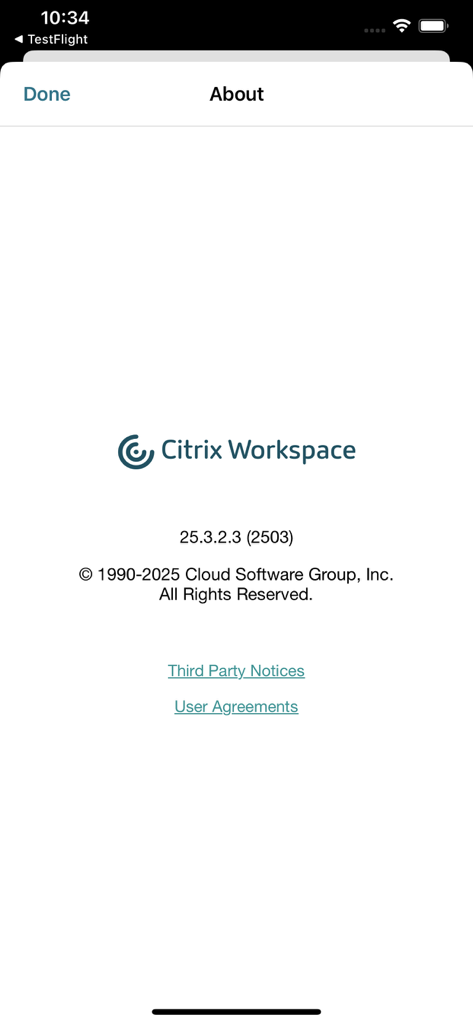
About screen of the Citrix Workspace app showing version and copyright information
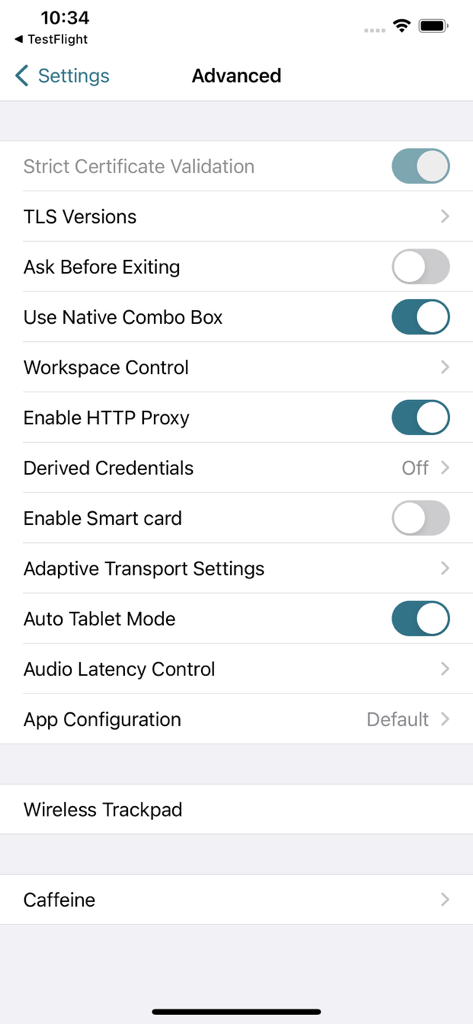
Advanced settings screen in Citrix Workspace mobile app showing security and configuration options.
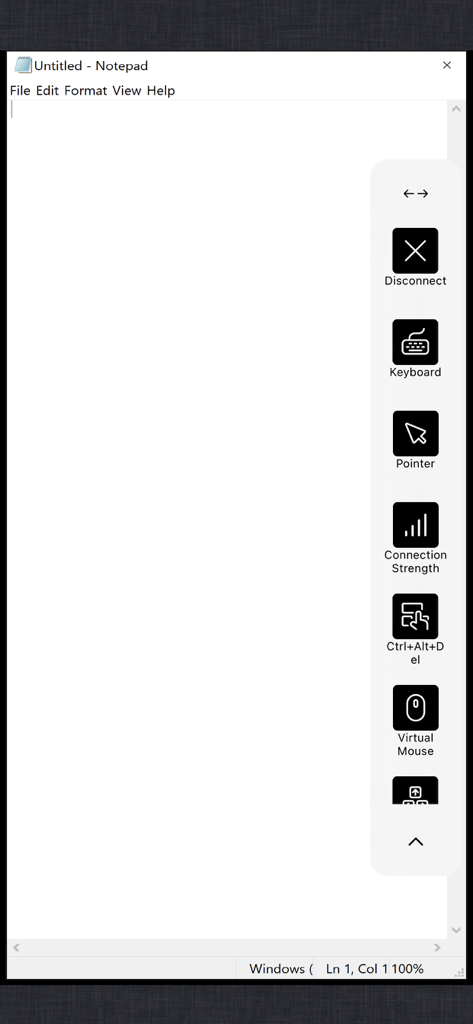
A virtual Windows Notepad session in Citrix Workspace featuring a sidebar with keyboard and virtual mouse controls.
Description
Download
More Like This
Apps with similar features and user experience

向日葵远程控制-Sunlogin remotecontrol
Shanghai best oray information s&t co.,ltd

UU远程-远程办公/游戏串流
Guangzhou NetEase Computer System Co.Ltd

AweSun Remote Desktop
AWERAY PTE. LTD.

AnyDesk Remote Desktop
AnyDesk Software GmbH

TeamViewer Remote Control
TeamViewer Germany GmbH

ToDesk远程控制
Hainan Youqu Technology Co., Ltd.

DeskIn Remote Desktop
ZULER TECHNOLOGY PTE. LTD.

Termius - Modern SSH Client
Termius Corporation

RealVNC Viewer: Remote Desktop
RealVNC Limited
This page is not an official page of the app or its developer, but an independent editorial publication created for informational and commentary purposes. Unless expressly stated otherwise, neither the app nor its developer is affiliated with, endorsed by, sponsored by, authorized by, or otherwise officially connected with MWM, Apple, Google Play, the app publisher, or the app's developer, and nothing on this page implies that the app was developed using MWM's services. Any trademarks, logos, screenshots, and other content remain the property of their respective owners.