debiX+

debiX+

Download on App Store
Logo of debiX+

debiX+: The Ultimate Digital Command Center for Your Debit Card

Take total control of your Swiss banking experience with biometric security, instant transaction alerts, and seamless online payment approvals.

Publisher

SIX Group AG

Category

Finance

Downloads

833K+

User Rating

4.6/5

Total Ratings

26K+

Locales

4

Control in Focus

Discover the interface used by 833K+ users.
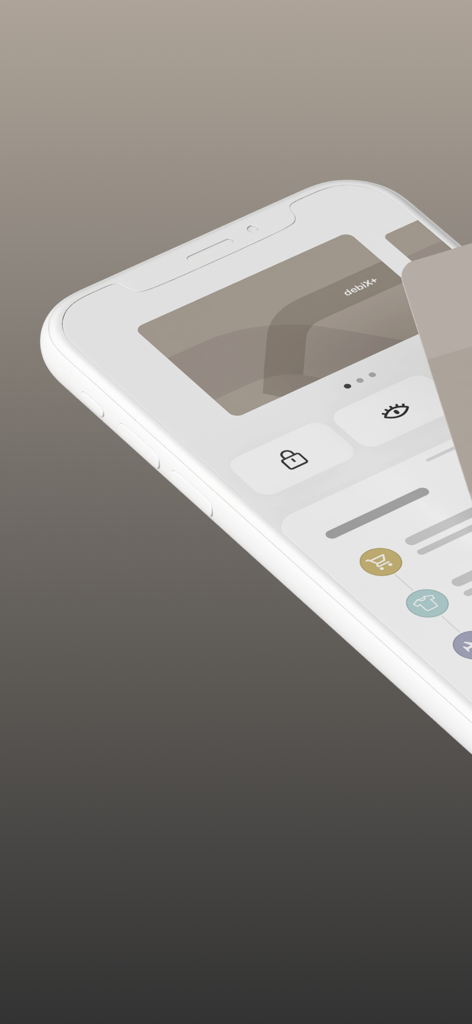
debiX plus mobile app interface on a smartphone showing digital card security and transaction history

debiX plus mobile app interface on a smartphone showing digital card security and transaction history

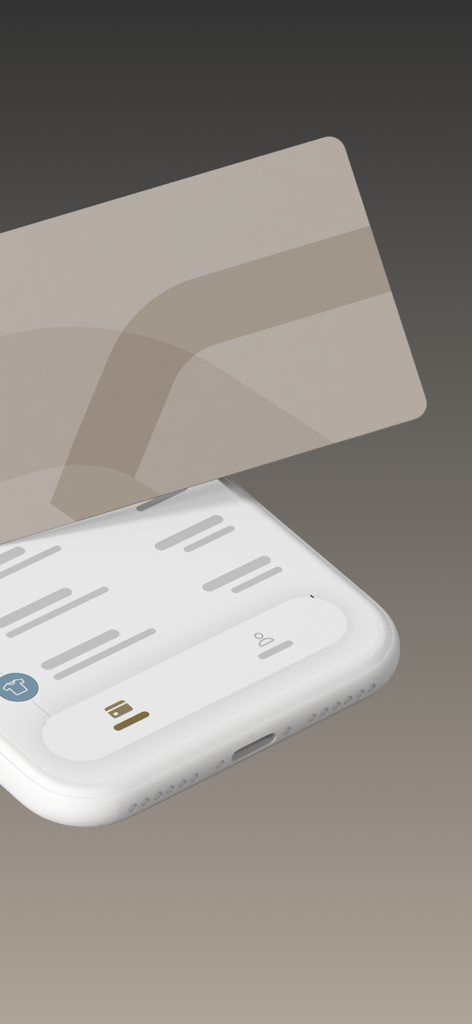
A 3D perspective of a smartphone displaying the debiX plus app interface with a digital debit card floating above it.

A 3D perspective of a smartphone displaying the debiX plus app interface with a digital debit card floating above it.

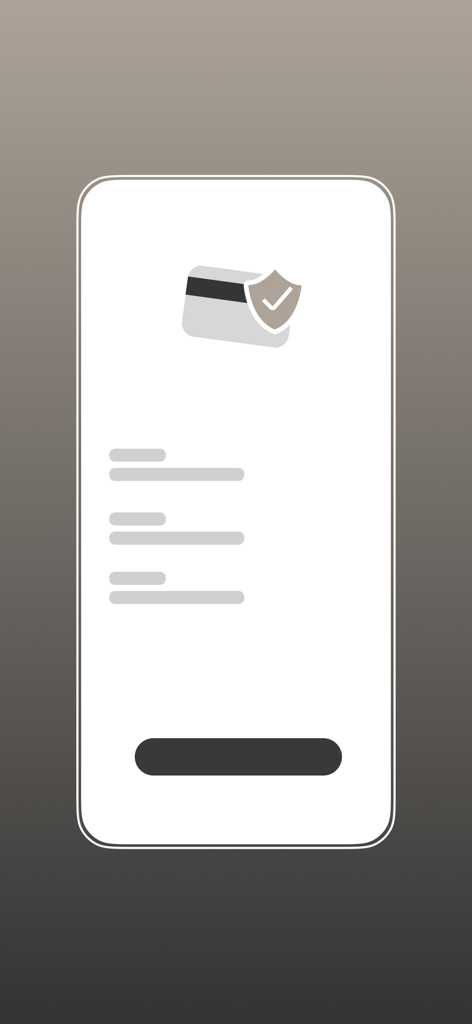
Security icon with a shield and credit card on a mobile app interface

Security icon with a shield and credit card on a mobile app interface

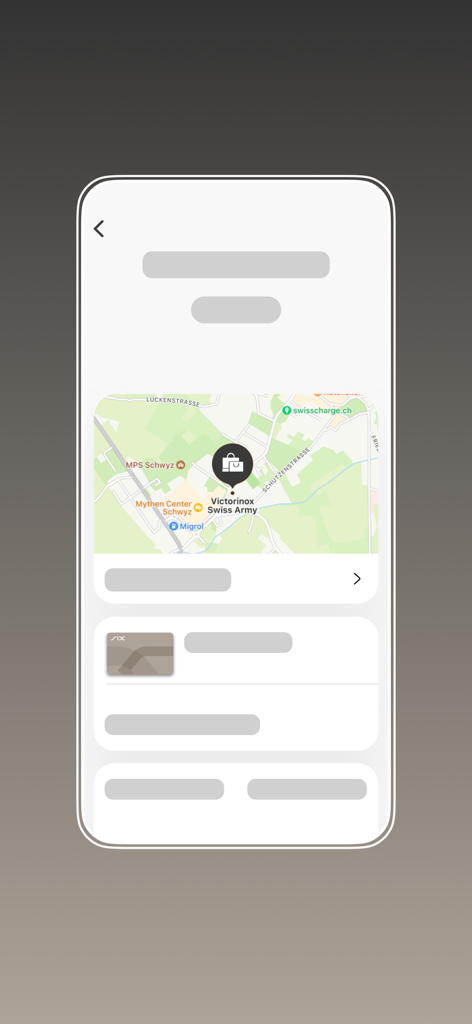
debiX plus mobile app showing a transaction location on a map for a Swiss merchant

debiX plus mobile app showing a transaction location on a map for a Swiss merchant

Master Your Digital Banking

The tools that make this app stand out, trusted by 833K+ users.

🛡️

Secure Biometric Shopping

Approve online purchases with a simple touch. 3D Secure integration and biometric authentication keep your transactions effortless and bulletproof.

🔔

Real-Time Spend Tracking

Receive instant notifications for every transaction. Enriched merchant details help you track your budget with total clarity and no more mystery codes.

⚙️

Complete Self-Service Control

Change your PIN, manage usage limits, or block your card instantly. Take charge of your settings without ever needing to call a bank hotline.

Review Analysis

Insights from user reviews.

Sentiment Score

22%
Negative

Summary

The debiX mobile app receives predominantly negative feedback, with users frequently encountering critical issues. A major pain point is the unreliable login and registration process, often characterized by non-functional security links, delayed or missing SMS codes, and frustrating infinite loops. Many users also lament the app's incompatibility with older, yet still functional, smartphone models (e.g., iPhone 6, Samsung S6), effectively forcing them to upgrade or lose access. While some appreciate the app's overall speed and practicality for approving payments and checking balances, common complaints also include inaccurate or slow transaction details, frequent app freezes, and unhelpful customer support.

Common Themes

Login & Registration(25)
Ease of Use & Practicality(8)
Missing Features(7)
App Stability & Bugs(5)
Device Compatibility(4)
Transaction Information(4)
Customer Support(2)
Exchange Rates(2)

About the app

Everything you need to know about debiX+.

Description

PREREQUISITE: You need a registration code (OTRC) to link the debit card to the app. You will receive this code from your bank. IMPORTANT: SIX will never ask you to disclose your card or login details via email, phone or SMS. After successful registration, you can benefit from the new digital features related to your debit card. The app ensures maximum security through hardened native app frameworks and 2-factor biometric authentication methods. Easy and secure online purchases: - Authorize online purchases using the secure 3D Secure procedure directly in the app. - Using biometrics, you can approve 3D Secure payments even more easily. - Debit card not at hand right now to make an online payment? No problem, look up your card details directly in the app. - Pay with Click to Pay. You can securely add your debit card to Click to Pay from the app to make quick and easy payments at participating merchants. - Automatic blocking of the debit card in the event of a suspicious transaction with a push notification and the option to provide your response directly in the app. Keep an eye on your debit card transactions: - Overview of all debit card transactions in the last 100 days (more account transactions can be found in your e-Banking). Payment Enrichment Services display detailed merchant data. The general conditions for using this service, if your bank has activated it, are stored here https://www.six-group.com/en/products-services/banking-services/data-ai/payment-enrichment.html. - Debit card transactions are immediately displayed to you as a push notification. - Set limits for push notifications Keep track of and manage your digital debit cards: - Shows which online provider or wallet your debit card is digitally deposited with. - You can block and unblock the digitally deposited debit card or delete it altogether. - An existing subscription is not affected by a block or cancellation. The merchant cannot make a charge to a blocked or deleted digital debit card and no transaction can be made at the payment wallet. - Give your debit card a name to better distinguish it from the others. - Look up the details of the debit card directly in the app if you don't have the physical card at hand. Mobile Payments - Did you know you can also use your debit card to make contactless payments with your smartphone? - Deposit your debit card from the app directly into the payment wallet on your device if your bank is setup for it. - Pay at all NFC terminals worldwide without opening the app for it. Card settings: - You can use the card settings to influence online shopping, cash withdrawals at ATMs, transactions to gambling & betting or contactless payment (if your bank is enabled for it). - Give your debit card a name in your card settings. This helps especially if you have multiple debit cards. - Remove individual debit cards from the app in your card's settings if needed. Please note that you will need a new OTRC code from your bank if you want to register the debit card in the app again. - Look up the debit card details directly in the app if you don't have the physical card handy. - Change your debit card PIN directly in the app. For a virtual debit card, the PIN is active immediately. If you have a physical debit card, you need to use the new PIN to withdraw money once at ATMs (not Postomats) or to make a balance inquiry so that you can pay in stores with the PIN. Keep control of your data - manage user profile: - You can delete your user profile including registered debit cards. - Important: If you re-register your debit card, you will need a new OTRC code from the bank via support. NOTE: debiX+ works for cardholders of VISA Debit and Debit Mastercard of selected banks in Switzerland and Liechtenstein.

Latest Version

3.0.0

Size

47.3 MB

First Released

Oct 31, 2021

Take Total Command of Your Daily Spending

Join over 800,000 users in Switzerland and Liechtenstein who shop securely with 2-factor biometrics and manage their debit cards directly from their smartphone.

Download on App Store
FAQ

Frequently Asked Questions

Everything you need to know about debiX+

How do I register my debit card with the debiX+ app?

You need a registration code (OTRC) from your bank to link your debit card to the debiX+ app. After receiving the code, you can complete the registration process.

What security features does the debiX+ app provide for debit cards?

The debiX+ app ensures maximum security through hardened native app frameworks and 2-factor biometric authentication methods. SIX never asks for card or login details via email, phone, or SMS.

Can I authorize online purchases directly within the debiX+ app?

Yes, you can authorize online purchases using the secure 3D Secure procedure directly in the debiX+ app. Biometrics can also approve 3D Secure payments for added convenience.

Can I view my debit card details if I don't have the physical card with me?

Yes, you can look up your debit card details directly in the debiX+ app. This feature helps when your physical card is not at hand for online payments.

How far back can I view my debit card transactions in debiX+?

The debiX+ app provides an overview of all debit card transactions from the last 100 days. You receive immediate push notifications for new transactions.

Can I manage my digitally deposited debit cards using debiX+?

Yes, debiX+ allows you to see where your debit card is digitally deposited. You can block, unblock, or delete digitally deposited debit cards directly from the app.

Is it possible to change my debit card PIN through the debiX+ app?

Yes, you can change your debit card PIN directly in the debiX+ app. For physical cards, the new PIN requires one ATM use or balance inquiry to activate for in-store payments.

Which debit card types are compatible with the debiX+ app?

The debiX+ app works for cardholders of VISA Debit and Debit Mastercard from selected banks in Switzerland and Liechtenstein.

App information, icons, screenshots, and descriptions displayed on this page are sourced from the Apple App Store and are the property of their respective developers. Download estimates and rankings are based on MWM's proprietary models and may not reflect actual figures. This page is provided for informational and analytical purposes only.

Believe this page infringes your intellectual property? File a dispute