
This page is not an official page of the app or its developer, but an independent editorial publication created for informational and commentary purposes. Unless expressly stated otherwise, neither the app nor its developer is affiliated with, endorsed by, sponsored by, authorized by, or otherwise officially connected with MWM, Apple, Google Play, the app publisher, or the app's developer, and nothing on this page implies that the app was developed using MWM's services. Any trademarks, logos, screenshots, and other content remain the property of their respective owners.


Mi_Pass
The fastest and safest way to manage your Banco de Chile and Banco Edwards operations from the US. Authorize transactions instantly with bank-grade security, designed for professionals who need seamless cross-border financial control.
Downloads
936K+User Rating
Total Ratings
92K+Publisher
Category
FinanceLocales
1Latest Version
2.5.3Size
62.5 MBFirst Released
Dec 19, 2023Secure Banking Authorization, Simplified
Manage your Chilean financial accounts from the USA with bank-grade security and without the need for physical tokens.
Say Goodbye to Physical Tokens
Turn your smartphone into your secure digital key. Authorize transactions instantly without carrying extra hardware.
Top-Tier Security Standards
Protect your assets with industry-leading encryption and identity validation designed for global peace of mind.
Frequently Asked Questions
Everything you need to know about Mi_Pass
What is Mi Pass?
Mi Pass is an application that allows users to authorize operations from their smartphone using Banco de Chile's digital channels, providing a fast, simple, and secure method.
How does Mi Pass authorize banking operations?
Mi Pass authorizes operations via a secure registration process that validates the user's identity. Users can then utilize their smartphone to approve transactions from any location.
Is Mi Pass a secure application for banking transactions?
Yes, Mi Pass complies with the highest security standards in the banking industry. This includes rigorous handling of information, authorization procedures, and identity validation protocols.
What should I do if my phone with Mi Pass is lost or stolen?
If your phone with Mi Pass is lost or stolen, you must block the device by calling Banca Telefónica. Registering on a new phone automatically removes the previous registration.
Which banks support the Mi Pass application?
Mi Pass is compatible with and can be used to authorize operations for applications from both Banco de Chile and Banco Edwards | Citi.
How do I register and set up Mi Pass on my smartphone?
To register for Mi Pass, users must download the app, complete a one-time registration, and create a unique 6-digit key to authorize operations and activate their mobile applications.
What kind of key does Mi Pass use for authorization?
Mi Pass uses a 6-digit key, established during the initial registration, to authorize operations and activate mobile applications securely. This key is crucial for transaction approval.
Can I check my activity history within the Mi Pass app?
Yes, Mi Pass allows users to review their activity history. The application provides details of all authorized operations, and this feature is protected by the user's Mi Pass key.
The following screenshots and description are sourced directly from the app's official store listing and are the property of the app developer.
App Store
Screenshots
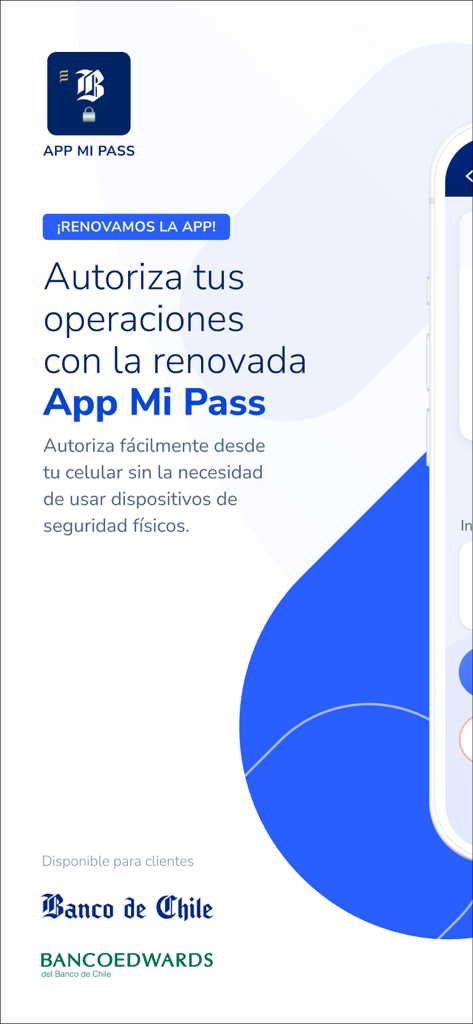
Promotional screen for Mi Pass app by Banco de Chile showing digital transaction authorization
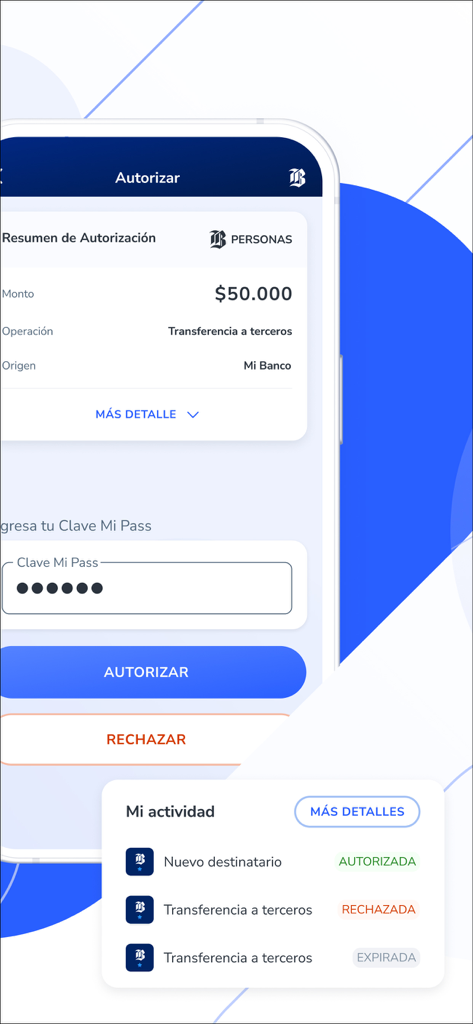
Mi_Pass mobile app interface showing a transaction authorization screen with a transfer summary and a secure 6-digit pin entry field.

A woman holding a smartphone and a blue coffee mug smiling while using the Mi Pass app for secure banking authorization
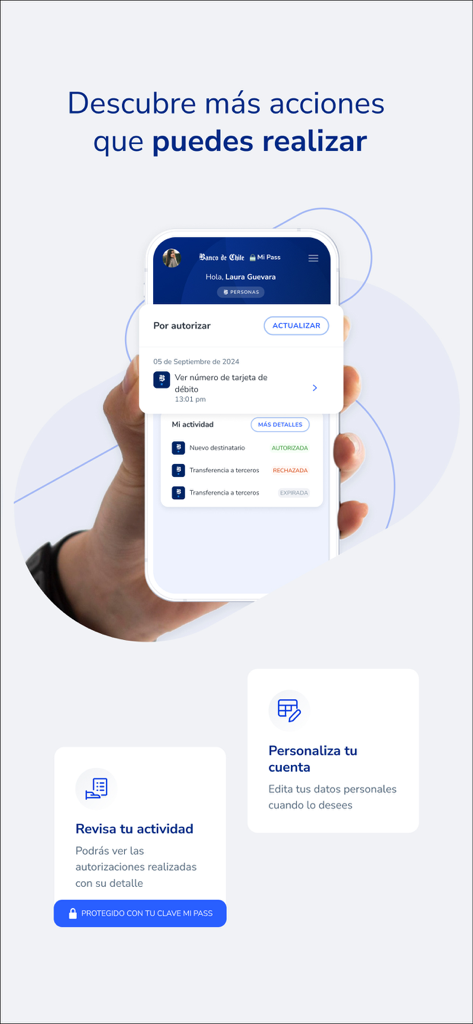
Smartphone screen showing Mi_Pass app with pending authorizations and financial activity history
Description
Download
More Like This
Apps with similar features and user experience

Raiffeisen SmartToken
Raiffeisen Bank S.A.

Synology Secure SignIn
Synology Inc.

DATEV SmartLogin
DATEV eG

VR SecureGo plus
Atruvia AG

Namirial OTP
Namirial Spa

UBS Access – secure login
UBS AG

Mobilní klíč eGovernmentu
MINISTERSTVO VNITRA

Commerzbank photoTAN
Commerzbank AG

comdirect photoTAN App
Commerzbank Aktiengesellschaft
This page is not an official page of the app or its developer, but an independent editorial publication created for informational and commentary purposes. Unless expressly stated otherwise, neither the app nor its developer is affiliated with, endorsed by, sponsored by, authorized by, or otherwise officially connected with MWM, Apple, Google Play, the app publisher, or the app's developer, and nothing on this page implies that the app was developed using MWM's services. Any trademarks, logos, screenshots, and other content remain the property of their respective owners.