
This page is not an official page of the app or its developer, but an independent editorial publication created for informational and commentary purposes. Unless expressly stated otherwise, neither the app nor its developer is affiliated with, endorsed by, sponsored by, authorized by, or otherwise officially connected with MWM, Apple, Google Play, the app publisher, or the app's developer, and nothing on this page implies that the app was developed using MWM's services. Any trademarks, logos, screenshots, and other content remain the property of their respective owners.


comdirect photoTAN App
Experience German-engineered security for your international lifestyle. Authorize banking and trading transactions instantly via seamless App2App integration or offline scans—wherever your career takes you.
Downloads
1M+User Rating
Total Ratings
175K+Publisher
Category
FinanceLocales
1Latest Version
9.10.0Size
63.1 MBFirst Released
Mar 28, 2013Secure Banking, Simplified for Your Global Life
Effortlessly authorize your German financial transactions from anywhere in the world with state-of-the-art security and seamless integration across all your comdirect apps.
One-Swipe Approval
Experience frictionless banking with App2App technology. Authorize transfers and trades instantly with a simple swipe, eliminating the need to manually enter TAN codes.
Bank-Grade German Security
Protect your European assets with world-class encryption. Our photoTAN technology is more robust than SMS, keeping your investments safe from phishing and SIM-swapping.
Frequently Asked Questions
Everything you need to know about comdirect photoTAN App
What is the comdirect photoTAN App used for?
The comdirect photoTAN App securely and quickly approves online banking transactions. It serves as a verification method for your digital banking activities.
How does the comdirect photoTAN App approve transactions via computer?
When you initiate a transaction on a computer, the comdirect photoTAN App sends a notification to your smartphone. You open the app, review the transaction details, and then swipe to approve it.
Can the comdirect photoTAN App approve transactions without an internet connection?
Yes, the comdirect photoTAN App includes a scan function for offline transaction approval. Select "photoTAN Grafik" on your computer, then use the app's scanner on your smartphone.
Which comdirect apps integrate with the photoTAN App using App2App procedure?
The comdirect photoTAN App supports the App2App procedure with the comdirect App, comdirect trading App, and comdirect Young. Transactions initiated in these apps open photoTAN for direct approval.
What is the activation process for the comdirect photoTAN App?
To activate the comdirect photoTAN App, log into your comdirect personal area, follow the "photoTAN aktivieren" guide, and download the app. Complete the in-app instructions to finalize activation.
What permissions does the comdirect photoTAN App require?
The comdirect photoTAN App requires camera permission. This permission is essential for scanning the photoTAN graphic during the standard transaction approval process to ensure secure verification.
Does the comdirect photoTAN App work with multiple bank accounts?
Yes, the comdirect photoTAN App supports connecting up to 8 comdirect accounts. Each account requires a separate activation letter to be linked to the app.
How do users confirm transactions in the comdirect photoTAN App?
Users confirm transactions in the comdirect photoTAN App by reviewing the order details and then performing a simple swipe gesture from left to right on the "Freigeben" (Approve) button.
Does the comdirect photoTAN App offer real-time push notifications for pending transactions?
Yes, the comdirect photoTAN App provides real-time push notifications. It alerts users immediately when a new order is available for review and approval within the app.
Is Dark Mode supported by the comdirect photoTAN App?
Yes, the comdirect photoTAN App supports Dark Mode. This feature allows users to operate the app with a dark-themed interface for improved viewing comfort, especially in low light.
The following screenshots and description are sourced directly from the app's official store listing and are the property of the app developer.
App Store
Screenshots
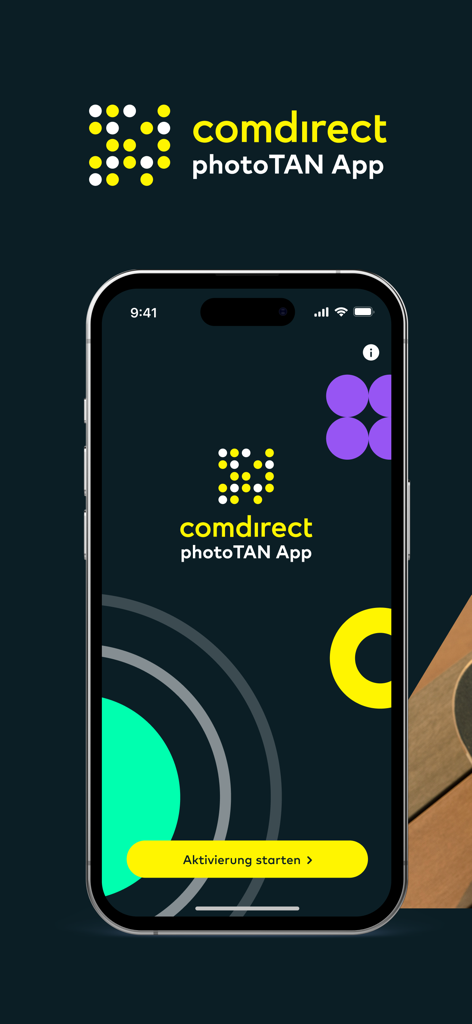
Welcome screen of comdirect photoTAN app on a smartphone with a button to start activation.

A young professional using their smartphone for mobile banking while sitting outdoors with a skateboard

Splash screen of the comdirect photoTAN app featuring a smiling woman and a security slogan in German
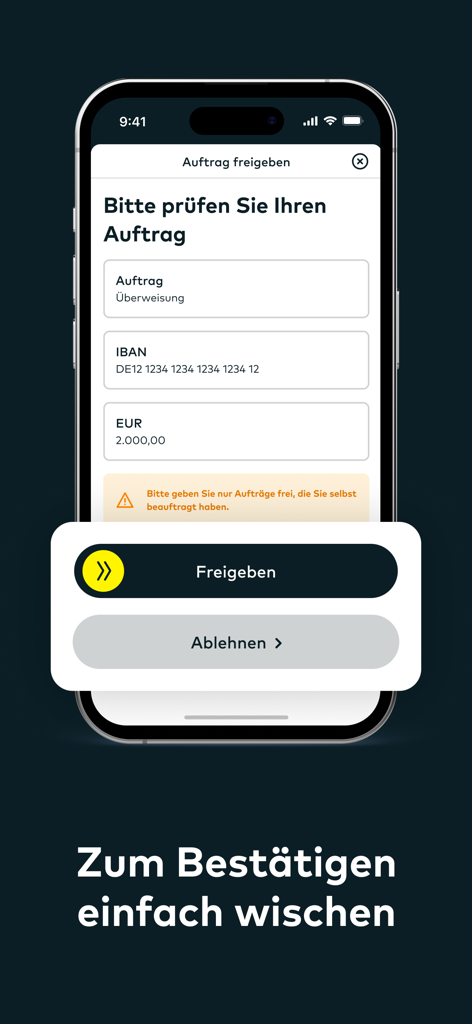
Interface of the comdirect photoTAN app showing a swipe button to authorize a 2000 Euro bank transfer.
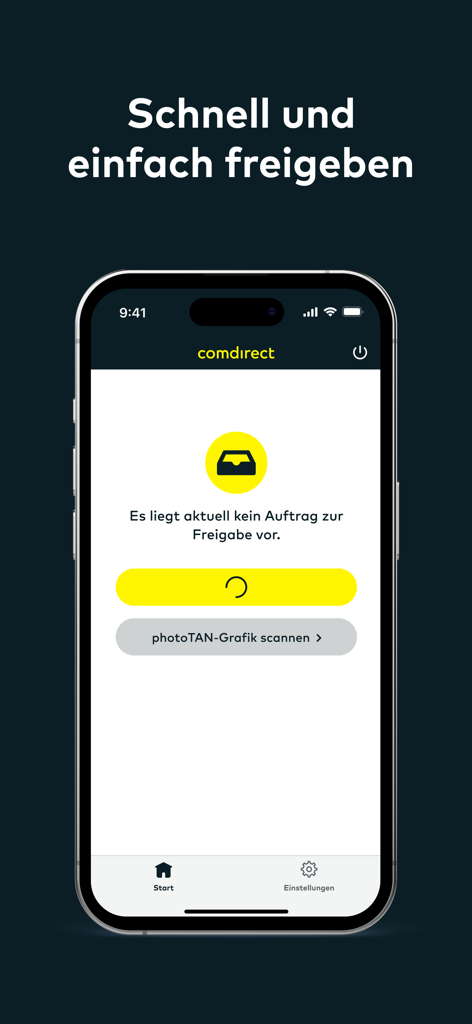
Interface of the comdirect photoTAN app for secure banking authorization
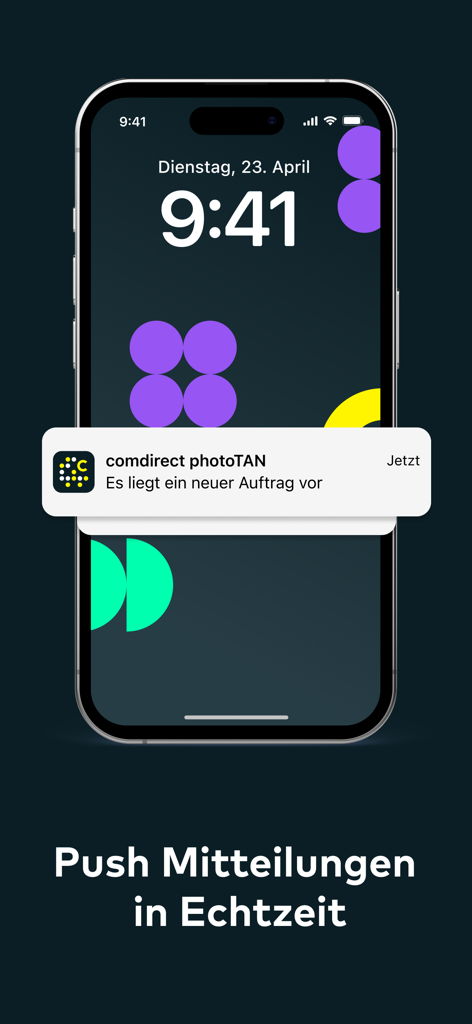
An iPhone displaying a real-time push notification from the comdirect photoTAN app for a new transaction.
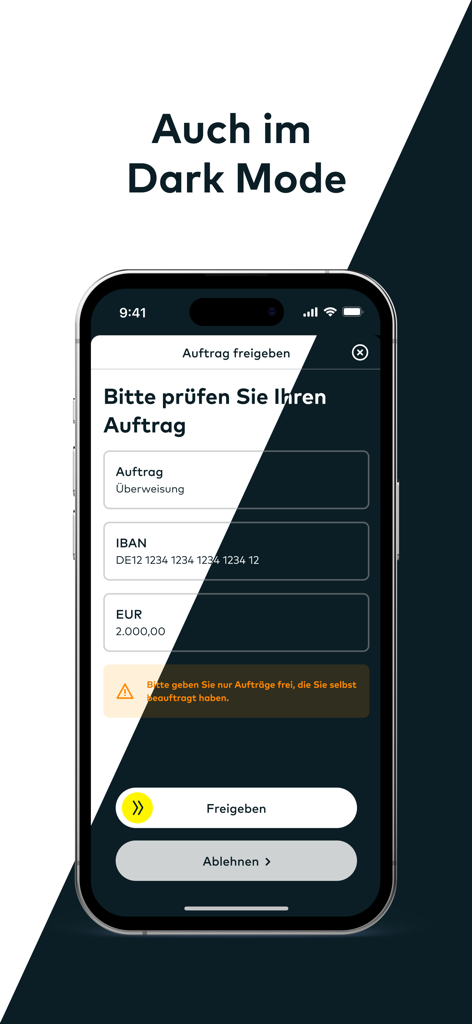
The comdirect photoTAN App interface displayed in dark mode for transaction authorization.
Description
Download
More Like This
Apps with similar features and user experience

Mi_Pass
Banco de Chile

Raiffeisen SmartToken
Raiffeisen Bank S.A.

Synology Secure SignIn
Synology Inc.

DATEV SmartLogin
DATEV eG

VR SecureGo plus
Atruvia AG

Namirial OTP
Namirial Spa

UBS Access – secure login
UBS AG

Mobilní klíč eGovernmentu
MINISTERSTVO VNITRA

Commerzbank photoTAN
Commerzbank AG
This page is not an official page of the app or its developer, but an independent editorial publication created for informational and commentary purposes. Unless expressly stated otherwise, neither the app nor its developer is affiliated with, endorsed by, sponsored by, authorized by, or otherwise officially connected with MWM, Apple, Google Play, the app publisher, or the app's developer, and nothing on this page implies that the app was developed using MWM's services. Any trademarks, logos, screenshots, and other content remain the property of their respective owners.