
This page is not an official page of the app or its developer, but an independent editorial publication created for informational and commentary purposes. Unless expressly stated otherwise, neither the app nor its developer is affiliated with, endorsed by, sponsored by, authorized by, or otherwise officially connected with MWM, Apple, Google Play, the app publisher, or the app's developer, and nothing on this page implies that the app was developed using MWM's services. Any trademarks, logos, screenshots, and other content remain the property of their respective owners.

Mobilní klíč eGovernmentu
Access Czech government services and Data Boxes instantly with FaceID or a simple QR scan. Manage your legal tasks securely from anywhere in the world, eliminating the need for complex passwords and physical bureaucracy.
Downloads
659K+User Rating
Total Ratings
26K+Publisher
Category
UtilitiesLocales
1Latest Version
0.27.11Size
14.9 MBFirst Released
Jul 27, 2019Effortless Digital Identity
Your secure bridge to Czech eGovernment. Log in to portals and manage your data boxes with the speed and security you expect from a modern mobile experience.
Instant Biometric Login
Ditch the complex passwords. Use FaceID or TouchID to securely sign in via a simple QR code scan in seconds.
Global Administrative Freedom
Access all your Data Boxes and government services from anywhere in the world, eliminating the need for physical mail or local visits.
Frequently Asked Questions
Everything you need to know about Mobilní klíč eGovernmentu
What is Mobilní klíč eGovernmentu?
Mobilní klíč eGovernmentu is an iOS app providing simple, quick login to Data Mailboxes and other public administration services. It replaces complex usernames and passwords with secure authentication.
How do I log in using the Mobilní klíč eGovernmentu app?
Users log in to Mobilní klíč eGovernmentu by authenticating with their chosen method (PIN, biometric, password) and then scanning a QR code displayed on the target login page.
Does Mobilní klíč eGovernmentu support biometric login methods?
Yes, Mobilní klíč eGovernmentu supports biometric login, including Touch ID and Face ID on compatible iOS 11+ devices. Users can also select PIN, password, or picture password.
Can I use Mobilní klíč eGovernmentu on a jailbroken device?
No, Mobilní klíč eGovernmentu does not function on jailbroken devices. Superuser access prevents sufficient protection of signature keys, compromising the security required for government services.
Does Mobilní klíč eGovernmentu require an internet connection?
Yes, Mobilní klíč eGovernmentu requires an internet connection (mobile data or Wi-Fi) for logging into Data Mailboxes. This ensures secure and successful communication during the authentication process.
Can I connect Mobilní klíč eGovernmentu to multiple Data Mailboxes?
Yes, you can connect one Mobilní klíč eGovernmentu app to multiple Data Mailboxes. After authentication, the Data Mailboxes system offers a selection of all linked user accounts.
Does Mobilní klíč eGovernmentu allow me to read messages in Data Mailboxes?
No, Mobilní klíč eGovernmentu exclusively manages secure login and delivers notifications. Accessing and reading messages within your Data Mailbox always occurs directly through a web browser.
What are the minimum operating system requirements for Mobilní klíč eGovernmentu?
Mobilní klíč eGovernmentu requires iOS version 11 or higher. The device must also have an enabled screen lock, such as a pattern, PIN, or password, for security.
Is it necessary to back up my Mobilní klíč eGovernmentu?
Yes, it is important to back up your Mobilní klíč eGovernmentu after connecting it to your Data Mailbox or National Point account. This safeguard allows for potential restoration and maintains security.
How can I set up a National Point account with Mobilní klíč eGovernmentu?
You can transfer identity from a data mailbox, pair the app with an existing National Point account, or create a new account at a Czech POINT workplace using Mobilní klíč eGovernmentu.
The following screenshots and description are sourced directly from the app's official store listing and are the property of the app developer.
App Store
Screenshots
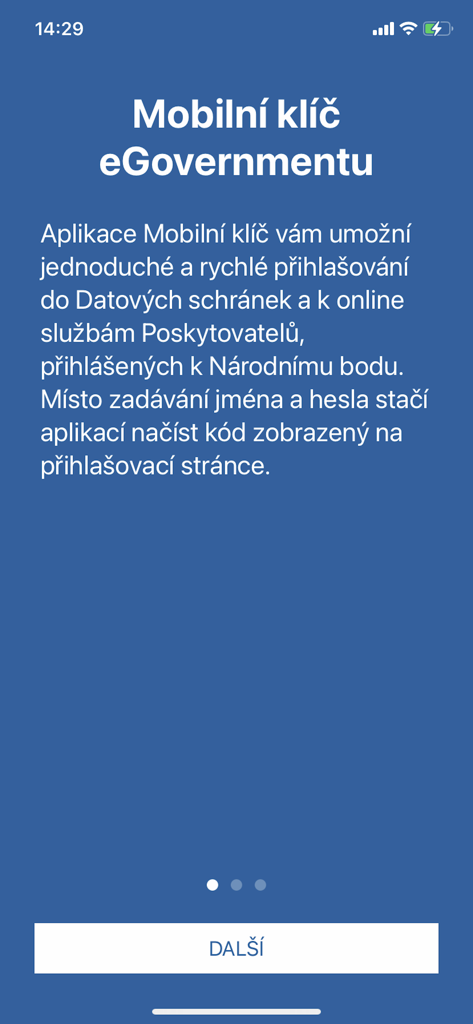
Welcome screen of the Mobilni klic eGovernmentu mobile app explaining QR code authentication for secure government login.
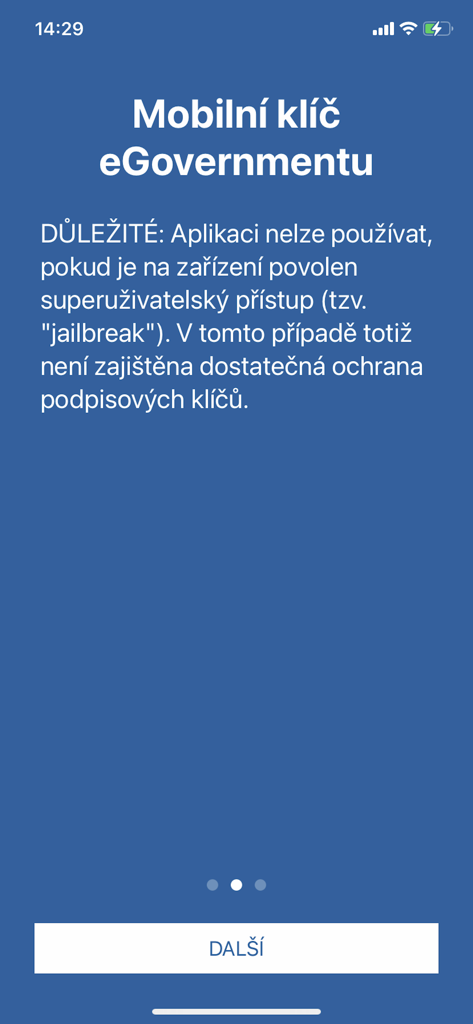
Security warning screen in the Mobilní klíč eGovernmentu app regarding jailbroken devices.
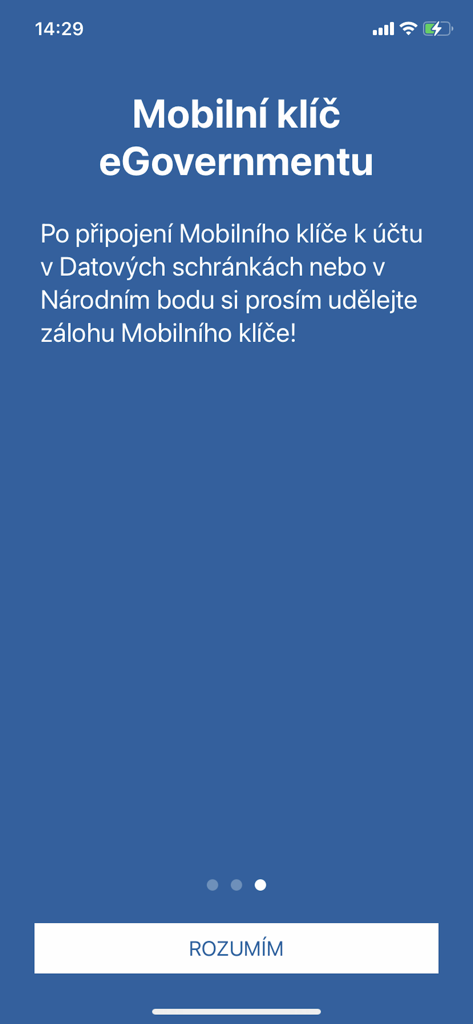
The onboarding screen of the Czech eGovernment Mobile Key app with instructions for creating a backup
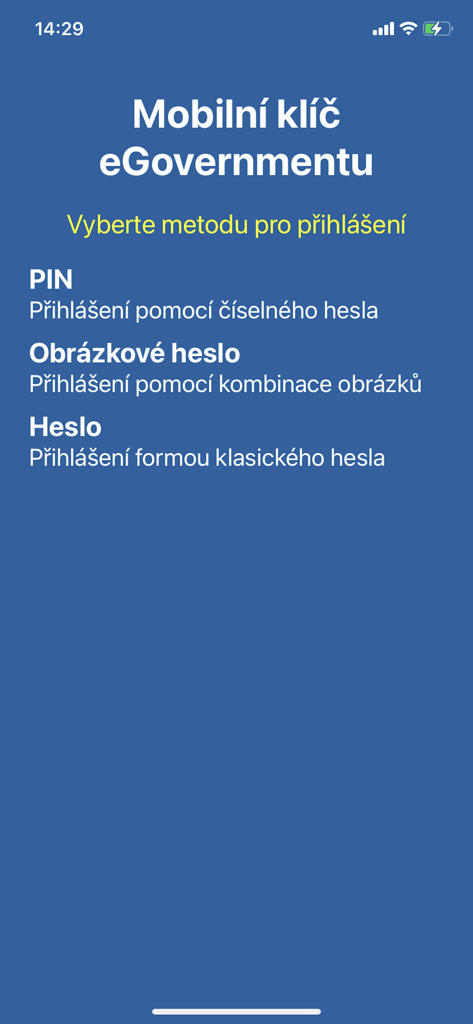
Login selection screen for the Mobilni klic eGovernmentu app showing PIN and password options
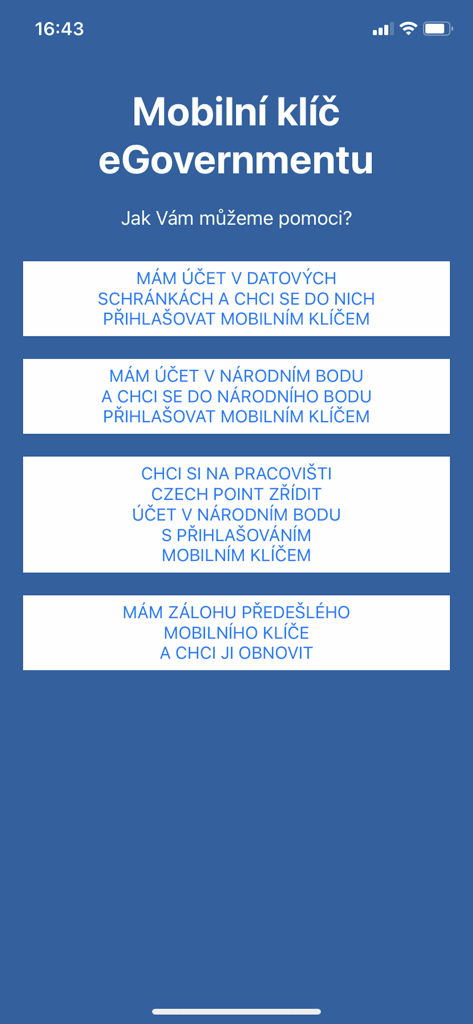
Welcome screen of the Czech eGovernment mobile key app showing various account setup and login options.
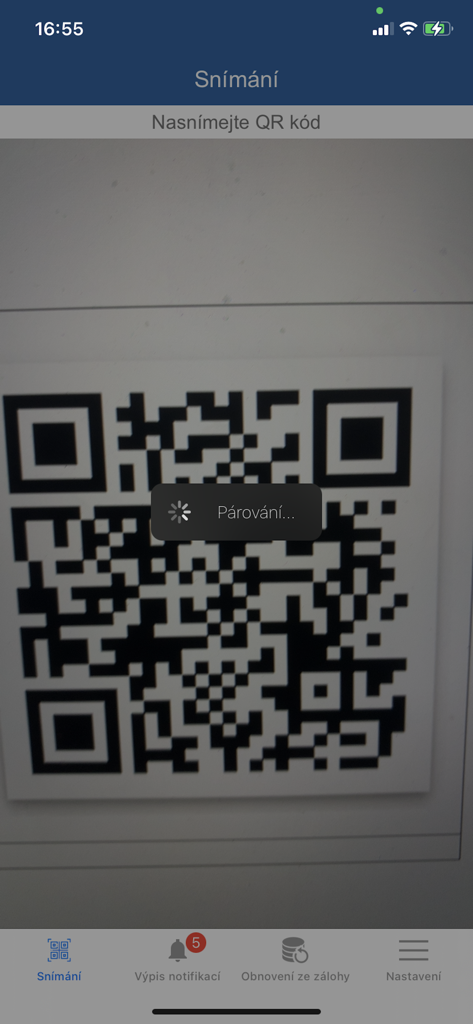
Mobilni klic eGovernmentu app scanning a QR code for secure login pairing
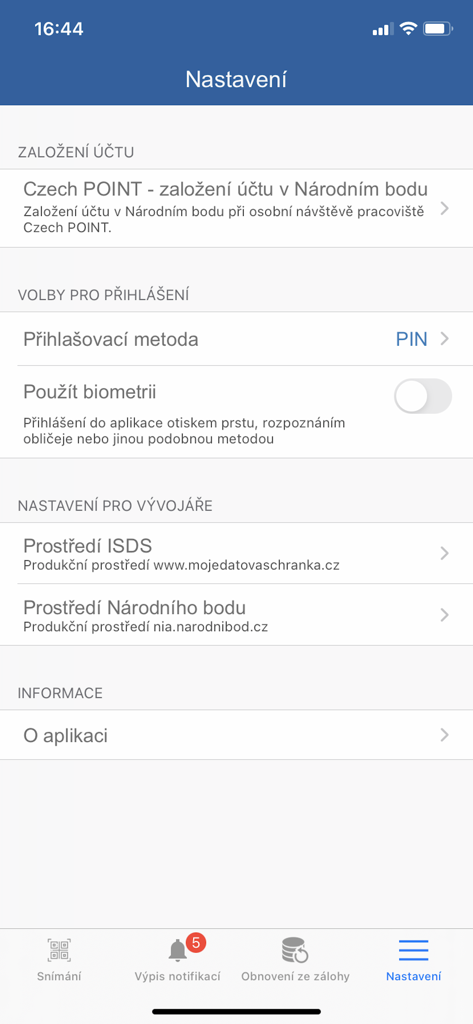
Settings screen of the Mobilní klíč eGovernmentu app featuring biometric login and account security options.
Description
Download
More Like This
Apps with similar features and user experience

Mi_Pass
Banco de Chile

Raiffeisen SmartToken
Raiffeisen Bank S.A.

Synology Secure SignIn
Synology Inc.

DATEV SmartLogin
DATEV eG

VR SecureGo plus
Atruvia AG

Namirial OTP
Namirial Spa

UBS Access – secure login
UBS AG

Commerzbank photoTAN
Commerzbank AG
comdirect photoTAN App
Commerzbank Aktiengesellschaft
This page is not an official page of the app or its developer, but an independent editorial publication created for informational and commentary purposes. Unless expressly stated otherwise, neither the app nor its developer is affiliated with, endorsed by, sponsored by, authorized by, or otherwise officially connected with MWM, Apple, Google Play, the app publisher, or the app's developer, and nothing on this page implies that the app was developed using MWM's services. Any trademarks, logos, screenshots, and other content remain the property of their respective owners.