
This page is not an official page of the app or its developer, but an independent editorial publication created for informational and commentary purposes. Unless expressly stated otherwise, neither the app nor its developer is affiliated with, endorsed by, sponsored by, authorized by, or otherwise officially connected with MWM, Apple, Google Play, the app publisher, or the app's developer, and nothing on this page implies that the app was developed using MWM's services. Any trademarks, logos, screenshots, and other content remain the property of their respective owners.

UBS Access – secure login
Experience institutional-grade security at your fingertips. Log in to Digital Banking, approve payments, and receive real-time security alerts with just a scan or biometric touch.
Downloads
1M+User Rating
Total Ratings
80K+Publisher
Category
FinanceLocales
7Latest Version
7.12Size
52.3 MBFirst Released
Dec 11, 2018Uncompromising Security for Global Wealth
Protect your international banking with the Swiss standard of security. The UBS Access App provides a seamless, multi-layer gateway to your accounts, wherever your business takes you.
Instant Biometric Entry
Access your E-Banking and Mobile Banking securely using FaceID or TouchID for a friction-free experience without compromising safety.
Total Transaction Oversight
Confirm new payees and authorize high-value online purchases directly from your smartphone with bank-grade multi-factor authentication.
Frequently Asked Questions
Everything you need to know about UBS Access – secure login
How do I log in to UBS E-Banking using the UBS Access App?
To log in to UBS E-Banking, open the login page, scan the QR code with the UBS Access App, and then enter your PIN or use biometrics. This ensures a secure login.
Does the UBS Access App support biometric authentication?
Yes, the UBS Access App supports biometric authentication for both E-Banking and Mobile Banking logins. Users can also set up biometrics to confirm new payees for enhanced security and ease.
What security measures does the UBS Access App provide?
The UBS Access App protects with a chosen PIN, checks smartphone security, automatically calculates login codes, and uses multi-level data transmission security. It always offers optimum protection.
How does the UBS Access App approve online card payments?
When making online payments with a credit or prepaid card, the UBS Access App sends a push notification. Users simply confirm the payment within the app, ensuring secure transactions with high security standards.
Who can use the UBS Access App?
The UBS Access App is for existing clients of UBS Switzerland AG and other non-US affiliated UBS Group AG companies. It is not for US persons or those domiciled in Australia.
What are the activation requirements for the UBS Access App?
Activation requires a banking relationship with specific UBS entities and a mobile number stored in Digital Banking for security messages. Requirements, such as an Access Card, vary by region.
The following screenshots and description are sourced directly from the app's official store listing and are the property of the app developer.
App Store
Screenshots
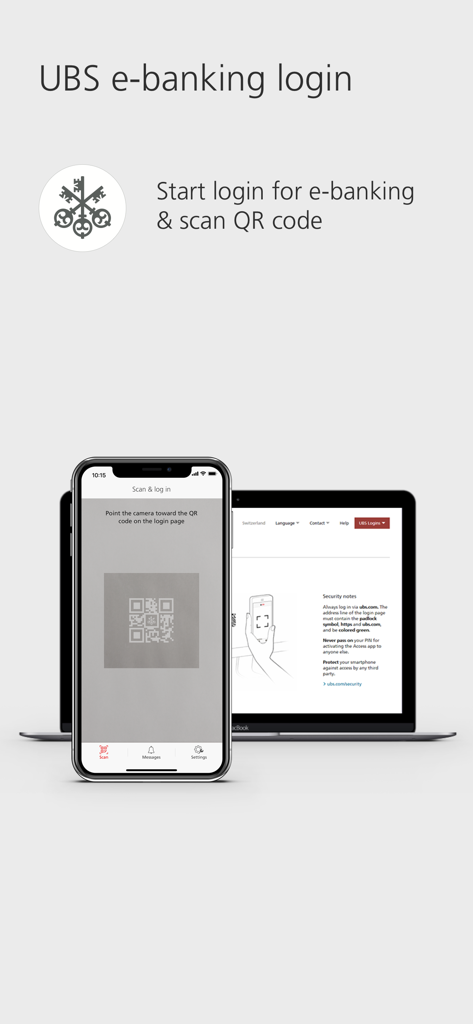
A smartphone scanning a QR code on a laptop screen to securely log into UBS e-banking
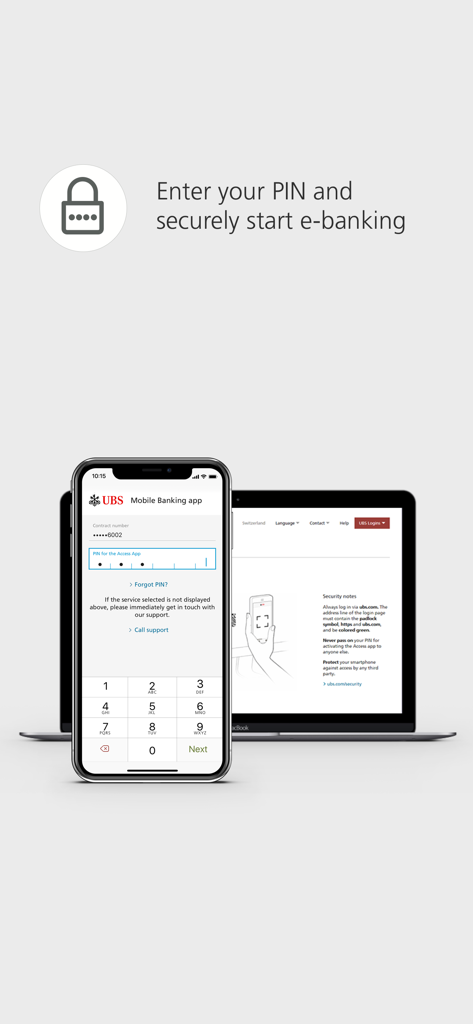
A smartphone displaying a PIN entry screen for UBS Access alongside a laptop showing the e-banking login portal
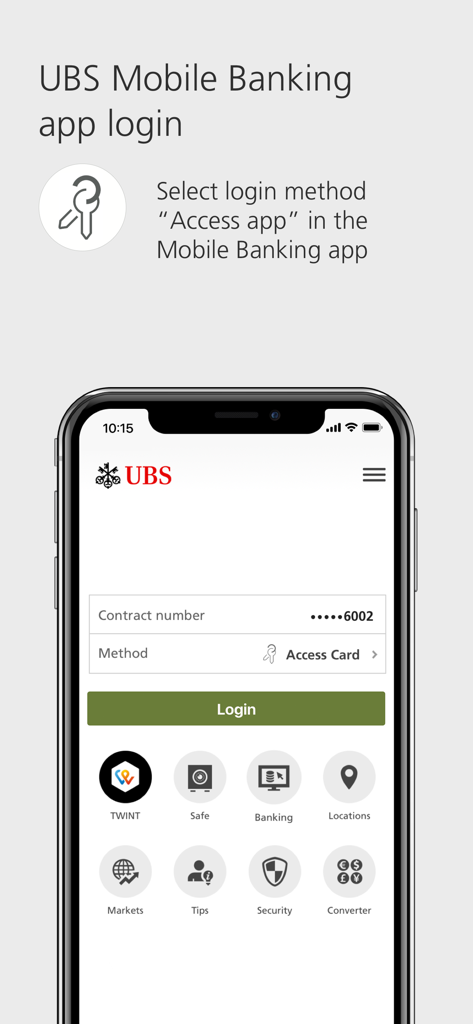
UBS Mobile Banking login screen displaying instructions to choose Access app as the login method
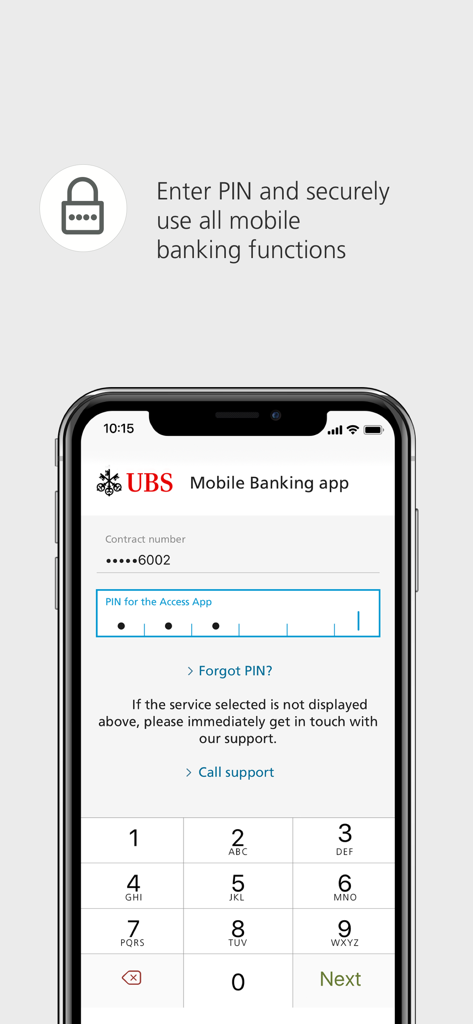
UBS Access app login screen for entering a secure PIN to access mobile banking
Description
Download
More Like This
Apps with similar features and user experience

Mi_Pass
Banco de Chile

Raiffeisen SmartToken
Raiffeisen Bank S.A.

Synology Secure SignIn
Synology Inc.

DATEV SmartLogin
DATEV eG

VR SecureGo plus
Atruvia AG

Namirial OTP
Namirial Spa

Mobilní klíč eGovernmentu
MINISTERSTVO VNITRA

Commerzbank photoTAN
Commerzbank AG

comdirect photoTAN App
Commerzbank Aktiengesellschaft
This page is not an official page of the app or its developer, but an independent editorial publication created for informational and commentary purposes. Unless expressly stated otherwise, neither the app nor its developer is affiliated with, endorsed by, sponsored by, authorized by, or otherwise officially connected with MWM, Apple, Google Play, the app publisher, or the app's developer, and nothing on this page implies that the app was developed using MWM's services. Any trademarks, logos, screenshots, and other content remain the property of their respective owners.