
This page is not an official page of the app or its developer, but an independent editorial publication created for informational and commentary purposes. Unless expressly stated otherwise, neither the app nor its developer is affiliated with, endorsed by, sponsored by, authorized by, or otherwise officially connected with MWM, Apple, Google Play, the app publisher, or the app's developer, and nothing on this page implies that the app was developed using MWM's services. Any trademarks, logos, screenshots, and other content remain the property of their respective owners.

VR SecureGo plus
Authorizing your transactions and credit card payments has never been easier. Secure your Volksbanken Raiffeisenbanken accounts with biometric authentication and state-of-the-art encryption, no matter where your career takes you.
Downloads
6M+User Rating
Total Ratings
546K+Publisher
Category
FinanceLocales
2Latest Version
4.2.6Size
86.5 MBFirst Released
Nov 24, 2020Secure Banking Without Borders
The all-in-one authentication app for managing your German Volksbanken Raiffeisenbanken accounts and credit cards with maximum security and ease, wherever you are in the world.
Instant Direct Release
Approve your banking orders and online credit card transactions with a single tap through secure push notifications—no manual codes required.
Biometric Authentication
Unlock and authorize payments securely using FaceID or TouchID, combining fast American-style UX with rigorous European security standards.
Frequently Asked Questions
Everything you need to know about VR SecureGo plus
What is VR SecureGo plus?
VR SecureGo plus is an app for quick, easy, and secure approval of all banking orders and online credit card payments. It centralizes various authentication methods.
How does VR SecureGo plus ensure the security of my transactions?
VR SecureGo plus applies the highest security standards for user data and transactions. It offers optional approval through fingerprint or facial recognition, enhancing security measures.
How many devices can I register with VR SecureGo plus for online banking?
You can use VR SecureGo plus simultaneously on up to three different devices for your online banking. This feature provides flexibility across multiple personal devices.
What are the requirements to activate the VR SecureGo plus app?
To activate the VR SecureGo plus app, you only need the activation code from your bank. This code enables a straightforward setup process within the app.
Can I use VR SecureGo plus to approve online credit card payments?
Yes, VR SecureGo plus enables direct approval of online credit card payments. The app also allows you to activate your credit cards specifically for this function.
Does VR SecureGo plus offer biometric authentication options?
Yes, VR SecureGo plus provides optional biometric authentication. Users can approve transactions using fingerprint or facial recognition, adding convenience and security to the process.
The following screenshots and description are sourced directly from the app's official store listing and are the property of the app developer.
App Store
Screenshots
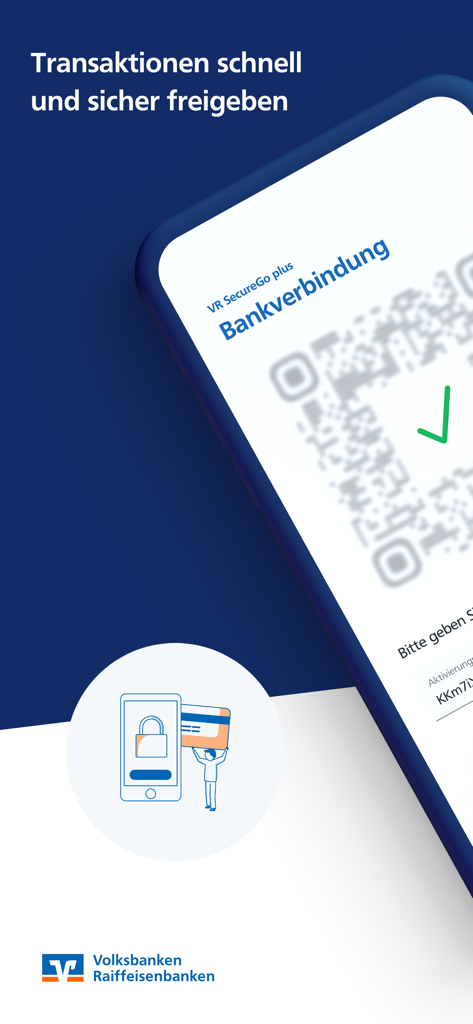
VR SecureGo plus app showing a bank connection screen with a QR code and green checkmark
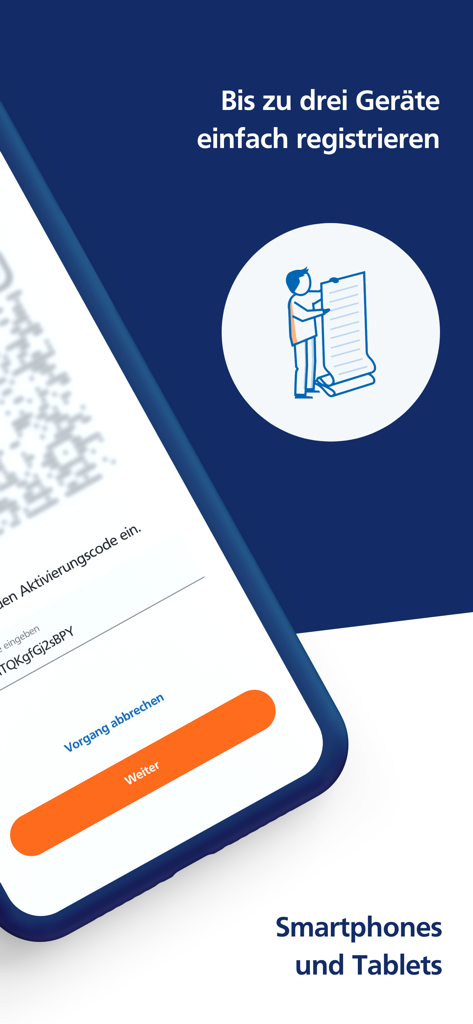
VR SecureGo plus app screen showing multi-device registration for smartphones and tablets
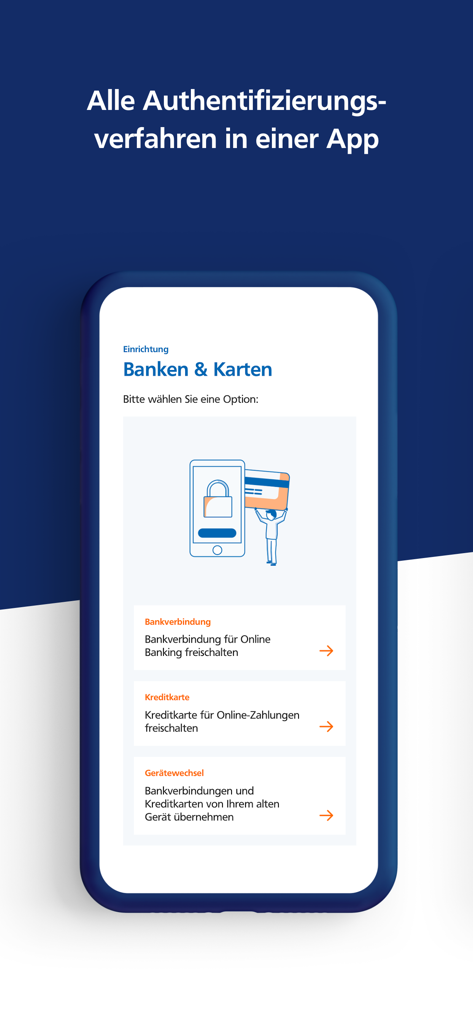
VR SecureGo plus app setup screen for banking and credit card authentication
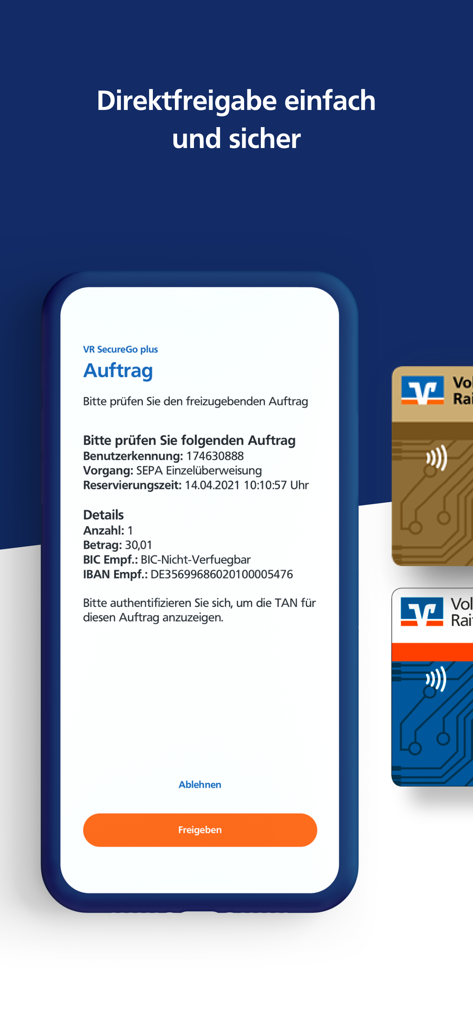
Smartphone screen showing the VR SecureGo plus app interface for authorizing a SEPA transfer with approve and reject buttons
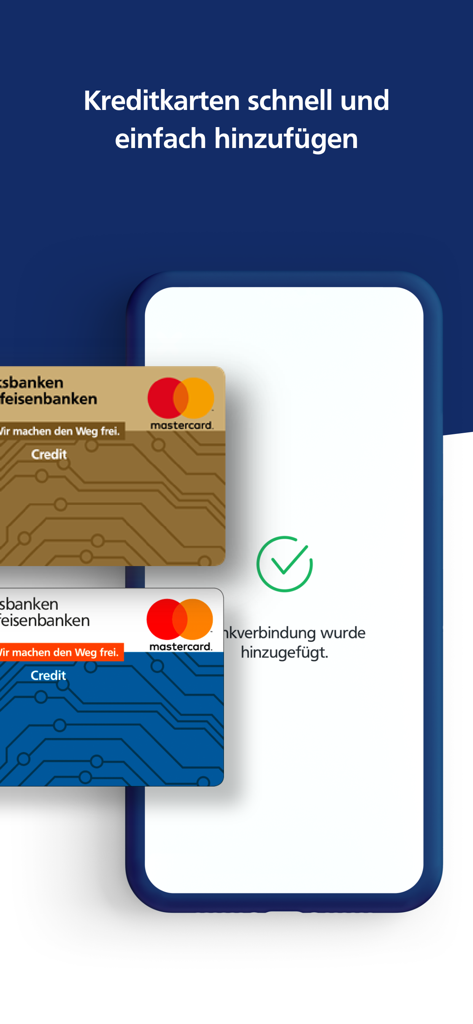
Interface of VR SecureGo plus app showing the addition of credit cards with a success confirmation.
Description
Download
More Like This
Apps with similar features and user experience

Mi_Pass
Banco de Chile

Raiffeisen SmartToken
Raiffeisen Bank S.A.

Synology Secure SignIn
Synology Inc.

DATEV SmartLogin
DATEV eG

Namirial OTP
Namirial Spa

UBS Access – secure login
UBS AG

Mobilní klíč eGovernmentu
MINISTERSTVO VNITRA

Commerzbank photoTAN
Commerzbank AG

comdirect photoTAN App
Commerzbank Aktiengesellschaft
This page is not an official page of the app or its developer, but an independent editorial publication created for informational and commentary purposes. Unless expressly stated otherwise, neither the app nor its developer is affiliated with, endorsed by, sponsored by, authorized by, or otherwise officially connected with MWM, Apple, Google Play, the app publisher, or the app's developer, and nothing on this page implies that the app was developed using MWM's services. Any trademarks, logos, screenshots, and other content remain the property of their respective owners.