
This page is not an official page of the app or its developer, but an independent editorial publication created for informational and commentary purposes. Unless expressly stated otherwise, neither the app nor its developer is affiliated with, endorsed by, sponsored by, authorized by, or otherwise officially connected with MWM, Apple, Google Play, the app publisher, or the app's developer, and nothing on this page implies that the app was developed using MWM's services. Any trademarks, logos, screenshots, and other content remain the property of their respective owners.

DATEV SmartLogin
The intuitive gateway for tax and legal professionals. Experience effortless QR-code authentication designed with industry-leading security for your confidential DATEV applications.
Downloads
1M+User Rating
Total Ratings
91K+Publisher
Category
ProductivityLocales
2Latest Version
2.9.16Size
54.5 MBFirst Released
Apr 10, 2015Secure Access, Simplified
The professional gateway to your DATEV ecosystem, combining high-level encryption with a frictionless login experience for modern finance and legal experts.
Instant QR-Code Login
Eliminate the friction of complex passwords. Simply scan the QR code to authenticate and access your DATEV Online applications in seconds.
Enterprise-Grade Protection
Benefit from multi-layered security and built-in phishing defense, ensuring your sensitive financial data remains compliant and protected.
Frequently Asked Questions
Everything you need to know about DATEV SmartLogin
What is DATEV SmartLogin?
DATEV SmartLogin serves as a secure authentication medium for accessing confidential data within DATEV online applications. It simplifies the login process by using QR code scanning.
How does the DATEV SmartLogin app function for logging in?
The DATEV SmartLogin app enables login to DATEV online applications by scanning a QR code displayed on the PC screen. This secures access to confidential data.
Is the DATEV SmartLogin app free to use?
Yes, the DATEV SmartLogin app is available free of charge. It serves as an authentication medium for all DATEV users to access online services.
Does the DATEV SmartLogin app offer password protection?
Yes, users can protect the DATEV SmartLogin app with a password. This prevents unauthorized access to the app by third parties right at app launch.
Is it permitted to use DATEV SmartLogin on a jailbroken iOS device?
No, the use of the DATEV SmartLogin app on a jailbroken iOS device is strictly prohibited. This restriction ensures the security and integrity of your confidential data.
How does DATEV SmartLogin protect users from phishing attempts?
DATEV SmartLogin advises users to only enter their password within the app and scan QR codes exclusively from official DATEV online application websites to prevent phishing.
How do users log out browser sessions within the DATEV SmartLogin app?
Users can log out browser sessions by navigating to the settings menu within the DATEV SmartLogin app and selecting the "Browsersitzungen abmelden" option.
Can I change my password directly within the DATEV SmartLogin app?
Yes, users can change their password directly within the DATEV SmartLogin app. This option is available in the app's settings menu.
Does DATEV SmartLogin support Face ID for app access?
Yes, DATEV SmartLogin supports Face ID. Users can enable this feature in the app settings for quick and secure access to their SmartLogin app.
The following screenshots and description are sourced directly from the app's official store listing and are the property of the app developer.
App Store
Screenshots
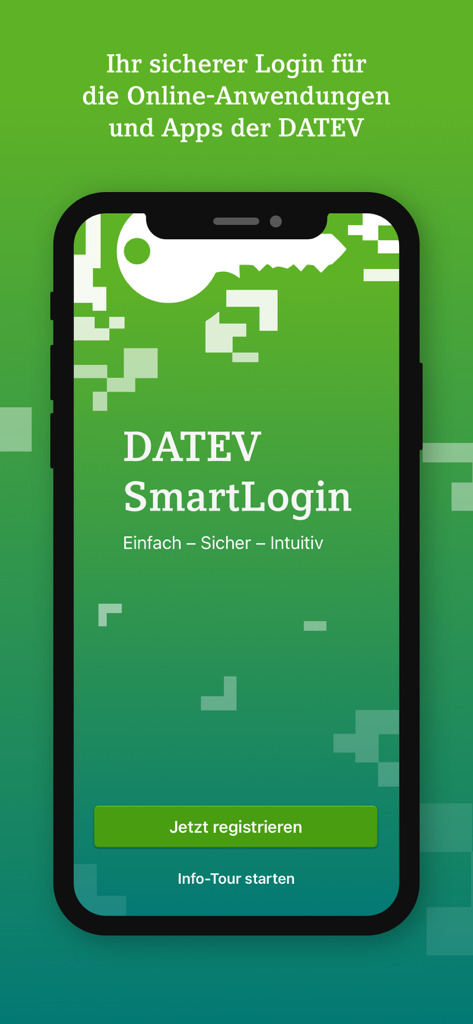
The welcome screen of the DATEV SmartLogin mobile app for secure business authentication.
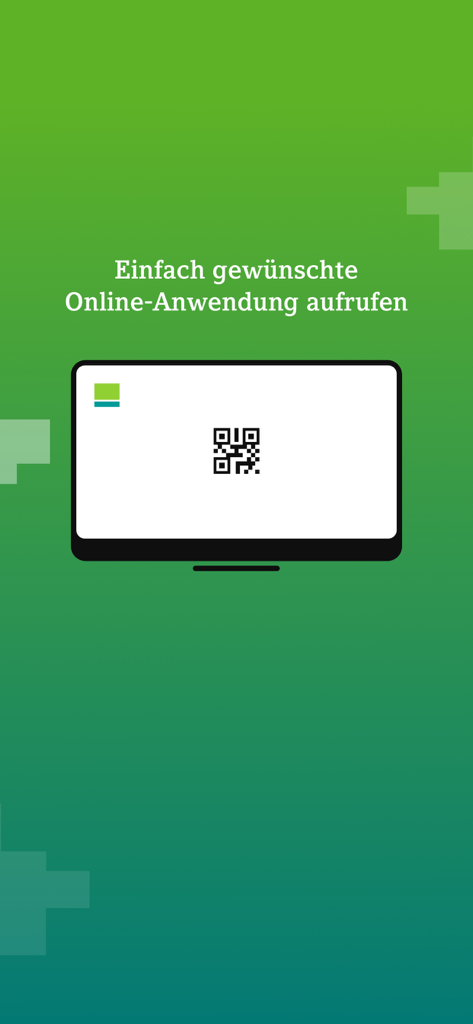
A computer screen showing a QR code for secure DATEV SmartLogin authentication
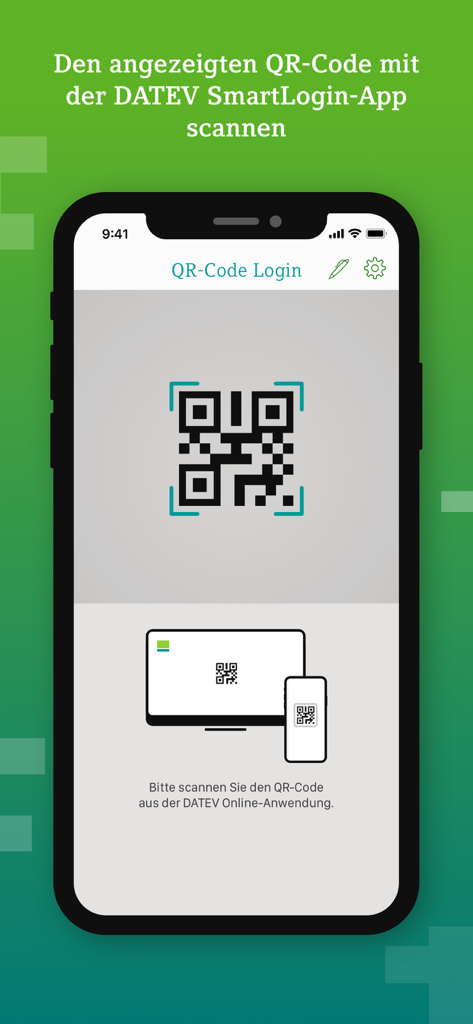
Smartphone screen displaying the QR code login interface of the DATEV SmartLogin app.
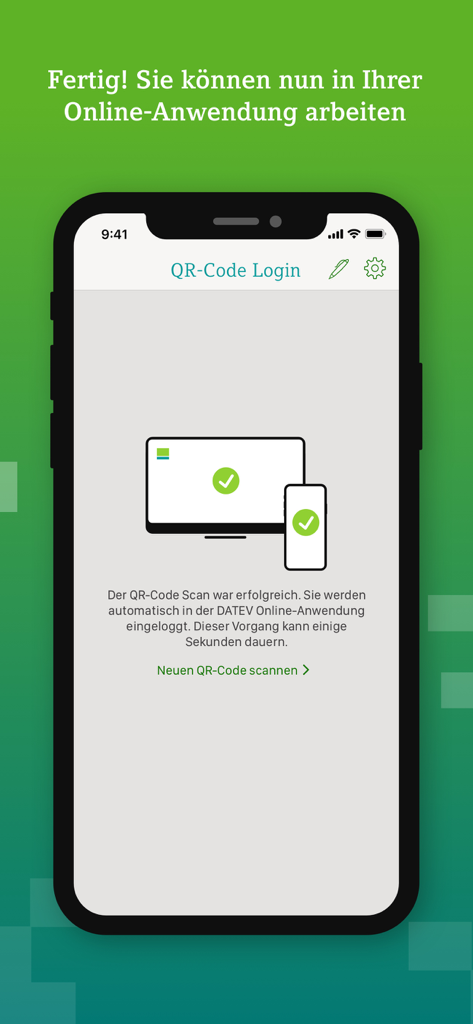
Successful QR code login confirmation screen in the DATEV SmartLogin mobile app.
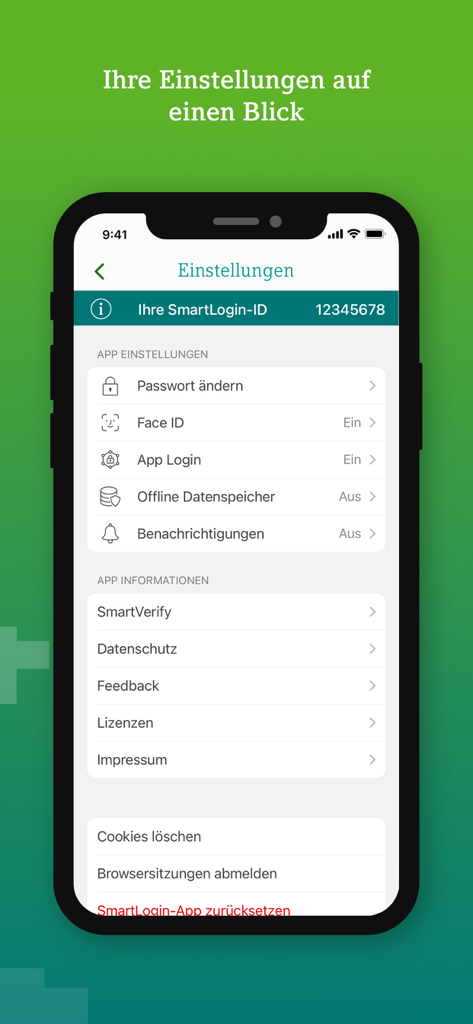
Settings screen of the DATEV SmartLogin app displaying security options like Face ID and app login
Description
Download
More Like This
Apps with similar features and user experience

Mi_Pass
Banco de Chile

Raiffeisen SmartToken
Raiffeisen Bank S.A.

Synology Secure SignIn
Synology Inc.

VR SecureGo plus
Atruvia AG

Namirial OTP
Namirial Spa

UBS Access – secure login
UBS AG

Mobilní klíč eGovernmentu
MINISTERSTVO VNITRA

Commerzbank photoTAN
Commerzbank AG

comdirect photoTAN App
Commerzbank Aktiengesellschaft
This page is not an official page of the app or its developer, but an independent editorial publication created for informational and commentary purposes. Unless expressly stated otherwise, neither the app nor its developer is affiliated with, endorsed by, sponsored by, authorized by, or otherwise officially connected with MWM, Apple, Google Play, the app publisher, or the app's developer, and nothing on this page implies that the app was developed using MWM's services. Any trademarks, logos, screenshots, and other content remain the property of their respective owners.