DocScan – PDF Document Scanner
Download on App Store

This page is not an official page of the app or its developer, but an independent editorial publication created for informational and commentary purposes. Unless expressly stated otherwise, neither the app nor its developer is affiliated with, endorsed by, sponsored by, authorized by, or otherwise officially connected with MWM, Apple, Google Play, the app publisher, or the app's developer, and nothing on this page implies that the app was developed using MWM's services. Any trademarks, logos, screenshots, and other content remain the property of their respective owners.

Logo of DocScan – PDF Document Scanner
Download on App Store

DocScan – PDF Document Scanner

Digitize documents, sign contracts, and organize your files with professional precision. Your pocket-sized office designed for high-productivity professionals and students.

Key Figures

Downloads

109K+

User Rating

4.7/5

Total Ratings

500

Publisher

Tightrope Interactive

Category

Business

Locales

1

Latest Version

2.2.3

Size

50.3 MB

First Released

Nov 10, 2023
Features

Your All-in-One Mobile Office

Streamline your productivity with AI-powered tools designed to digitize, sign, and organize your professional and academic documents in seconds.

AI-Enhanced Precision

Automatically detect borders and correct perspective for high-quality, professional PDFs that look better than the original.

Secure E-Signatures

Close deals and finalize paperwork on the go by adding your custom digital signature directly to any scanned document.

The following screenshots and description are sourced directly from the app's official store listing and are the property of the app developer.

App Store

Screenshots
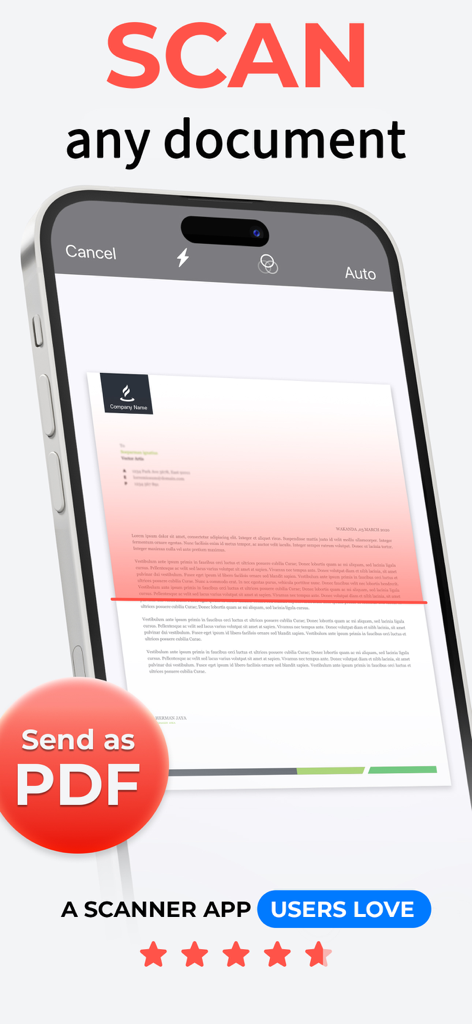
DocScan – PDF Document Scanner - iPhone screen displaying the DocScan app scanning a paper document to save as a PDF
iPhone screen displaying the DocScan app scanning a paper document to save as a PDF

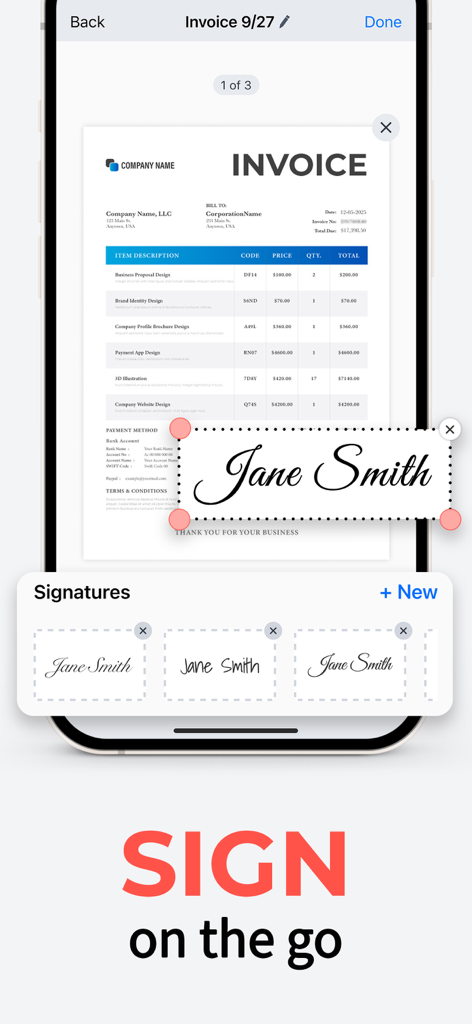
DocScan – PDF Document Scanner - A user digitally signing a PDF invoice on a smartphone using the DocScan app e-signature feature.

A user digitally signing a PDF invoice on a smartphone using the DocScan app e-signature feature.
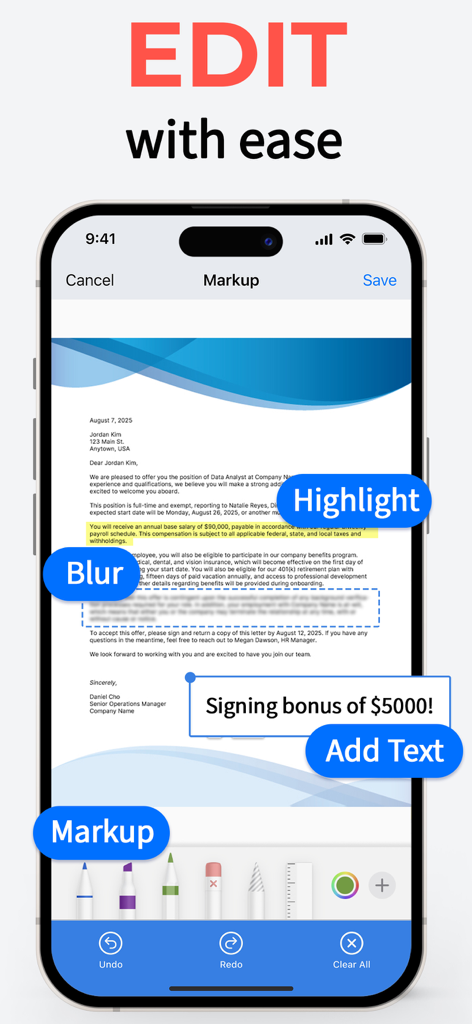
DocScan – PDF Document Scanner - DocScan interface for editing documents with markup highlight and blur features
DocScan interface for editing documents with markup highlight and blur features

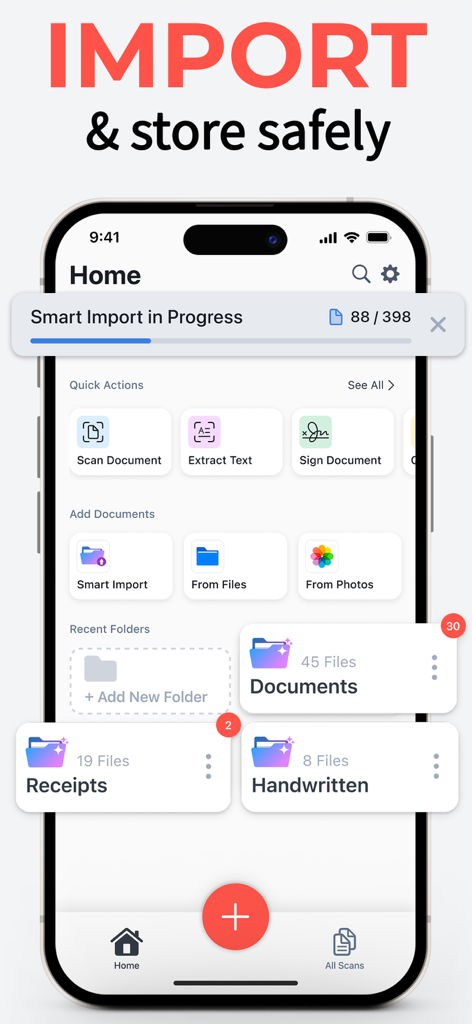
DocScan – PDF Document Scanner - iPhone screen showing DocScan app home interface with smart import progress and organized folders for documents and receipts
iPhone screen showing DocScan app home interface with smart import progress and organized folders for documents and receipts

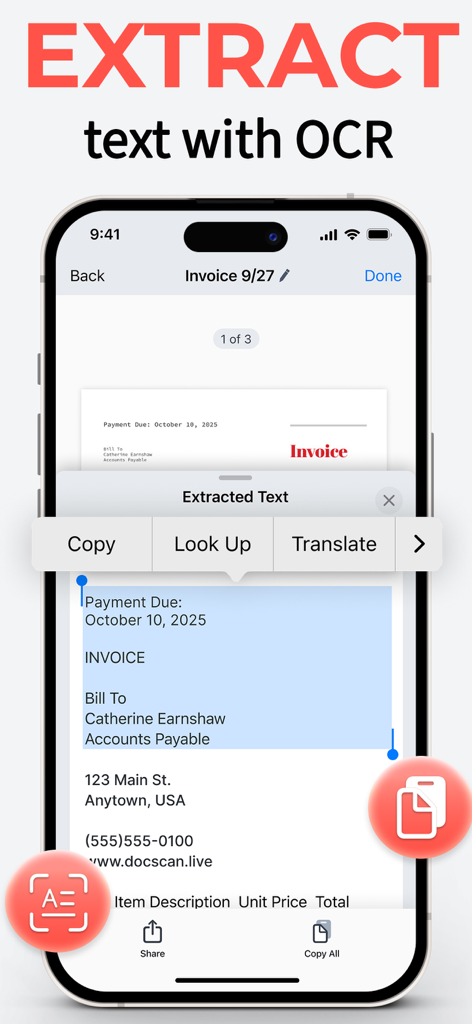
DocScan – PDF Document Scanner - DocScan app interface extracting text from a scanned invoice using OCR technology
DocScan app interface extracting text from a scanned invoice using OCR technology

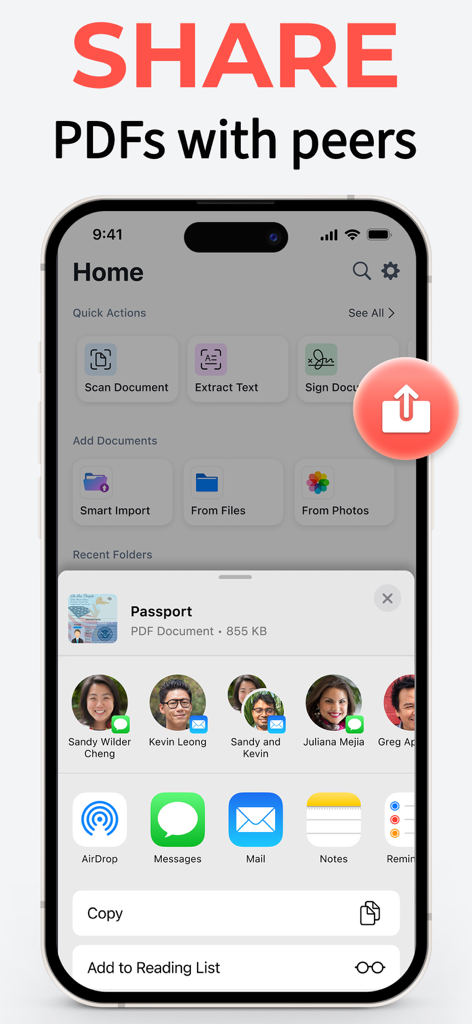
DocScan – PDF Document Scanner - DocScan app interface showing the iOS share sheet to send a scanned PDF passport to contacts
DocScan app interface showing the iOS share sheet to send a scanned PDF passport to contacts

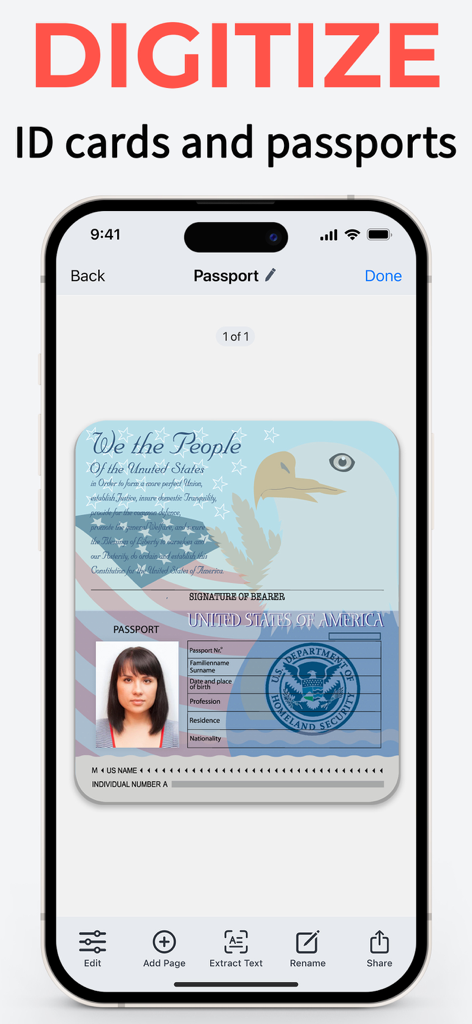
DocScan – PDF Document Scanner - DocScan app interface on iPhone showing a digitized US passport scan.
DocScan app interface on iPhone showing a digitized US passport scan.

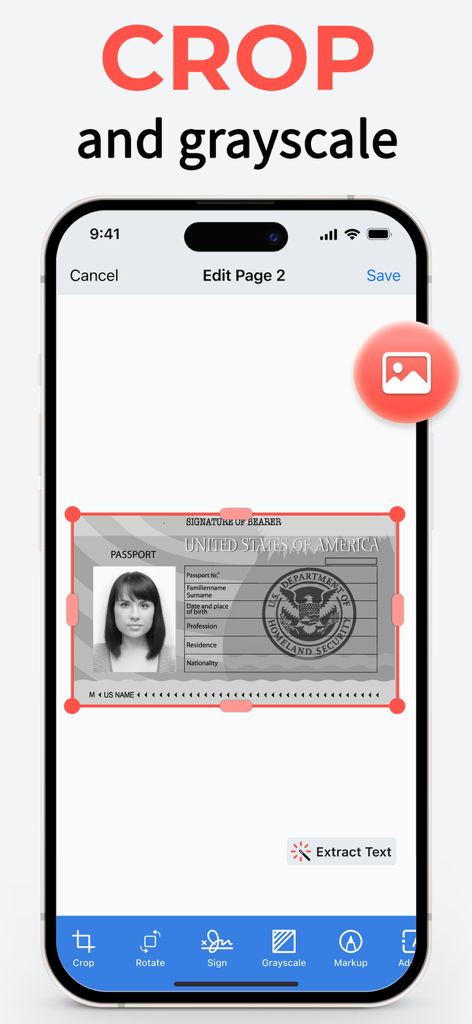
DocScan – PDF Document Scanner - DocScan app interface on iPhone showing a US passport scan being edited with crop and grayscale tools
DocScan app interface on iPhone showing a US passport scan being edited with crop and grayscale tools

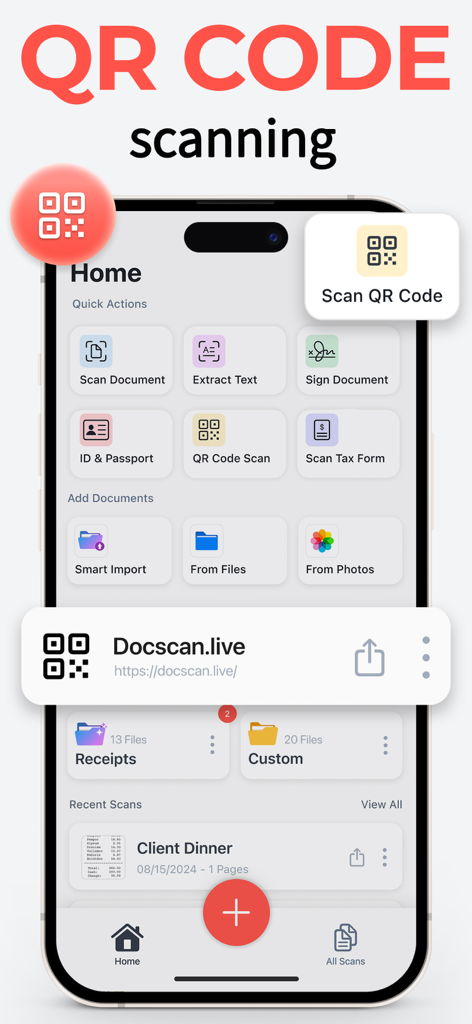
DocScan – PDF Document Scanner - iPhone interface of the DocScan app showcasing the built in QR code reader and scanning tools

iPhone interface of the DocScan app showcasing the built in QR code reader and scanning tools
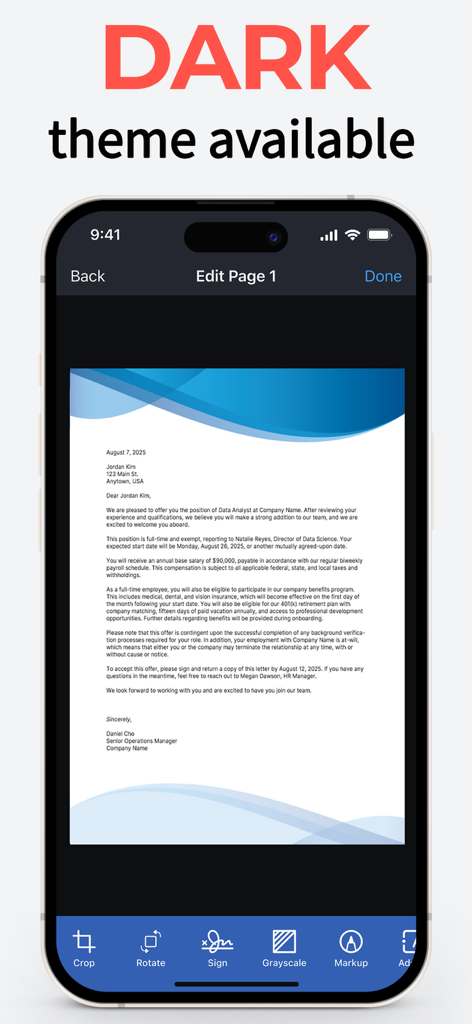
DocScan – PDF Document Scanner - iPhone showing DocScan app interface in dark mode with a document editing screen

iPhone showing DocScan app interface in dark mode with a document editing screen

Description

Simplify scanning with DocScan: The effortless way to turn your iPhone into a feature-rich PDF scanner and QR code reader! DocScan is your pocket-sized powerhouse for scanning and editing documents, extracting texts, converting scans to PDFs, and deciphering QR codes with ease and precision. With DocScan, managing paperwork is a breeze, whether you're a professional on the move, a student juggling assignments, or simply organizing personal documents. FEATURE-PACKED PDF SCANNER - Quickly digitize documents: Scan receipts, notes, invoices, business cards, and more. Effortlessly export them as high-quality PDF or JPG files. - Multi-Page PDFs: Assemble multi-page documents with ease. Perfect for reports, presentations, and lengthy contracts. - Signing: Sign any scanned document with your signature. Create and save custom signatures for easy use later. - Edit documents easily: markup, highlight, blur, add formatted text, rotate, crop, grayscale, and remove pages. - OCR (optical character recognition): Extract a part of a scanned text and paste it where you need it. - Import smartly: Automatically detect and import document photos, handwritten notes, and receipts from your photo library into dedicated folders. Simply select a category, and DocScan will sort and sync everything for you. - Organize files in folders: Streamline your workflow by grouping your business, study, personal, and other documents in dedicated folders. YOUR GO-TO QR CODE READER: Need to scan a QR code? DocScan handles that seamlessly, making it your all-in-one scanning solution. SIGN AND SEND DocScan allows you to scan any paper document and add your signature for easy sending as a PDF. SAFE AND SECURE With DocScan, your documents remain confidential. Keep your sensitive PDFs protected from prying eyes. AI-ENHANCED SCANNING Advanced AI technology automatically detects borders, enhances sharpness, and corrects perspective—ensuring your scans are clear and readable. PDF SCANNER FOR EVERY NEED Whether it's a single receipt or a stack of pages, DocScan caters to all scanning scenarios. It's the document scanner that adapts to you. USER-FRIENDLY INTERFACE Enjoy a sleek, intuitive interface that makes scanning documents as simple as snapping a photo. WHY CHOOSE DOCSCAN? - Fast and reliable PDF scanning - Signing and signature management - Powerful editing tools - Automatic AI importing - Optical character recognition - Advanced AI for perfect scans - QR code reader integrated - Secure document management Experience the next level of scanning with PRO features: - Scan and share unlimited PDFs - Sign any document in seconds - Scan and save multiple page documents - Extract text with OCR - Go ad-free for a cleaner interface Languages supported by OCR: English (United States), French, Italian, German, Spanish (Spain), Portuguese (Brazil), Chinese (Simplified), Chinese (Traditional), Cantonese (Simplified), Cantonese (Traditional), Korean, Japanese, Russian, Ukrainian, Thai, Vietnamese. When you confirm your purchase, your App Store account will be charged for the subscription cost. Remember, your subscription will renew automatically unless you turn off auto-renew or cancel at least 24 hours before the current period ends. Jumping into a premium subscription from a free trial? Any unused portion of your trial will be forfeited. Renewal costs will be based on your chosen Subscription Plan. You can manage your subscriptions and auto-renewal by heading to your Account Settings after purchase. Need assistance? Our Customer Support is here to help. Download DocScan today and step into a world where document scanning is as fast, easy, and reliable as you need it to be. Your on-the-go office awaits in the palm of your hand! Privacy Policy: https://docscan.live/privacy-policy/ Terms of Service: https://docscan.live/terms-of-service/

Download

Download on App Store

This page is not an official page of the app or its developer, but an independent editorial publication created for informational and commentary purposes. Unless expressly stated otherwise, neither the app nor its developer is affiliated with, endorsed by, sponsored by, authorized by, or otherwise officially connected with MWM, Apple, Google Play, the app publisher, or the app's developer, and nothing on this page implies that the app was developed using MWM's services. Any trademarks, logos, screenshots, and other content remain the property of their respective owners.








