
This page is not an official page of the app or its developer, but an independent editorial publication created for informational and commentary purposes. Unless expressly stated otherwise, neither the app nor its developer is affiliated with, endorsed by, sponsored by, authorized by, or otherwise officially connected with MWM, Apple, Google Play, the app publisher, or the app's developer, and nothing on this page implies that the app was developed using MWM's services. Any trademarks, logos, screenshots, and other content remain the property of their respective owners.

DR Scanner - PDF Scanner
Turn your phone into a high-definition scanner. Effortlessly digitize documents, stitch ID cards, and add secure e-signatures with one-click smart detection.
Downloads
507K+User Rating
Total Ratings
300Publisher
Category
ProductivityLocales
24Latest Version
1.4.9Size
78.6 MBFirst Released
Jan 11, 2020Transform Your Smartphone into a High-Powered Office
Digitize documents, extract text, and sign contracts instantly. DR Scanner provides professional-grade tools to streamline your workflow and secure your data.
Smart Scan & ID Stitching
Automatically detect edges and stitch both sides of your ID onto a single page for seamless insurance, banking, and job applications.
AI-Powered OCR Text Extraction
Turn photos of textbooks, notes, or contracts into editable text. Save hours of manual typing by copying content directly into your digital workflow.
Frequently Asked Questions
Everything you need to know about DR Scanner - PDF Scanner
What is DR PDF Scanner and what does it do?
DR PDF Scanner is a powerful, user-friendly scanner app that transforms your mobile device into a scanner. It scans various documents, notes, and certificates, sharing them as PDF or JPG.
How does the smart scan feature in DR Scanner - PDF Scanner function?
DR Scanner's smart scan detects page edges, removes backgrounds, and optimizes scan quality for clear results. It supports single/multiple page modes and scans from camera or device pictures.
Does DR PDF Scanner include OCR text recognition functionality?
Yes, DR PDF Scanner includes OCR (Optical Character Recognition). It recognizes text in pictures, allowing users to edit, copy, and export the content as TXT or PDF files.
Can users add personalized watermarks to documents in DR Scanner - PDF Scanner?
Yes, DR Scanner provides personalized watermarking. Users can add a single text watermark to indicate applicable scenarios or a full-screen watermark to effectively prevent file theft.
Is E-signature functionality available in DR PDF Scanner?
Yes, DR PDF Scanner allows users to set up and add their E-signature to images or PDF files. This feature enhances the reliability and authenticity of documents.
How can I share scanned files from DR Scanner - PDF Scanner?
DR Scanner - PDF Scanner allows sharing scanned files in JPG and PDF formats. Users can share via WhatsApp, email, or utilize wireless connection to a printer for direct printing.
What file management features does DR PDF Scanner offer for scanned documents?
DR PDF Scanner includes file management tools. Users can add more pages to existing documents, and efficiently reorder or delete scanned pages as needed.
Does DR Scanner - PDF Scanner support scanning ID cards and passports?
Yes, DR Scanner - PDF Scanner features a dedicated ID card mode that automatically stitches the front and back. It also supports scanning passports and driving licenses.
Is DR PDF Scanner a subscription-based application to access all features?
Yes, DR PDF Scanner requires a Premium subscription to unlock all features. Subscription fees are charged monthly or yearly, with payment handled via an iTunes Account.
Does DR Scanner - PDF Scanner Premium subscription auto-renew?
Yes, DR Scanner - PDF Scanner Premium subscriptions auto-renew. Users must turn off auto-renewal at least 24 hours before the current period ends to avoid being charged.
How do I contact support for DR PDF Scanner?
For suggestions and feedback regarding DR PDF Scanner, users can contact the support team via email at camerascannerpdf@yandex.com.
Where can I find the Privacy Policy for DR Scanner - PDF Scanner?
The Privacy Policy for DR Scanner - PDF Scanner is available at https://sites.google.com/view/camerascannerpdf.
The following screenshots and description are sourced directly from the app's official store listing and are the property of the app developer.
App Store
Screenshots
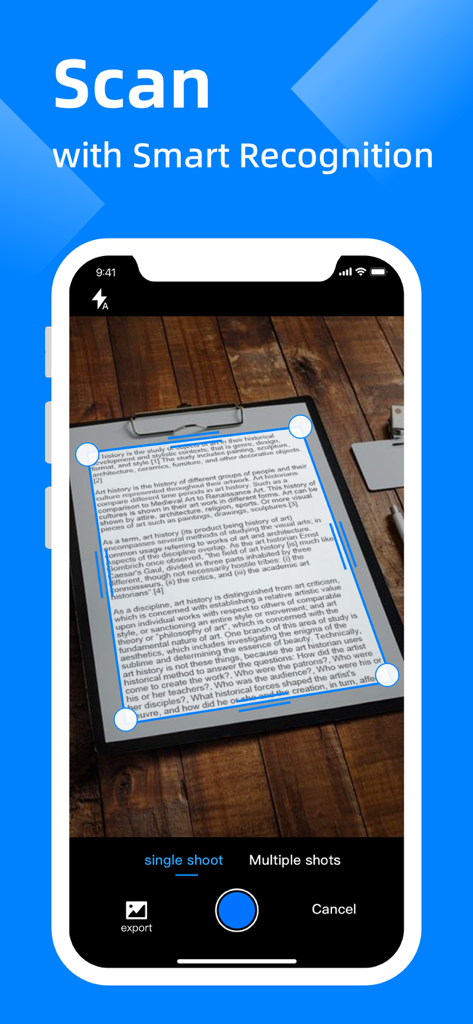
Mobile phone screen showing the DR Scanner app using smart recognition to scan a document on a wooden table
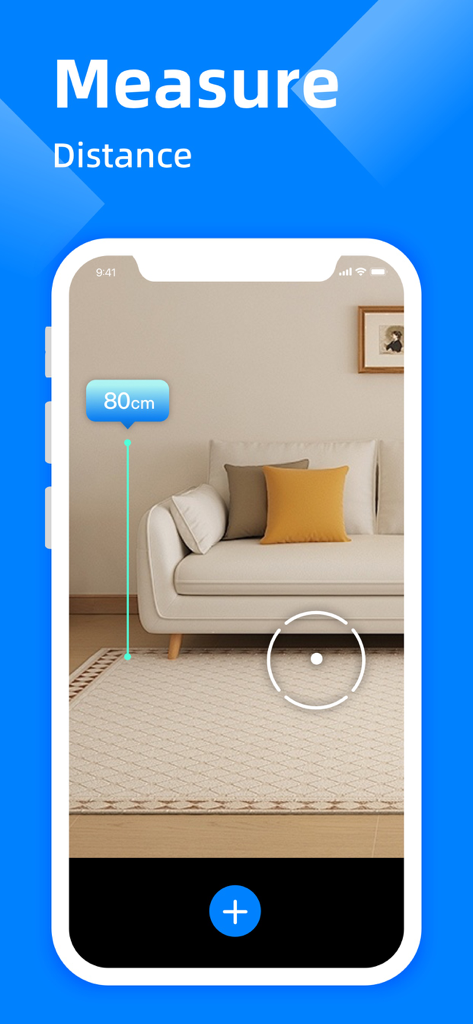
A smartphone interface using a distance measurement tool to measure the height of a sofa
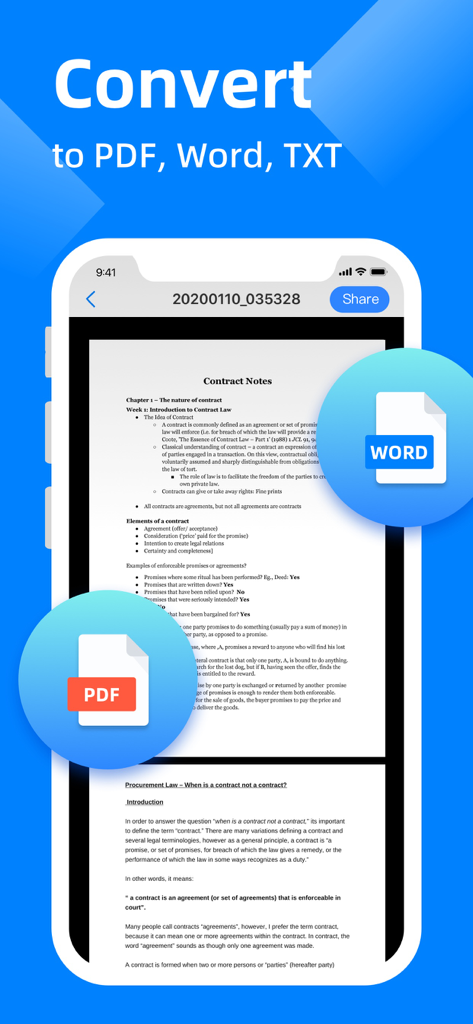
A mobile interface of DR Scanner app showing a scanned document being converted to PDF and Word formats
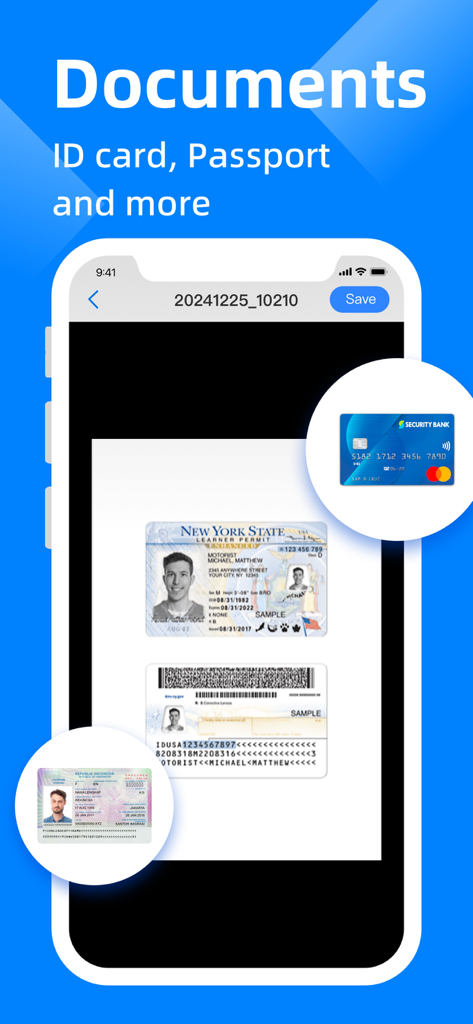
A mobile phone screen showing the DR Scanner app interface with a scanned New York State ID card and identity documents.
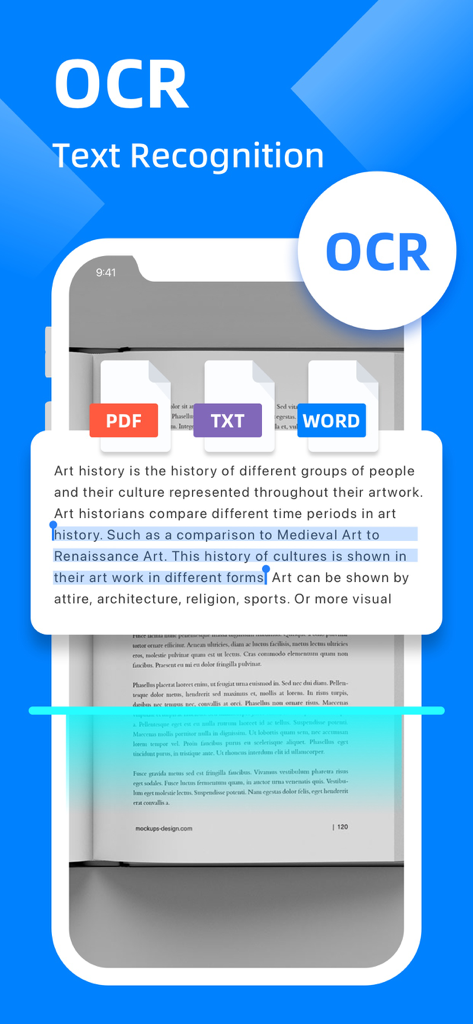
Mobile app screen showing OCR text recognition feature with options to export as PDF TXT and Word
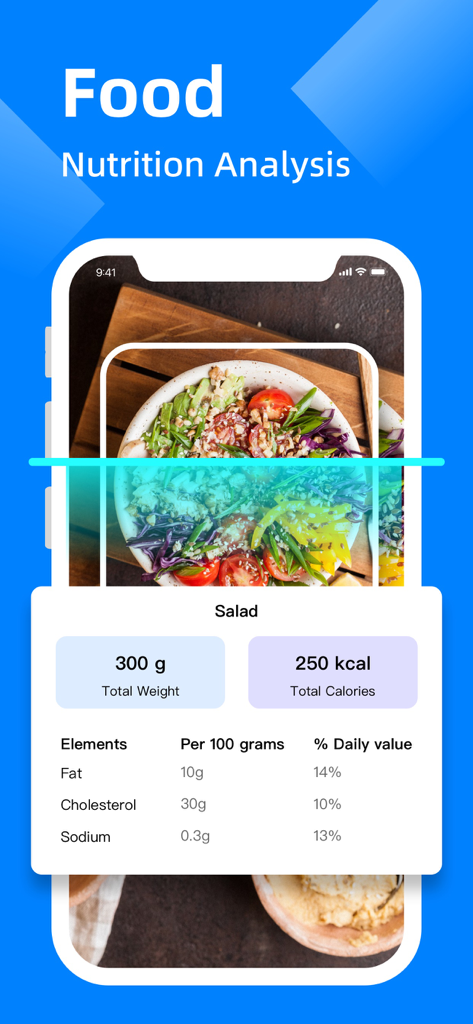
Mobile app interface showing food nutrition analysis with calorie and nutrient breakdown for a scanned salad.
Description
Download
More Like This
Apps with similar features and user experience

PDF PRO Scan Image & Documents
Balzo srl

The PDF Scanner, PDF editor HQ
NEXT K.U.M. LTD

CamScanner - PDF Scanner App
INTSIG Information Co., Ltd

Adobe Scan: PDF & OCR Scanner
Adobe Inc.

WPS Office: PDF, Docs, Sheets
KINGSOFT OFFICE SOFTWARE CORPORATION LIMITED

iLovePDF - PDF Editor & Scan
ILOVEPDF S.L.

Scanner App: Genius Scan
The Grizzly Labs

Microsoft Lens: PDF Scanner
Microsoft Corporation

Clear Scan: Doc Scanner App
INDY MOBILE APP COMPANY LIMITED
This page is not an official page of the app or its developer, but an independent editorial publication created for informational and commentary purposes. Unless expressly stated otherwise, neither the app nor its developer is affiliated with, endorsed by, sponsored by, authorized by, or otherwise officially connected with MWM, Apple, Google Play, the app publisher, or the app's developer, and nothing on this page implies that the app was developed using MWM's services. Any trademarks, logos, screenshots, and other content remain the property of their respective owners.