Genius PDF & Document Scanner

Genius PDF & Document Scanner

Download on App Store
Logo of Genius PDF & Document Scanner

Genius PDF & Document Scanner: Scan, Sign, and Secure Any Document

Transform your iPhone into a powerful, ad-free pocket office. Protect your privacy with Face ID and turn paper into professional PDFs instantly.

Download on App Store

Publisher

Abdulla Yasin

Category

Business

Downloads

6K+

User Rating

1.0/5

Total Ratings

0

Locales

11

Precision in Your Pocket

Discover the interface used by 6K+ users.

Genius PDF Scanner app interface showing document editing tools for a scanned driver's license
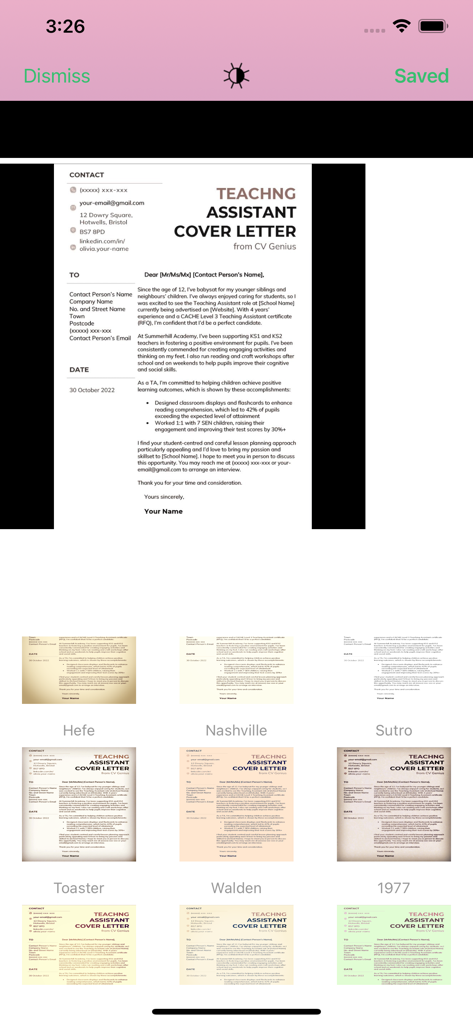
Genius PDF Scanner app interface showing document editing tools for a scanned driver's license

Interface of the Genius PDF Scanner app displaying various image filters to enhance a scanned cover letter.
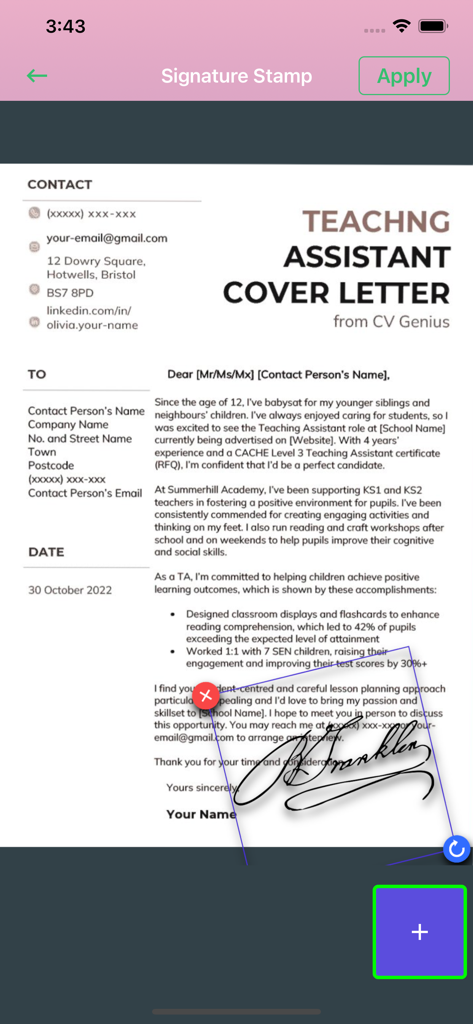
Interface of the Genius PDF Scanner app displaying various image filters to enhance a scanned cover letter.

A mobile interface showing a handwritten signature being applied to a cover letter document using the signature stamp tool.
A mobile interface showing a handwritten signature being applied to a cover letter document using the signature stamp tool.

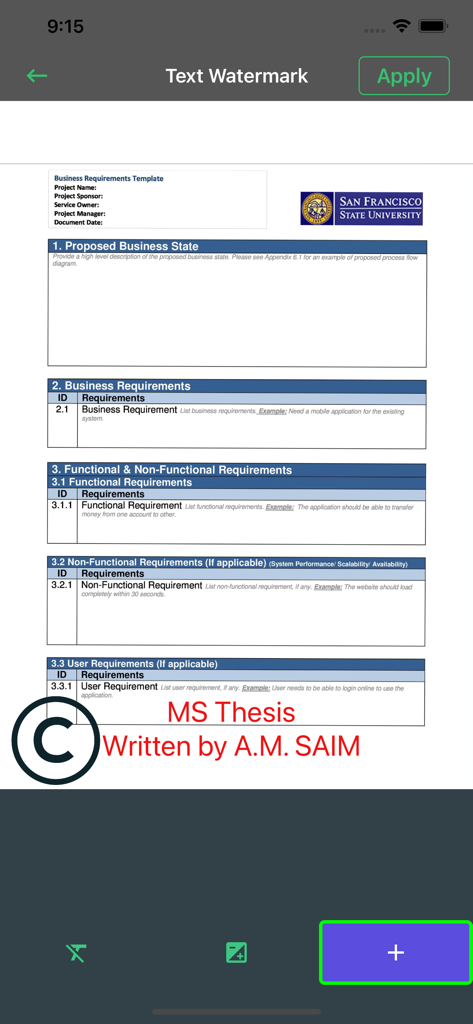
Interface of Genius PDF app showing how to add a custom text watermark to a document
Interface of Genius PDF app showing how to add a custom text watermark to a document

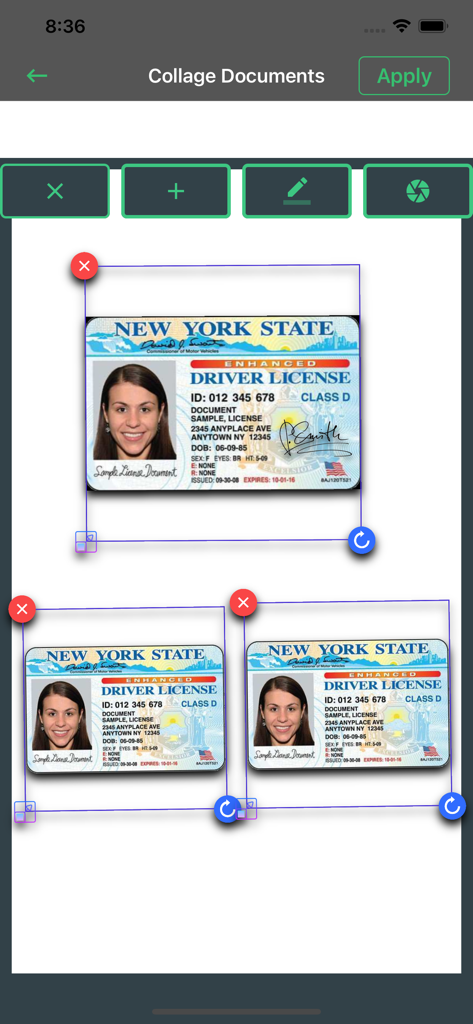
Interface of the document collage feature showing multiple scanned ID cards being arranged on a single page.
Interface of the document collage feature showing multiple scanned ID cards being arranged on a single page.

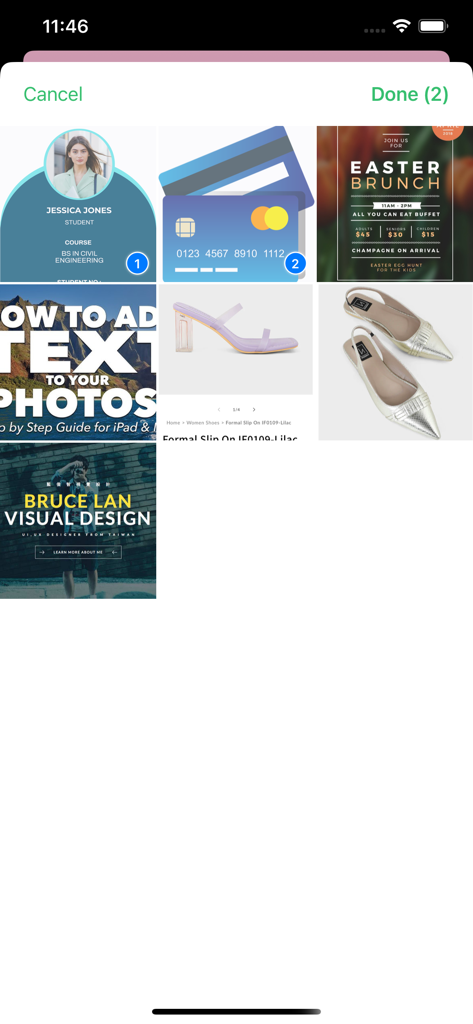
Interface of the Genius PDF Scanner app showing a grid of documents and photos with two items selected for processing.
Interface of the Genius PDF Scanner app showing a grid of documents and photos with two items selected for processing.

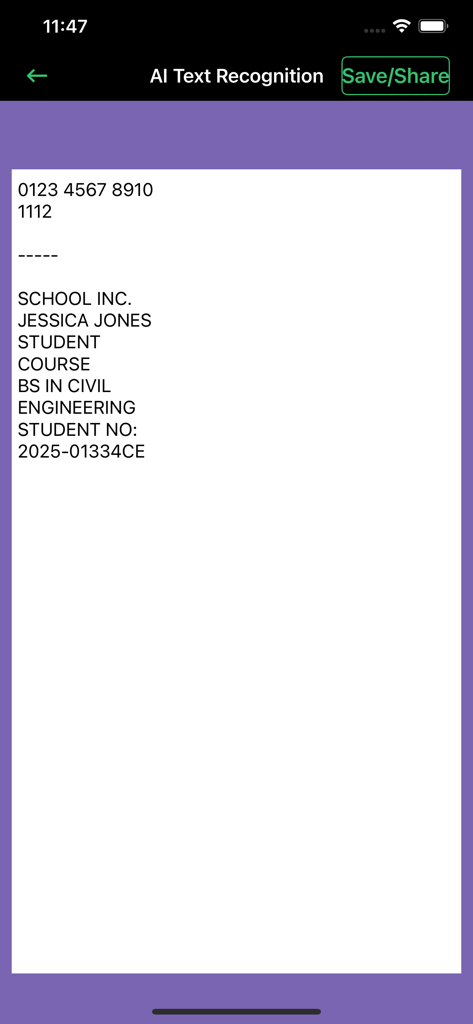
Interface of Genius PDF Scanner app displaying AI text recognition and OCR results for a student document
Interface of Genius PDF Scanner app displaying AI text recognition and OCR results for a student document

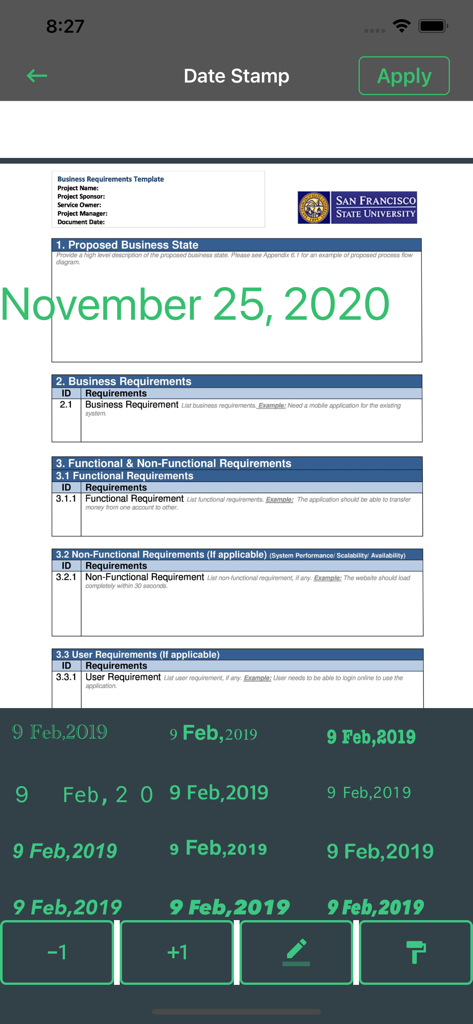
A business document being edited with a date stamp feature in the Genius PDF scanner app.
A business document being edited with a date stamp feature in the Genius PDF scanner app.

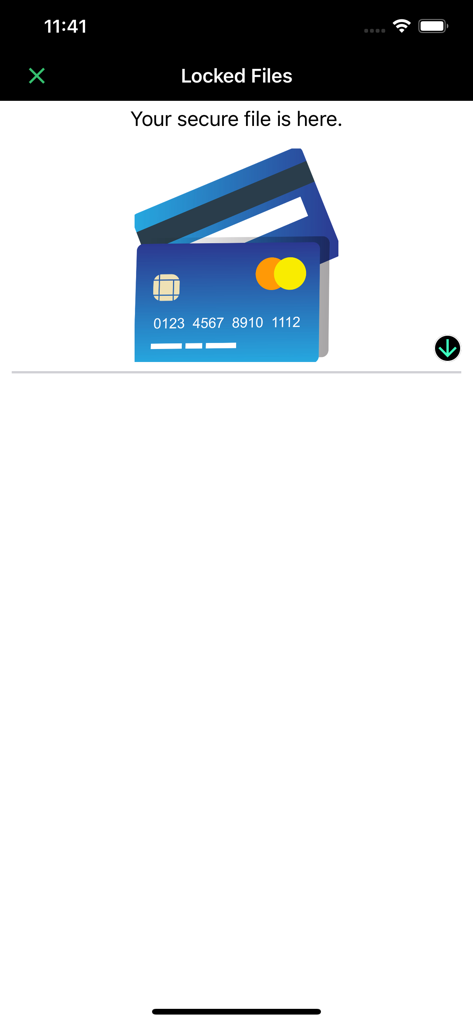
Screenshot of the Locked Files section in the scanner app displaying a secure document storage area with credit card icons

Screenshot of the Locked Files section in the scanner app displaying a secure document storage area with credit card icons

Empower Your Digital Workflow

The tools that make this app stand out, trusted by 6K+ users.

🛡️

Ironclad Document Security

Keep sensitive business contracts and personal IDs safe with integrated Face ID and password protection for your local files.

📄

High-Definition Multi-Page Scans

Batch scan everything from receipts to business cards with automatic edge detection and professional-grade color correction.

✍️

Pro Editing & Instant Signatures

Annotate, sign, and extract text using OCR, then convert documents to PDF and share them to any platform without ads.

About the app

Everything you need to know about Genius PDF & Document Scanner.

Description

Scan, edit, sign & secure documents with Face ID — fast, easy, and 100% ad-free! Are you in need of finding a good PDF and document scanner that works for free? Well, we bring you a unique 2 in 1 PDF & Document Scanner free of charge. It has a fantastic user interface that makes your way to scanned documents more manageable and more accessible. Welcome to a Dream document scanner where you can have your documents scanned in a matter of minutes. Just open the app and let the app do its magic. Our Dream document scanner is a social and mobile-friendly app through which you can easily access your scanned documents in a single touch. Scan documents, photos and save them on your phone entirely complimentary. Also, edit PDFs, documented, and images with the built-in document editor and iScanner. Features: Now it's time to scan your documents, pictures, and screenshots quickly and effortlessly with our app. Our scanner for the iPhone app is one of the best mobile scanners and PDF converters on the market, which is totally free of use. Browse through powerful editing features and use the PDF document scanner app in your own way. Now you can find both scanner and editor in one single fast scanner app without having to download many apps and suffocate your iPhone. Some features of this free PDF reader app are as follows: More Premium Genius Document Scanner Features: - Multiple Document scanning. - You can secure your documents using Face ID or password - Multipage Editing, OCR & More. - With one click, convert multiple documents into PDF & share with any platform. - More easy to manage, secure documents. Doc Scanner: Scan documents more accessible and faster with this free and offline app. Scanner for iPhone: Scan documents in grayscale, black, white, or colored as much as you desire. Photo Scanner: Operate this app with no hidden charges and advertisements. Document Scanner PDF Creator: Make documents in PDF and later send them to desired people. PDF Document Scanner: Scan documents with a powerful inbuilt scanner that detects high-class numbers and alphabets. iScanner: Scan pictures and images with a high-quality laser-cut scanner that works for free. Fast Scanner: Scan fast with automatic scan technology and free editing tools. Mobile Scanner: Easily scan your documents with your mobile and turn them into portable documents. Document Editor: Edit documents and share them on your social media handles for free. Photo Editing Tools: Remake photos with editing software and correct them using crop, blur control, and color correction features. PDF Editor Free: Make PDF and edit them without any troubles with our free and offline app. Free PDF Reader: Scan documents and read them before you pass them on to your professionals. Business Card Scanner: Easily scan business cards using high-quality scanning features made for you. PDF Expert: Become a master of PDF collectors and turn every receipt and written document into a portable PDF. All Document Reader: Engage with reading documents. Edit and read it as much as you want. PREMIUM SUBSCRIPTION We Offer only three auto-renewing subscription packages on either a 1, 3 or 12-month basis. Secondly, pay your payment through the iTunes account after confirmation of purchase. Terms of Use: https://www.privacypolicies.com/terms/view/68237bda8beeae140d2d63c47874716a What's unique? Why use another app when you can simply scan your ids, business cards, receipts, notes, taxes, faxes, photos, pictures, manuscripts in one single document editor. You can also keep all your data saved in this app and download it on your phone too.Save and share documents in JPEG or PDF formats with your desired people.

Latest Version

1.8

Size

24.3 MB

First Released

Sep 16, 2019

Ready to Carry a Genius in Your Pocket?

Join thousands of professionals who scan, sign, and secure their documents with Face ID. Experience the ultimate ad-free mobile office on your iPhone today.

Download on App Store

App information, icons, screenshots, and descriptions displayed on this page are sourced from the Apple App Store and are the property of their respective developers. Download estimates and rankings are based on MWM's proprietary models and may not reflect actual figures. This page is provided for informational and analytical purposes only.

Believe this page infringes your intellectual property? File a dispute